


Apple’s M4 Chip Explained: What Makes the New iPad Air Faster
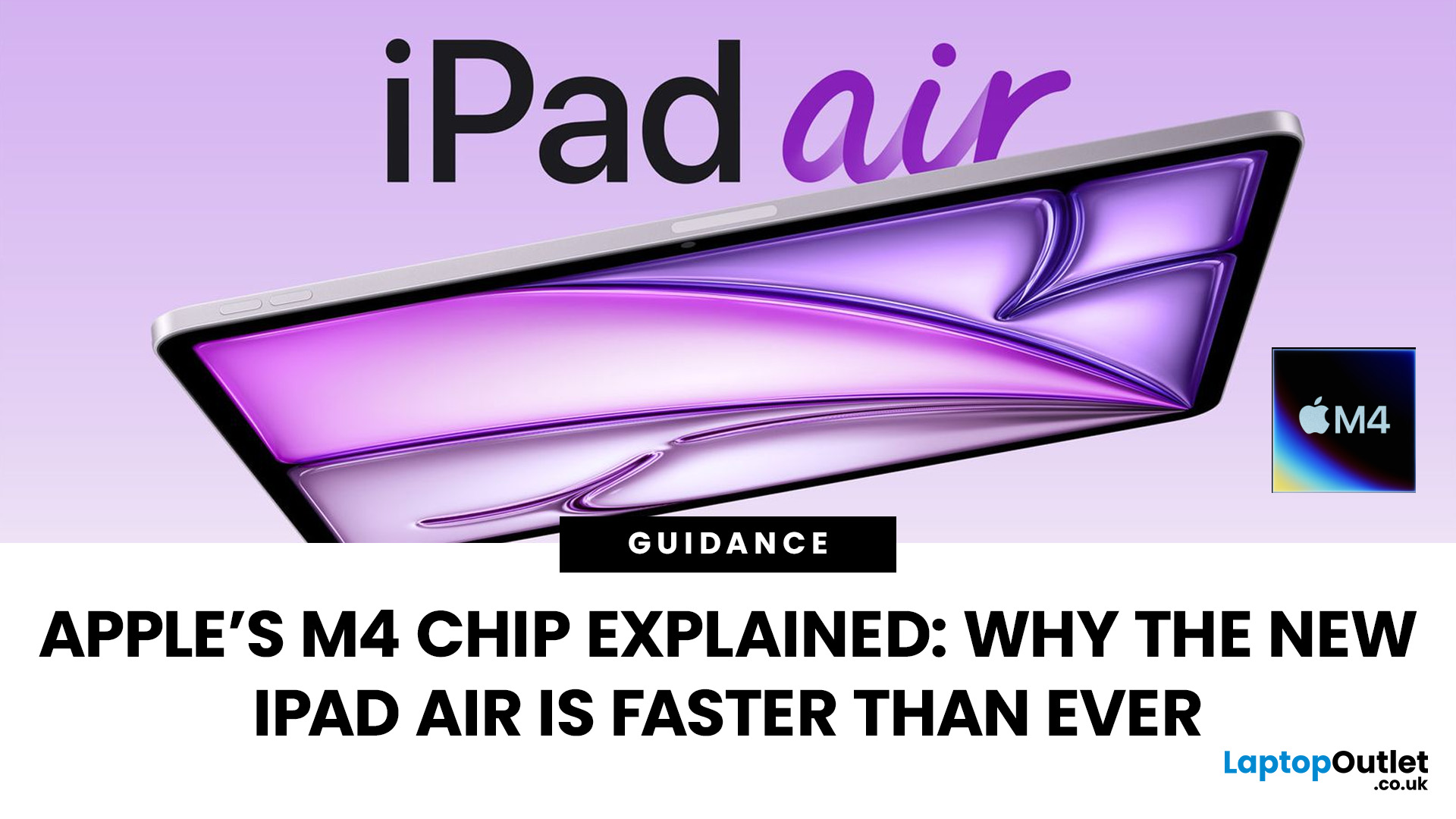
Apple’s silicon strategy has reshaped modern computing and the Apple M4 chip is the latest example of how powerful, efficient processors can transform mobile devices. In this article, we explain exactly what the M4 chip is, why it makes the new iPad Air faster, and what this means for everyday users in the UK and beyond.
What Is the Apple M4 Chip?
The Apple M4 chip is the newest generation of Apple silicon designed for tablets and other devices, including the latest iPad Air lineup. It builds on Apple’s previous M-series processors with improvements in CPU performance, graphical power and machine learning capabilities. The M4 integrates multiple central processing cores, a robust graphics unit and a dedicated neural engine into a single, efficient system-on-chip.
Unlike older mobile processors, which may separate components, the M4 combines CPU, GPU, memory controller, neural accelerators and other key functions into a single package. This unified architecture reduces latency and maximises performance per watt, meaning faster results with lower energy consumption.
Why the M4 Makes the iPad Air Faster
Apple has officially stated that the new M4-powered iPad Air delivers a significant performance upgrade over the previous generation. According to Apple, the M4 makes the latest iPad Air up to 30 % faster than the iPad Air with an M3 chip and as much as 2.3× faster than the iPad Air with the older M1 chip.
Here’s how the M4 improves speed and responsiveness:
Improved CPU Efficiency
The M4 features a blend of high-performance cores for demanding tasks and efficiency cores for background operations. This combination ensures that everyday apps open quickly, multitasking feels fluid and intensive workloads are handled without lag.
Enhanced Graphics Performance
The integrated GPU in the M4 boosts graphical performance, making games, video editing and creative apps more responsive. Apple also includes hardware-level support for advanced visuals like real-time rendering.
Faster Neural Engine
The Neural Engine handles machine learning tasks directly on the device - like real-time photo processing, text recognition and AI features in iPadOS. The M4’s Neural Engine is significantly stronger than older generations, contributing to smoother intelligent features.
Unified Memory Architecture
The new M4 iPad Air pairs the chip with 12 GB of unified memory, up from 8 GB on the previous generation. This increase allows more apps and processes to run simultaneously without slowing down, which is especially useful for multitasking and creative workflows.
Performance Comparison: M4 vs M3 and Older Chips
When compared with its predecessor, the M4 represents a meaningful generational upgrade:
- CPU Performance: Benchmarks show that the M4 outpaces the M3 in both single-core and multi-core tests, translating to faster application launches and smoother task switching.
- Graphics: The M4’s enhanced GPU delivers better visuals and performance for games and intensive graphics tasks.
- Neural Processing: A stronger Neural Engine handles AI and machine learning tasks much faster than older chips, which improves features like predictive text, image enhancements and interactive experiences.
Overall, the M4 provides a balanced upgrade across the board, making it one of the more versatile chips in Apple’s silicon lineup for tablets.
Real-World Benefits for Users
So what does this mean for everyday use?
Faster Multitasking
Whether you’re running multiple split-screen apps or switching between productivity tools, the M4 keeps the iPad feeling responsive and snappy.
Better for Creatives
Apps like video editors, digital art tools and music production software are more capable on the M4 thanks to stronger CPU, GPU and memory performance.
Improved Gaming
Graphics performance and frame rates are higher, giving smoother visuals and responsiveness during gameplay.
AI and Smart Features
Expect quicker on-device processing for features like handwriting recognition, image sorting, speech processing and more - all without needing constant internet connectivity.
Power and Efficiency: Speed Without Compromise
One of the defining advantages of Apple silicon is performance per watt - and the M4 exemplifies this. The chip’s advanced architecture means the iPad Air can offer sustained performance without excessive heat or battery drain, which is why Apple can deliver all-day battery life alongside impressive processing power.
This efficiency is critical for tablet use, where long battery life and sustained performance matter for both professional and casual users.
Is the M4 Upgrade Worth It?
For UK buyers considering an upgrade or choosing a new device, the M4 makes the iPad Air a compelling option:
- Up to 30 % faster overall performance than the previous generation.
- Stronger multitasking and creative performance with 12 GB memory.
- Improved graphical output for gaming and visuals.
- Enhanced machine learning capabilities for intelligent, on-device features.
Whether you use your iPad Air for work, school, entertainment or creativity, the M4 chip ensures that your experience feels modern and capable.

Conclusion: Why the Apple M4 Chip Matters
The Apple M4 chip represents a significant step forward in tablet architecture — combining raw power, graphical improvements and advanced AI performance into a single, efficient chip. By delivering up to 30 % faster performance than the previous iPad Air generation, it ensures the new iPad Air feels faster and more responsive in everyday use, while also providing headroom for creative and professional tasks.
For UK users looking for a capable, future-ready tablet experience, the iPad Air with the M4 chip delivers a compelling balance of speed, efficiency and versatility.

Answering Common Questions
Q1: What is the Apple M4 chip?
The Apple M4 chip is Apple’s latest custom silicon designed to power devices like the new iPad Air. It combines CPU, GPU and Neural Engine technologies into one efficient system-on-chip, delivering faster performance and improved energy efficiency.
Q2: How much faster is the Apple M4 chip compared to previous models?
Apple states that the M4 chip delivers up to around 30% faster performance compared to the previous generation iPad Air, with noticeable improvements in multitasking, app loading speeds and graphics performance.
Q3: Does the Apple M4 chip improve gaming and creative performance?
Yes. The upgraded GPU in the Apple M4 chip enhances graphics rendering, making gaming smoother and improving performance in creative apps such as video editing, digital illustration and 3D design tools.
Q4: How does the Apple M4 chip improve AI features?
The M4 chip includes a more advanced Neural Engine, which accelerates machine learning tasks such as image processing, handwriting recognition and smart features within iPadOS.
Q5: Is the Apple M4 chip worth upgrading for?
If you use demanding apps, multitask frequently or want a future-ready device with long software support, the Apple M4 chip offers a meaningful performance boost that makes upgrading worthwhile.
| Read More: |
| iPad Air M4 vs iPad Air M3: Should You Upgrade? |
| Top Features of the New iPad Air with M4 Chip |
| iPhone 17e: Everything You Need to Know About Apple’s Affordable Upgrade |
Related Articles


Last Updated: September 09, 2025
Wondering If Your iPad Battery Is Still Strong?
If your iPad doesn’t last as long as it used to, you might be wondering about its battery health. While iOS doesn’t show a detailed battery health tool like the iPhone, there are still ways to monitor your battery’s performance and longevity. Here’s how to do it.
1. Use iPad Battery Settings to Check Usage
Although iPads don’t show battery maximum capacity like iPhones, you can still:
Steps:
- Go to Settings > Battery
- Tap Battery Usage by App to see what’s draining your battery
- View battery level graphs and screen-on time
- This helps identify whether the issue is with the battery or specific apps
2. Use Analytics Data to Estimate Battery Health
Apple doesn’t provide direct battery health info on iPad, but you can dig into system analytics.
Steps:
- Go to Settings > Privacy & Security > Analytics & Improvements
- Tap Analytics Data
- Look for a file like log-aggregated-xxxx and tap it
- Use Copy and paste into Notes or Files

Last Updated: May 13, 2025
Know Your iPad Model in Minutes
Need to buy a case, check compatibility, or sell your iPad? First, you need to know exactly which iPad model you have. With so many versions—Pro, Air, Mini, and standard—it can get confusing. Here’s how to quickly identify your iPad.
1. Check in Settings (Easiest Method)
Steps:
- Go to Settings > General > About
- Look for Model Name (e.g. iPad Pro 11-inch (3rd generation))
- Tap Model Number to reveal a code starting with A (e.g. A2270)
- That A-number is the most accurate way to identify your iPad
2. Match Model Number with Apple’s List
Visit Apple’s official iPad identification page and match your A-number to the model and generation.
Examples:
- A2602 = iPad (9th generation)
- A2229 = iPad Pro 12.9-inch (4th generation)
- A2152 = iPad Air (3rd generation)
3. Check the Back of Your iPad (Alternative Method)
If your iPad won’t turn on:
- Flip the iPad over
- Look for small text near the bottom
- Find the Model number (e.g. A1893)
4. Use

Last Updated: May 20, 2025
Slow iPad? Let’s Fix It
Is your iPad lagging, apps taking forever to load, or Safari crawling? Don’t worry—you’re not alone. A slow iPad can result from many things, from background apps to outdated software. Here’s how to figure out what’s slowing your device down and what you can do to speed it up.
Too Many Apps Running in the Background
Your iPad may be multitasking too much.
Fix:
- Double-press the Home button (or swipe up from the bottom on Face ID models)
- Swipe up on open apps to close them
Tip: Don’t keep dozens of apps running—you’ll save RAM and battery
Software Is Out of Date
Older versions of iPadOS may slow down performance or contain bugs.
Fix:
- Go to Settings > General > Software Update
- Install the latest iPadOS update
Storage Is Nearly Full
Lack of storage can cause your iPad to lag.
Fix:
- Go to Settings > General > iPad Storage
- Delete unused apps, photos, or large files
- Use iCloud or external storage if needed
Aim to keep at least 10–15%

Last Updated: September 09, 2025
Let’s be honest: new iPads are expensive. And with Apple releasing updates almost every year, it’s hard to justify the full retail price, especially if you're just after a reliable, good-looking tablet for daily use.
That’s where refurbished iPads come in. These aren’t second-rate gadgets tossed aside; they're professionally restored devices that often look and work like new, but at a fraction of the cost. But the question remains: are refurbished iPads actually worth buying in 2025?
This guide will walk you through everything you need to know from performance and battery health to warranty and compatibility with the latest iPadOS.
Let's dive in.
What is a Refurbished iPad?
A refurbished iPad is a pre-owned device that has been inspected, cleaned, and restored to full working condition. It might have been returned due to a fault (which has now been fixed), or simply because the original buyer changed their mind.
There are two key types:
-
Manufacturer Refurbished iPads: Restored by Apple

Last Updated: October 08, 2025
Choosing the right tablet can be overwhelming, but Apple’s extensive iPad lineup makes it possible to find a model that fits almost any workflow or budget. From students managing coursework to artists creating digital illustrations, and professionals handling demanding tasks, the range of iPads from Apple is built to meet a wide variety of needs.
With options ranging from the compact iPad Mini to the high-performance Apple iPad Pro lineup, including options like the Apple iPad Pro 13, understanding what each model offers is key to making a smart investment.
This guide breaks down powerful and the latest iPads from Apple, comparing performance, features, and value to help you find the best Apple tablet for your daily demands without wasting money on features you won't use.
Top iPads for Students, Artists, and Professionals in 2025
For Students
Apple iPad Air 11 (SKU:MUWG3NF/A)
The Apple iPad Air 11 is an excellent option for students who want performance without the weight or cost of a
Published: November 20, 2025
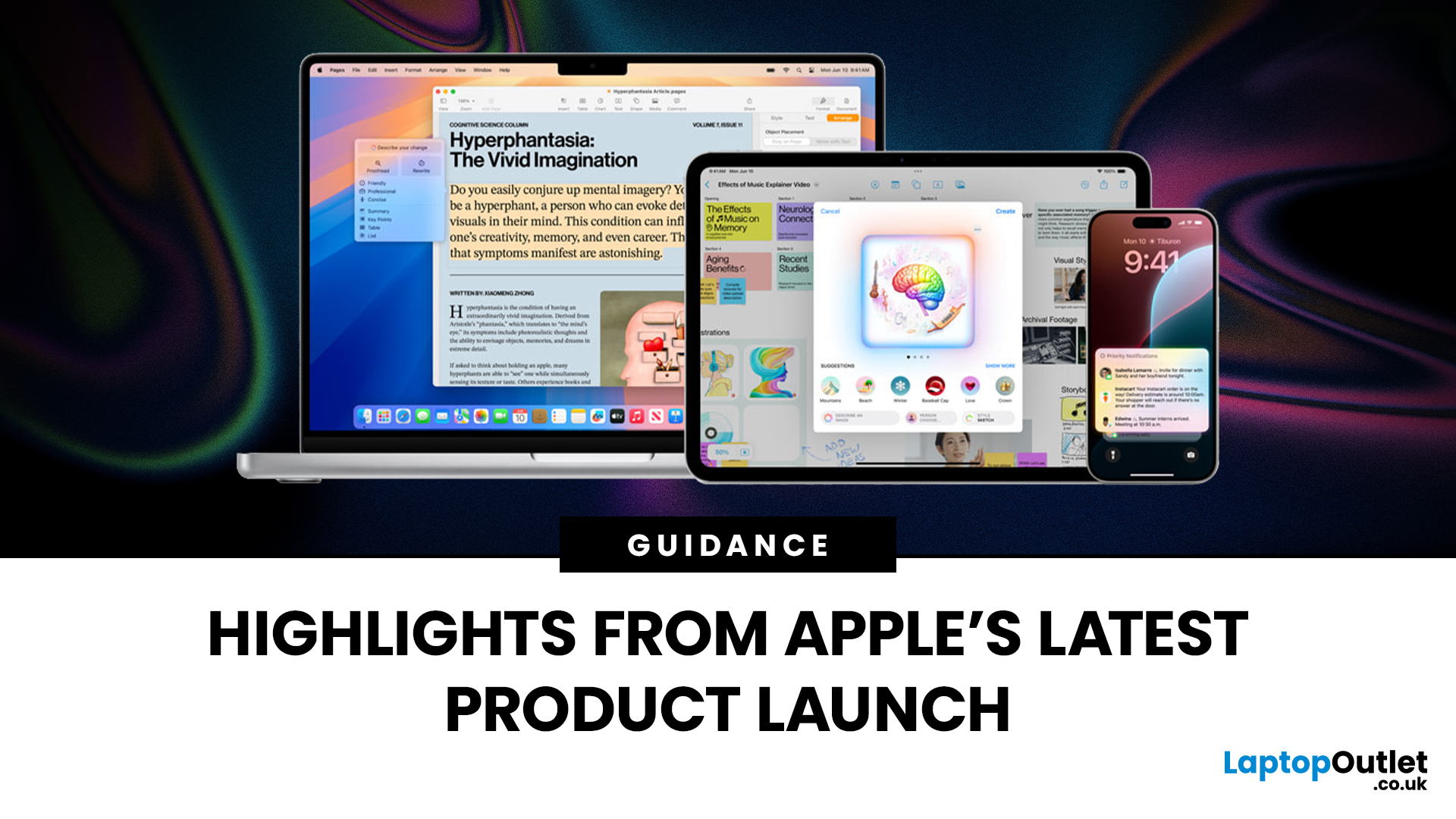
Apple has once again raised the bar with its latest hardware update, unveiling a refreshed line-up including the new Apple MacBook, the iPad Pro, and several other devices. Let’s take a closer look at what’s changed, why it matters, and whether the new Apple MacBook 2025 is worth your attention.
What’s Been Announced?
On 15 October 2025, Apple introduced a suite of devices powered by its latest chip, the Apple M5, including a new 14-inch MacBook Pro, refreshed iPad Pro, and updated mixed-reality headset.
The headline: the new MacBook (and MacBook Pro line) now features the M5 chip built on a 3-nanometre process, offering substantial gains in performance, especially for AI workloads, graphics and battery life.
Meanwhile, the iPad Pro has also seen upgrades, including the M5 chip and enhancements in connectivity, storage, and efficiency.
Why the New Apple MacBook 2025 Matters
Performance and AI
The M5 chip represents a significant step up. According to reports, it delivers AI performance

Last Updated: December 22, 2025
Choosing between Apple’s iPads can feel tricky, especially when both the iPad Air 13-inch and the iPad Pro 13-inch look premium, powerful and remarkably similar at first glance. If you’re weighing up the iPad Air 13 vs iPad Pro 13, this guide is designed to help you make a confident, informed decision based on how you actually plan to use your device.
In this in-depth comparison, we’ll break down performance, display quality, battery life, accessories, and real-world use cases, all with the latest Apple hardware in mind. Whether you’re a student, creative professional, remote worker or casual user, by the end you’ll know exactly which iPad suits you best.
Key Differences Between iPad Air 13-inch and iPad Pro 13-inch
Before diving into individual features, it’s important to understand what separates the Air and Pro lines in Apple’s ecosystem.
Design and Build Quality: Premium Feel Across the Board
Apple doesn’t compromise on build quality, and that’s clear with both models.
Sleek, Lightweight,
Last Updated: February 26, 2026
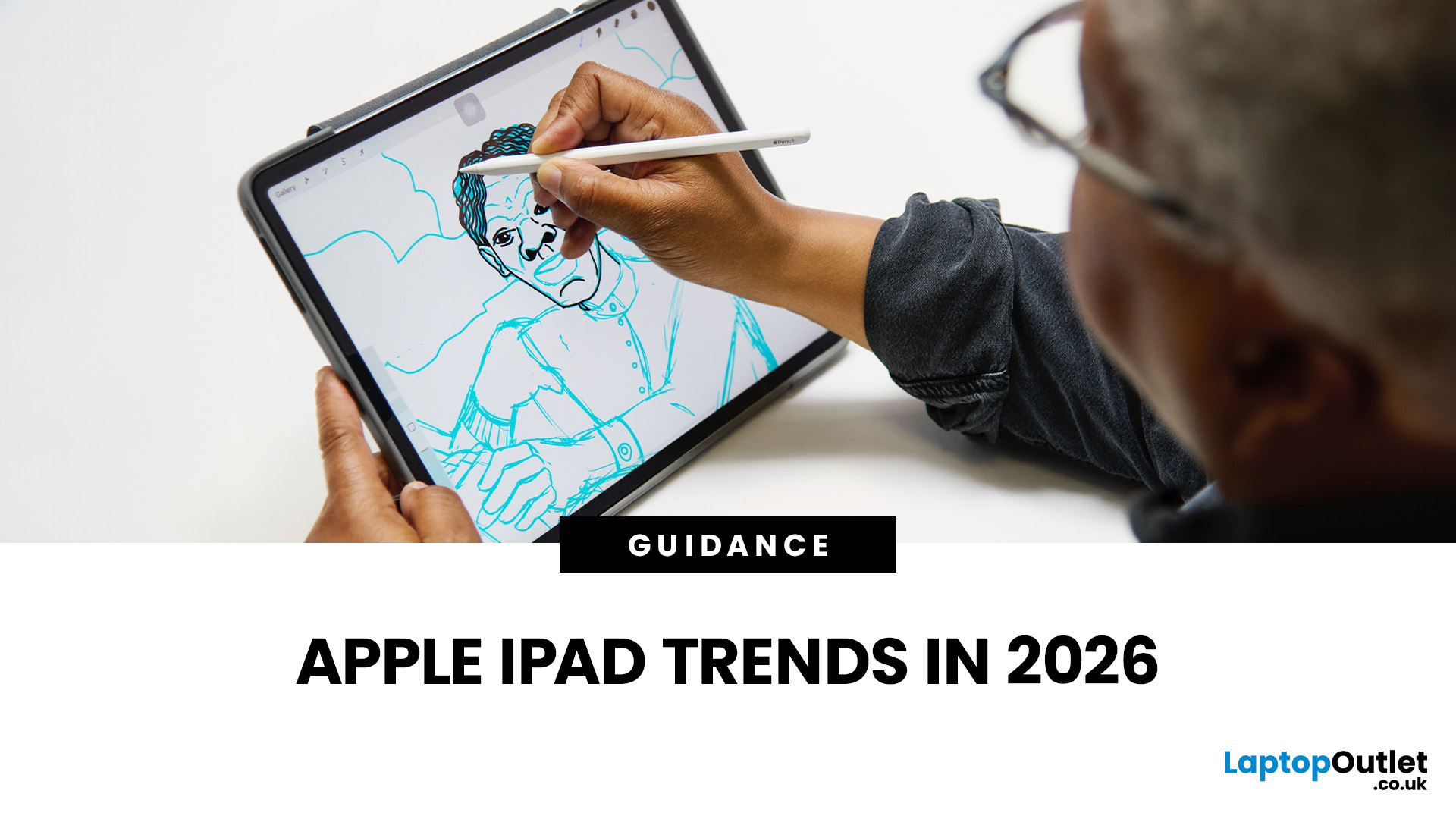
The iPad in 2026 isn’t just a tablet anymore. It’s a content machine, a work-from-anywhere setup, a creative studio, and low-key a laptop replacement for a lot of people in the UK. Apple has quietly (and sometimes not-so-quietly) levelled up the entire iPad lineup, and the Apple iPad trends in 2026 prove one thing: this ecosystem is built for performance, flexibility, and vibes.
This first section breaks down what’s actually new, what’s trending across the latest iPad models, and how Apple is pushing its tablet PCs further into laptop territory, without killing what makes the iPad iconic.
Apple iPad Trends in 2026: The Big Picture
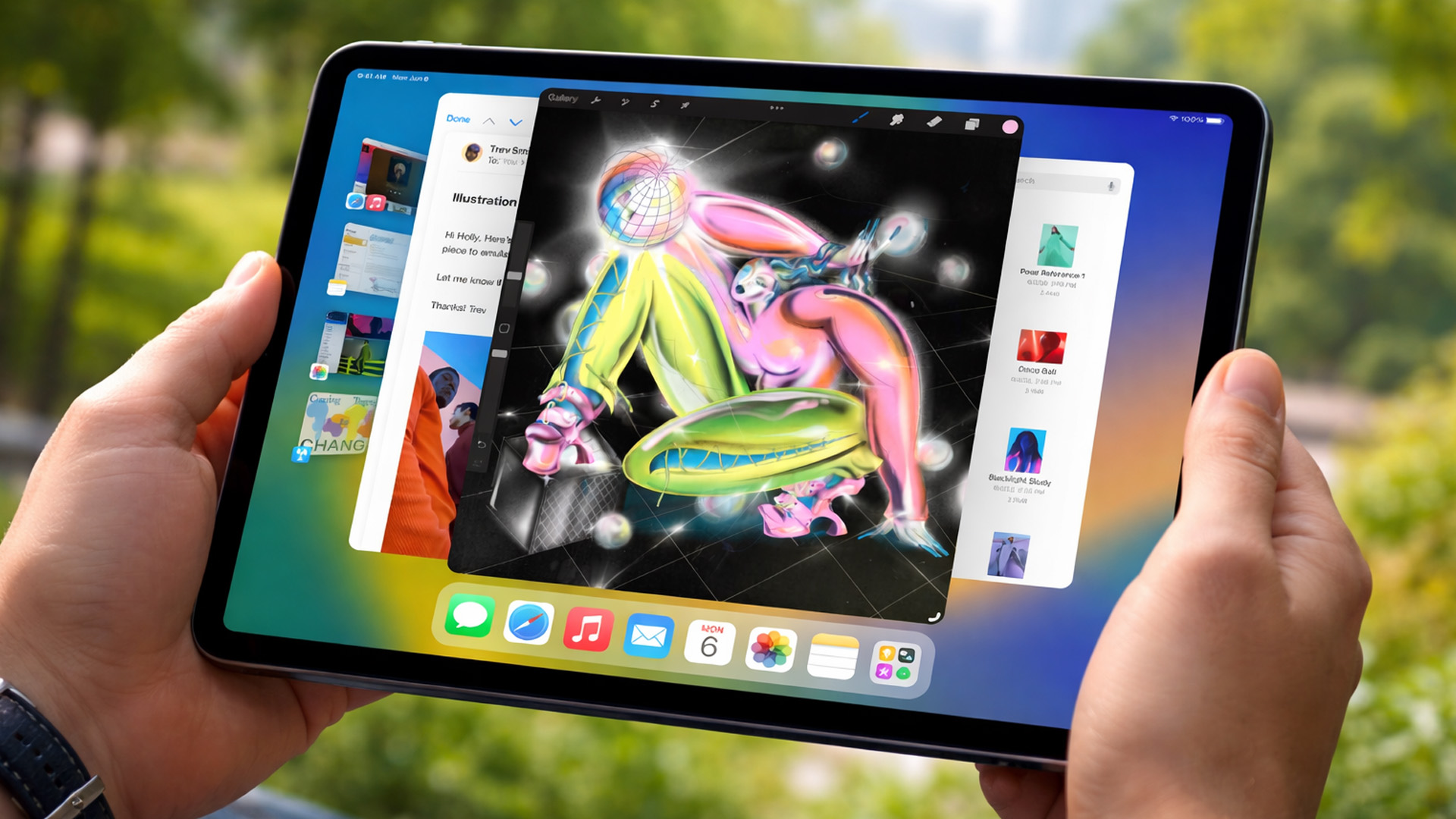
The biggest shift in Apple iPad trends this year isn’t just about faster chips or shinier displays - it’s about positioning. Apple is clearly doubling down on the iPad as a serious productivity and creativity device while still keeping it accessible for everyday users.
In the UK Apple iPad market, buyers are no longer asking “Do I need an iPad?” they’re asking
Published: March 03, 2026
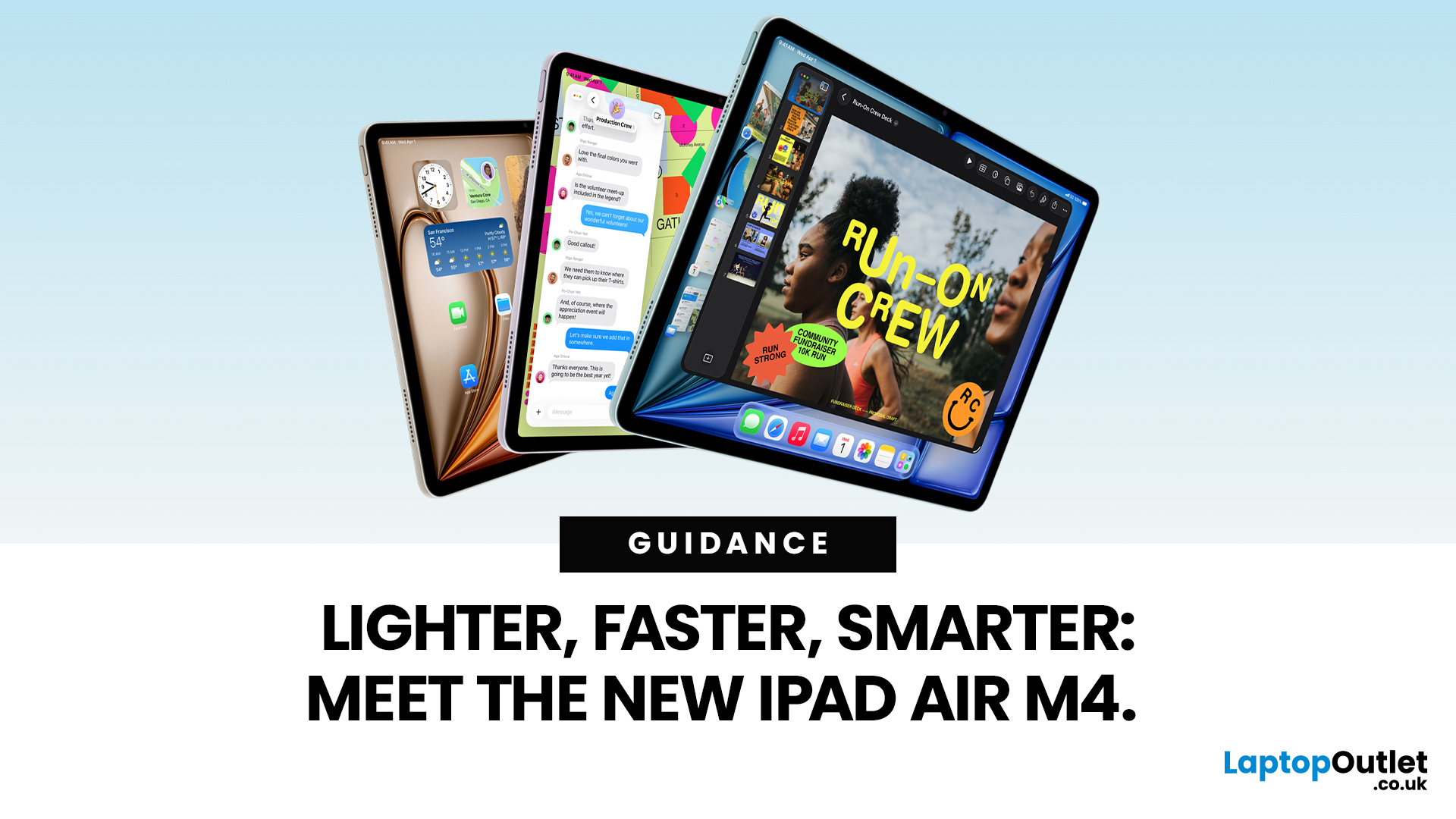
Apple has just unveiled the latest iPad Air, and it's a solid update for anyone in the Apple ecosystem. The iPad Air M4 brings fresh power under the hood without changing much on the outside.
If you're after an Apple tablet that handles work, play, and creativity with ease, this could be your next pick. Let's dive into what makes this device stand out in 2026.
Introducing the iPad Air M4
The new iPad Air comes in two sizes: 11-inch and 13-inch. Both pack the M4 chip, which boosts speed and efficiency. Storage starts at 128GB and goes up to 1TB.
You can choose Wi-Fi only or add cellular for on-the-go use. Colours include space grey, blue, purple, and starlight. This refresh keeps the sleek design fans love, but adds modern tech inside.
Moreover, it supports the latest accessories like the Apple Pencil Pro and Magic Keyboard. These turn the iPad Air M4 into a versatile tool for notes, drawing, or typing.
Powerful Performance with the M4 Chip
At the heart of the iPad Air M4 sits the M4
Published: March 03, 2026
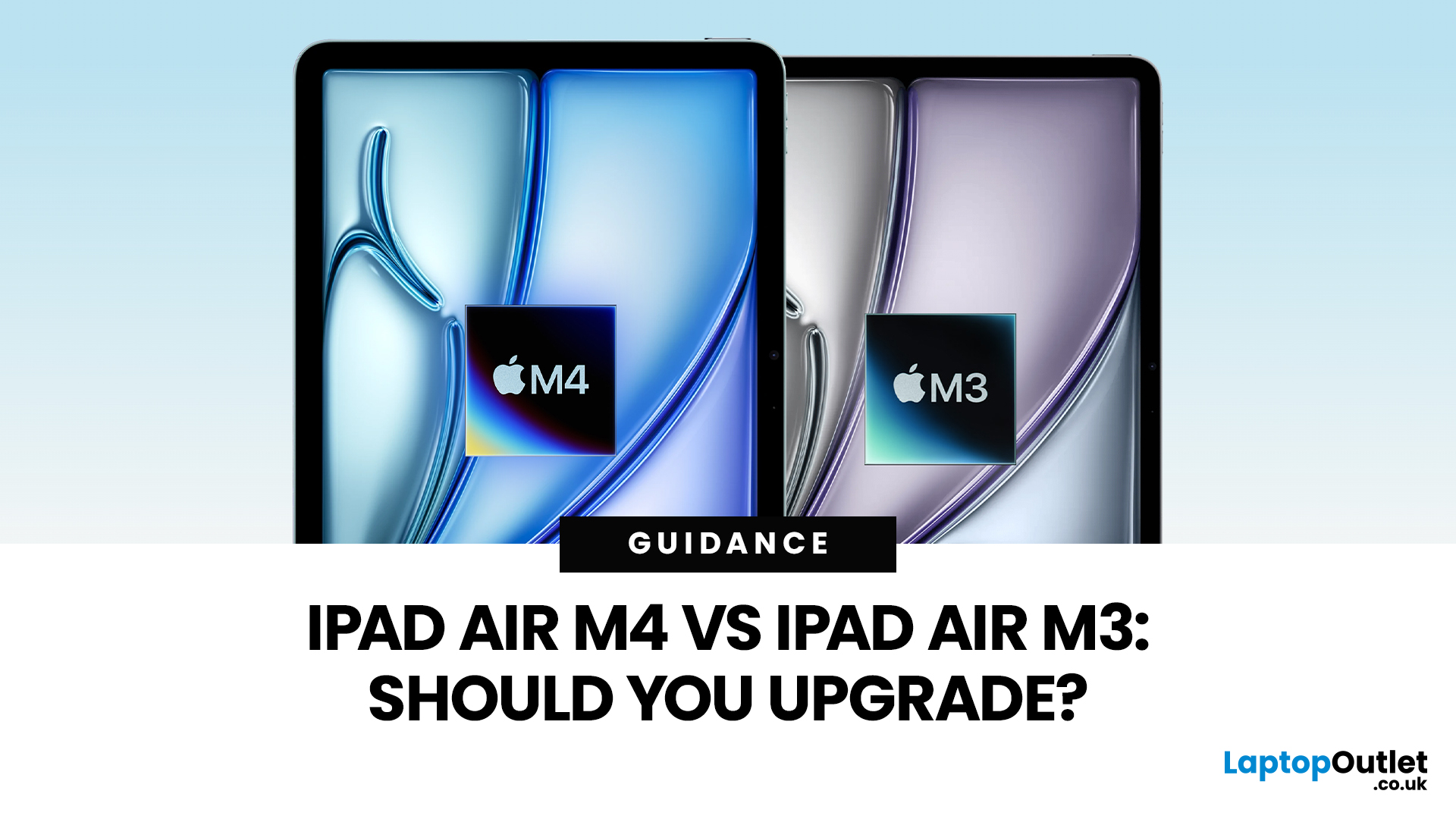
Apple’s iPad Air update for 2026 is exactly what most iPad Air buyers want: the same clean design in 11-inch and 13-inch sizes, but with a much stronger internal platform. The iPad Air M4 moves the Air line onto Apple’s M4 chip, adds more memory, and updates wireless and cellular hardware, so the device stays fast and responsive for longer.
If you are deciding between iPad Air M4 vs M3, the upgrade question is simple: do you need more headroom for heavier apps and multitasking, or is your iPad mainly a media, notes, and browsing device? The M4 model is better on paper and in real use for power tasks, but the M3 model remains “fast enough” for most people, especially if it is discounted.
Quick Answer: Should You Upgrade?
Upgrade to iPad Air M4 if
- You use your iPad like a laptop replacement: Stage Manager, split-screen work, lots of apps open, and big files.
- You do creative work (editing, design, illustration, audio projects), and you want smoother performance under load.
- You plan to

