


Blog Categories







June 04, 2026

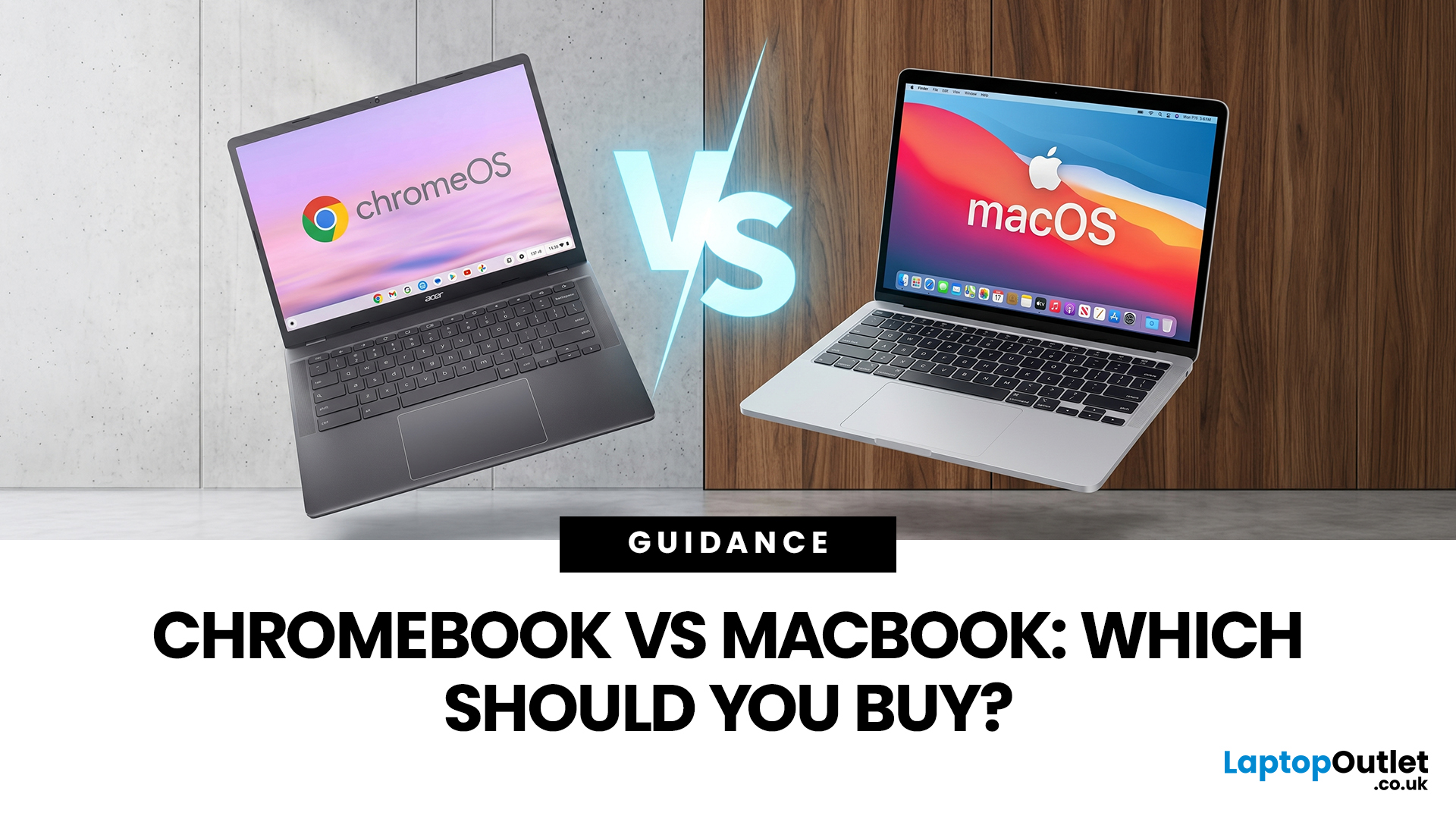
If you want the quickest answer, buy a Chromebook if you mainly use a browser, Google apps, streaming services, email, and simple everyday tools. Buy a MacBook if you need stronger performance, fuller desktop software support, and a laptop that gives you more room to grow over the next few years. That is the real Chromebook vs MacBook decision. It is less about the logo on the lid and more about how you actually work, study, and relax every day.
A Chromebook is a laptop that runs Chrome OS, built around speed, simplicity, built-in Google services, and lightweight computing. A MacBook runs macOS and is designed for a fuller desktop experience, stronger multitasking, and tighter integration with other Apple devices. If you already know you want to compare categories before choosing, start by browsing the best laptops to see where both options sit in the wider market.
Still deciding whether macOS is right for you at all? Read our PC vs Mac in 2026 guide before you choose.
Chromebook vs MacBook:
May 06, 2026
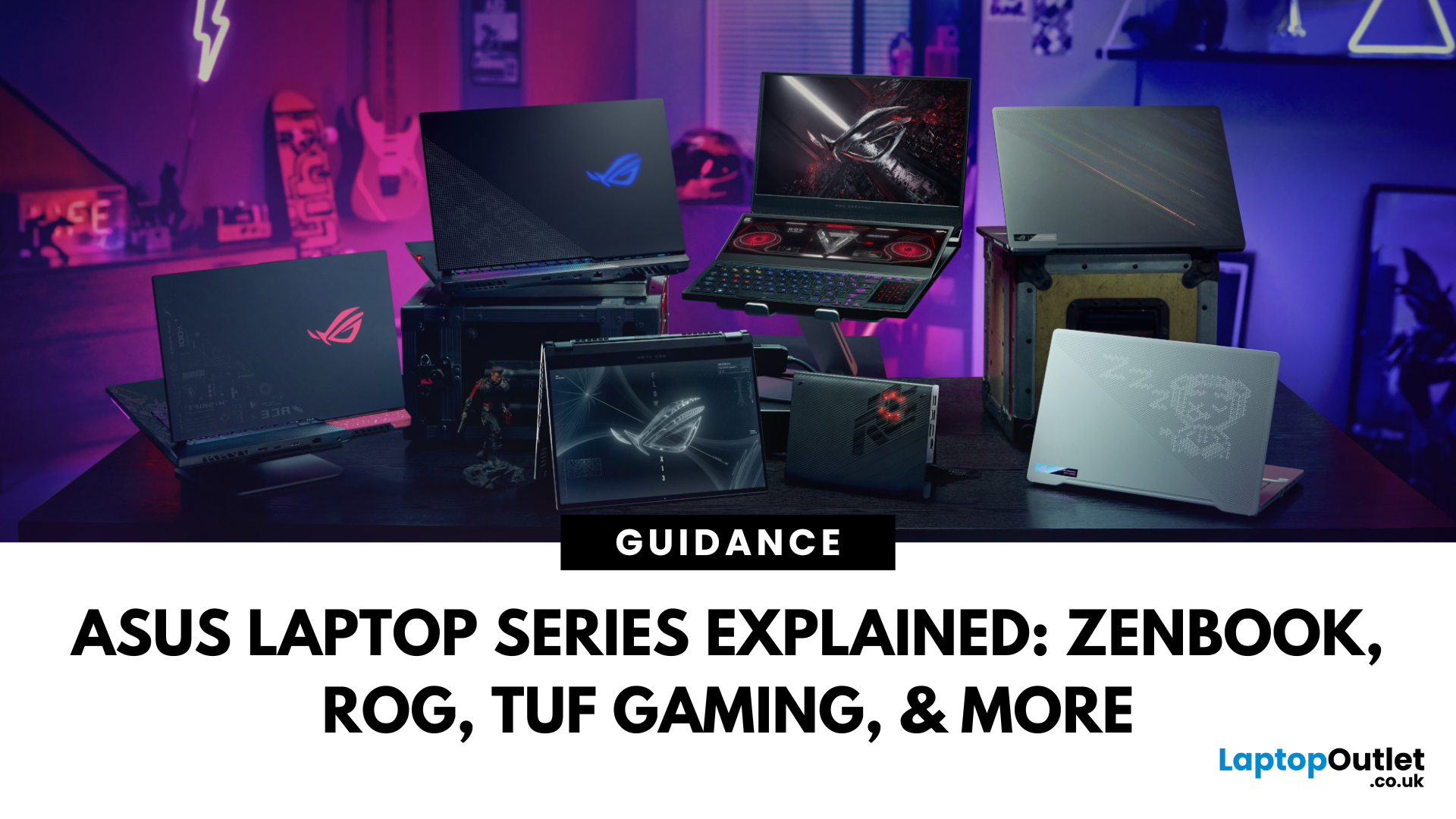
Choosing the right laptop in 2025 can feel like a challenge. With endless options in the UK market, different brands, specifications, and price points, it’s easy to feel overwhelmed. This is where ASUS makes the decision simpler. Over the years, ASUS has built a reputation as one of the most trusted technology brands by offering laptops that combine performance, reliability, and affordability.
Think about the wide variety of users today: a student who needs a lightweight laptop for lectures, a business professional who spends hours travelling, a gamer chasing the ultimate performance, or a creative tackling demanding design projects. Each has unique needs, but ASUS has carefully designed a laptop series for all of them.
In this ASUS laptop Series explained blog, we’ll explore the full 2025 lineup: ZenBook, VivoBook, ROG, TUF Gaming, ExpertBook, Chromebook, and ProArt StudioBook, so you can confidently choose the ASUS laptop that fits your life.
A Quick Overview of the ASUS Laptop Series
September 09, 2025
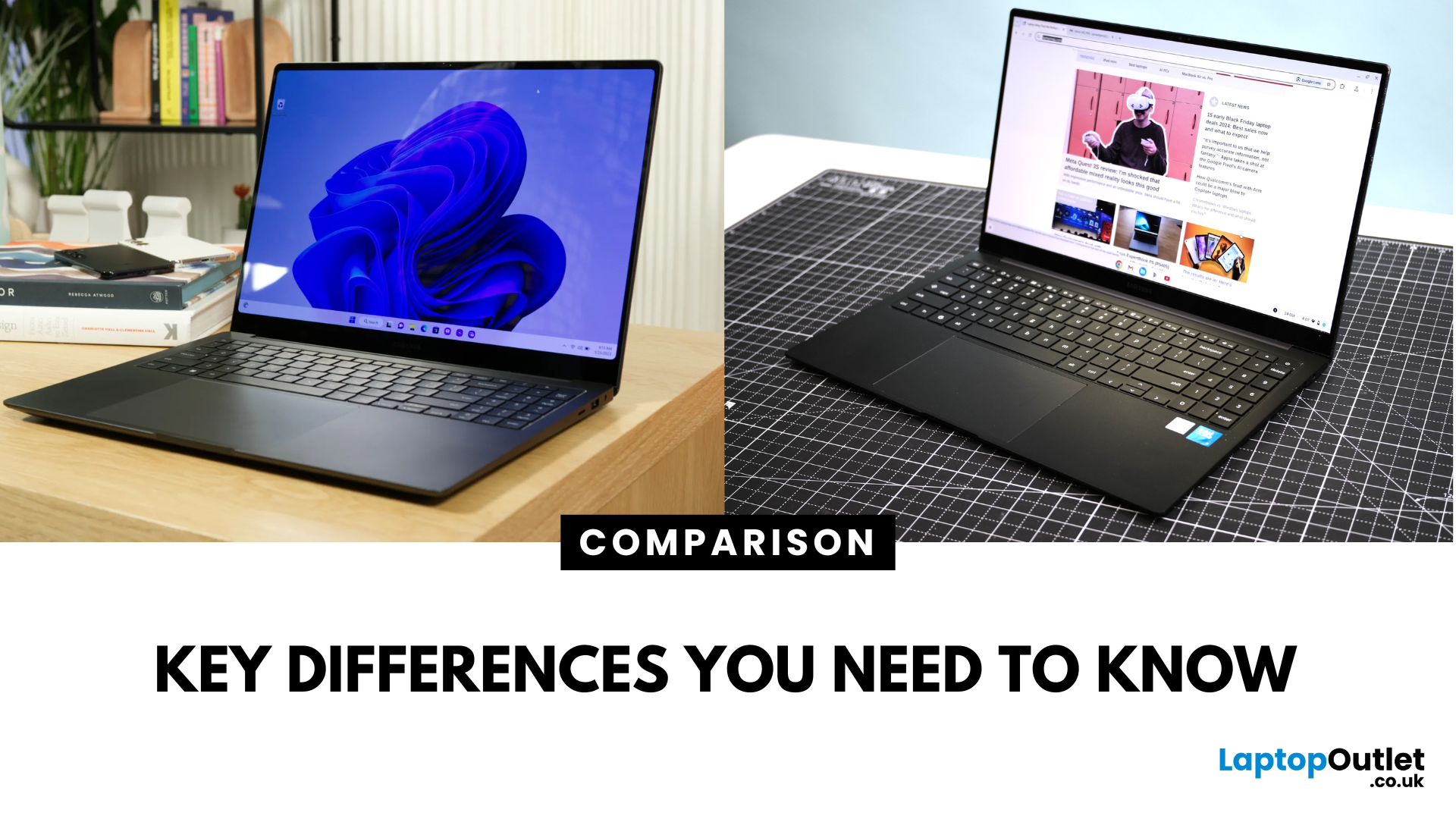
Key Difference Between a Galaxy Laptop and a Galaxy Chromebook?
Galaxy Laptop (Galaxy Book): Runs Windows 11, supports all desktop software (Office, Adobe, coding tools, gaming), offers higher storage and RAM options, and integrates with Samsung Galaxy devices.
Galaxy Chromebook: Runs ChromeOS, focused on cloud apps and Android apps via Google Play Store. Cheaper, lighter, and built for students or light for everyday use.
Feature Comparison Table
| Feature | Samsung Galaxy Laptop (Galaxy Book) | Samsung Galaxy Chromebook |
| Operating System | Windows 11 | ChromeOS |
| Performance | Intel Core i5/i7, AMD, up to 16-32GB RAM | Entry-level Intel/ARM, up to 8GB RAM |
| Software | Full Windows apps (Office, Adobe, games) | Web apps + Android apps |
| Battery Life | 10–13 hours (depending on model) | 12–15 hours (light workloads) |
| Display Options | AMOLED 2X display, FHD/QHD, larger screens | OLED display, FHD or 4K touchscreen options |
| Weight | ~1.5–1.7 kg (Galaxy Book3 360, Pro) | ~1.0–1.2 kg (Chromebook Go, Pro) |
| Price Range (UK) | ~£750–£1,500+ |
September 23, 2025
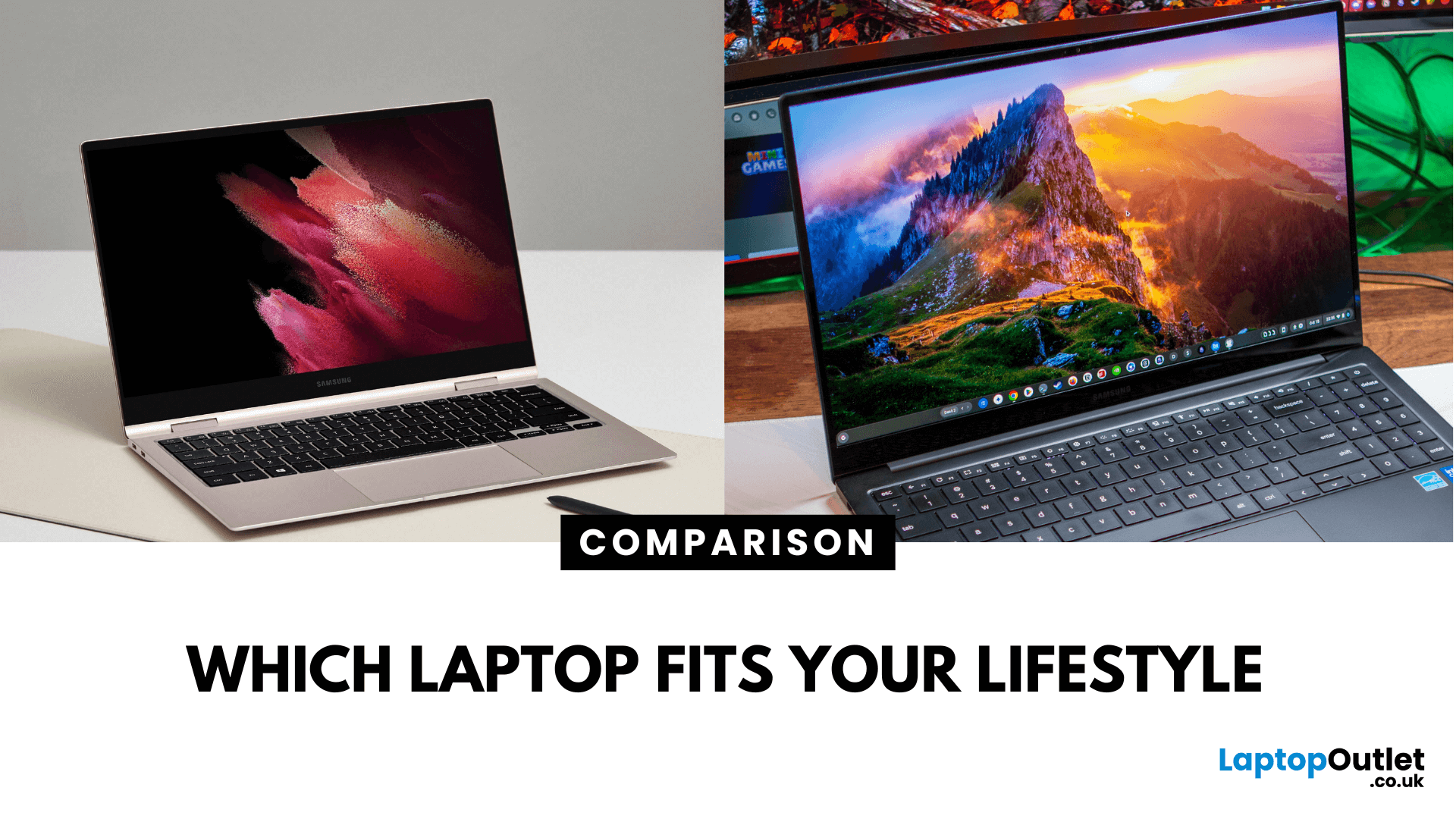
What’s the Key Difference?
Samsung Galaxy Book is Samsung’s line of Windows laptops offering powerful hardware, rich feature sets, and mature software support -built for productivity and creativity. Chromebooks run Chrome OS—Google’s streamlined, cloud-centric platform built for speed, web apps, and light computing.
Fundamentally, Galaxy Books deliver full Windows power; Chromebooks deliver lightweight simplicity.
Feature Comparison Table
| Feature | Samsung Galaxy Book | Chromebook |
| Operating System | Windows – full desktop environment | Chrome OS – cloud-first, lightweight platform |
| Performance & Hardware | Premium processors, abundant RAM & storage | Lighter processors and configurations tailored for basic tasks |
| Design & Build | Sleek, stylish, built for mobility and premium feel | Ultra-light, minimalistic, highly portable |
| Battery Life | Strong battery for Windows usage | Excellent battery due to efficiency of Chrome OS |
| Portability | Lightweight for a Windows laptop | Extremely portable with featherweight designs |
April 02, 2026
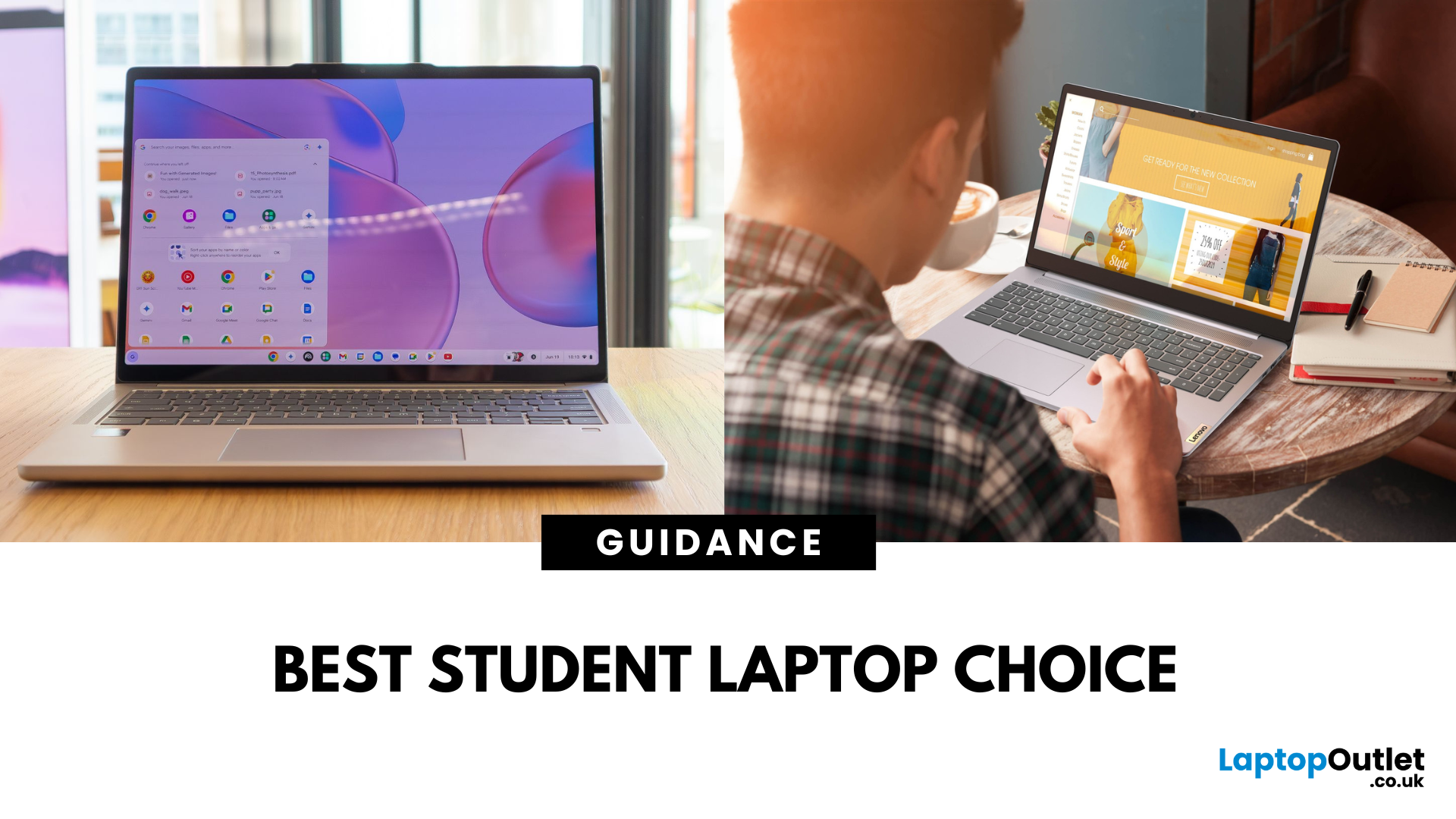
A Lenovo Chromebook runs ChromeOS - a lightweight, Linux-based operating system that’s optimised for Google’s ecosystem. It’s secure, updates automatically for a decade, and works brilliantly for browser-based productivity, Android apps, and streaming. A Lenovo IdeaPad usually runs Windows 11 and covers everything from budget laptops to higher-spec Ultrabook, offering the ability to install virtually any software, making it better suited for heavier workloads, creative tools, and offline functionality.
Feature Comparison Table
| Feature | Lenovo Chromebook | Lenovo IdeaPad |
| Operating System | ChromeOS | Windows 11 Home/Pro |
| Processor (CPU) | Intel Celeron N4020/N4120, Intel Core i3/i5 U-series, AMD 3015Ce/MediaTek Kompanio | Intel Core i3/i5/i7 (U or H series), AMD Ryzen 3/5/7 U-series |
| Graphics (GPU) | Integrated Intel UHD or Iris Xe, AMD Radeon iGPU, ARM Mali graphics | Integrated Intel Iris Xe/AMD Radeon Vega or discrete NVIDIA MX/RTX |
| Performance & Storage | eMMC 5.1 (64–128 GB) in most models, some with NVMe |

May 05, 2026
Choosing the right laptop can be overwhelming when considering the numerous models, features, and specifications available. If you’re looking for a brand that offers variety, reliability, and performance across different budgets, HP remains one of the most trusted names in the UK laptop market.
From stylish premium models to affordable everyday options, and from powerful gaming rigs to secure business machines, the HP laptop series lineup caters to almost every kind of user. Whether you want a dependable home computer, a sleek work companion, or a powerful gaming device, there’s an HP model built to fit your needs.
In this HP laptop series overview, we’ll explore the main families in HP’s laptop lineup, Pavilion, Envy, Spectre, OMEN, Victus, EliteBook, and Chromebook, while comparing their features, strengths, and best use cases.
Need help choosing the right HP laptop? Check out our comprehensive HP laptop model guide to make an informed decision.
HP Laptop Models Guide: Why HP’s Laptop
September 09, 2025
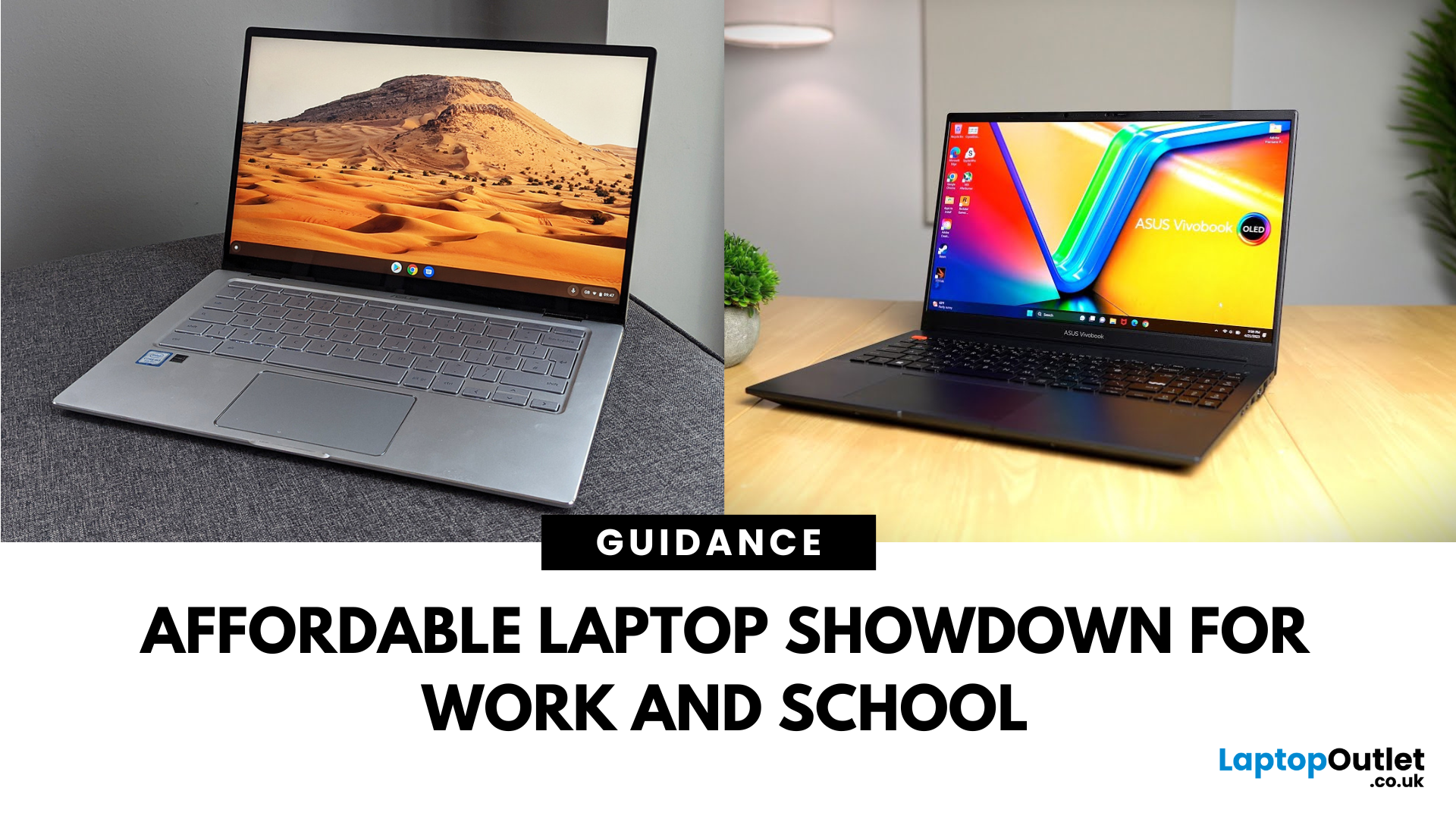
What’s the Main Difference Between ASUS VivoBook and ASUS Chromebook?
ASUS VivoBook is a budget-friendly Windows laptop packed with higher specs, better performance, and greater storage—great for everyday creativity, schoolwork, and productivity. ASUS Chromebook runs ChromeOS, offering simplicity, quick startup, and seamless Google ecosystem integration—perfect for browsing, media, and lightweight tasks on a budget.
ASUS VivoBook vs Chromebook: Feature Comparison Table
| Feature | ASUS VivoBook | ASUS Chromebook |
| Operating System | Windows 11 (full desktop apps) | ChromeOS (web & Play Store apps) |
| Processor Options | Intel Core / AMD Ryzen / Snapdragon X chips | Intel Celeron / MediaTek |
| Storage & Memory | Up to 512 GB SSD, 16 GB RAM | eMMC 16–128 GB, 4–8 GB RAM |
| Display Sizes | 14–16″, up to 1920×1200 or OLED (16") | 11–14″ FHD or HD |
| Weight & Portability | 1.5–1.9 kg (heavier build) | 1.1–1.5 kg (lighter shell) |
| Battery Life | ~6–14 hours depending on model | ~10–12 hours |
March 30, 2026
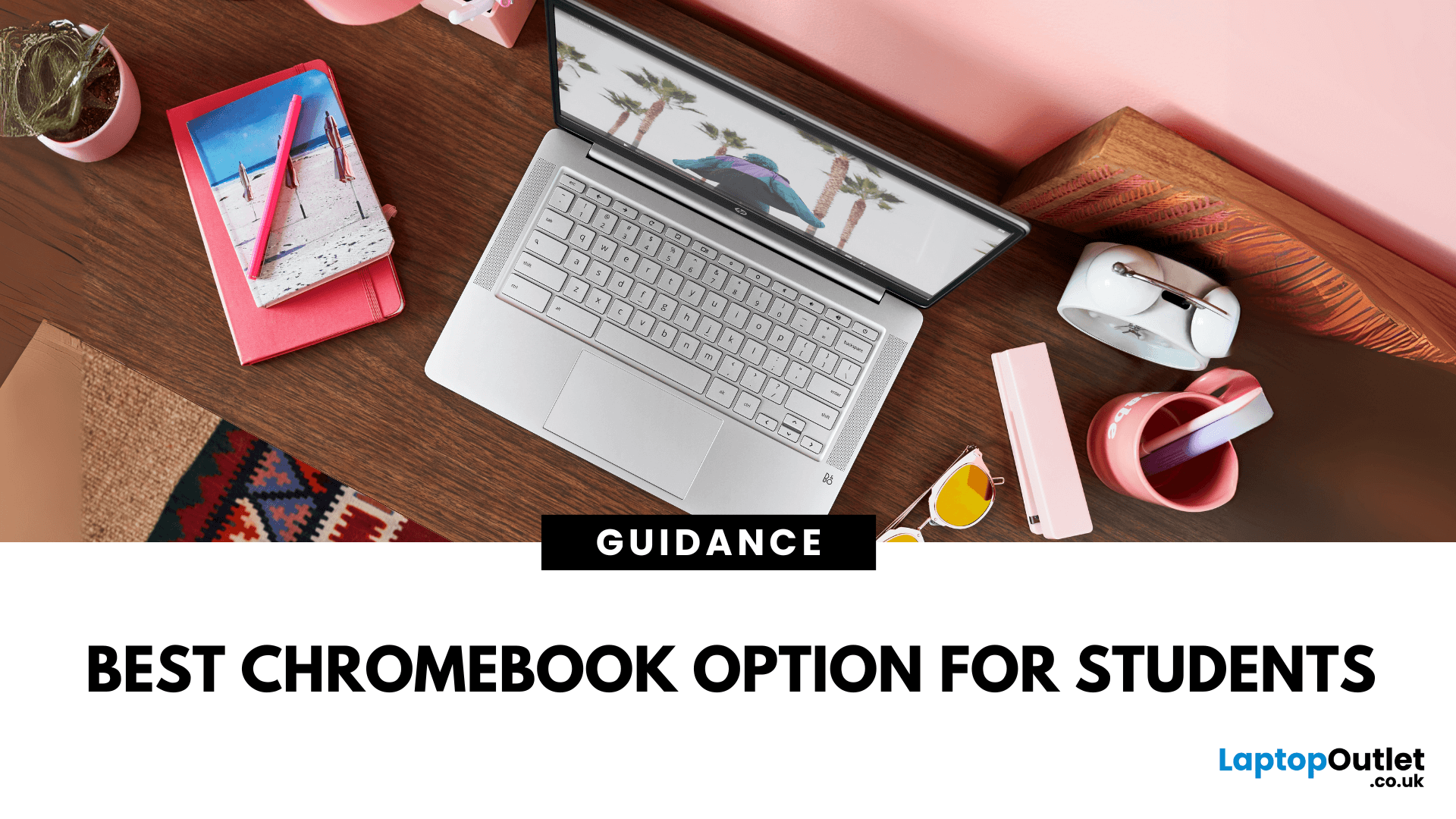
What’s the Main Difference Between HP Chromebook and Chromebook 14a?
The HP Chromebook name refers to HP’s whole family of ChromeOS laptops, which includes various screen sizes, processors, and features. The Chromebook 14a is a specific model in that range, optimised for portability and studentfriendly performance at a budget price.
Feature Comparison Table
| Feature | HP Chromebook (General) | HP Chromebook 14a |
| Screen Size Options | 11″, 14″, 15.6″ | 14″ |
| Display Quality | HD or FHD depending on model | HD or FHD IPS, slim bezels |
| Processor Options | Intel Celeron, Pentium, some Core i3 options | Intel Celeron N4020 / N4120 / MediaTek options |
| RAM & Storage | 4–8 GB RAM, 32–128 GB eMMC | 4 GB RAM, 32–64 GB eMMC |
| Battery Life | 10–13 hours depending on model | Up to 13 hours |
| Weight | 1.2–1.6 kg | ~1.46 kg |
| Price Range | £200–£500+ | £220–£300 |
1. Portability & Everyday Use
- HP Chromebook: You can choose smaller 11″ or 13″ models for maximum portability, or larger 15.6″ models for more screen space.
- Chromebook 14a:
September 09, 2025
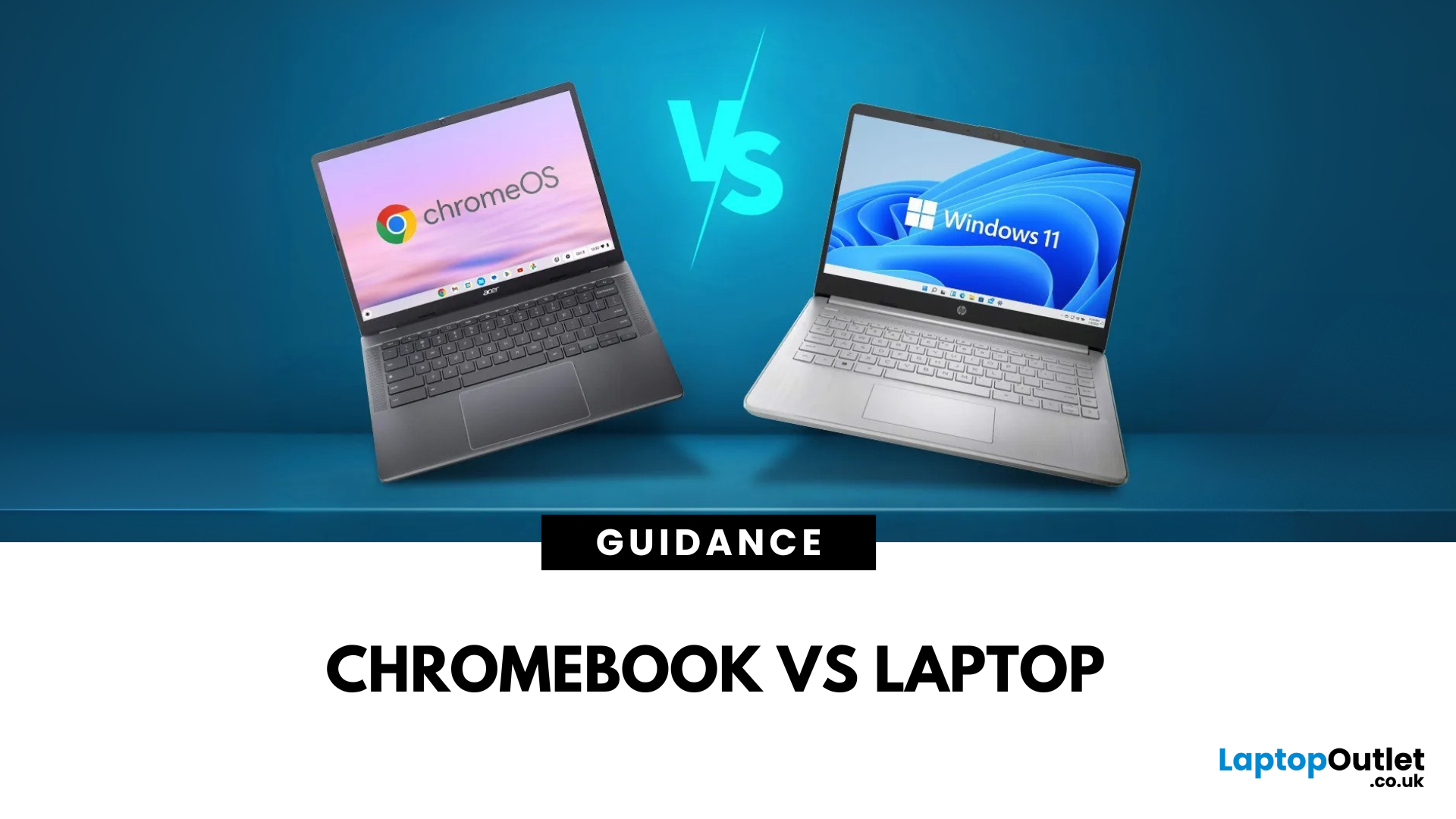
If you’re stuck between buying a Chromebook or a laptop in 2025, here’s the short answer:
- Chromebook = Affordable, lightweight, and lasts all day.
- Laptop = More power, more apps, more flexibility.
Now, let’s dig deeper and see which one really fits your lifestyle.
What’s the Main Difference Between a Chromebook and a Laptop?
A Chromebook runs ChromeOS, built for web browsing, Google apps, and cloud storage.
A laptop runs Windows or macOS, handling full desktop software like Photoshop, Excel, or AAA games.
Quick tip: If you live in the Google ecosystem and mostly work online, you’ll feel right at home with a Chromebook.
Chromebook vs Laptop: Feature Comparison Table
| Feature | Chromebook | Laptop |
| Operating System | ChromeOS | Windows/macOS |
| Performance | Fast for online tasks | Handles light to heavy computing |
| Battery Life | 10–12 hours | 6–10 hours |
| Software | Web + Play Store apps | Full desktop + web software |
| Price Range | £150–£400 | £300–£2,000+ |
| Best For | Students, casual |
March 30, 2026
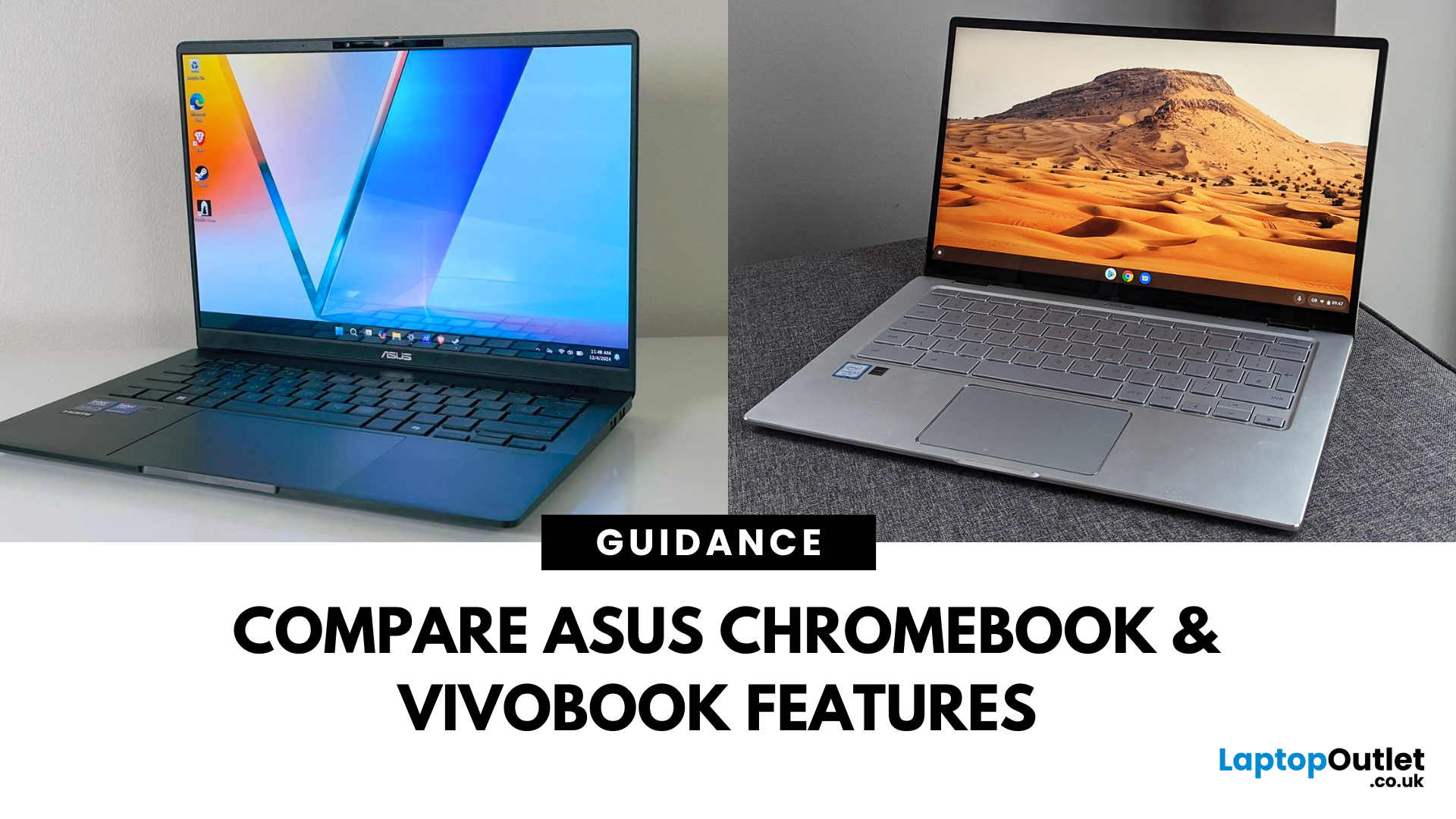
When you're shopping for a new laptop, it’s easy to get caught in the spec-sheet spiral. But let’s keep it real. You don’t need to decode tech terms - you need a device that just works for your daily hustle.
Enter ASUS Chromebook and ASUS Vivobook. Two popular options from ASUS, both targeting everyday users who want dependable, stylish, and feature-packed laptops without draining their bank accounts. But which one actually suits you better?
This blog breaks down what each machine does best. Whether you're answering emails, watching your favourite series, hopping between Zoom meetings, or smashing through assignments, we're here to help you figure out which is the best ASUS laptop for everyday use.
Performance: How Much Power Do You Really Need?
ASUS Chromebook: Built for Speed, Not Bulk
Think of the ASUS Chromebook as your minimalistic, always-ready sidekick. Powered by ChromeOS and designed for efficiency, ASUS Chromebook computers are made to handle light to moderate workloads with ease.
March 30, 2026
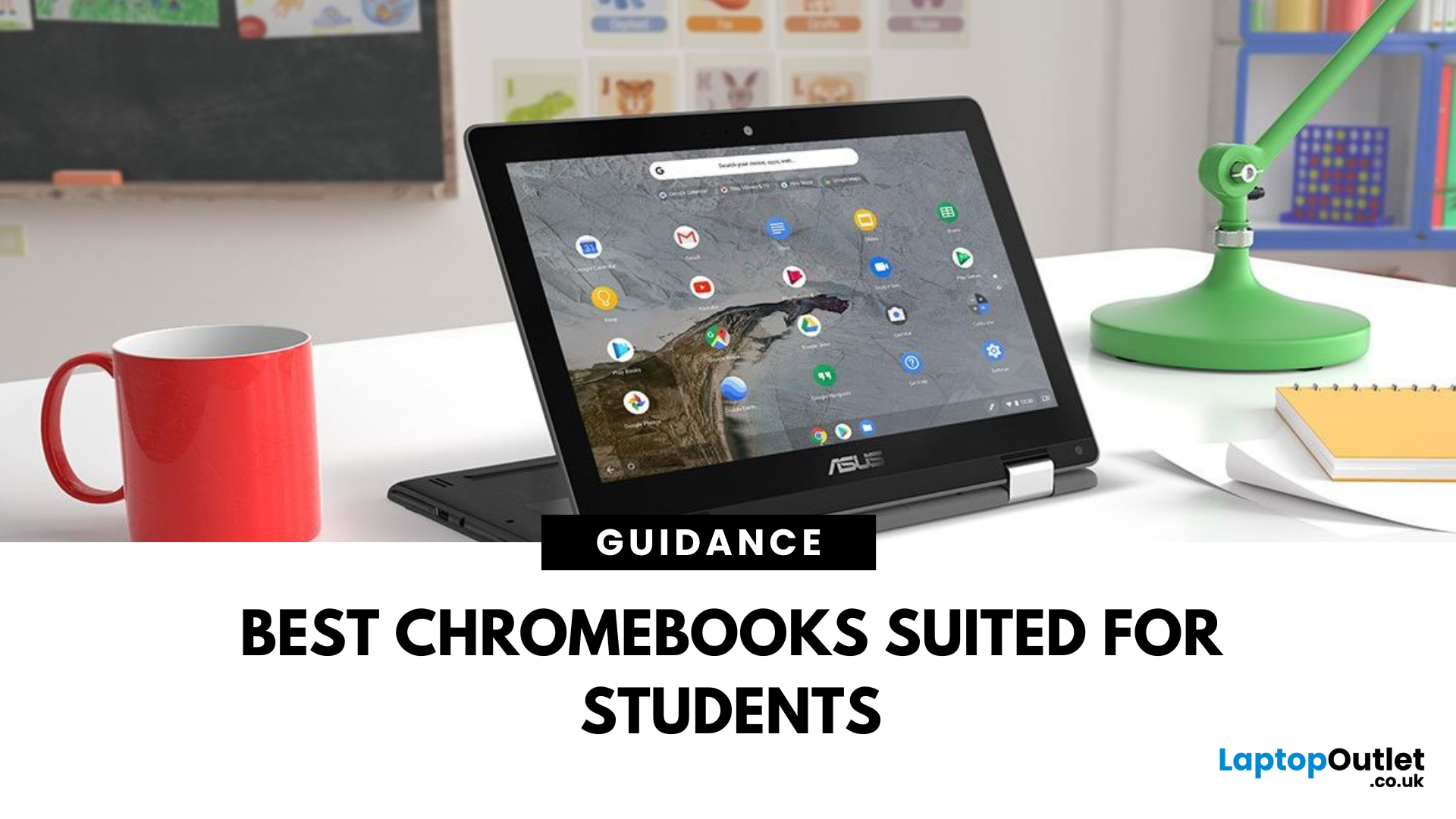
Chromebooks are lightweight, affordable, and built for productivity—making them ideal for students of all ages. Whether you’re in school, college, or university, a Chromebook can handle everything from essays to streaming and video calls.
But with so many options out there, how do you pick the best one? Let’s break it down.
Portability for Study on the Go
Students need a device that’s easy to carry around campus:
- Lightweight design (under 1.5kg is perfect)
- Slim build for slipping into a backpack
- Solid battery life—look for 10+ hours to last a full day of classes
Performance That Matches Your Workload
Chromebooks don’t need heavy specs, but a few essentials matter:
- Processor: Intel Celeron or higher for multitasking
- RAM: Minimum 4GB; 8GB for more demanding tasks
- Storage: 64GB or more (plus cloud storage with Google Drive)
Bonus: Many Chromebooks are fanless, meaning they’re ultra-quiet during study sessions.
Student-Friendly Features
The best Chromebooks for students
July 01, 2025
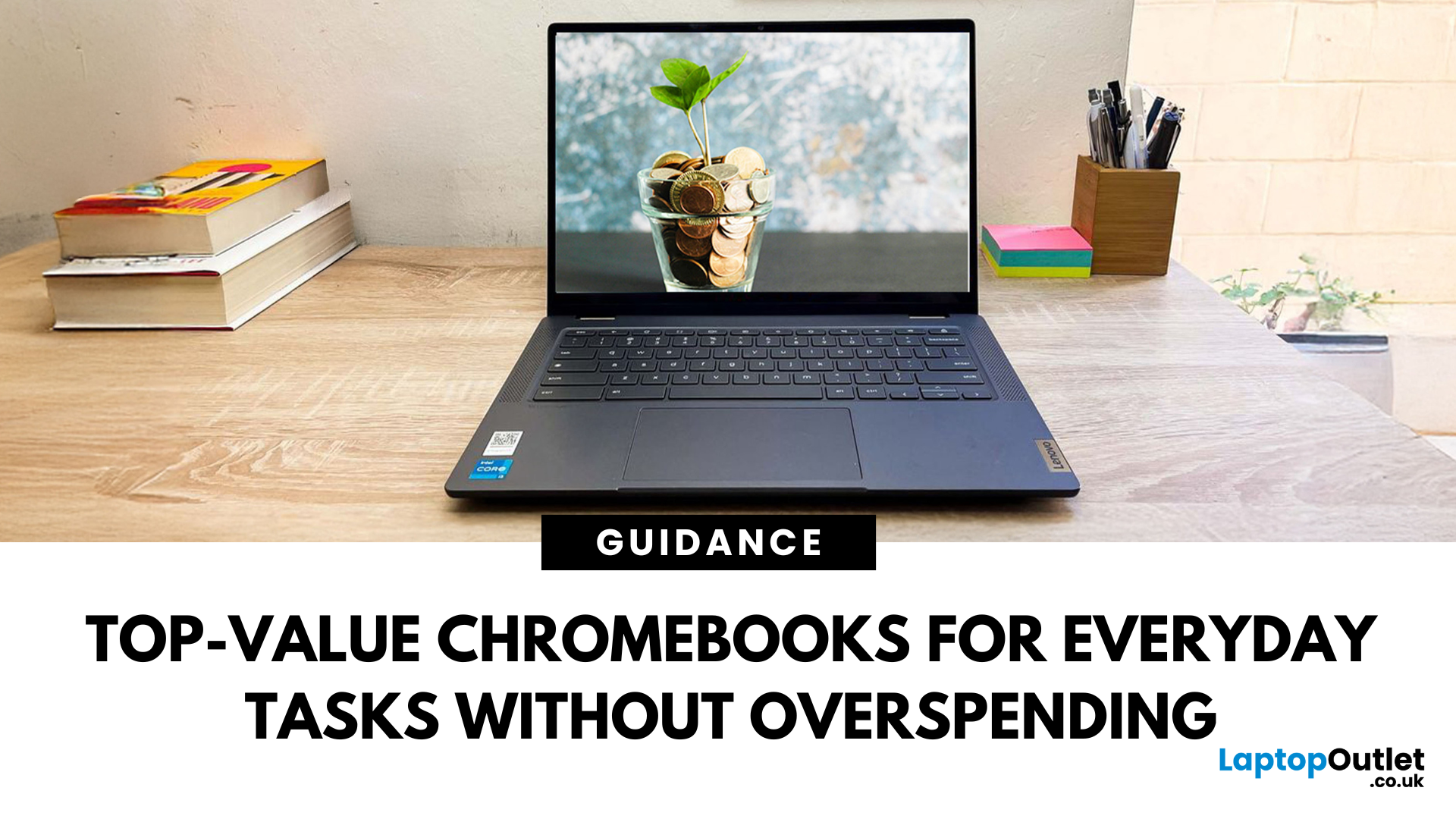
Looking for a wallet-friendly Chromebook that doesn’t skimp on performance? You’ve come to the right place. Whether you're a student on a tight budget, a remote worker needing a second device, or just something simple for everyday browsing — Chromebooks under £200 offer unbeatable value.
And the best part? You don’t need to buy new. Cheap refurbished Chromebooks are your golden ticket to scoring massive savings on devices that look and feel like new.
Let’s dive into our top picks under £200 in 2025, plus everything you need to know before you buy.
Why Buy a Refurbished Chromebook?
Investing in a refurbished Chromebook isn’t just about saving money — it’s about getting more value without compromise. Whether you're shopping on a tight budget, want to reduce your carbon footprint, or need a reliable second device, here's why refurbished Chromebooks are a top choice in 2025:
Unbeatable Prices for Top Brands
Refurbished Chromebooks offer savings of up to 60% compared to brand-new