


Top Features of the New iPad Air with M4 Chip in 2026
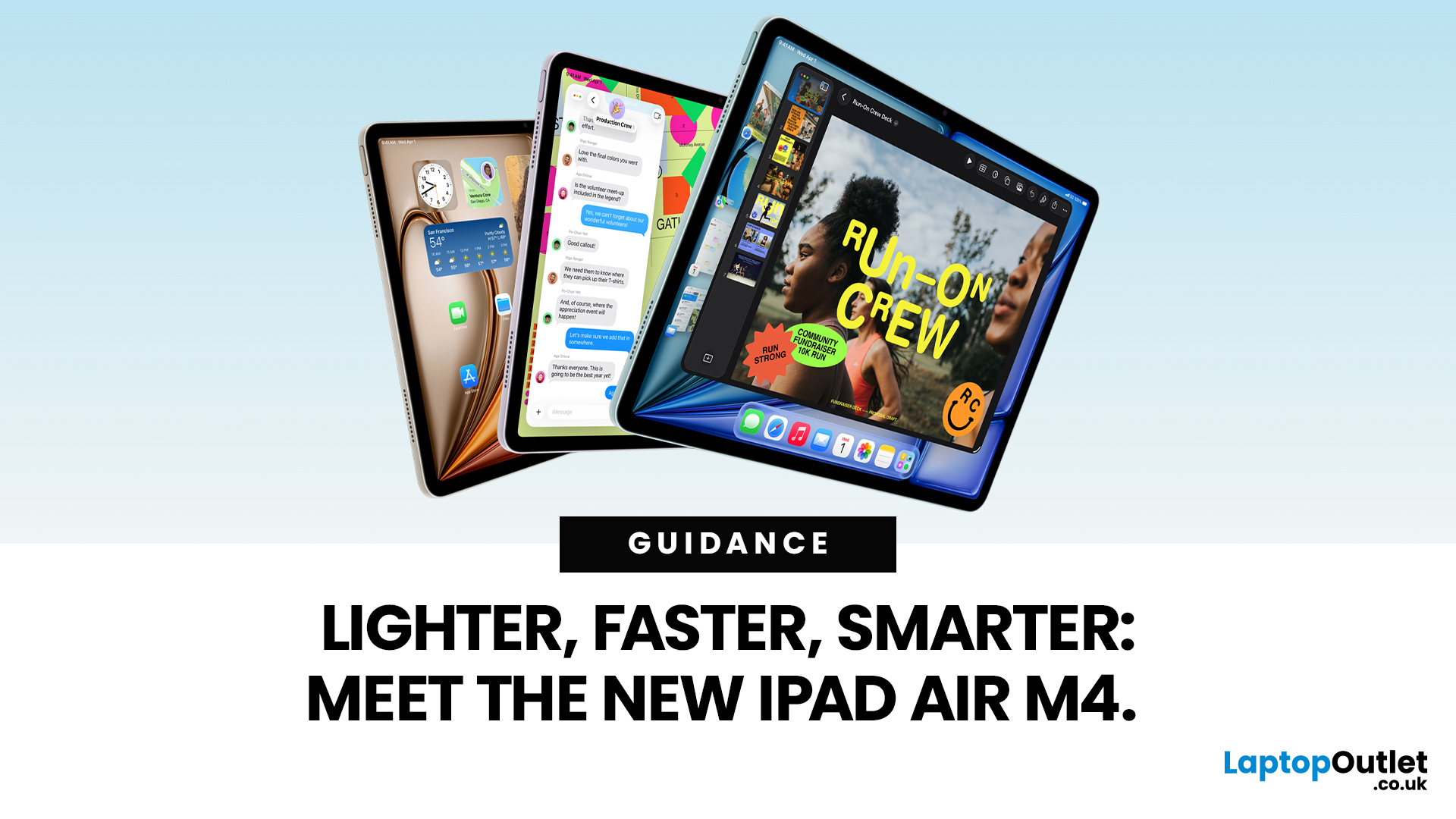
Apple has just unveiled the latest iPad Air, and it's a solid update for anyone in the Apple ecosystem. The iPad Air M4 brings fresh power under the hood without changing much on the outside.
If you're after an Apple tablet that handles work, play, and creativity with ease, this could be your next pick. Let's dive into what makes this device stand out in 2026.
Introducing the iPad Air M4
The new iPad Air comes in two sizes: 11-inch and 13-inch. Both pack the M4 chip, which boosts speed and efficiency. Storage starts at 128GB and goes up to 1TB.
You can choose Wi-Fi only or add cellular for on-the-go use. Colours include space grey, blue, purple, and starlight. This refresh keeps the sleek design fans love, but adds modern tech inside.
Moreover, it supports the latest accessories like the Apple Pencil Pro and Magic Keyboard. These turn the iPad Air M4 into a versatile tool for notes, drawing, or typing.
Powerful Performance with the M4 Chip
At the heart of the iPad Air M4 sits the M4 chip. This processor delivers impressive gains over past models.
CPU and GPU Enhancements
The M4 features an 8-core CPU with three performance cores and five efficiency cores. It runs up to 30% faster than the M3 iPad Air. Compared to the M1 version, it's 2.3 times quicker.
The 9-core GPU handles graphics with ease. It supports advanced features like hardware-accelerated mesh shading and ray tracing. This means smoother games and faster 3D rendering. For example, editing videos in Final Cut Pro feels snappier. Photo compositing in apps like Pixelmator Pro also speeds up.
In addition, the chip comes with 12GB of unified memory. That's 50% more than before, with 120GB/s bandwidth. Multitasking flows better, even with heavy apps open.
AI Capabilities
The 16-core Neural Engine shines for AI tasks. It's three times faster than the M1's version. You can remove backgrounds in photos or search for subjects in images on-device.
Apps like Goodnotes use it for smart handwriting recognition. Onform helps with video analysis. Plus, Apple Intelligence adds privacy-focused AI features in beta. These run locally for quick, secure results.
Stunning Display Options
The iPad Air M4 keeps the Liquid Retina display. The 11-inch model hits 500 nits of brightness. The 13-inch reaches 600 nits.
Both offer sharp resolutions: 2360 x 1640 for the smaller one and 2732 x 2048 for the larger. Colours pop with P3 wide colour support. True Tone adjusts to your lighting. It's great for watching films or editing images.
However, it sticks with LCD tech, not OLED. Still, the screen delivers vibrant visuals for everyday use. Anti-reflective coating cuts glare outdoors.
Design and Build Quality
Apple sticks to a proven design for the iPad Air M4. The aluminium body feels premium and light. The 11-inch weighs 1.02 pounds, while the 13-inch is 1.36 pounds. Both are just 0.24 inches thick. Flat edges make it easy to hold or attach accessories.
On the green side, it uses 100% recycled aluminium for the enclosure. The battery has recycled cobalt. Packaging is fully fibre-based and recyclable. Apple aims for durability too, with a repairable build.
Advanced Connectivity
Connectivity gets a big lift in the iPad Air M4. The N1 chip brings Wi-Fi 7 for faster downloads and lower latency. Bluetooth 6 offers better range and efficiency. Thread support helps with smart home devices.
For cellular models, the C1X modem delivers 5G speeds up to 50% faster. It uses 30% less energy than the M3's version. eSIM makes setup simple. GPS keeps you on track. These upgrades mean seamless streaming, quicker file shares via AirDrop, and reliable hotspots.
Camera and Audio Features
Cameras stay strong with a 12MP rear lens at f/1.8 and a 12MP front at f/2.0. The front camera uses Center Stage to keep you in frame during calls. It works well for video chats or selfies.
Audio comes from landscape stereo speakers. They provide clear sound for music or podcasts. Dual microphones capture voice sharply. This setup suits remote work or entertainment.
All-Day Battery Life
Battery life holds steady at up to 10 hours for web browsing or video. The 11-inch has a 28.93Wh battery, and the 13-inch gets 36.59Wh. Thanks to the efficient M4 chip, you get more done on a single charge. USB-C charging is fast and convenient.
Compatible Accessories
The iPad Air M4 pairs perfectly with Apple Pencil Pro. It adds squeeze gestures, barrel roll, and Find My support. The USB-C Pencil works too for basic needs.
Magic Keyboard attaches magnetically. It includes a trackpad and function keys. Colours match in black or white. These extras turn your tablet into a mini laptop.
iPadOS 26 Innovations
iPadOS 26 supercharges the iPad Air M4 for creative and professional tasks. It introduces Liquid Glass design, a translucent interface that reflects surroundings, refracts light, and reacts to inputs. This dynamically shifts focus to key content for an immersive feel.
A new intuitive windowing system lets you control, organise, and switch apps effortlessly while keeping things simple. And with a new menu bar, you can access the commands available in an app with a simple swipe down from the top of the display, or by moving you cursor to the top.
The Files app gets upgraded with a refined List view and folder customisation. With folders in the Dock, you have easy access to downloads and documents from anywhere. Set default apps for specific file types.
Preview app gives you a dedicated tool for quick sketches, plus viewing, editing, and marking up PDFs or images via Apple Pencil or touch.
Powered by Apple silicon, iPadOS 26 adds audio input controls, high-quality local recordings, and Background Tasks for efficient multitasking without heavy battery drain. These features elevate productivity and creativity.
Pricing and Availability
Prices start at £599 for the 11-inch Wi-Fi model. The 13-inch begins at £799. Cellular adds £150. Pre-orders opened on 4 March 2026. Devices hit stores on 11 March 2026 in 35 countries.
Storage Options:
|
Storage |
11-inch Wi-Fi |
11-inch Cellular |
13-inch Wi-Fi |
13-inch Cellular |
|
128GB |
£599 |
£749 |
£799 |
£949 |
|
256GB |
£699 |
£849 |
£899 |
£1,049 |
|
512GB |
£899 |
£1,049 |
£1,099 |
£1,249 |
|
1TB |
£1,099 |
£1,249 |
£1,299 |
£1,449 |

Why Choose the iPad Air M4?
The iPad Air M4 strikes a balance between power and price. It's ideal for students, creators, or professionals needing a portable device. With the M4 chip, it handles demanding tasks without breaking a sweat. Connectivity upgrades keep you linked. If you want Pro features without the Pro cost, this is it.
In short, the iPad Air M4 refines what works. It offers reliable performance in a familiar package. Ready to upgrade? Available soon at Laptop Outlet.

Just So You Know...
What is the release date of the iPad Air M4?
The iPad Air M4 became available on 11 March 2026, after pre-orders started on 4 March.
How much does the iPad Air M4 cost?
Prices start at £599 for the 11-inch Wi-Fi model and £799 for the 13-inch. Cellular versions add £150.
What are the key performance improvements in the iPad Air M4?
It features the M4 chip, 30% faster than M3, with 12GB RAM and a 16-core Neural Engine for better AI tasks.
Does the iPad Air M4 support 5G?
Yes, cellular models use the C1X modem for faster 5G speeds and better energy efficiency.
What colours are available for the iPad Air M4?
You can choose from space grey, blue, purple, and starlight finishes.
Is the iPad Air M4 compatible with Apple Pencil Pro?
Yes, it fully supports Apple Pencil Pro, including squeeze and barrel roll features for creative work.
Related Articles


Last Updated: September 09, 2025
Wondering If Your iPad Battery Is Still Strong?
If your iPad doesn’t last as long as it used to, you might be wondering about its battery health. While iOS doesn’t show a detailed battery health tool like the iPhone, there are still ways to monitor your battery’s performance and longevity. Here’s how to do it.
1. Use iPad Battery Settings to Check Usage
Although iPads don’t show battery maximum capacity like iPhones, you can still:
Steps:
- Go to Settings > Battery
- Tap Battery Usage by App to see what’s draining your battery
- View battery level graphs and screen-on time
- This helps identify whether the issue is with the battery or specific apps
2. Use Analytics Data to Estimate Battery Health
Apple doesn’t provide direct battery health info on iPad, but you can dig into system analytics.
Steps:
- Go to Settings > Privacy & Security > Analytics & Improvements
- Tap Analytics Data
- Look for a file like log-aggregated-xxxx and tap it
- Use Copy and paste into Notes or Files

Last Updated: May 13, 2025
Know Your iPad Model in Minutes
Need to buy a case, check compatibility, or sell your iPad? First, you need to know exactly which iPad model you have. With so many versions—Pro, Air, Mini, and standard—it can get confusing. Here’s how to quickly identify your iPad.
1. Check in Settings (Easiest Method)
Steps:
- Go to Settings > General > About
- Look for Model Name (e.g. iPad Pro 11-inch (3rd generation))
- Tap Model Number to reveal a code starting with A (e.g. A2270)
- That A-number is the most accurate way to identify your iPad
2. Match Model Number with Apple’s List
Visit Apple’s official iPad identification page and match your A-number to the model and generation.
Examples:
- A2602 = iPad (9th generation)
- A2229 = iPad Pro 12.9-inch (4th generation)
- A2152 = iPad Air (3rd generation)
3. Check the Back of Your iPad (Alternative Method)
If your iPad won’t turn on:
- Flip the iPad over
- Look for small text near the bottom
- Find the Model number (e.g. A1893)
4. Use

Last Updated: May 20, 2025
Slow iPad? Let’s Fix It
Is your iPad lagging, apps taking forever to load, or Safari crawling? Don’t worry—you’re not alone. A slow iPad can result from many things, from background apps to outdated software. Here’s how to figure out what’s slowing your device down and what you can do to speed it up.
Too Many Apps Running in the Background
Your iPad may be multitasking too much.
Fix:
- Double-press the Home button (or swipe up from the bottom on Face ID models)
- Swipe up on open apps to close them
Tip: Don’t keep dozens of apps running—you’ll save RAM and battery
Software Is Out of Date
Older versions of iPadOS may slow down performance or contain bugs.
Fix:
- Go to Settings > General > Software Update
- Install the latest iPadOS update
Storage Is Nearly Full
Lack of storage can cause your iPad to lag.
Fix:
- Go to Settings > General > iPad Storage
- Delete unused apps, photos, or large files
- Use iCloud or external storage if needed
Aim to keep at least 10–15%

Last Updated: September 11, 2025
Seamless Apple Syncing
One of the biggest perks of Apple devices is how smoothly they work together. If you own both an iPhone and iPad, syncing them can save you time, keep your files up to date, and make switching between devices feel effortless. Here’s how to sync your iPhone and iPad in just a few steps.
1. Make Sure You’re Using the Same Apple ID
- Go to Settings > [your name] on both devices
- Make sure you’re signed in with the same Apple ID
If not, sign out and back in with the same account
2. Turn On iCloud Sync
Steps:
- On both devices, go to Settings > [your name] > iCloud
- Toggle on the apps and services you want to sync:
- Photos
- Contacts
- Calendar
- Notes
- Safari
- Messages
iCloud keeps your data consistent across devices
3. Sync Messages Between iPhone and iPad
- Go to Settings > Messages > Text Message Forwarding on your iPhone
- Enable your iPad to receive and send texts
- Turn on iMessage on both devices (Settings > Messages)
4. Sync Safari Tabs and

Last Updated: July 11, 2025
Whether your iPad’s acting up or you just want to save battery, shutting it off is quick and easy. Here’s how to do it based on your iPad model.
For iPads with Face ID (No Home Button)
- Press and hold the Top button and either Volume button.
- Wait for the power off slider to appear.
- Drag the slider to turn off your iPad.
For iPads with a Home Button
- Press and hold the Top (or Side) button.
- When the power off slider shows up, swipe to shut down.
3. Force Restart If Frozen
If your iPad isn’t responding:
- Face ID models: Quickly press Volume Up, then Volume Down, then hold the Top button until the Apple logo appears.
- Home Button models: Hold the Home button + Top/Side button together until the Apple logo pops up.
Quick Tip: Why Shut Off?
Turning off your iPad occasionally helps:
- Save battery life
- Fix minor glitches
- Refresh system performance
FAQs: Shutting Off an iPad
1. Can I restart instead of shutting down?
Yes—just turn it back on by holding the Top button

Last Updated: September 09, 2025
Let’s be honest: new iPads are expensive. And with Apple releasing updates almost every year, it’s hard to justify the full retail price, especially if you're just after a reliable, good-looking tablet for daily use.
That’s where refurbished iPads come in. These aren’t second-rate gadgets tossed aside; they're professionally restored devices that often look and work like new, but at a fraction of the cost. But the question remains: are refurbished iPads actually worth buying in 2025?
This guide will walk you through everything you need to know from performance and battery health to warranty and compatibility with the latest iPadOS.
Let's dive in.
What is a Refurbished iPad?
A refurbished iPad is a pre-owned device that has been inspected, cleaned, and restored to full working condition. It might have been returned due to a fault (which has now been fixed), or simply because the original buyer changed their mind.
There are two key types:
-
Manufacturer Refurbished iPads: Restored by Apple

Last Updated: October 08, 2025
Choosing the right tablet can be overwhelming, but Apple’s extensive iPad lineup makes it possible to find a model that fits almost any workflow or budget. From students managing coursework to artists creating digital illustrations, and professionals handling demanding tasks, the range of iPads from Apple is built to meet a wide variety of needs.
With options ranging from the compact iPad Mini to the high-performance Apple iPad Pro lineup, including options like the Apple iPad Pro 13, understanding what each model offers is key to making a smart investment.
This guide breaks down powerful and the latest iPads from Apple, comparing performance, features, and value to help you find the best Apple tablet for your daily demands without wasting money on features you won't use.
Top iPads for Students, Artists, and Professionals in 2025
For Students
Apple iPad Air 11 (SKU:MUWG3NF/A)
The Apple iPad Air 11 is an excellent option for students who want performance without the weight or cost of a
Published: November 20, 2025
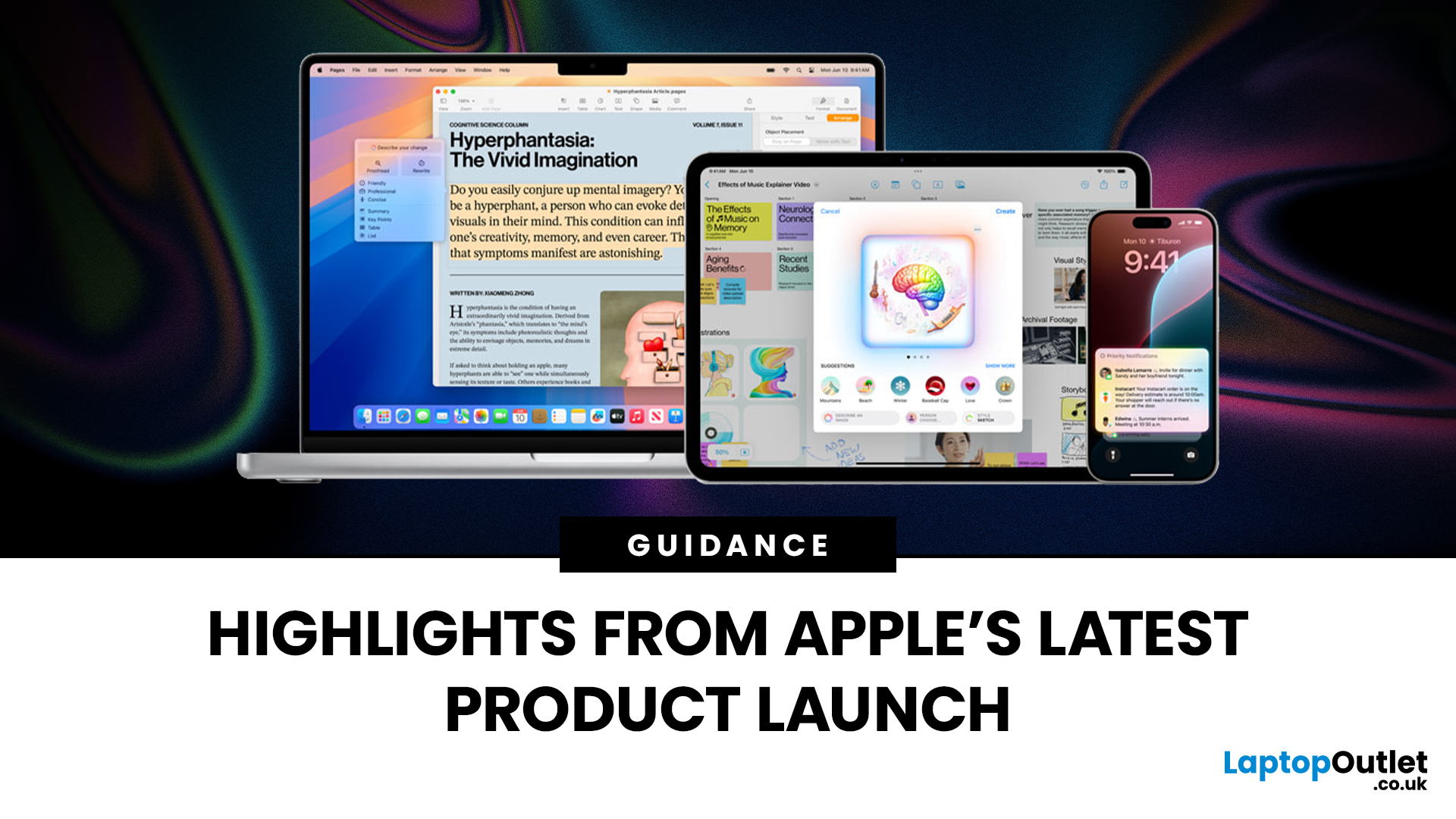
Apple has once again raised the bar with its latest hardware update, unveiling a refreshed line-up including the new Apple MacBook, the iPad Pro, and several other devices. Let’s take a closer look at what’s changed, why it matters, and whether the new Apple MacBook 2025 is worth your attention.
What’s Been Announced?
On 15 October 2025, Apple introduced a suite of devices powered by its latest chip, the Apple M5, including a new 14-inch MacBook Pro, refreshed iPad Pro, and updated mixed-reality headset.
The headline: the new MacBook (and MacBook Pro line) now features the M5 chip built on a 3-nanometre process, offering substantial gains in performance, especially for AI workloads, graphics and battery life.
Meanwhile, the iPad Pro has also seen upgrades, including the M5 chip and enhancements in connectivity, storage, and efficiency.
Why the New Apple MacBook 2025 Matters
Performance and AI
The M5 chip represents a significant step up. According to reports, it delivers AI performance

Last Updated: December 22, 2025
Choosing between Apple’s iPads can feel tricky, especially when both the iPad Air 13-inch and the iPad Pro 13-inch look premium, powerful and remarkably similar at first glance. If you’re weighing up the iPad Air 13 vs iPad Pro 13, this guide is designed to help you make a confident, informed decision based on how you actually plan to use your device.
In this in-depth comparison, we’ll break down performance, display quality, battery life, accessories, and real-world use cases, all with the latest Apple hardware in mind. Whether you’re a student, creative professional, remote worker or casual user, by the end you’ll know exactly which iPad suits you best.
Key Differences Between iPad Air 13-inch and iPad Pro 13-inch
Before diving into individual features, it’s important to understand what separates the Air and Pro lines in Apple’s ecosystem.
Design and Build Quality: Premium Feel Across the Board
Apple doesn’t compromise on build quality, and that’s clear with both models.
Sleek, Lightweight,
Last Updated: February 26, 2026
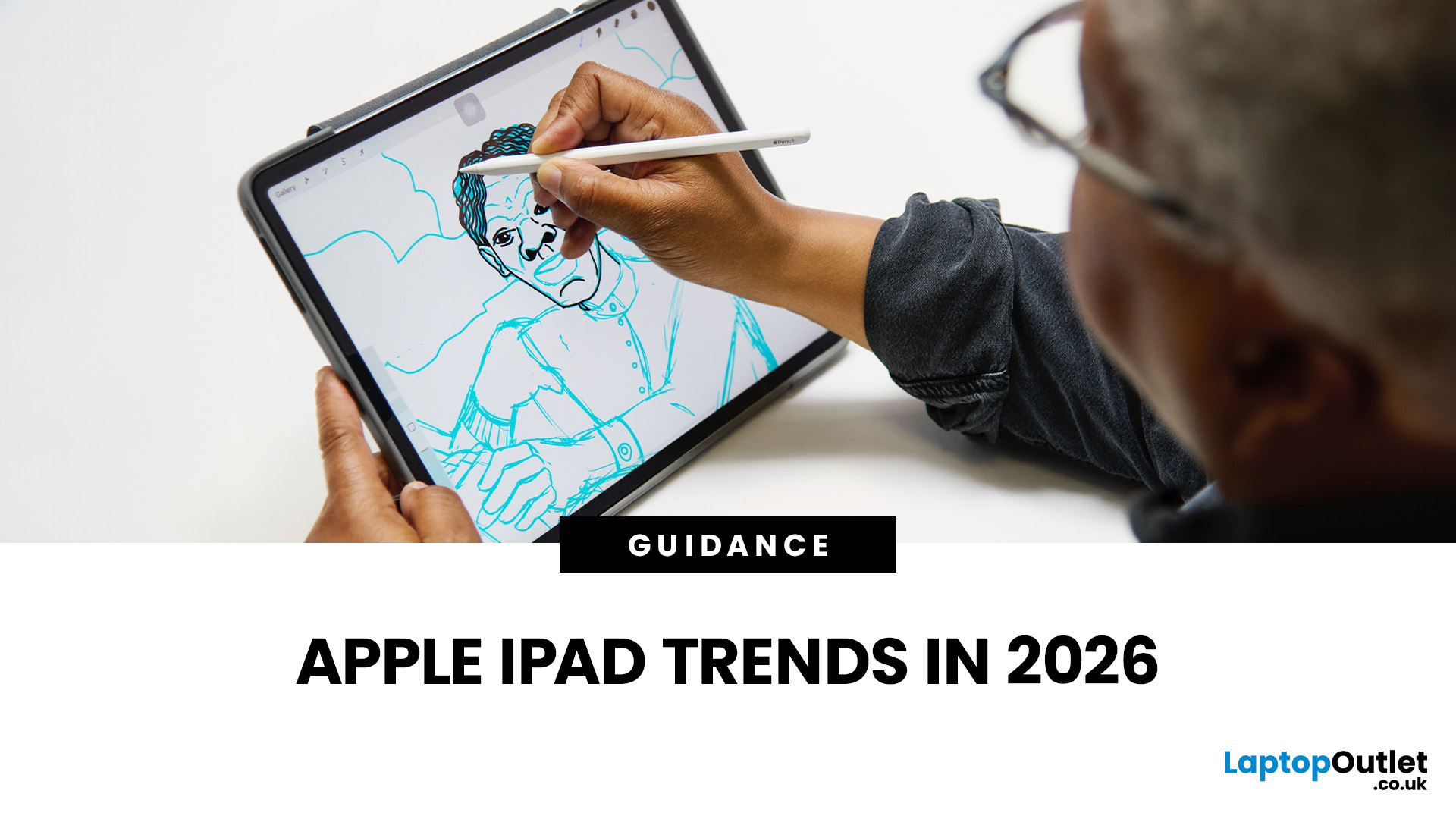
The iPad in 2026 isn’t just a tablet anymore. It’s a content machine, a work-from-anywhere setup, a creative studio, and low-key a laptop replacement for a lot of people in the UK. Apple has quietly (and sometimes not-so-quietly) levelled up the entire iPad lineup, and the Apple iPad trends in 2026 prove one thing: this ecosystem is built for performance, flexibility, and vibes.
This first section breaks down what’s actually new, what’s trending across the latest iPad models, and how Apple is pushing its tablet PCs further into laptop territory, without killing what makes the iPad iconic.
Apple iPad Trends in 2026: The Big Picture
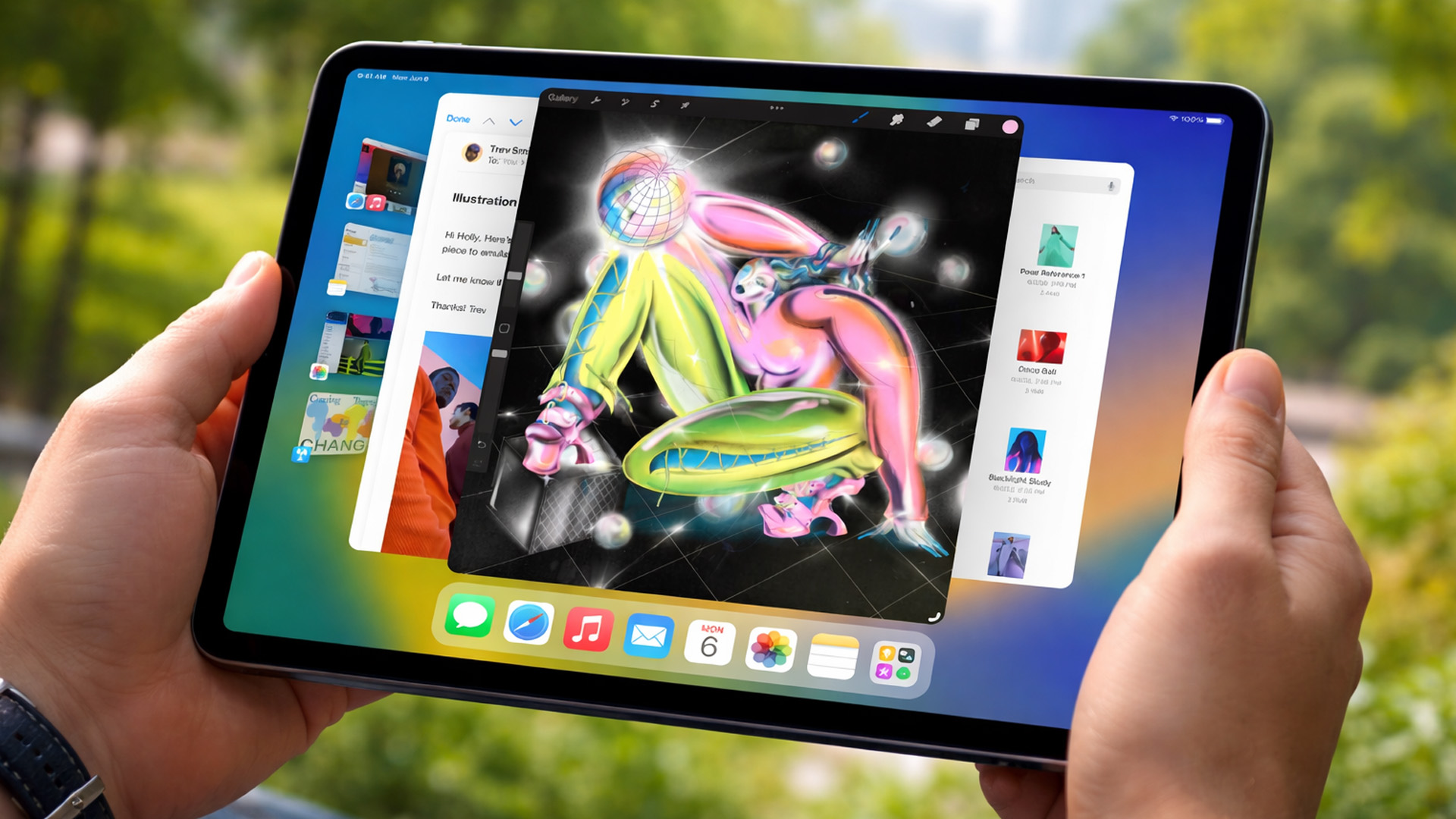
The biggest shift in Apple iPad trends this year isn’t just about faster chips or shinier displays - it’s about positioning. Apple is clearly doubling down on the iPad as a serious productivity and creativity device while still keeping it accessible for everyday users.
In the UK Apple iPad market, buyers are no longer asking “Do I need an iPad?” they’re asking

