


iPad Air M4 vs iPad Air M3: Should You Upgrade?
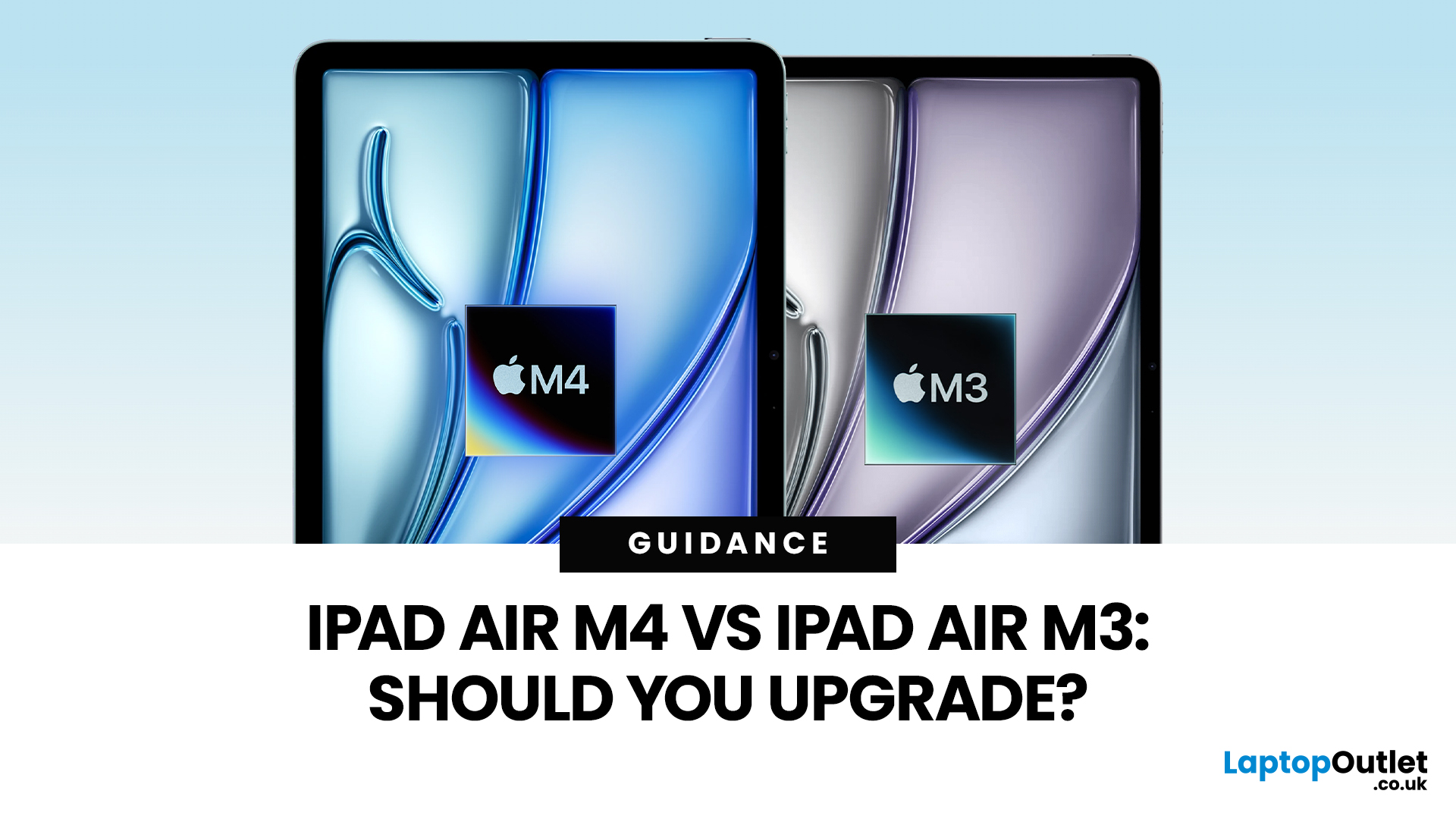
Apple’s iPad Air update for 2026 is exactly what most iPad Air buyers want: the same clean design in 11-inch and 13-inch sizes, but with a much stronger internal platform. The iPad Air M4 moves the Air line onto Apple’s M4 chip, adds more memory, and updates wireless and cellular hardware, so the device stays fast and responsive for longer.
If you are deciding between iPad Air M4 vs M3, the upgrade question is simple: do you need more headroom for heavier apps and multitasking, or is your iPad mainly a media, notes, and browsing device? The M4 model is better on paper and in real use for power tasks, but the M3 model remains “fast enough” for most people, especially if it is discounted.
Quick Answer: Should You Upgrade?
Upgrade to iPad Air M4 if
- You use your iPad like a laptop replacement: Stage Manager, split-screen work, lots of apps open, and big files.
- You do creative work (editing, design, illustration, audio projects), and you want smoother performance under load.
- You plan to keep your iPad for 3 to 5 years and want better long-term specs, especially the memory increase.
- You have Wi-Fi 7 at home (or soon) and want the newest wireless platform.
Stick with iPad Air M3 if
- Your iPad use is mostly streaming, browsing, reading, notes, email, and lighter productivity.
- Your iPad Air M3 already feels instant, and you are not hitting any multitasking limits.
- You can get the M3 model at a meaningful discount, making it the better value buy.
iPad Air M4 vs iPad Air M3: What Actually Changed?
Performance: M4 vs M3
The M4 chip is the headline change. Apple and early coverage position the new iPad Air as up to around 30 percent faster than the M3 iPad Air, which tracks with what we already know about the M4 platform from other devices.
What this means in practical terms depends on your workflow:
- Everyday use (web, YouTube, documents): both M3 and M4 feel fast.
- Bursty heavy tasks (exporting photos, rendering clips): M4 finishes sooner and stays smoother while working.
- Sustained multitasking (Stage Manager plus multiple apps): M4 holds performance better over longer sessions, helped by the memory bump discussed next.
Memory: 12GB vs 8GB is the Quiet Upgrade
This is the upgrade that changes how “future-proof” the iPad Air feels. The 2026 iPad Air M4 ships with 12GB unified memory, while coverage notes the M3 iPad Air class is 8GB.
More memory matters because it reduces the friction iPad users actually notice:
- Fewer app reloads when switching between apps.
- Better stability with large PDFs, big canvases, and heavier projects.
- Smoother multi-window work, especially as iPadOS features keep pushing multitasking forward.
If you are upgrading specifically to make iPad Air feel more “computer-like,” the 12GB jump is one of the best reasons to do it.
Wireless And Cellular: Wi-Fi 7, Bluetooth 6, And A New Modem
The M4 iPad Air moves to Apple’s newer networking stack, including an Apple-designed wireless chip that supports Wi-Fi 7 (plus newer Bluetooth and Thread support in launch coverage).
For most homes still on Wi-Fi 6 or Wi-Fi 6E, this will not transform your life overnight. For Wi-Fi 7 households, it is a cleaner match: higher peak throughput, better congestion handling, and generally more headroom as you add devices.
On cellular models, the M4 iPad Air also introduces Apple’s C1X modem, with coverage claiming faster data speeds and better efficiency compared to the previous generation.
Design and Display: Essentially the Same iPad Air
If you are waiting for the iPad Air to become a cheaper iPad Pro, this is not that year. Reporting and spec pages emphasise that the iPad Air M4 keeps the same overall look and the same 11-inch and 13-inch options, with no big display leap like ProMotion.
That is not a negative. It just means your upgrade decision should be based on performance, memory, and connectivity, not on-screen tech or a redesign.
Pricing And Availability: Familiar Numbers
Coverage for the 2026 iPad Air launch keeps the familiar entry pricing: ~£599 for the 11-inch and ~£799 for the 13-inch, with preorders starting March 4, 2026, and shipping/availability from March 11, 2026.
Side-By-Side Comparison Table
|
Feature |
iPad Air M3 |
iPad Air M4 |
|
Chip |
Apple M3 |
Apple M4 |
|
Memory |
8GB (reported) |
12GB unified memory |
|
Display |
11-inch Liquid Retina display (2360 x 1640) | 13-inch Liquid Retina display (2732 x 2048) |
11-inch Liquid Retina display (2360 x 1640) | 13-inch Liquid Retina display (2732 x 2048) |
|
Wireless |
Wi-Fi 6E class |
Wi-Fi 7, plus newer Bluetooth/Thread (coverage) |
|
Colours |
Blue, Purple, Starlight, Space Gray |
Blue, Purple, Starlight, Space Gray |
|
Sizes |
11-inch and 13-inch |
11-inch and 13-inch |
|
Starting Price |
~£ 599 (11), ~£799 (13) |
~£599 (11), ~£799 (13) |
Who Should Upgrade From iPad Air M3 To iPad Air M4?
Upgrade If You Are a Power User
If your iPad is a work device rather than a consumption device, the iPad Air M4 is a clean upgrade. The M4 chip helps with heavy exports and more demanding apps, but the bigger day-to-day benefit is the memory bump: your “desktop-like” multitasking becomes less fragile.
Upgrade If You Keep iPads For Years
If you typically buy an iPad and keep it for 4 to 5 years, the M4 model is the safer long-term bet. The extra memory and newer wireless platform are exactly what make a device feel modern in year three.
Skip If Your M3 Air Still Feels Effortless
If your M3 Air is already instant for your tasks, upgrading to M4 will feel incremental, not transformational. In that case, it is smarter to hold your money or put it toward accessories that improve your daily experience, like a keyboard or a Pencil.
The Value Play: Buy M3 If the Discount Is Real
The iPad Air M4 is the better device at the same price, but the M3 model can become the smarter purchase if retailers cut the price enough. When the discount is meaningful, you still get a modern iPad Air experience with plenty of performance for typical use.

Bottom Line
If you are comparing iPad Air M4 vs M3, the M4 model is the better buy at the same price because it improves the things that age a device over time: the jump to M4, the move to 12GB RAM, and the newer connectivity stack like Wi-Fi 7. Those upgrades matter most if you multitask hard, use creative apps, or plan to keep your iPad for years.
If you already own an iPad Air M3 and your usage is mostly streaming, notes, browsing, and light productivity, upgrading will feel incremental. In that case, it makes more sense to keep the M3 and spend on the accessories that change daily use more than a chip bump (keyboard, Pencil, better stand).
The rule is simple: buy M4 for the longest lifespan and smoother multitasking; buy M3 if the discount is strong and your workflow is light.

Frequently Asked Questions About iPad Air M4 vs M3
What is the Main Difference Between iPad Air M4 and iPad Air M3?
M4 brings a newer chip, more memory (12GB vs 8GB), and newer connectivity like Wi-Fi 7, while the design stays largely the same.
Is iPad Air M4 Worth Upgrading From iPad Air M3?
It is worth it if you multitask heavily, use demanding creative apps, or want the better long-term spec. For casual use, M3 is still strong.
Does iPad Air M4 Have a Better Display Than iPad Air M3?
Not in a meaningful way. The iPad Air update is about performance and platform upgrades, not Pro-level display features.
Will My iPad Air M3 Accessories Work With iPad Air M4?
In most cases, yes, as long as you match the correct size (11-inch or 13-inch). Still check compatibility for cases and keyboards because even small revisions can affect fit.
Is Wi-Fi 7 A Real Reason to Upgrade?
Only if you already have Wi-Fi 7 (or will soon), or you work in networks where congestion and stability matter. Otherwise, it is a nice bonus, not a must.
Related Articles


Last Updated: September 09, 2025
Wondering If Your iPad Battery Is Still Strong?
If your iPad doesn’t last as long as it used to, you might be wondering about its battery health. While iOS doesn’t show a detailed battery health tool like the iPhone, there are still ways to monitor your battery’s performance and longevity. Here’s how to do it.
1. Use iPad Battery Settings to Check Usage
Although iPads don’t show battery maximum capacity like iPhones, you can still:
Steps:
- Go to Settings > Battery
- Tap Battery Usage by App to see what’s draining your battery
- View battery level graphs and screen-on time
- This helps identify whether the issue is with the battery or specific apps
2. Use Analytics Data to Estimate Battery Health
Apple doesn’t provide direct battery health info on iPad, but you can dig into system analytics.
Steps:
- Go to Settings > Privacy & Security > Analytics & Improvements
- Tap Analytics Data
- Look for a file like log-aggregated-xxxx and tap it
- Use Copy and paste into Notes or Files

Last Updated: May 13, 2025
Know Your iPad Model in Minutes
Need to buy a case, check compatibility, or sell your iPad? First, you need to know exactly which iPad model you have. With so many versions—Pro, Air, Mini, and standard—it can get confusing. Here’s how to quickly identify your iPad.
1. Check in Settings (Easiest Method)
Steps:
- Go to Settings > General > About
- Look for Model Name (e.g. iPad Pro 11-inch (3rd generation))
- Tap Model Number to reveal a code starting with A (e.g. A2270)
- That A-number is the most accurate way to identify your iPad
2. Match Model Number with Apple’s List
Visit Apple’s official iPad identification page and match your A-number to the model and generation.
Examples:
- A2602 = iPad (9th generation)
- A2229 = iPad Pro 12.9-inch (4th generation)
- A2152 = iPad Air (3rd generation)
3. Check the Back of Your iPad (Alternative Method)
If your iPad won’t turn on:
- Flip the iPad over
- Look for small text near the bottom
- Find the Model number (e.g. A1893)
4. Use

Last Updated: May 20, 2025
Slow iPad? Let’s Fix It
Is your iPad lagging, apps taking forever to load, or Safari crawling? Don’t worry—you’re not alone. A slow iPad can result from many things, from background apps to outdated software. Here’s how to figure out what’s slowing your device down and what you can do to speed it up.
Too Many Apps Running in the Background
Your iPad may be multitasking too much.
Fix:
- Double-press the Home button (or swipe up from the bottom on Face ID models)
- Swipe up on open apps to close them
Tip: Don’t keep dozens of apps running—you’ll save RAM and battery
Software Is Out of Date
Older versions of iPadOS may slow down performance or contain bugs.
Fix:
- Go to Settings > General > Software Update
- Install the latest iPadOS update
Storage Is Nearly Full
Lack of storage can cause your iPad to lag.
Fix:
- Go to Settings > General > iPad Storage
- Delete unused apps, photos, or large files
- Use iCloud or external storage if needed
Aim to keep at least 10–15%

Last Updated: September 11, 2025
Seamless Apple Syncing
One of the biggest perks of Apple devices is how smoothly they work together. If you own both an iPhone and iPad, syncing them can save you time, keep your files up to date, and make switching between devices feel effortless. Here’s how to sync your iPhone and iPad in just a few steps.
1. Make Sure You’re Using the Same Apple ID
- Go to Settings > [your name] on both devices
- Make sure you’re signed in with the same Apple ID
If not, sign out and back in with the same account
2. Turn On iCloud Sync
Steps:
- On both devices, go to Settings > [your name] > iCloud
- Toggle on the apps and services you want to sync:
- Photos
- Contacts
- Calendar
- Notes
- Safari
- Messages
iCloud keeps your data consistent across devices
3. Sync Messages Between iPhone and iPad
- Go to Settings > Messages > Text Message Forwarding on your iPhone
- Enable your iPad to receive and send texts
- Turn on iMessage on both devices (Settings > Messages)
4. Sync Safari Tabs and

Last Updated: July 11, 2025
Whether your iPad’s acting up or you just want to save battery, shutting it off is quick and easy. Here’s how to do it based on your iPad model.
For iPads with Face ID (No Home Button)
- Press and hold the Top button and either Volume button.
- Wait for the power off slider to appear.
- Drag the slider to turn off your iPad.
For iPads with a Home Button
- Press and hold the Top (or Side) button.
- When the power off slider shows up, swipe to shut down.
3. Force Restart If Frozen
If your iPad isn’t responding:
- Face ID models: Quickly press Volume Up, then Volume Down, then hold the Top button until the Apple logo appears.
- Home Button models: Hold the Home button + Top/Side button together until the Apple logo pops up.
Quick Tip: Why Shut Off?
Turning off your iPad occasionally helps:
- Save battery life
- Fix minor glitches
- Refresh system performance
FAQs: Shutting Off an iPad
1. Can I restart instead of shutting down?
Yes—just turn it back on by holding the Top button

Last Updated: September 09, 2025
Let’s be honest: new iPads are expensive. And with Apple releasing updates almost every year, it’s hard to justify the full retail price, especially if you're just after a reliable, good-looking tablet for daily use.
That’s where refurbished iPads come in. These aren’t second-rate gadgets tossed aside; they're professionally restored devices that often look and work like new, but at a fraction of the cost. But the question remains: are refurbished iPads actually worth buying in 2025?
This guide will walk you through everything you need to know from performance and battery health to warranty and compatibility with the latest iPadOS.
Let's dive in.
What is a Refurbished iPad?
A refurbished iPad is a pre-owned device that has been inspected, cleaned, and restored to full working condition. It might have been returned due to a fault (which has now been fixed), or simply because the original buyer changed their mind.
There are two key types:
-
Manufacturer Refurbished iPads: Restored by Apple

Last Updated: October 08, 2025
Choosing the right tablet can be overwhelming, but Apple’s extensive iPad lineup makes it possible to find a model that fits almost any workflow or budget. From students managing coursework to artists creating digital illustrations, and professionals handling demanding tasks, the range of iPads from Apple is built to meet a wide variety of needs.
With options ranging from the compact iPad Mini to the high-performance Apple iPad Pro lineup, including options like the Apple iPad Pro 13, understanding what each model offers is key to making a smart investment.
This guide breaks down powerful and the latest iPads from Apple, comparing performance, features, and value to help you find the best Apple tablet for your daily demands without wasting money on features you won't use.
Top iPads for Students, Artists, and Professionals in 2025
For Students
Apple iPad Air 11 (SKU:MUWG3NF/A)
The Apple iPad Air 11 is an excellent option for students who want performance without the weight or cost of a

Last Updated: April 02, 2026
If you’ve been holding off on upgrading your Apple tech, this is the moment you’ve been waiting for. Black Friday 2025 is just around the corner, which means serious savings on everything from MacBooks and iPhones to iPads and AirPods.
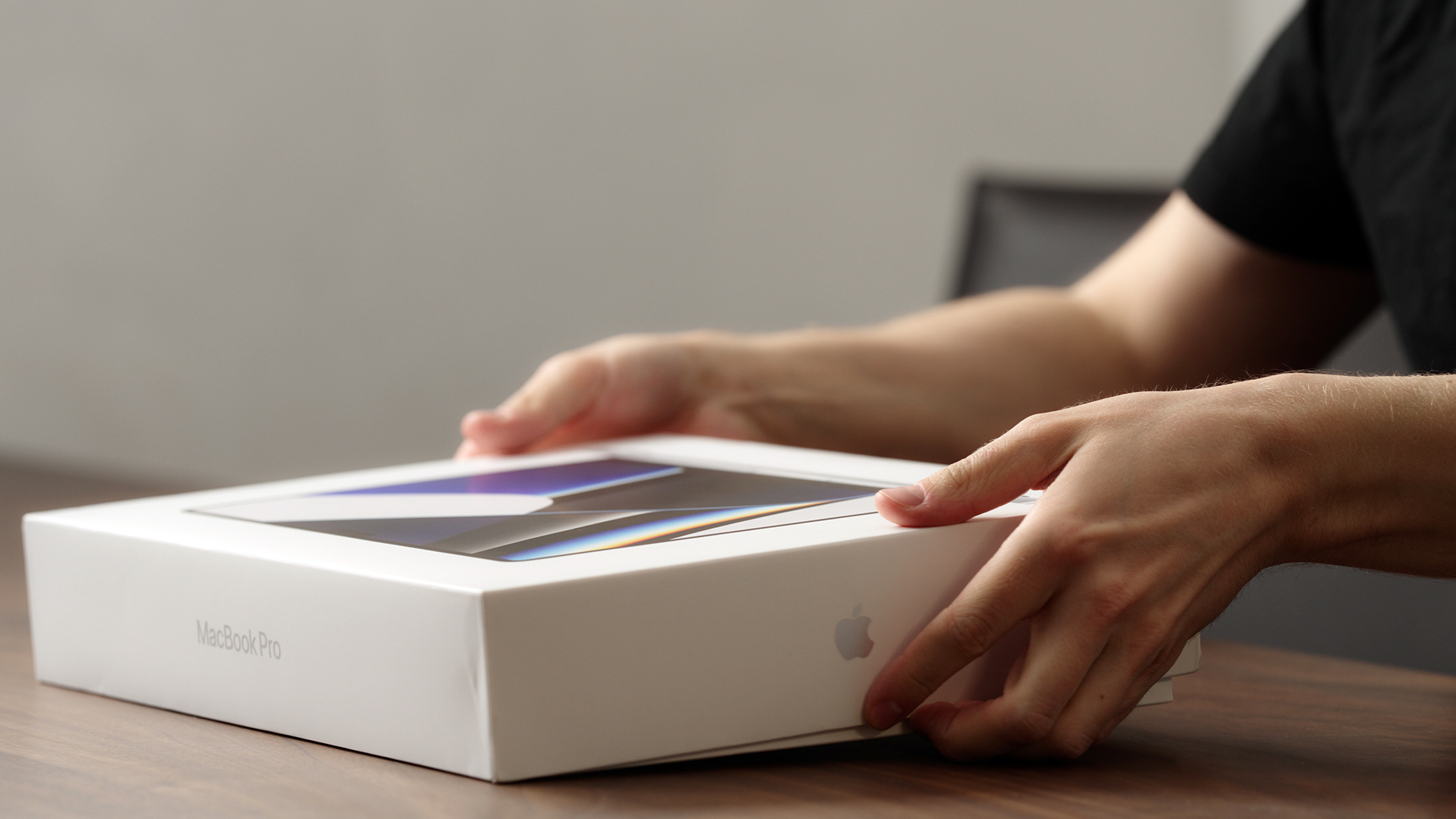
Apple products rarely see big discounts, so when Black Friday arrives, it’s a golden opportunity to grab the device you’ve had your eye on or to tick a few gifts off your Christmas list. Whether you’re looking for the best MacBook Pro deals, a lightweight MacBook Air, an iPad for the kids or even a refurbished iMac, this year’s offers are shaping up to be impressive.
Here’s your ultimate guide to finding the best Black Friday Apple Deals in 2025, how to shop smartly, and where to get the most for your money.
Why Black Friday 2025 Is a Big Deal for Apple Fans
Apple’s premium design and performance mean prices don’t drop often which is exactly why Black Friday is so exciting. Retailers across the UK slash prices on top Apple gear for a limited time, making
Published: November 20, 2025
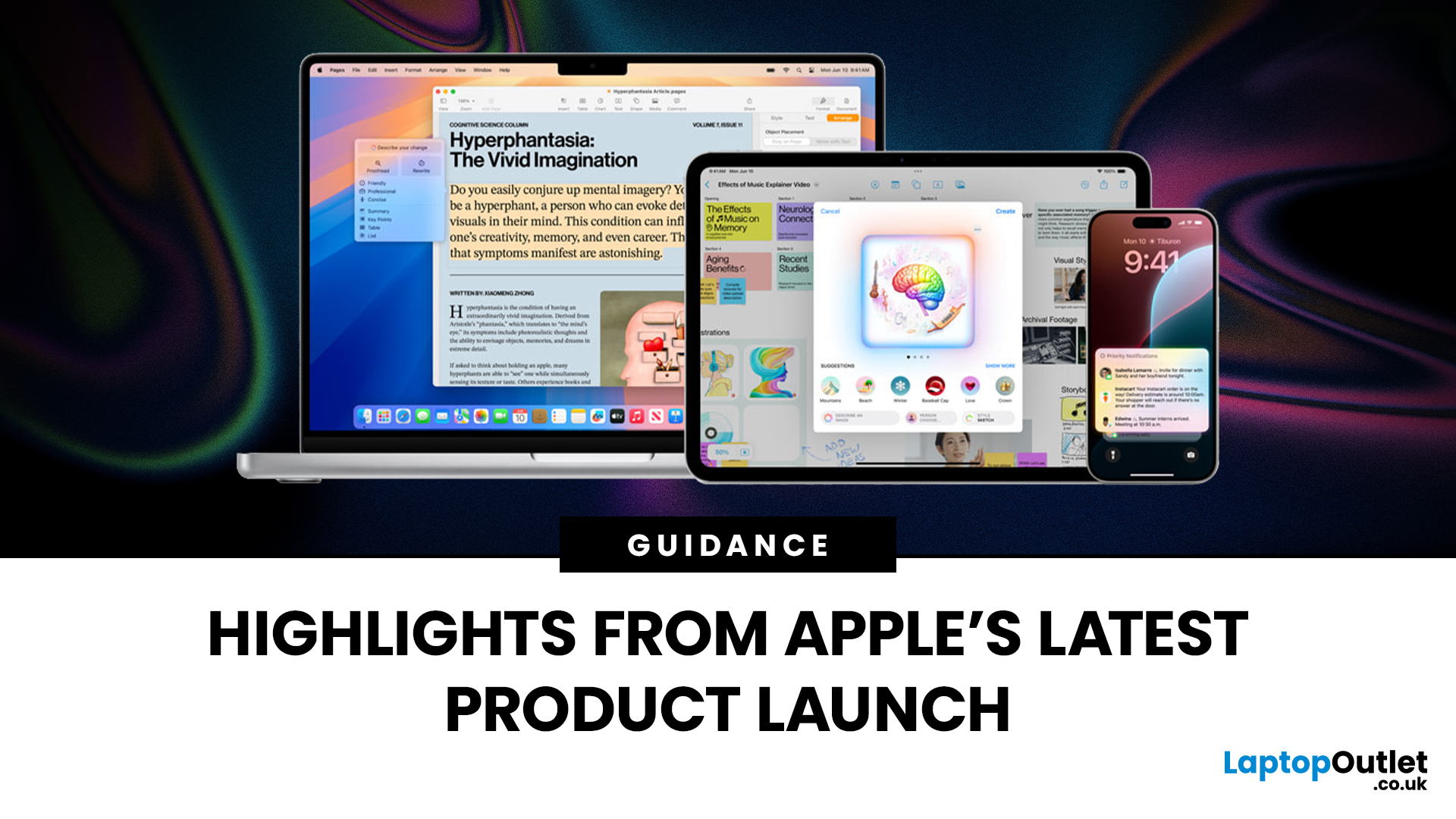
Apple has once again raised the bar with its latest hardware update, unveiling a refreshed line-up including the new Apple MacBook, the iPad Pro, and several other devices. Let’s take a closer look at what’s changed, why it matters, and whether the new Apple MacBook 2025 is worth your attention.
What’s Been Announced?
On 15 October 2025, Apple introduced a suite of devices powered by its latest chip, the Apple M5, including a new 14-inch MacBook Pro, refreshed iPad Pro, and updated mixed-reality headset.
The headline: the new MacBook (and MacBook Pro line) now features the M5 chip built on a 3-nanometre process, offering substantial gains in performance, especially for AI workloads, graphics and battery life.
Meanwhile, the iPad Pro has also seen upgrades, including the M5 chip and enhancements in connectivity, storage, and efficiency.
Why the New Apple MacBook 2025 Matters
Performance and AI
The M5 chip represents a significant step up. According to reports, it delivers AI performance

Last Updated: December 22, 2025
Choosing between Apple’s iPads can feel tricky, especially when both the iPad Air 13-inch and the iPad Pro 13-inch look premium, powerful and remarkably similar at first glance. If you’re weighing up the iPad Air 13 vs iPad Pro 13, this guide is designed to help you make a confident, informed decision based on how you actually plan to use your device.
In this in-depth comparison, we’ll break down performance, display quality, battery life, accessories, and real-world use cases, all with the latest Apple hardware in mind. Whether you’re a student, creative professional, remote worker or casual user, by the end you’ll know exactly which iPad suits you best.
Key Differences Between iPad Air 13-inch and iPad Pro 13-inch
Before diving into individual features, it’s important to understand what separates the Air and Pro lines in Apple’s ecosystem.
Design and Build Quality: Premium Feel Across the Board
Apple doesn’t compromise on build quality, and that’s clear with both models.

