


Laptop RAM
Finance available
Finance available
Free Delivery *
Finance available
Free Delivery *
Finance available
Free Delivery *
Finance available
Finance available
Free Delivery *
Finance available
Finance available
Free Delivery *
Finance available
Free Delivery *
Finance available
Free Delivery *
Finance available
Free Delivery *
Finance available
Free Delivery *
Finance available
Free Delivery *
Laptop RAM — Upgrade Your Speed, Boost Your Performance
If your laptop feels slow when multitasking, freezes under pressure, or struggles with demanding apps, upgrading your laptop RAM could be the easiest fix. A simple laptop memory upgrade can dramatically improve responsiveness, speed up applications, and help your device handle modern workloads with ease. Whether you're working, studying or gaming, the right RAM makes your laptop feel brand new again.
Why Upgrade Your Laptop RAM?
Your laptop's memory plays a crucial role in overall performance. More RAM means smoother multitasking, faster app switching, and better system stability.
- Improved multitasking — Run multiple apps and browser tabs without lag.
- Faster performance — A 16GB laptop RAM upgrade can significantly boost speed for work and creative tasks.
- Better responsiveness — Applications load quicker and system slowdowns are reduced.
- Cost-effective upgrade — Compared to replacing your laptop, upgrading RAM is an affordable way to extend its life.
If you want a noticeable performance boost without buying a new device, upgrading your laptop RAM is a smart move.
Choosing the Right Laptop RAM
Not all memory modules are the same, so it's important to select compatible laptop memory for your device.
DDR4 vs DDR5 Laptop Memory
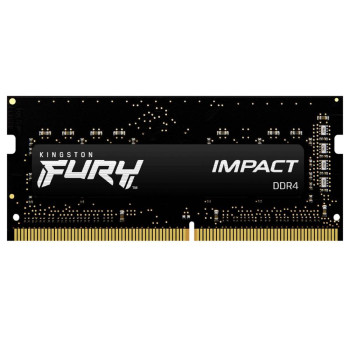
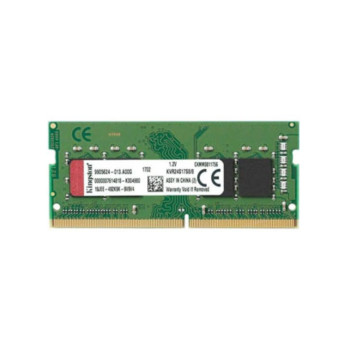
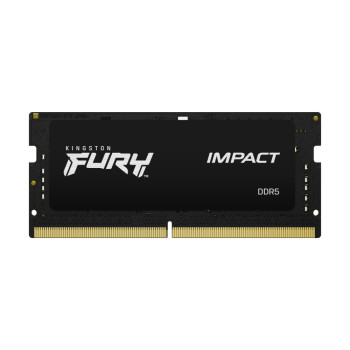
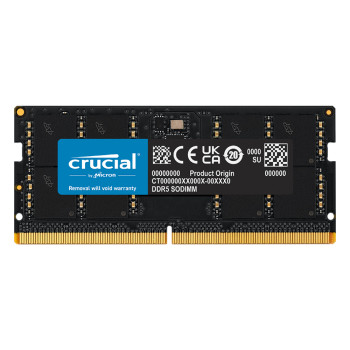
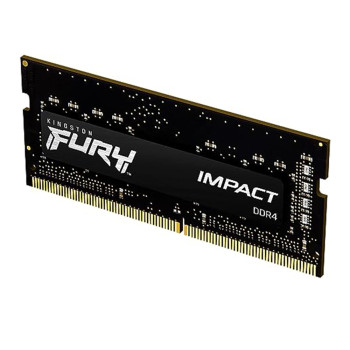
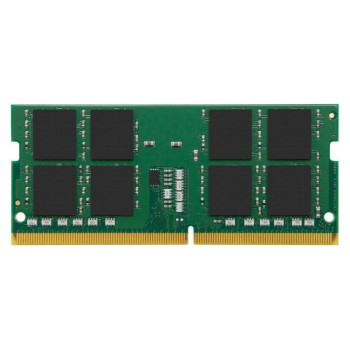
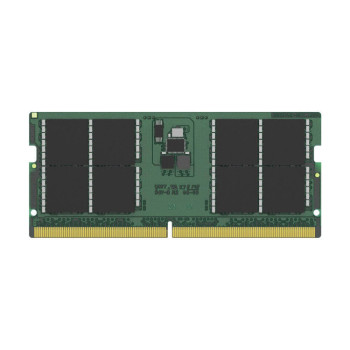
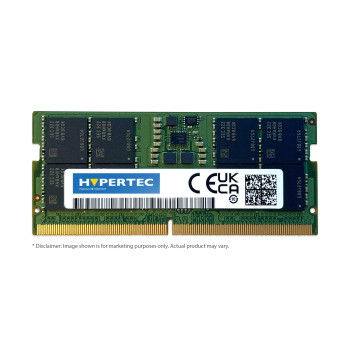
Most laptops use either DDR4 RAM or the newer SO-DIMM DDR5 modules. DDR5 offers higher speeds and improved efficiency, but your laptop must support it. Always check your laptop's specifications before purchasing.
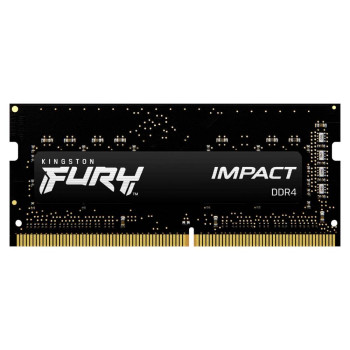
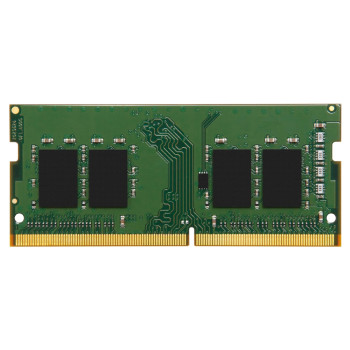
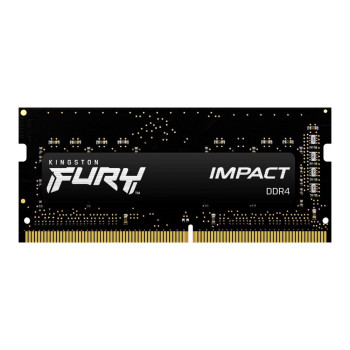
- DDR4 RAM — Widely compatible and ideal for most current laptops.
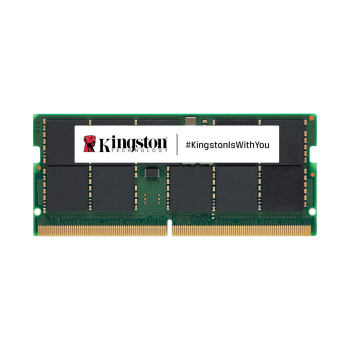
- SO-DIMM DDR5 — Faster, next-generation memory for newer systems.
Capacity: How Much Do You Need?
- 8GB — Suitable for basic everyday tasks.
- 16GB laptop RAM — Ideal for multitasking, gaming and creative software.
- 32GB+ — Best for heavy workloads like video editing or virtual machines.
If you're unsure, 16GB laptop RAM is often the best balance between performance and value.
Compatibility Matters
Always choose compatible laptop memory based on your device's supported speed, generation and maximum capacity. Installing unsupported RAM can cause boot issues or reduced performance.
Best RAM for Laptops: What to Look For
When shopping for the best RAM for laptops, consider:
- Correct memory type (DDR4 or DDR5)
- Speed rating supported by your motherboard
- Single vs dual-channel setup
- Maximum supported capacity
Upgrading to dual-channel memory (using two matching modules) can improve performance by increasing memory bandwidth, especially useful for multitasking and integrated graphics performance.
Laptop RAM vs Desktop Memory
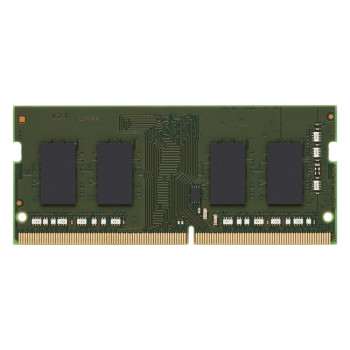
Laptop RAM differs from desktop memory in both size and design. Laptops use smaller SO-DIMM modules, while desktops use larger DIMM modules. Although both fall under the broader computer memory category, they are not interchangeable.
If you're upgrading a desktop system instead, explore our desktop memory and DDR4 RAM options for compatible upgrades.
Why Buy Laptop RAM from Laptop Outlet?
At Laptop Outlet, we make upgrading your memory simple and affordable.
- Wide range of Laptop RAM, including DDR4 and SO-DIMM DDR5 options
- Competitive UK pricing on high-quality memory upgrades
- Fast UK delivery (Standard, Priority, \& Book-a-Slot) for quick performance boosts
- Trusted retailer for computer memory and desktop memory products
- We accept all major debit and credit cards, plus PayPal, Klarna, Apple Pay and Google Pay. Flexible options include Pay in 3, Pay in 30 Days, and interest-free or long-term finance.
- Clear compatibility guidance to help you choose the right module
Whether you're performing a laptop memory upgrade for work, gaming or everyday use, Laptop Outlet helps you find the right RAM at the right price. Upgrade your laptop RAM today and enjoy faster performance, smoother multitasking and a more responsive laptop experience.
Read More:
Kingston DDR4 vs DDR5 Performance: Which RAM Should You Buy?
Read more