


Blog Categories





June 05, 2026

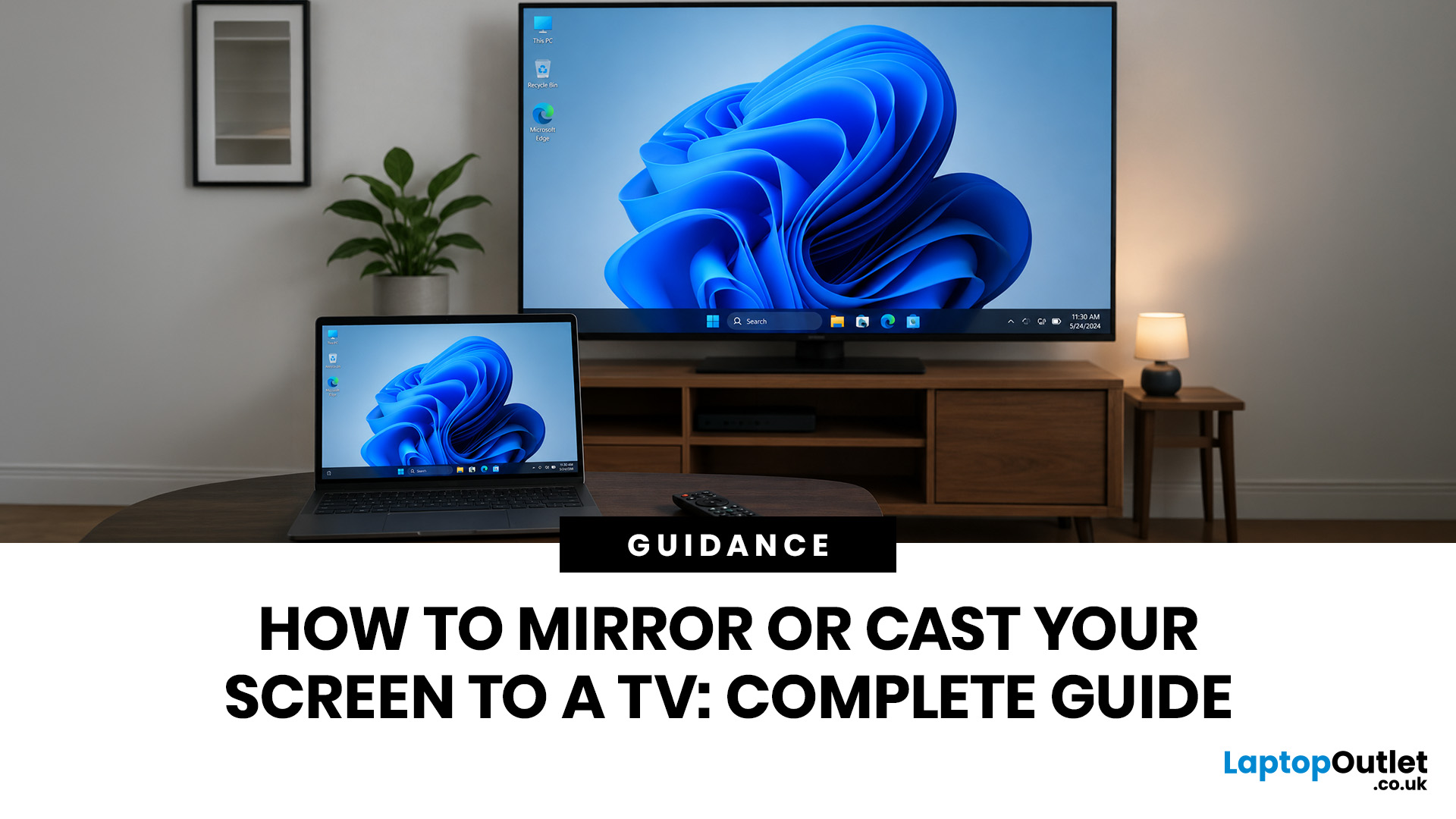
To mirror or cast your screen to a TV, ensure both your device and TV are connected to the same Wi-Fi network. Then, simply use your device's built-in Screen Mirroring or Cast feature (such as AirPlay, Smart View, or Google Cast) and select your TV from the list. For a more stable setup, connect with HDMI, USB-C to HDMI or Lightning to HDMI, depending on your device.
Screen mirroring to TV helps you show a phone, laptop or tablet on a bigger display without handing your device around the room. It is useful for films, photos, work calls, lessons, browsing, gaming and quick family sharing. This guide explains wireless and wired methods for iPhone, iPad, Android, Windows, MacBook and older TVs.
The Best Method by Device: A Quick Glance
The right method depends on your device, TV software and whether you want to show one app or your entire screen. Use this table first.
| Device or setup | Best wireless method | Best wired method | Good for |
|---|---|---|---|
| iPhone or iPad | AirPlay to TV | Lightning or USB-C to HDMI | Photos, |
June 05, 2026
Apple’s highly anticipated smart glasses are rumoured to be currently in development as a lightweight AI accessory to complement the iPhone. Positioned to compete with Meta’s Ray-Ban smart glasses, they are expected to feature built-in cameras, speakers, microphones, and an upgraded Siri, but current reports suggest they may not arrive until 2027, with a possible delay into 2028.
| Important note: Apple has not announced or confirmed Apple smart glasses. Everything below is based on reports, leaks, analyst expectations and industry rumours. Details may change before launch, and some features may never appear in a final product. |
What Are Apple Smart Glasses?
Apple smart glasses are a rumoured wearable product that Apple is reportedly developing as its next major category after Apple Watch and AirPods. Unlike the Apple Vision Pro, which is a full spatial computing headset, these glasses are expected to look like a normal pair of everyday spectacles with hidden smart technology built inside
June 05, 2026
Quick answer:
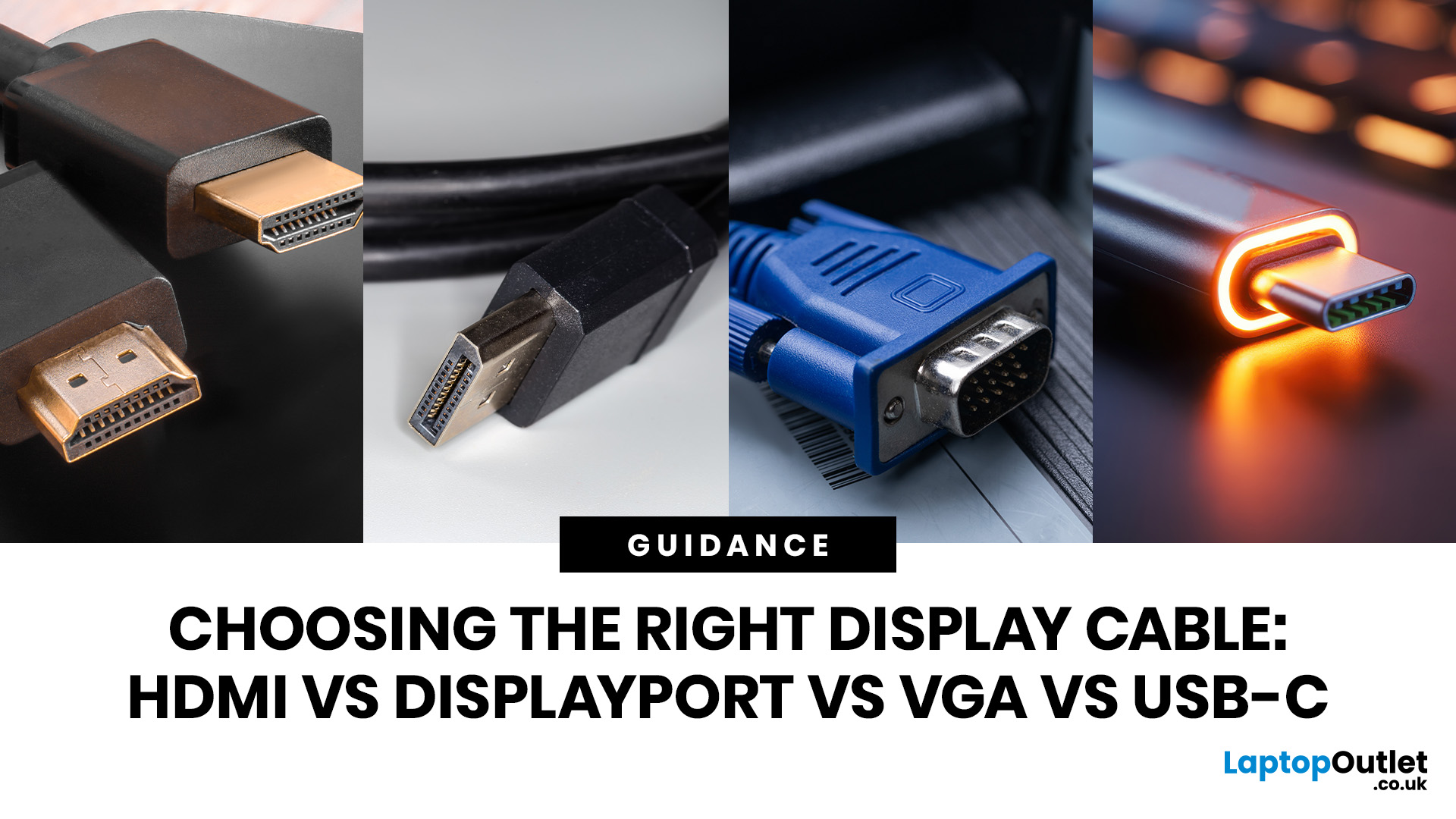
Choosing the right video cable depends on your devices and intended use.
- Use HDMI for TVs, games consoles, soundbars, streaming sticks and home cinema setups.
- Use DisplayPort for gaming PCs, high-refresh monitors and multi-monitor desktop setups.
- Use USB-C with DisplayPort Alt Mode, USB4 or Thunderbolt for modern laptops and docking stations.
- Use VGA only when older hardware or a legacy projector gives you no digital option.
In this guide, we will walk through a clear HDMI vs DisplayPort vs USB-C vs VGA comparison, so you know which one is right for your specific setup, whether that is a gaming rig, a home office, a laptop workstation, or a living room TV.
What Is HDMI? Versions, Features and Best Uses
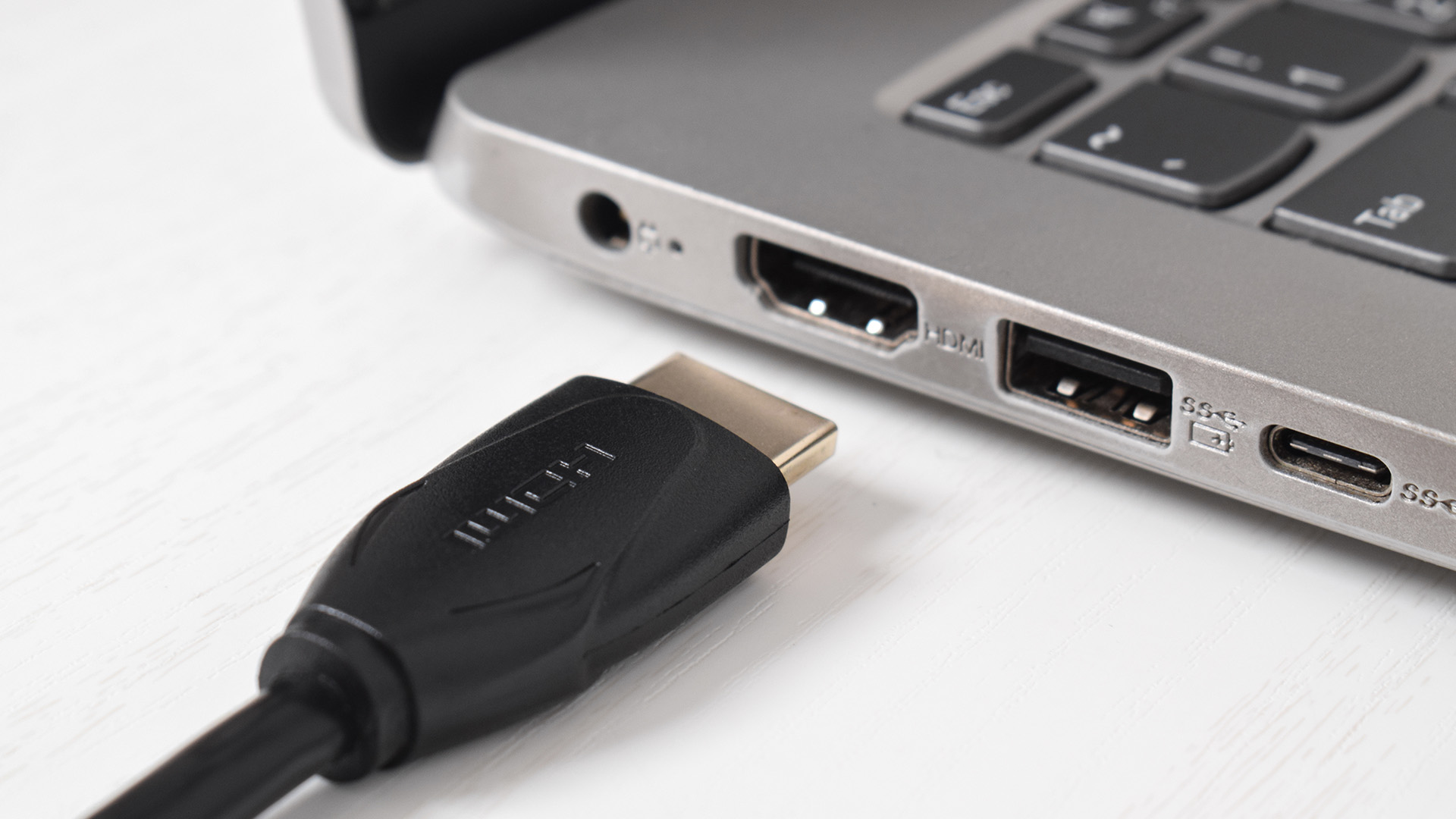
HDMI (High-Definition Multimedia Interface) is the most widely used display connection in the world. You will find it on smart TVs, projectors, games consoles, streaming sticks, soundbars, Blu-ray players, and the majority of laptop docking stations and AV accessories sold
June 05, 2026
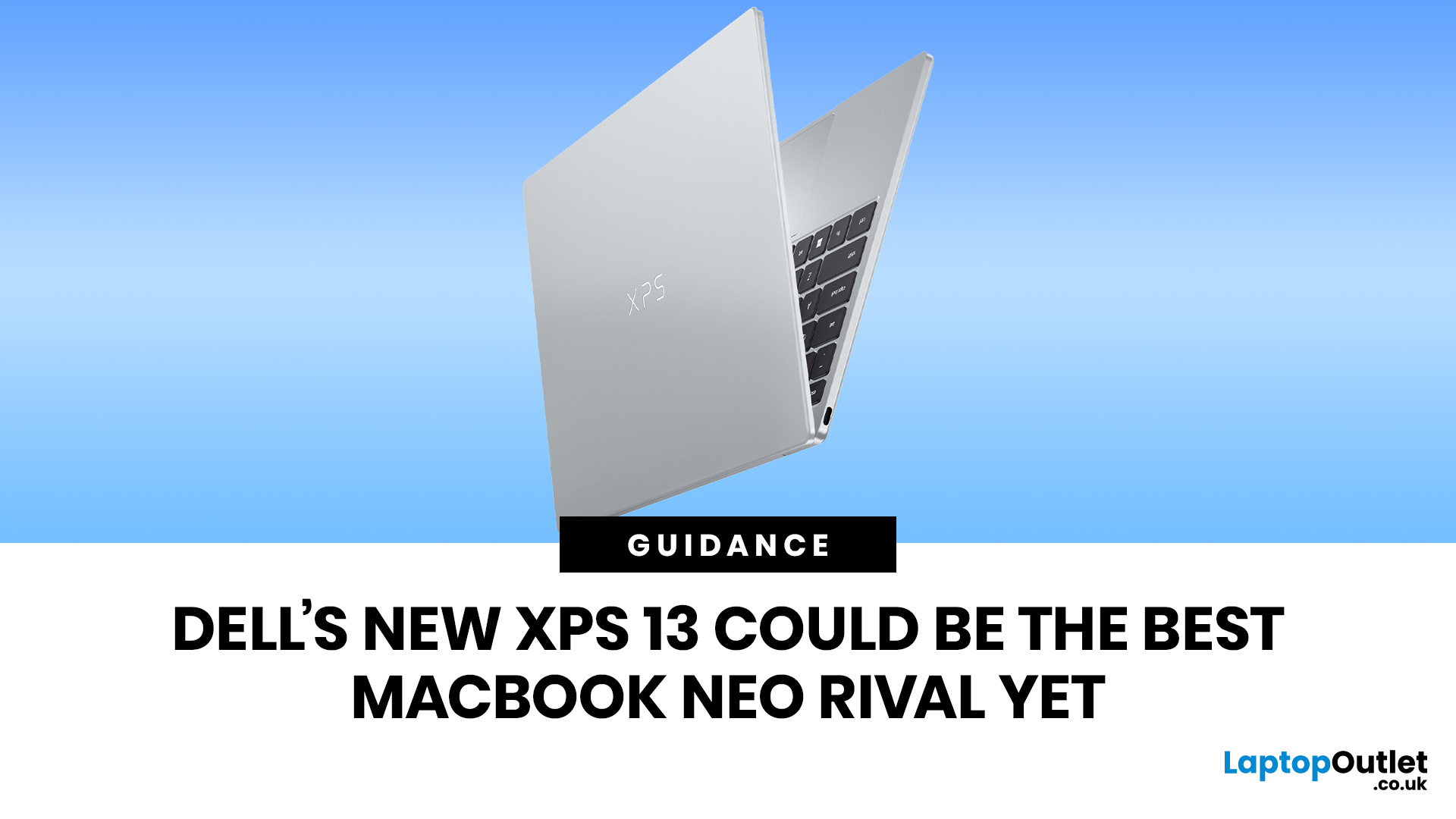
The Dell XPS 13 (2026) could become one of the best MacBook Neo alternatives so far. Starting at ~£599–£699, it undercuts the MacBook Neo's feature set with a touchscreen, backlit keyboard, and higher RAM ceiling. The MacBook Neo starts at £599 in the UK with Apple's A18 Pro chip, strong battery life, and seamless macOS.
If you live in the Windows world and want more flexibility, the XPS 13 is the stronger all-rounder. If you want a polished, simple laptop that just works within the Apple ecosystem, the Neo holds its ground. If you want a detailed comparison between Dell XPS 13 vs MacBook Neo, this guide is for you.
Why This Dell XPS 13 vs MacBook Neo Comparison Matters
The sub-£700 laptop market got interesting in 2026. Apple launched the MacBook Neo in March as its most affordable Mac ever, bringing a proper aluminium laptop to the price point normally dominated by Chromebooks and budget Windows machines. Three months later, Dell fired back with a redesigned XPS 13 that targets the Neo
June 05, 2026
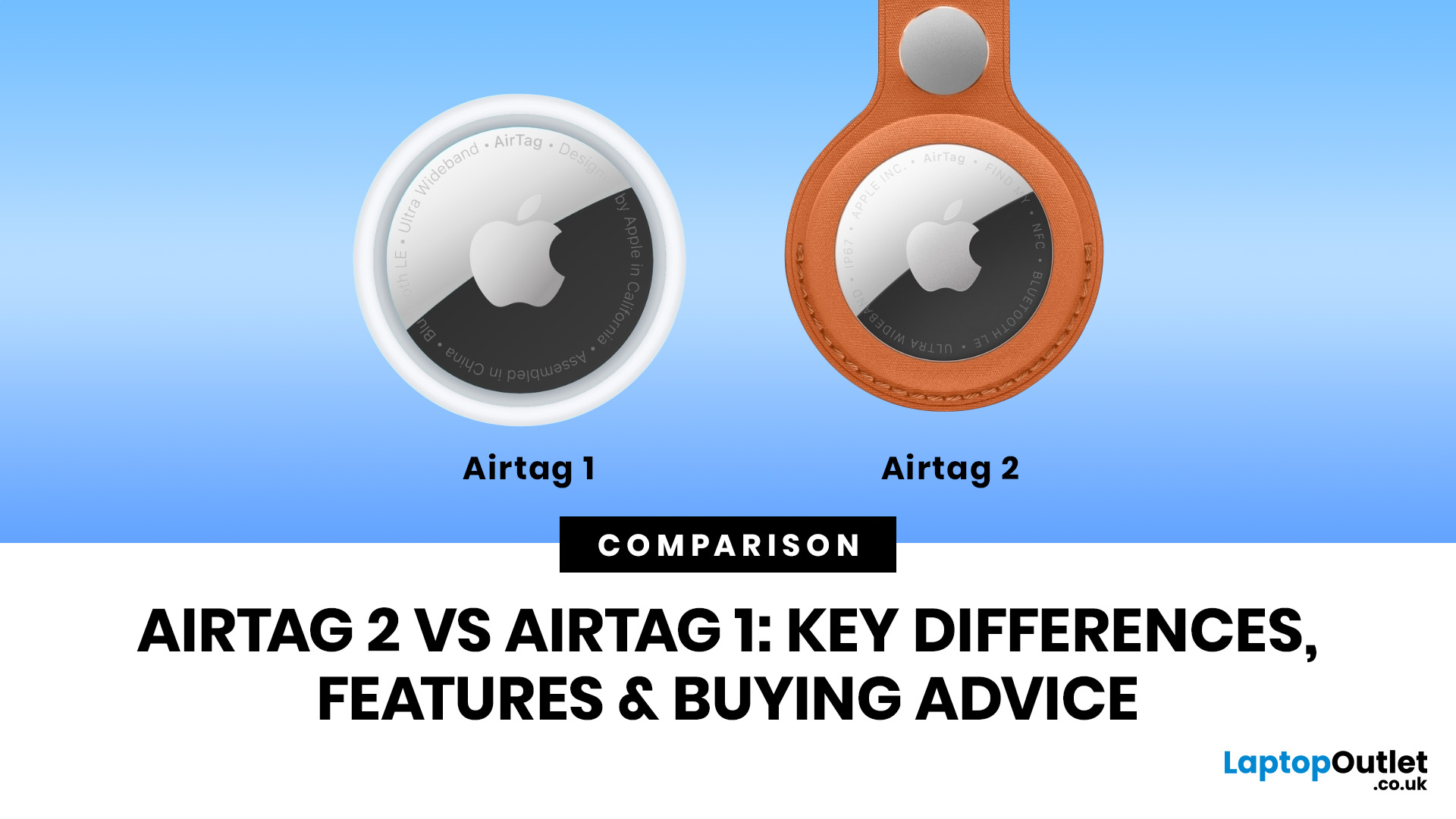
AirTag 2 is the better buy for most Apple users in 2026, especially if you want improved range, a louder speaker, better Precision Finding and stronger support for newer iPhone and Apple Watch models. AirTag 1 is still worth considering if you only need basic tracking for keys, bags or luggage and can find it at a much lower price.
Lost keys? Missing wallet? Suitcase doing its own world tour? We have all been there. Apple AirTag has been one of the easiest ways for iPhone users to keep tabs on everyday essentials, and now the newer AirTag 2 has arrived with better range, a louder speaker, and improved finding features.
So, when it comes to AirTag 2 vs AirTag 1, which one should you actually buy? Is AirTag 2 worth it, or is the original AirTag 1 still a smart budget-friendly move? Let’s break down the real AirTag 1 vs AirTag 2 differences without the tech jargon overload.
AirTag 2 vs AirTag 1: Quick Comparison
| FEATURE | AIRTAG 1 | AIRTAG 2 |
|---|---|---|
| Generation | First-generation Apple tracker | Second-generation |
June 04, 2026
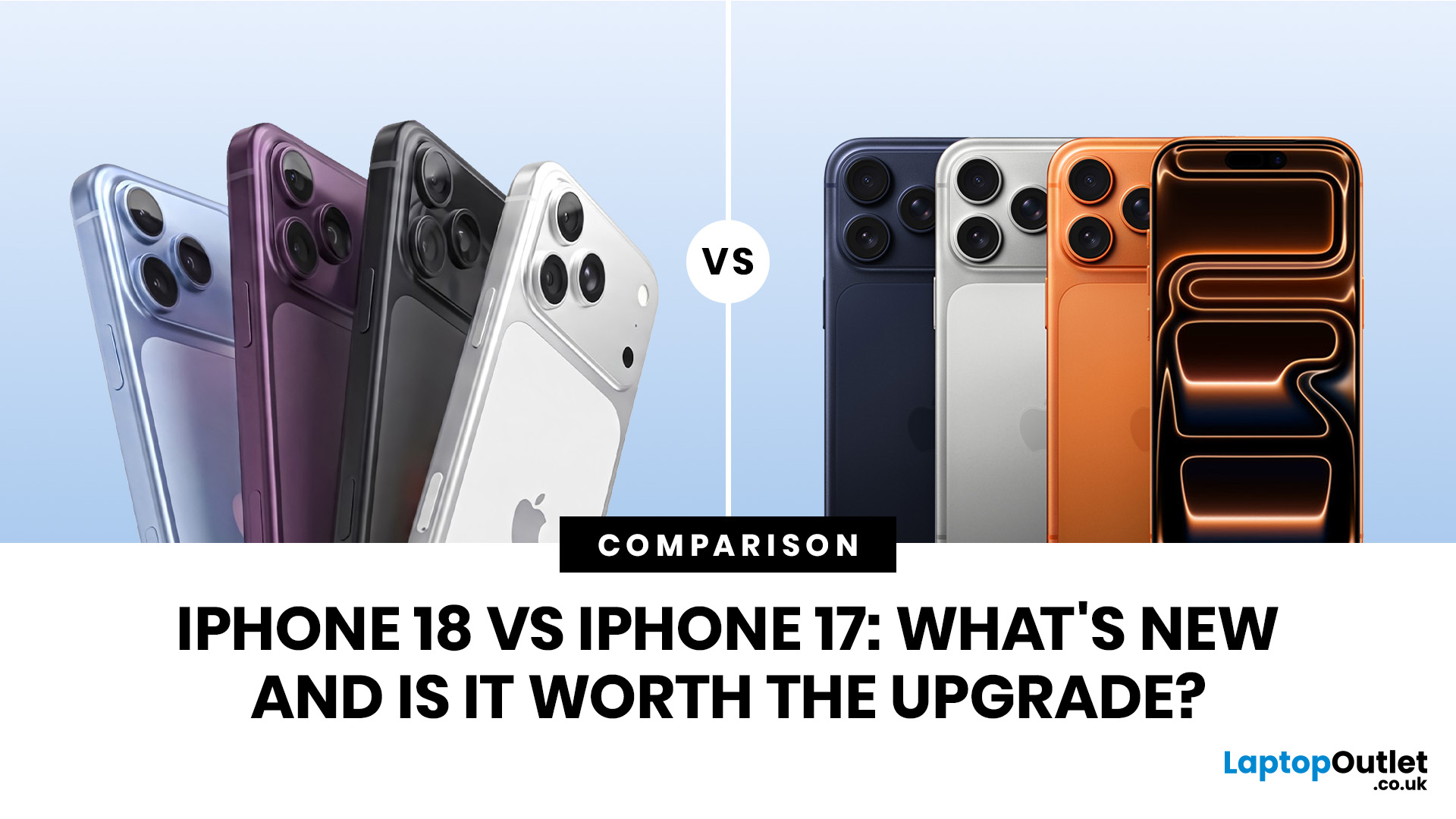
Every year, Apple gives us a new iPhone to yap about. The iPhone legacy is continued with iPhone 18, and the hot topic is iPhone 18 vs iPhone 17. What's iPhone 18 offering new which 17 is missing to make it a worth upgrading.
| The iPhone 18 is expected to improve on the iPhone 17 with a faster A20 chip, better AI features, camera upgrades, and improved battery efficiency. However, the iPhone 17 is still a powerful phone with a smooth display, strong cameras, and Apple Intelligence support, so upgrading may only be worth it for users who want the latest performance and camera technology. |
The iPhone 17 is already a powerful phone with the A19 chip, better cameras, Apple Intelligence, and solid battery life. The iPhone 18 is expected to bring upgrades like the A20 chip, improved AI, better cameras, and longer battery life.
Let’s take a simple look at whether upgrading from iPhone 17 to iPhone 18 is worth it.
A Quick Comparison of iPhone 18 vs iPhone 17
| FEATURE | iPHONE 17 | iPHONE 18 EXPECTED |
|---|---|---|
| Chip |
June 04, 2026
Quick Answer:
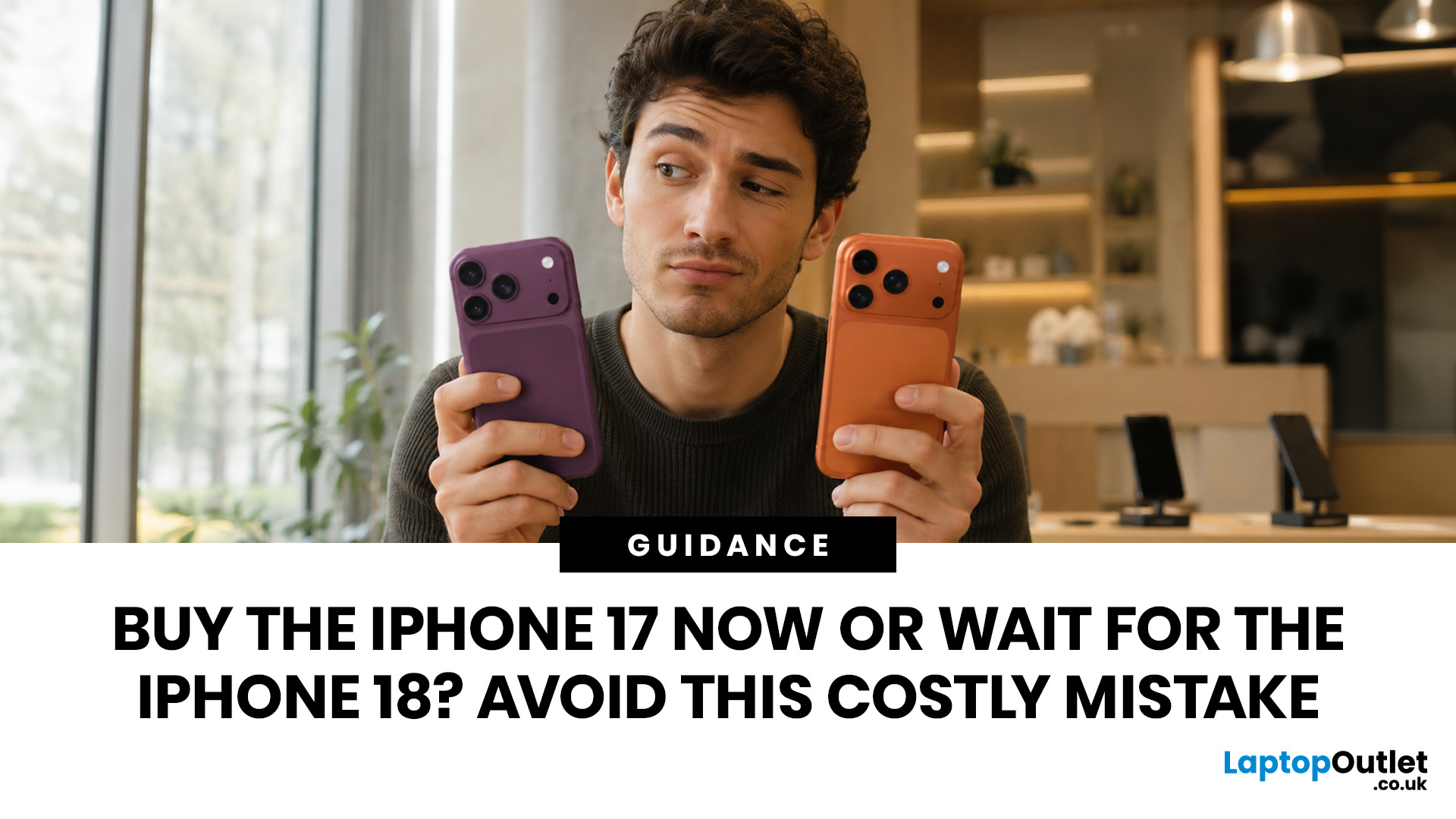
- Go for the iPhone 17 series if your current phone is ageing, broken or battery-drained, or you want a reliable UK upgrade now with Apple Intelligence, strong cameras and long software support.
- Wait for the iPhone 18 series if your iPhone 15 or 16 still works well, you want the next Pro camera upgrades, or you are considering Apple’s rumoured first foldable iPhone.
This guide will help you decide whether to buy iPhone 17 or wait for iPhone 18 by breaking down the best choice for each type of buyer.
Where Things Stand in Mid-2026
Before diving into which model to pick, it helps to understand the exact position Apple's iPhone lineup is in right now. The timeline has shifted considerably, and that change directly affects which option makes sense for your wallet.
The iPhone 17 series launched in September 2025. As of June 2026, all four models — the iPhone 17, iPhone Air, iPhone 17 Pro, and iPhone 17 Pro Max — are available to buy right now. The budget-friendly iPhone 17e
June 04, 2026
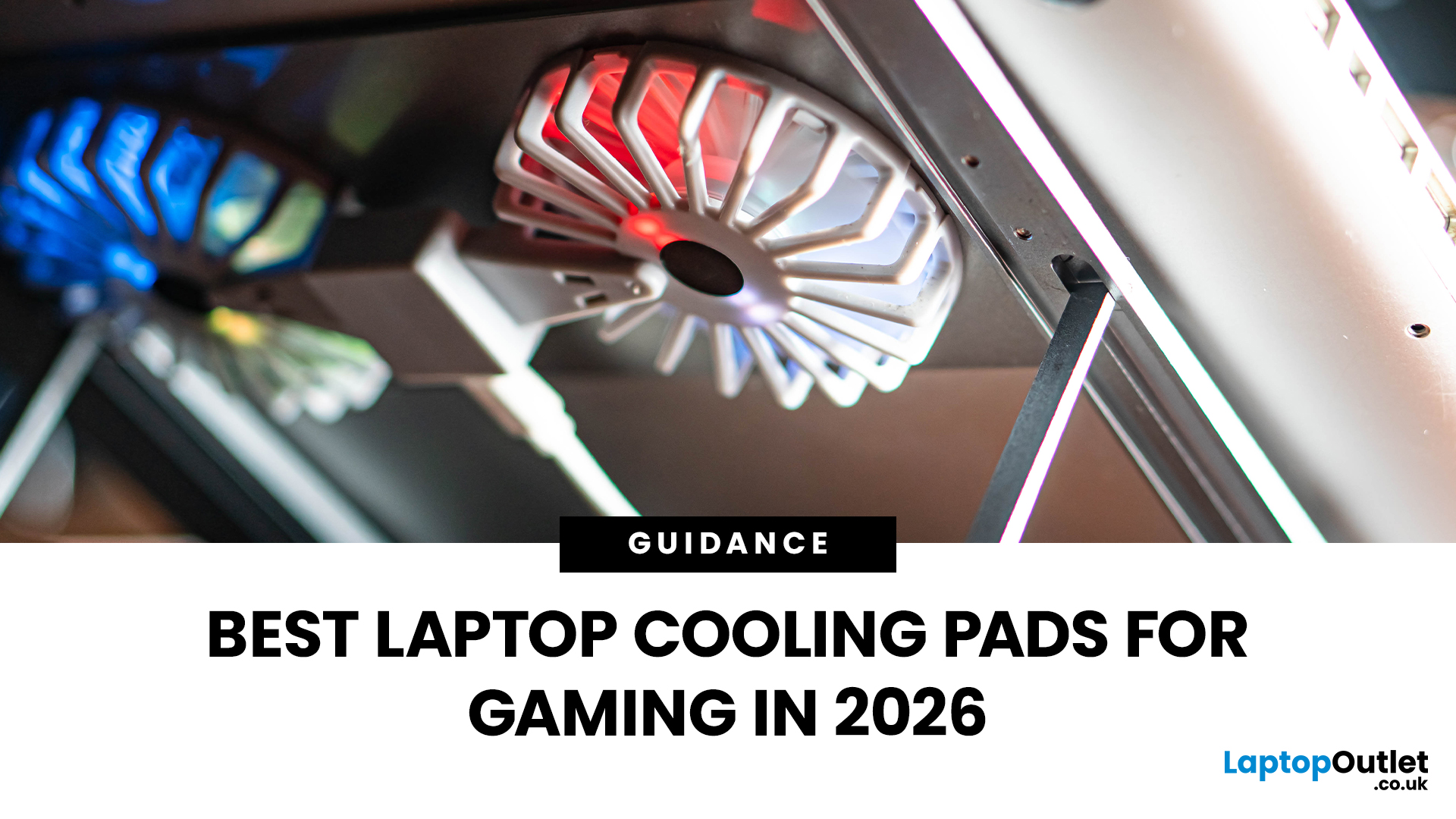
Gaming laptops are built to push frames, load heavy worlds, and keep up with long sessions. But when temperatures climb, performance can take a hit. That is where the right cooling setup matters.
A gaming laptop cooling pad can help improve airflow around your laptop, raise it into a better position, and reduce heat build-up during long gaming sessions. For more advanced setups, PC builders may also look at liquid coolers, CPU coolers, and performance cooling fans to keep gaming rigs running cooler and more consistently.
In this guide, we break down the Best laptop cooling pads UK shoppers should look for in 2026, what features actually matter, and the top cooling picks to upgrade your gaming space.
Why Laptop Cooling Matters for Gaming
Gaming pushes your laptop harder than everyday browsing or streaming. The CPU and GPU work together to deliver smooth frame rates, detailed graphics, and fast response times. More power means more heat.
When your laptop gets too hot, it may reduce performance
June 04, 2026
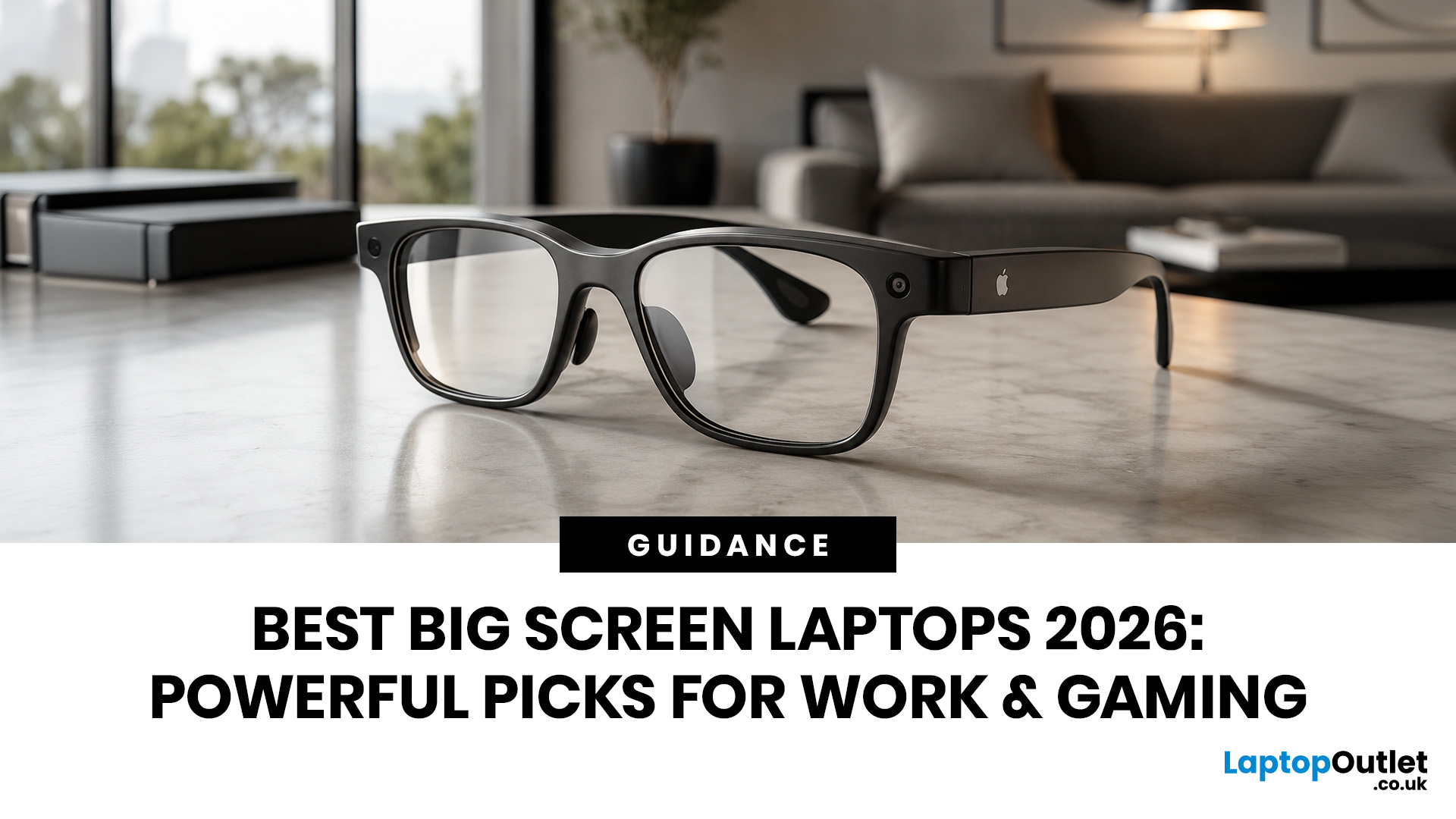
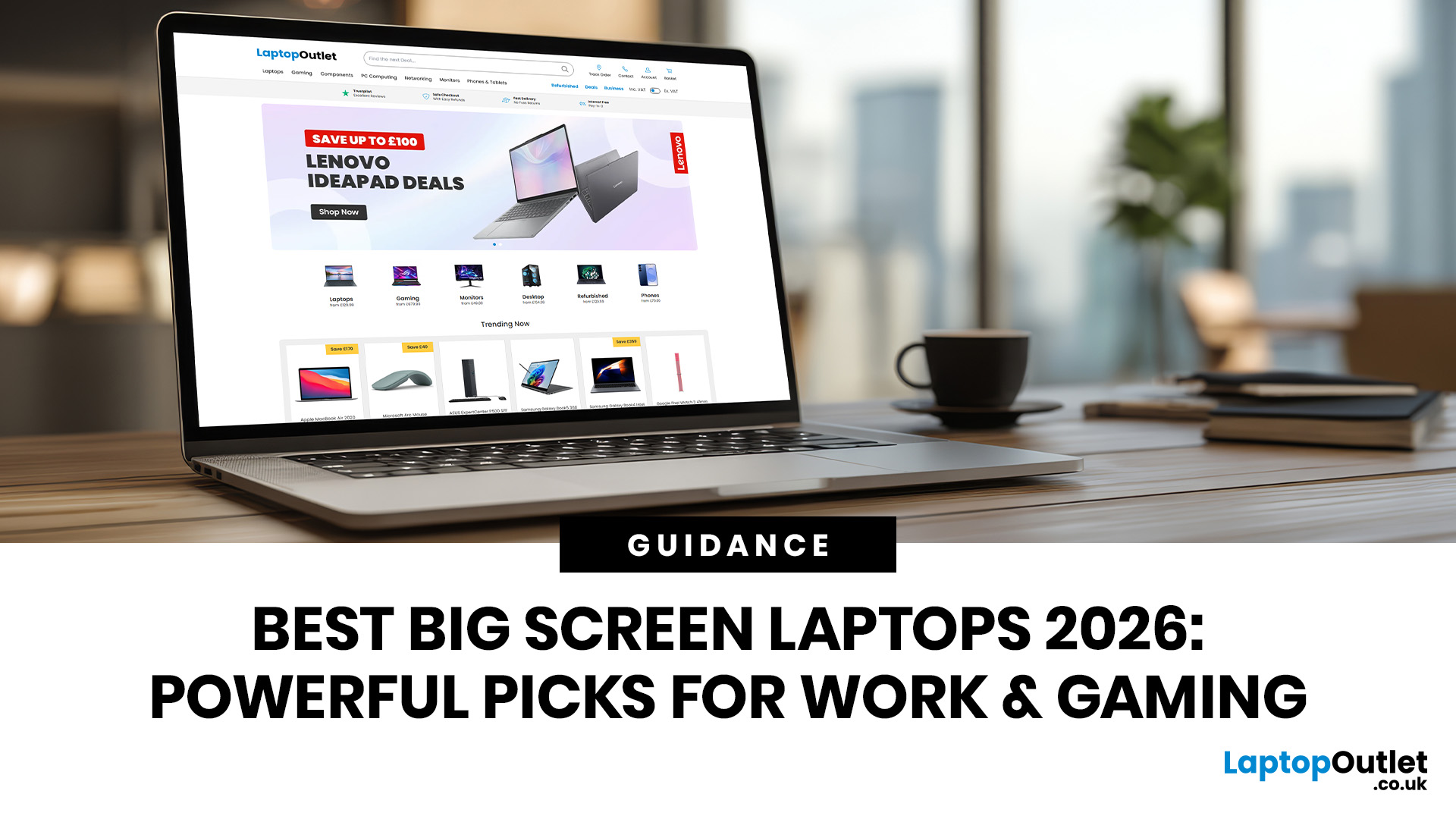
Big-screen laptops are becoming essential for UK buyers who want more workspace, stronger performance and immersive entertainment in one device. This 2026 guide compares 16-inch, 17-inch and larger laptops for work, gaming, study and creativity, helping you choose the right model for productivity, portability, battery life and long-term value today.
A larger display gives you more room for spreadsheets, timelines, browser tabs, creative apps, coding windows, and immersive games. Whether you are comparing laptops and notebooks, upgrading your work-from-home setup or searching for a capable gaming machine, large screen laptops now offer a much better balance of performance, display quality and portability than older bulky models.
Why Big Screen Laptops are More Popular Than Ever in 2026
Big-screen laptops are having a strong moment because people expect more from one device. A laptop is no longer used only for emails and web browsing. It may now need to handle video calls, AI meeting notes,

June 03, 2026
The Dell XPS 13 has long been one of the most recognisable premium UltraBook for people who want strong performance without carrying a bulky machine. This Dell XPS 13 buying guide breaks down the latest specs, price expectations, design updates, battery life, performance, and practical buying advice for UK students, professionals, remote workers and business users. Whether you need a lightweight Windows laptop for lectures, client meetings, content work, or everyday multitasking, maybe the XPS 13 remains one of the most polished compact laptops in its class.
Why the Dell XPS 13 is Gaining Attention?
The latest XPS 13 continues that idea but makes the range more accessible. Dell’s newest messaging focuses on a thinner, lighter design, a more attainable entry price and a practical feature set for students and everyday users. That matters because premium laptops are no longer only for designers, executives, or high-budget professionals. Many UK buyers now want a device that can handle Microsoft
June 02, 2026
When looking to buy a smartwatch, the most important factors to consider are smartphone compatibility (iOS or Android), operating system, health and fitness sensors, battery life, display type, case size, and your budget. Apple Watch works exclusively with iPhone, while Wear OS devices suit Android users. Garmin, Huawei, and Withings work with both. Budget models start from around £80; premium options can exceed £800.
This smartwatch buying guide covers every spec, feature, and factor worth checking before you spend your money. Whether you are buying your first wearable or upgrading from an older model, there is a fair bit to get your head around in 2026.
What Is a Smartwatch and Who Should Buy One?
Smartwatches have become one of the most useful everyday tech accessories, especially for people who want notifications, fitness data, calls and payments without constantly reaching for their phone.
Smartwatch, fitness tracker or hybrid watch?
A smartwatch is a wrist-worn device that connects
June 02, 2026
Looking beyond the MacBook Pro in 2026? This guide explores the best high-performance laptop alternatives for creators, developers, designers, and power users who want premium speed, displays, battery life, and value without being locked into Apple’s ecosystem.
If you're searching for the best MacBook Pro alternatives 2026 has to offer, you're not alone. Apple's flagship laptop remains one of the most impressive machines on the market, but it comes at a significant cost, and it isn't the right fit for everyone. Whether you're moving from macOS to Windows, exploring a different ecosystem, or simply want to know your options before spending over £1,500, this guide is for you.
Why Look for MacBook Pro Alternatives in 2026?
Apple's engineering is exceptional, but there are compelling reasons why even dedicated Mac users are reconsidering their options.
Price
The MacBook Pro starts at well over £1,500 in the UK. For many buyers, particularly students, freelancers, and small business owners,