


Apple iPad Trends in 2026: What’s Changing and Why It Actually Matters
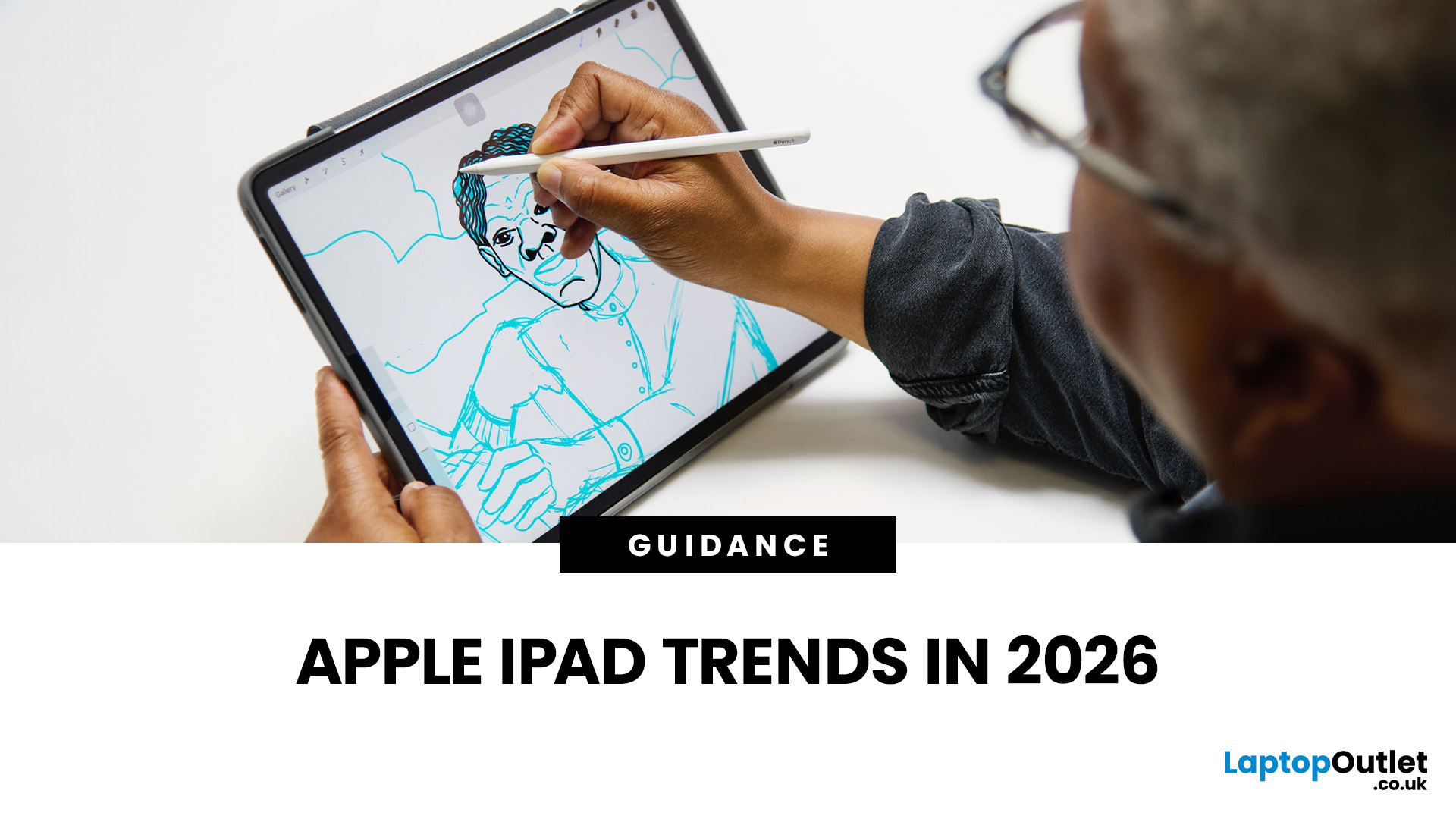
The iPad in 2026 isn’t just a tablet anymore. It’s a content machine, a work-from-anywhere setup, a creative studio, and low-key a laptop replacement for a lot of people in the UK. Apple has quietly (and sometimes not-so-quietly) levelled up the entire iPad lineup, and the Apple iPad trends in 2026 prove one thing: this ecosystem is built for performance, flexibility, and vibes.
This first section breaks down what’s actually new, what’s trending across the latest iPad models, and how Apple is pushing its tablet PCs further into laptop territory, without killing what makes the iPad iconic.
Apple iPad Trends in 2026: The Big Picture
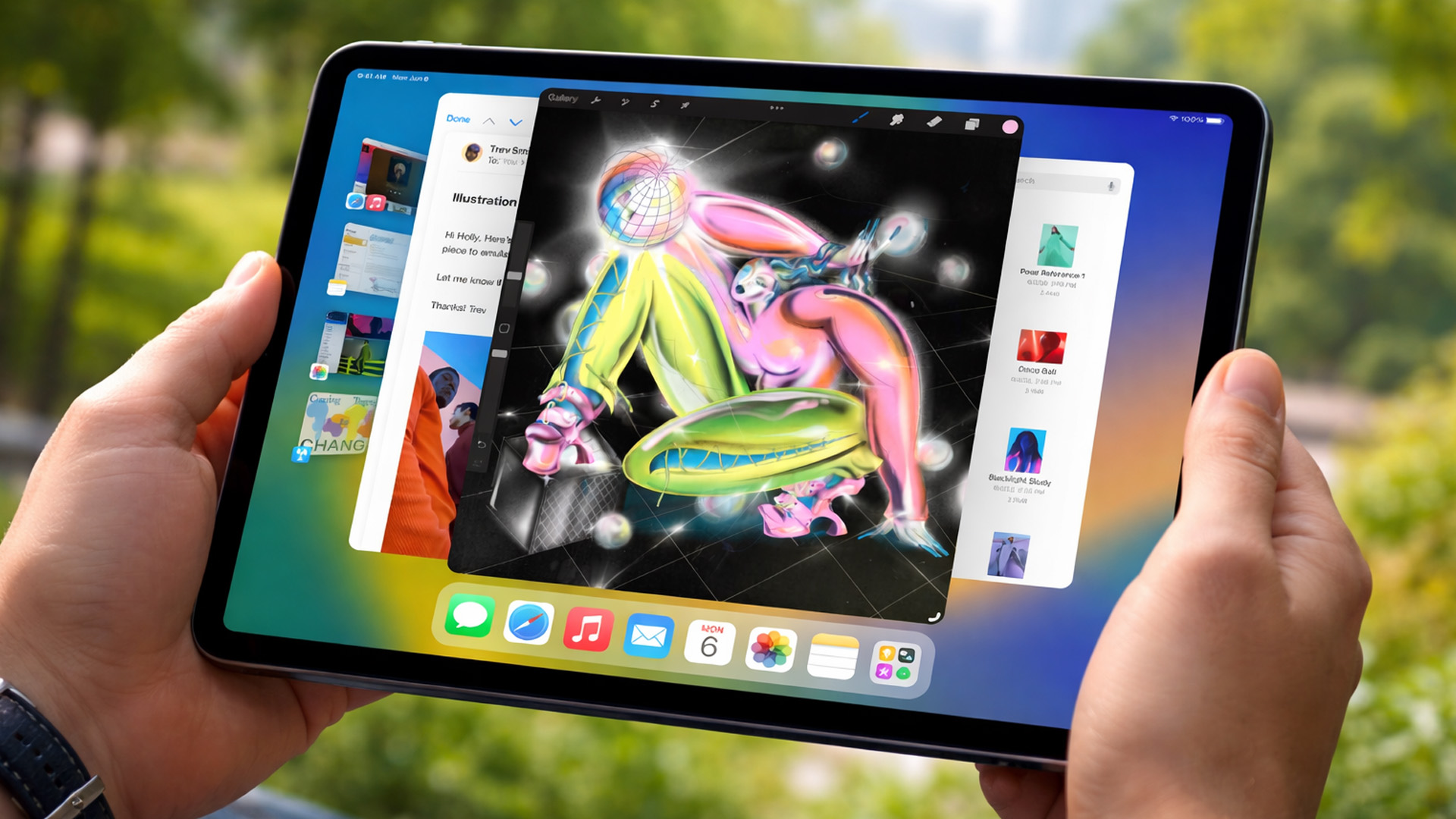
The biggest shift in Apple iPad trends this year isn’t just about faster chips or shinier displays - it’s about positioning. Apple is clearly doubling down on the iPad as a serious productivity and creativity device while still keeping it accessible for everyday users.
In the UK Apple iPad market, buyers are no longer asking “Do I need an iPad?” they’re asking “Which iPad actually fits my lifestyle?” That’s why the 2026 lineup feels more intentional than ever.
Key themes dominating 2026:
- Desktop-level performance on tablets
- Smarter multitasking with iPadOS upgrades
- Accessories that feel essential, not optional
- Clearer separation between casual, pro, and creative users
Whether you’re browsing Apple iPad tablets for streaming, studying, or serious work, the differences between models now genuinely matter.
As tablets become more work-focused, comparisons with Windows tablets: best models, features & performance are becoming increasingly common among UK buyers.
2026 iPad Features: Power That Feels Laptop-Level
Performance is where Apple really understood the assignment in 2026.
Thanks to next-gen Apple Silicon, iPad performance upgrades have reached a point where the gap between iPads and MacBooks is smaller than ever. The latest chips deliver:
- Improved thermal efficiency (aka no random slowdowns)
- Console-level graphics for gaming and creative apps
- Better power efficiency for all-day battery life
This means tasks that used to feel “desktop-only” - like video editing, 3D design, or managing multiple heavy apps - now run smoothly on latest iPad models.
For UK buyers comparing Apple tablet PCs, this performance jump makes iPads a genuine alternative to entry-level laptops, especially when paired with a keyboard and trackpad.
iPadOS Trends in 2026: Software Finally Caught Up
For years, the hardware was ahead of the software. In 2026, that gap is basically gone.
The latest iPadOS trends focus heavily on multitasking, workflow control, and making the iPad feel less restrictive for power users.
What’s changed:
Smarter Multitasking
- Enhanced window management that feels closer to macOS
- Easier app switching for productivity workflows
- Better external display support
Pro App Optimisation
- Creative apps now fully utilise Apple Silicon
- Desktop-class tools adapted for touch + Pencil
- Improved file management for real-world work
AI-Powered Features
- Smarter handwriting recognition with Apple Pencil
- AI-assisted photo and video editing
- Context-aware suggestions across apps
These updates make a massive difference if you’re using your iPad for work or study - especially for students, creators, and remote workers in the UK.
These multitasking upgrades also influence users choosing between iPads and devices covered in Microsoft Surface tablets: best models, features & performance, where software flexibility is key.
Design & Display: Less Flash, More Function
Apple didn’t reinvent the iPad design in 2026, and honestly, that’s a good thing.
Instead, the focus is on refinement:
- Thinner bezels for more screen, less bulk
- Lighter builds across the lineup
- Improved durability for everyday use
Display tech is where things quietly pop off.
Display Upgrades You’ll Actually Notice
- Higher refresh rates on more models
- Improved brightness for outdoor use
- Better colour accuracy for creatives
- Reduced glare for long work sessions
Whether you’re watching content, editing photos, or just doom-scrolling, these upgrades make Apple iPad tablets feel smoother and more premium, even outside the Pro range.
iPad Accessories Trends: Not Optional Anymore

In 2026, accessories aren’t an afterthought; they’re part of the iPad experience.
The rise of iPad accessories trends shows how Apple expects users to customise their setup.
Apple Pencil Evolution
- More precise input
- Better pressure sensitivity
- Lower latency for real-time creativity
Perfect for students, designers, and anyone taking notes digitally.
Keyboard & Trackpad Setups
- Lighter, more durable keyboard cases
- Improved trackpad gestures
- Laptop-style typing experience
With the right accessories, best Apple iPads can comfortably replace a traditional laptop for most day-to-day tasks.
This shift is especially noticeable in the UK, where flexible work setups and hybrid learning are now the norm.
Connectivity & Ecosystem: Apple Playing the Long Game
Apple’s ecosystem advantage is louder than ever in 2026.
New connectivity improvements mean:
- Faster wireless performance
- Seamless switching between Apple devices
- Better cloud-based workflows
Your iPad now works effortlessly with:
- iPhones for calls, messages, and file sharing
- Macs for extended displays and workflows
- AirPods for spatial audio and calls
For users already invested in Apple, this makes choosing latest iPad models feel like the obvious move.
Why These Apple iPad Trends Matter in the UK
The UK Apple iPad market is evolving fast.
Buyers are more informed, more price-aware, and more focused on long-term value. Instead of upgrading every year, people want devices that last and Apple’s 2026 iPad strategy clearly reflects that.
These trends matter because they:
- Help buyers choose the right iPad, not just the newest
- Make iPads viable for work, study, and creativity
- Justify exploring Apple iPad deals rather than defaulting to laptops
And with more choice across price points, there’s an iPad that actually makes sense for every type of user.
Always-connected models also overlap with insights from 4G tablets explained: key differences from Wi-Fi tablets in the UK, especially for mobile professionals.
What These Apple iPad Trends Mean for UK Buyers in 2026
Now that we’ve broken down what’s new, let’s talk about the part that actually matters: what iPad should you buy in 2026, and why?
With Apple expanding its lineup and refining features across the board, the UK iPad market is less about hype and more about fit. This section focuses on buying intent, value, and how to choose from the latest iPad models without overpaying.
Choosing the Right iPad in 2026 (Without Overthinking It)
Apple’s biggest win in 2026 is clarity. Each iPad now has a clear role, which makes choosing easier, as long as you know what you need.
For Everyday Use & Streaming
If your iPad life looks like:
- Netflix, YouTube, and social media
- Browsing and emails
- Light productivity and note-taking
Then entry-level Apple iPad tablets deliver more than enough power. Thanks to recent iPad performance upgrades, even non-Pro models feel fast and smooth for daily use.
These models are ideal if you’re looking for value-focused Apple tablet PCs without unnecessary extras.
For Students & Hybrid Learning
Students in the UK are some of the biggest iPad users, and for good reason.
The sweet spot here is mid-range iPads that support:
- Apple Pencil for handwritten notes
- Keyboard accessories for essays and research
- Multitasking with iPadOS
With improved battery life and smarter iPadOS trends, iPads now handle full study days without stress. Pair one with student-friendly Apple iPad deals, and it becomes a long-term investment rather than a short-term gadget.
For Creators & Power Users
If you’re editing videos, designing graphics, producing music, or running multiple heavy apps, this is where best Apple iPads really shine.
Pro-level models offer:
- Maximum Apple Silicon performance
- High refresh-rate displays
- Advanced Apple Pencil support
- Full utilisation of professional apps
In 2026, many UK creators are choosing iPads over laptops entirely, especially when portability matters.
Latest iPad Models vs Older Generations: Is Upgrading Worth It?
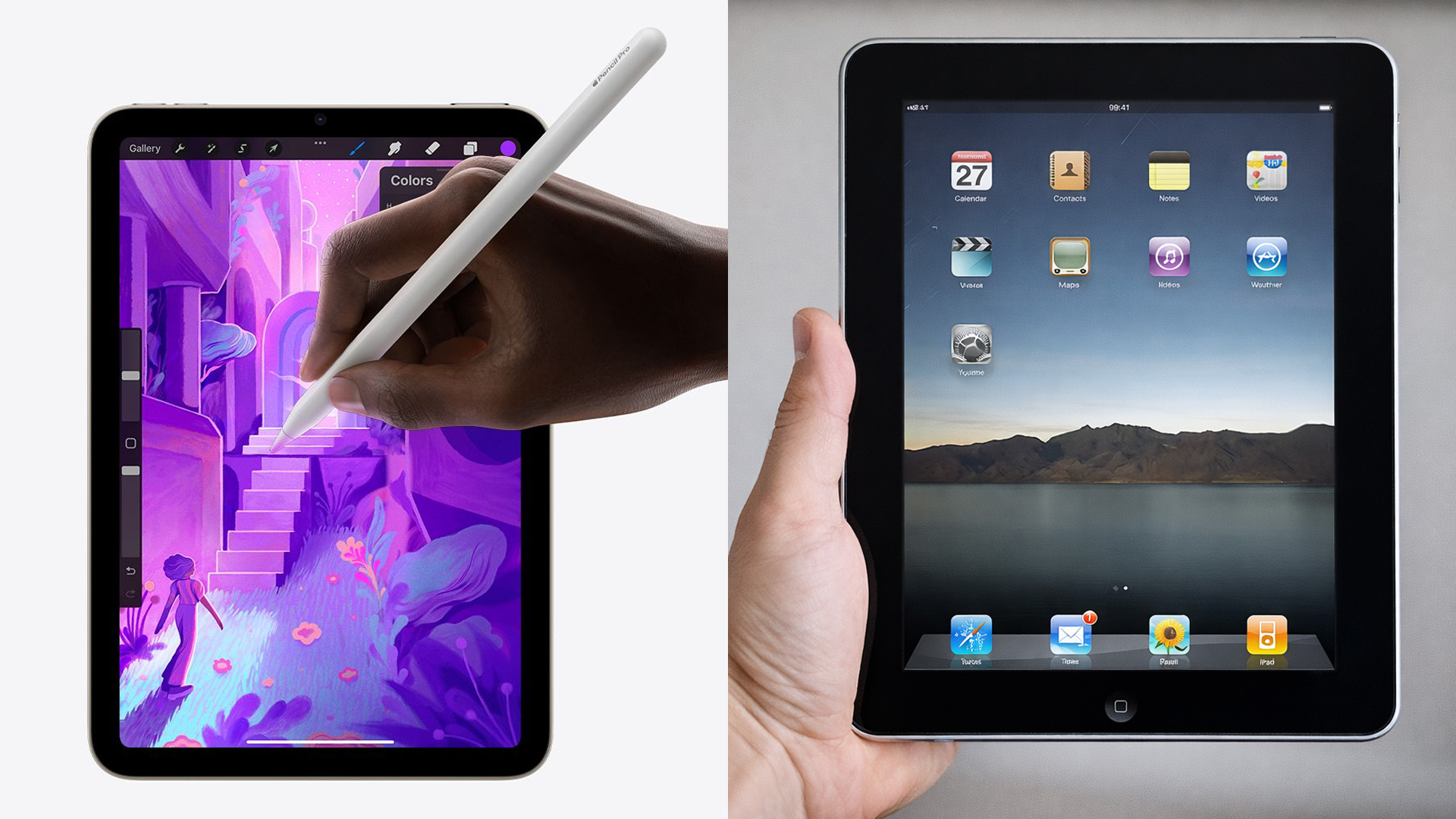
One of the most common buyer questions in 2026: Do I actually need the newest iPad?
Here’s the honest answer not always.
When the Latest iPad Models Make Sense
- You want the best multitasking experience
- You rely on demanding creative or work apps
- You plan to keep your device for several years
When Older Models Still Hold Up
- Your usage is casual or study-focused
- You’re upgrading from a very old iPad
- You find strong Apple iPad deals on previous generations
Thanks to Apple’s long-term software support, even slightly older Apple iPad tablets remain reliable, making deals and refurbished options especially appealing in the UK.
Buyers deciding between Apple and Android frequently reference best Android tablet PC in the UK: top rated & gaming tablets before making a final call.
Top Apple iPad Picks for 2026: Our UK Editor’s Choice
With so many options available, choosing the right iPad in 2026 can feel overwhelming. Based on performance, future-proofing, and real UK buyer needs, these are the top Apple iPad picks that perfectly align with current Apple iPad trends in 2026.
1. Best Overall Performance: Apple iPad Pro M4 (13-inch, 256GB)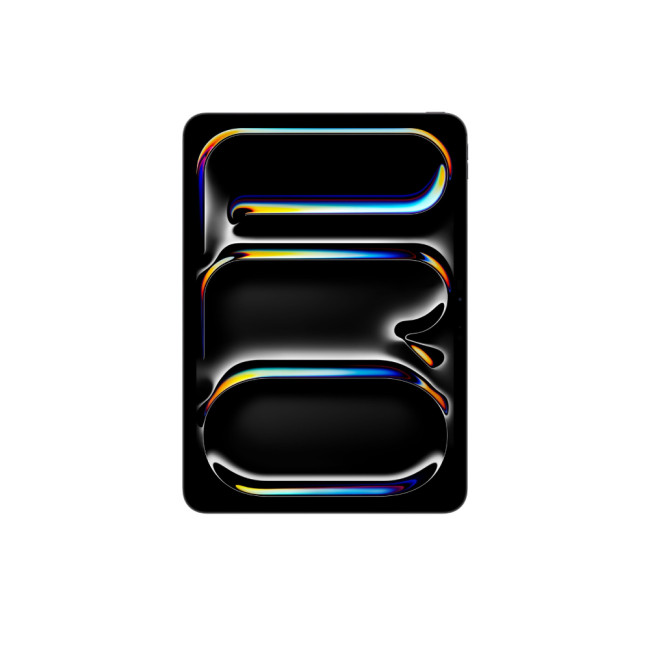
Highlights:
- Apple M4 Processor
- 13 in , 2752 x 2064 Max. Resolution
- 8 GB RAM, 256 GB Storage
- 12 MP Front Camera
- 38.99 Wh Battery Capacity
- Black Colour
If you want the most powerful iPad available right now, this is it. Powered by Apple’s M4 chip, this model represents the peak of iPad performance upgrades in 2026.
Why it’s a top pick:
- M4 chip delivers desktop-level speed and graphics
- Large 13-inch display ideal for multitasking and creative workflows
- Perfect for professional apps, video editing, and demanding workloads
- Built for long-term iPadOS support
This is easily one of the best Apple iPads for creators, professionals, and power users looking to replace a laptop with an Apple tablet PC.
2. Best Power-to-Value Option: Apple iPad Air M2 (13-inch, 256GB)
Highlights:
- Apple M4 Processor
- 13 in , 2752 x 2064 Max. Resolution
- 8 GB RAM, 256 GB Storage
- 12 MP Front Camera
- 38.99 Wh Battery Capacity
- Black Colour
The iPad Air continues to be the sweet spot in Apple’s lineup, offering serious power without the Pro price tag.
Why UK buyers love it:
- M2 chip delivers fast, reliable performance for work and study
- Large 13-inch display for productivity and entertainment
- Lightweight and portable design
- Excellent support for Apple Pencil and keyboard accessories
For anyone comparing Apple iPad tablets and looking for strong value, this model stands out, especially when paired with competitive Apple iPad deals.
3. Best Compact & Portable: Apple iPad Mini A17 Pro (512GB)
Highlights:
- 13 in , IPS
- 256 GB Storage
- 12 MP Front Camera
- 36.59 Wh Battery Capacity
- Purple Colour
Don’t let the size fool you, this iPad Mini is a serious performer.
Why it’s a smart pick:
- A17 Pro chip brings flagship-level performance
- Massive 512GB storage for apps, files, and media
- Ultra-portable and ideal for commuting or travel
- Great for note-taking, reading, and on-the-go productivity
This is one of the most versatile Apple iPad tablets for users who prioritise portability without sacrificing power.
4. Best All-Rounder & Future-Proof Choice: Apple iPad Air 7th Gen M3 (11-inch, Wi-Fi + Cellular)
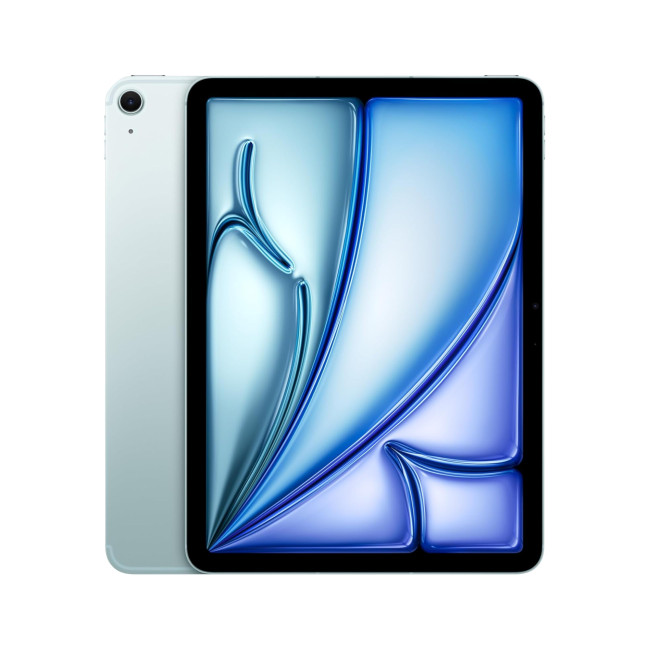
Highlights:
- Apple M3 Processor
- 16-core Neural Engine
- Compatible with Apple Pencil (USB-C) / Apple Pencil Pro
- Battery life: Up to 10 hours
- 11" Liquid Retina Display, IPS, 2360 x 1640 Max. Resolution
- 256 GB Storage
- 12 MP Front Camera
- 9-Core Graphics
- 28.93 Wh Battery Capacity
- USB-C | Bluetooth 5.3 | Wi-Fi 6E (802.11ax) | 5G Cellular
- Blue Colour
If flexibility and longevity are your priorities, this iPad Air is a standout.
Why it’s future-ready:
- M3 chip ensures strong performance for years to come
- 11-inch Liquid Retina display balances portability and usability
- Wi-Fi + Cellular keeps you connected anywhere in the UK
- Ideal for hybrid work, study, and everyday use
Among the latest iPad models, this one offers an excellent balance of speed, connectivity, and long-term value.
iPad Accessories: Budget Smart, Not Blind
Accessories can seriously change your experience but they can also inflate your spend if you’re not careful.
Must-Have Accessories in 2026
- Apple Pencil (especially for students and creatives)
- Keyboard case for productivity
- Protective case for daily travel
Nice-to-Have Extras
- External storage solutions
- Monitor support for desk setups
- Trackpad-based keyboard upgrades
When comparing Apple tablet PCs, always factor accessories into the total cost - especially if you’re planning to replace a laptop.

Final Thoughts: Apple iPad Trends in 2026 Are About Choice
The biggest takeaway from Apple iPad trends in 2026 is freedom.
You’re no longer forced into buying the most expensive option to get a great experience. Whether you want a lightweight tablet for everyday use, a study companion, or a full creative workstation, Apple’s 2026 lineup delivers, especially for UK buyers who value longevity and versatility.
With smarter software, stronger performance, and a more refined ecosystem, iPads continue to blur the line between tablets and laptops.
And if you’re ready to upgrade, compare models, or hunt for the best value, exploring the full range of Apple iPad tablets, Apple tablet PCs, and Apple iPad deals is the smartest move you can make this year.
Related Articles

Last Updated: May 27, 2025
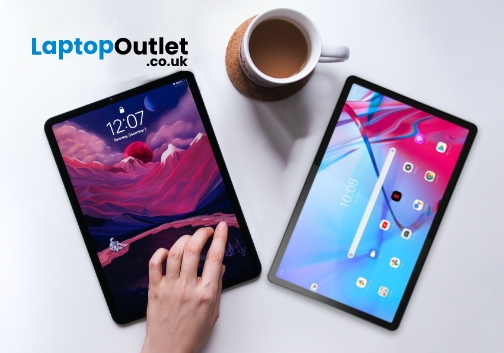
Are you looking for a portable computing solution and don't know which one to choose – an Android tablet or an iPad? Luckily, you've landed at the right place!
The terms "tablets" and an "iPad" are often used interchangeably, but they are different. If you are an Apple user, you may get attracted to an iPad; however, tablet PCs also have matchless capabilities that you cannot simply neglect. On the other hand, as Android users, isn't it exciting to have an Apple device at your disposal?
Both tablets and iPad significantly differ in operating system, design, and performance. Both devices also possess unique pros and drawbacks. Considering all these scenarios, deciding which one will offer the best value for your money may be overwhelming. Luckily, we are here to solve this dilemma.
In this Tablet vs iPad guide, we will walk you through the features of both devices to help you decide on the suitable device that fits your needs and budget.
So, let's get started!
What are Tablet

Last Updated: September 09, 2025
Wondering If Your iPad Battery Is Still Strong?
If your iPad doesn’t last as long as it used to, you might be wondering about its battery health. While iOS doesn’t show a detailed battery health tool like the iPhone, there are still ways to monitor your battery’s performance and longevity. Here’s how to do it.
1. Use iPad Battery Settings to Check Usage
Although iPads don’t show battery maximum capacity like iPhones, you can still:
Steps:
- Go to Settings > Battery
- Tap Battery Usage by App to see what’s draining your battery
- View battery level graphs and screen-on time
- This helps identify whether the issue is with the battery or specific apps
2. Use Analytics Data to Estimate Battery Health
Apple doesn’t provide direct battery health info on iPad, but you can dig into system analytics.
Steps:
- Go to Settings > Privacy & Security > Analytics & Improvements
- Tap Analytics Data
- Look for a file like log-aggregated-xxxx and tap it
- Use Copy and paste into Notes or Files

Last Updated: May 13, 2025
Know Your iPad Model in Minutes
Need to buy a case, check compatibility, or sell your iPad? First, you need to know exactly which iPad model you have. With so many versions—Pro, Air, Mini, and standard—it can get confusing. Here’s how to quickly identify your iPad.
1. Check in Settings (Easiest Method)
Steps:
- Go to Settings > General > About
- Look for Model Name (e.g. iPad Pro 11-inch (3rd generation))
- Tap Model Number to reveal a code starting with A (e.g. A2270)
- That A-number is the most accurate way to identify your iPad
2. Match Model Number with Apple’s List
Visit Apple’s official iPad identification page and match your A-number to the model and generation.
Examples:
- A2602 = iPad (9th generation)
- A2229 = iPad Pro 12.9-inch (4th generation)
- A2152 = iPad Air (3rd generation)
3. Check the Back of Your iPad (Alternative Method)
If your iPad won’t turn on:
- Flip the iPad over
- Look for small text near the bottom
- Find the Model number (e.g. A1893)
4. Use

Last Updated: September 09, 2025
Let’s be honest: new iPads are expensive. And with Apple releasing updates almost every year, it’s hard to justify the full retail price, especially if you're just after a reliable, good-looking tablet for daily use.
That’s where refurbished iPads come in. These aren’t second-rate gadgets tossed aside; they're professionally restored devices that often look and work like new, but at a fraction of the cost. But the question remains: are refurbished iPads actually worth buying in 2025?
This guide will walk you through everything you need to know from performance and battery health to warranty and compatibility with the latest iPadOS.
Let's dive in.
What is a Refurbished iPad?
A refurbished iPad is a pre-owned device that has been inspected, cleaned, and restored to full working condition. It might have been returned due to a fault (which has now been fixed), or simply because the original buyer changed their mind.
There are two key types:
-
Manufacturer Refurbished iPads: Restored by Apple

Last Updated: October 08, 2025
Choosing the right tablet can be overwhelming, but Apple’s extensive iPad lineup makes it possible to find a model that fits almost any workflow or budget. From students managing coursework to artists creating digital illustrations, and professionals handling demanding tasks, the range of iPads from Apple is built to meet a wide variety of needs.
With options ranging from the compact iPad Mini to the high-performance Apple iPad Pro lineup, including options like the Apple iPad Pro 13, understanding what each model offers is key to making a smart investment.
This guide breaks down powerful and the latest iPads from Apple, comparing performance, features, and value to help you find the best Apple tablet for your daily demands without wasting money on features you won't use.
Top iPads for Students, Artists, and Professionals in 2025
For Students
Apple iPad Air 11 (SKU:MUWG3NF/A)
The Apple iPad Air 11 is an excellent option for students who want performance without the weight or cost of a

Last Updated: April 02, 2026
If you’ve been holding off on upgrading your Apple tech, this is the moment you’ve been waiting for. Black Friday 2025 is just around the corner, which means serious savings on everything from MacBooks and iPhones to iPads and AirPods.
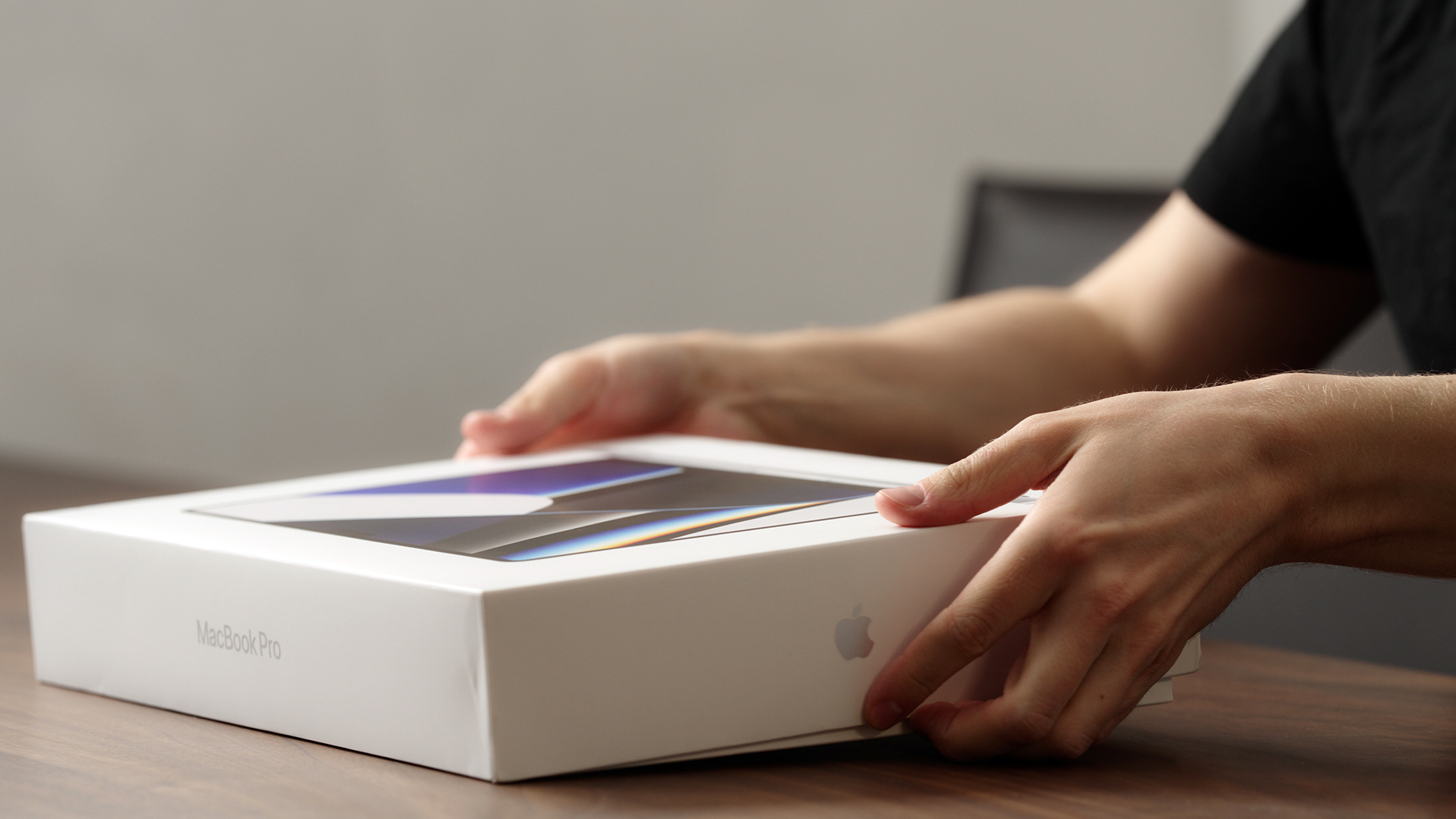
Apple products rarely see big discounts, so when Black Friday arrives, it’s a golden opportunity to grab the device you’ve had your eye on or to tick a few gifts off your Christmas list. Whether you’re looking for the best MacBook Pro deals, a lightweight MacBook Air, an iPad for the kids or even a refurbished iMac, this year’s offers are shaping up to be impressive.
Here’s your ultimate guide to finding the best Black Friday Apple Deals in 2025, how to shop smartly, and where to get the most for your money.
Why Black Friday 2025 Is a Big Deal for Apple Fans
Apple’s premium design and performance mean prices don’t drop often which is exactly why Black Friday is so exciting. Retailers across the UK slash prices on top Apple gear for a limited time, making
Published: November 20, 2025
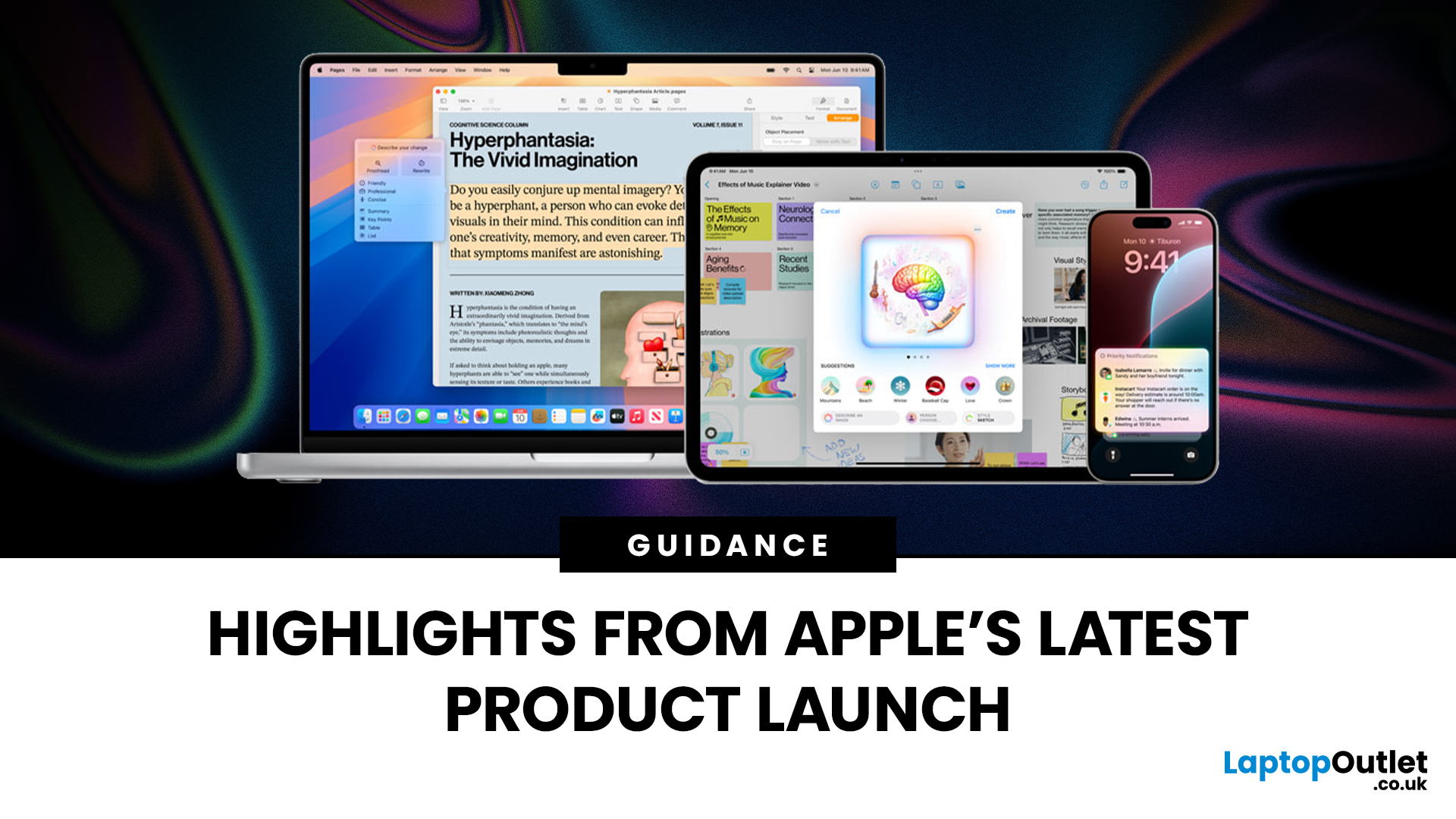
Apple has once again raised the bar with its latest hardware update, unveiling a refreshed line-up including the new Apple MacBook, the iPad Pro, and several other devices. Let’s take a closer look at what’s changed, why it matters, and whether the new Apple MacBook 2025 is worth your attention.
What’s Been Announced?
On 15 October 2025, Apple introduced a suite of devices powered by its latest chip, the Apple M5, including a new 14-inch MacBook Pro, refreshed iPad Pro, and updated mixed-reality headset.
The headline: the new MacBook (and MacBook Pro line) now features the M5 chip built on a 3-nanometre process, offering substantial gains in performance, especially for AI workloads, graphics and battery life.
Meanwhile, the iPad Pro has also seen upgrades, including the M5 chip and enhancements in connectivity, storage, and efficiency.
Why the New Apple MacBook 2025 Matters
Performance and AI
The M5 chip represents a significant step up. According to reports, it delivers AI performance

Last Updated: December 22, 2025
Choosing between Apple’s iPads can feel tricky, especially when both the iPad Air 13-inch and the iPad Pro 13-inch look premium, powerful and remarkably similar at first glance. If you’re weighing up the iPad Air 13 vs iPad Pro 13, this guide is designed to help you make a confident, informed decision based on how you actually plan to use your device.
In this in-depth comparison, we’ll break down performance, display quality, battery life, accessories, and real-world use cases, all with the latest Apple hardware in mind. Whether you’re a student, creative professional, remote worker or casual user, by the end you’ll know exactly which iPad suits you best.
Key Differences Between iPad Air 13-inch and iPad Pro 13-inch
Before diving into individual features, it’s important to understand what separates the Air and Pro lines in Apple’s ecosystem.
Design and Build Quality: Premium Feel Across the Board
Apple doesn’t compromise on build quality, and that’s clear with both models.
Sleek, Lightweight,
Last Updated: December 31, 2025
With the right timing and the right specs, you can land an upgrade that feels genuinely transformative: faster performance, longer battery life, sharper screens, and smoother workflows for work, study, and downtime. New Year promotions are also one of the easiest moments to buy smarter. Stock moves quickly, retailers rotate lines, and discounts get sharper as people reset budgets and goals, meaning the best-value Apple kit often sells out first. That’s why this guide focuses on what to look for, what to prioritise, and how to choose the right Apple device for your needs.
Why New Year is the Best Time to Buy Apple Tech
Apple gear holds value well, which is great when you own it, but it also means discounts can feel harder to find at other times of the year. Around New Year, pricing tends to loosen up across multiple categories, making it easier to upgrade without compromising on model quality. Here’s why New Year shopping is ideal:
- Retail Stock Rotation: end-of-year inventory clears,

Last Updated: December 31, 2025
New year, new goals, and the perfect new tablet to help you reach them. Whether you want to be more productive at work, excel in your studies, or simply enjoy better entertainment, the New Year tablet deals at Laptop Outlet are officially live.
This season, our New Year tech sale brings a massive shift in value, where "budget" no longer means "basic." From the latest iPads at great prices and cheap tablets running Android to the best Microsoft Surface tablet PC deals, there has never been a better time to upgrade.
If you have been waiting for the right moment to grab a bargain, your wait ends here.
Top New Year Tablet Deals for 2026
We have curated a list of the top six tablets available right now. These devices represent the best balance of price, performance, and features.
1. TCL NXTPAPER 11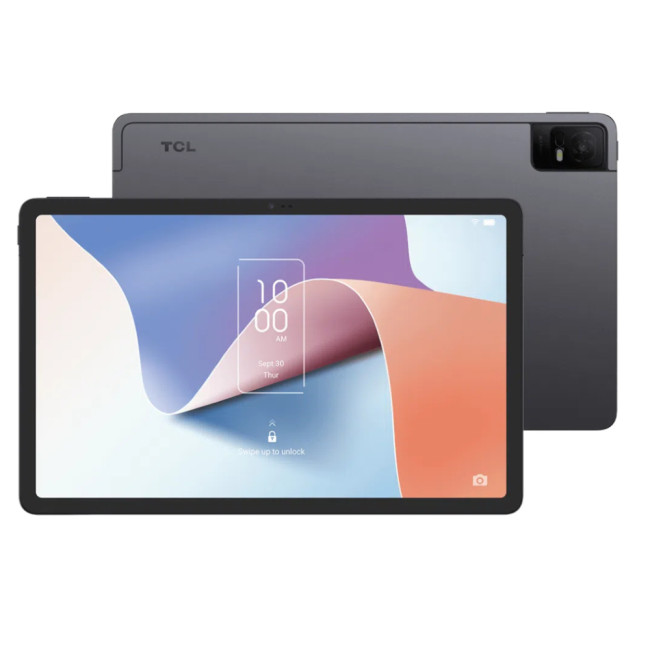
- Processor: MediaTek Helio P60T Octa-core
- Memory: 4GB RAM
- Storage: 128GB
- Display: 10.9-inch 2K (2000 x 1200) NXTPAPER 2.0 Technology
- Graphics: PowerVR GE8320
- Cameras: 8MP Rear, 8MP Front

