


Apple Unveils New MacBook, iPad, and More – What’s New
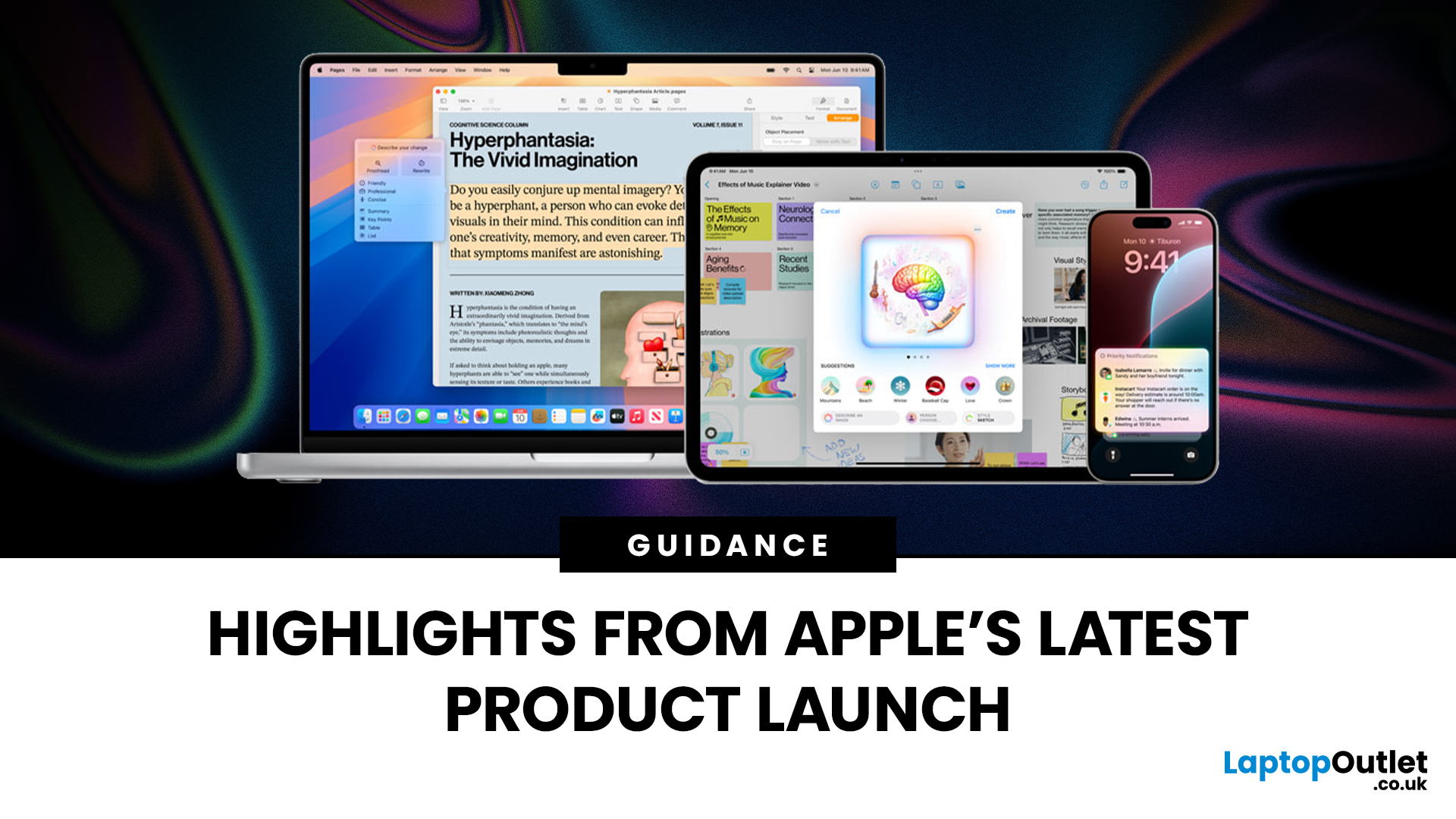
Apple has once again raised the bar with its latest hardware update, unveiling a refreshed line-up including the new Apple MacBook, the iPad Pro, and several other devices. Let’s take a closer look at what’s changed, why it matters, and whether the new Apple MacBook 2025 is worth your attention.
What’s Been Announced?
On 15 October 2025, Apple introduced a suite of devices powered by its latest chip, the Apple M5, including a new 14-inch MacBook Pro, refreshed iPad Pro, and updated mixed-reality headset.
The headline: the new MacBook (and MacBook Pro line) now features the M5 chip built on a 3-nanometre process, offering substantial gains in performance, especially for AI workloads, graphics and battery life.
Meanwhile, the iPad Pro has also seen upgrades, including the M5 chip and enhancements in connectivity, storage, and efficiency.
Why the New Apple MacBook 2025 Matters
Performance and AI
The M5 chip represents a significant step up. According to reports, it delivers AI performance multiple times faster than its predecessor and supports more capable GPU and Neural Engine components.
For UK users, especially creative professionals or anyone working with complex workflows (video editing, design, data modelling), this means smoother, faster computing without necessarily moving to a desktop workstation.
Power Efficiency and Battery Life
Apple claims notable improvements in energy efficiency. The combination of the 3 nm chip and optimised architecture means longer battery life, a key advantage for laptops in a mobile or hybrid working environment.
Ecosystem Integration
With both the MacBook and iPad updated, Apple’s ecosystem becomes even more compelling. Seamless workflow between devices, shared apps and services, and enhanced continuity features mean that investing in one device tends to benefit your whole setup.
What’s New in the iPad Pro and Other Devices
The iPad Pro has also been given the M5 upgrade. Improvements include faster SSD speeds, better connectivity (Wi-Fi 7, new networking chips) and more efficient performance for creative and professional usage.
Other devices in the update include the next-gen mixed reality headset (the Vision Pro), and other accessories, signalling that Apple is broadening its high-end hardware ecosystem.
What’s the Design and Specification Outlook for the new MacBook 2025?
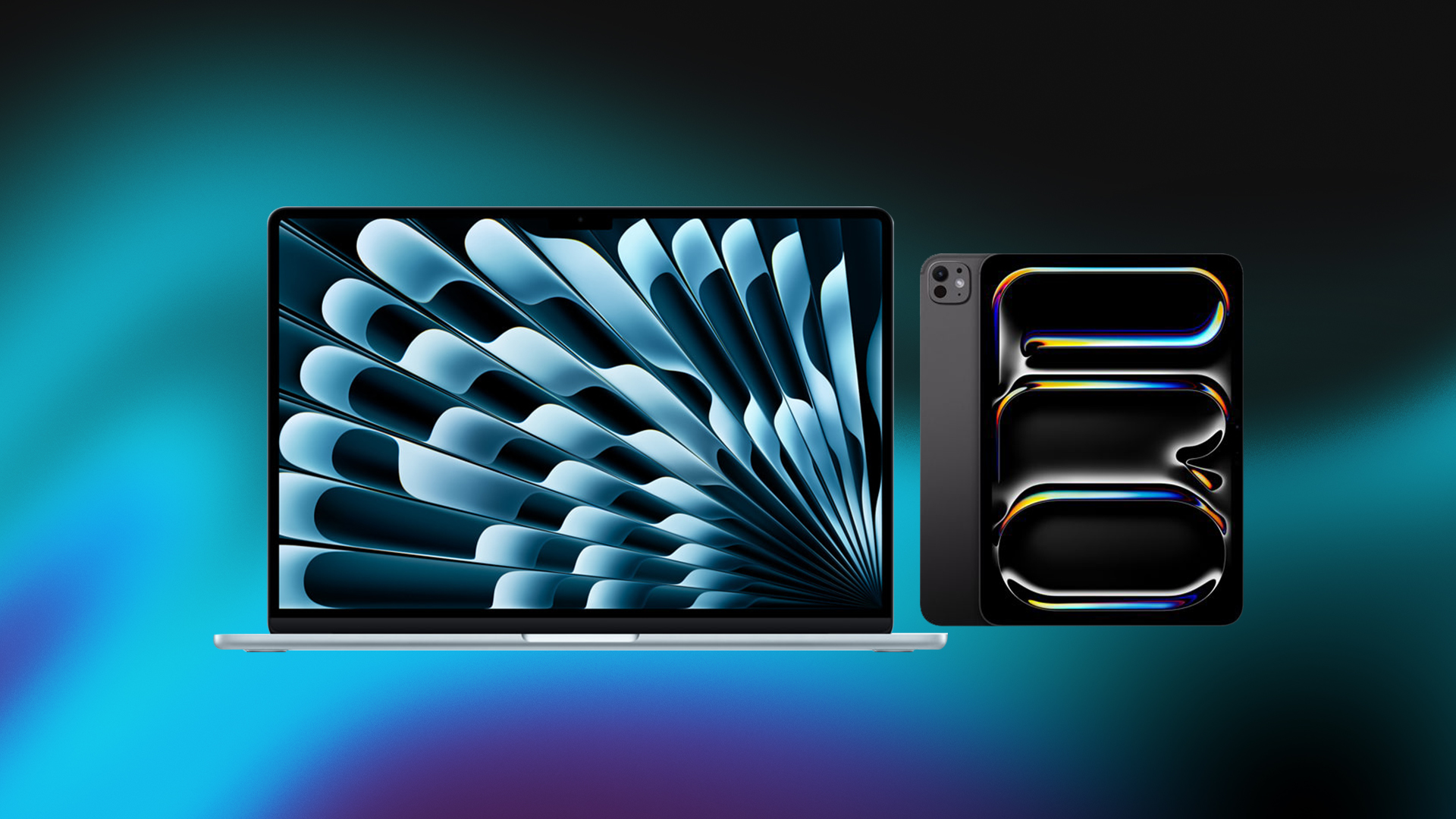
In terms of design, the new MacBook Pro maintains much of the established look: the enclosure, display sizes (14″ and 16″) and port selection remain similar, but with the core hardware upgraded.
Key specifications for the base 14-inch model:
- M5 chip with 10-core CPU and 10-core GPU.
- Higher memory bandwidth and faster SSD read/write speeds.
- Starting price remains similar to previous generation.
What Does This Mean for UK Buyers?
Upgrade Considerations
- If you already have a recent MacBook (especially with M3 or M4 chip) and your workflow is general productivity (email, office apps, browsing), you might not feel a must-upgrade urgency.
- But if you’re a professional user (editing 4K/8K video, designing in 3D, deploying AI/ML models) the new MacBook 2025 offers compelling value.
- For students or typical home users, the previous generation remains strong, you might see discounts on older models as the new ones come in.
Pricing
UK pricing will reflect currency conversions, taxes and import costs. While the UK base price is listed around £1,215.59 for the 14-inch new MacBook, as per reports.
Software and Future Proofing
The new devices ship with the latest macOS version and full support for Apple’s new AI-enhanced features. This means buying a new MacBook now offers longevity in terms of software updates and ecosystem compatibility.
Are There Any Caveats?
- While the chip upgrade is substantial, the external design hasn’t changed drastically, so if you were hoping for a dramatic redesign, it might not be the case.
- For purely light use (web browsing, streaming, office tasks) the gains may be less noticeable in everyday use.
- UK buyers should check keyboard layout, warranty terms and local stock availability.
- As with all premium laptops, consider whether your usage actually requires such high-end hardware or whether a lower-cost alternative might suffice.

Bottom Line
The new Apple MacBook 2025, powered by the M5 chip, marks a meaningful evolution of Apple’s laptop line, especially for professionals, creatives and users who demand high performance and future-proof capabilities. Paired with refreshes to the iPad Pro and broader device ecosystem, Apple is reinforcing its premium hardware offering.
If you value performance, integration and long-term support, this is a compelling time to consider an upgrade. If your usage is more modest, the previous generation remains a strong choice, and you may find great value deals as the new models land.

In Case You’re Wondering...
What is new in the Apple MacBook 2025?
The new Apple MacBook 2025 features the powerful M5 chip built on a 3-nanometre process, offering faster performance, better AI capabilities, improved graphics and longer battery life. It maintains Apple’s premium design while delivering major internal upgrades.
Is the new Apple MacBook 2025 worth upgrading to?
If you’re a creative professional, content creator, or someone who needs high-performance computing, the 2025 model is a worthwhile upgrade. For everyday users with an M3 or M4 MacBook, the improvements may feel less urgent.
Has the design changed for the 2025 MacBook models?
No major external redesign has been reported. The new MacBook keeps the same slim chassis, display sizes and port configuration, with most improvements focused on processing power, graphics and efficiency.
What other devices did Apple announce alongside the new Apple MacBook 2025?
Apple also updated the iPad Pro with the M5 chip, enhanced storage speeds, and better wireless connectivity. Additional ecosystem updates include improvements to the Vision Pro headset and accessories.
When will the new Apple MacBook 2025 be available in the UK?
Availability is expected to begin in late October 2025, with pre-orders opening shortly after the announcement. Final UK pricing may vary due to VAT, import costs and exchange rates.
Related Articles


Last Updated: July 01, 2025
Mac Performance Without the Mac Price
Apple fans love the sleek design, power, and ecosystem of MacBooks—but the price can be a deal-breaker. If you’re eyeing a cheaper alternative, you’re probably wondering: are refurbished MacBooks good? The answer is yes, but only if you buy smart. Here’s what you need to know.
1. What Is a Refurbished MacBook?
A refurbished MacBook is a previously owned Apple laptop that’s been returned, restored to working order, tested, cleaned, and resold.
It’s not “used” in the traditional sense. Refurbished models go through inspection and come with warranties.
2. Benefits of Buying a Refurbished MacBook
- Save up to 40% compared to buying new
- Same macOS experience and Apple ecosystem integration
- Eco-friendly – reduces electronic waste
- Comes with warranty – usually 6–12 months
- Tested for performance and reliability
3. Downsides to Consider
- Slight cosmetic wear (depends on grade)
- Older models may lack the newest features
- May not come in original
Last Updated: May 07, 2026
Why pay full price for Apple performance when you can get the same sleek, powerful machine for hundreds less?
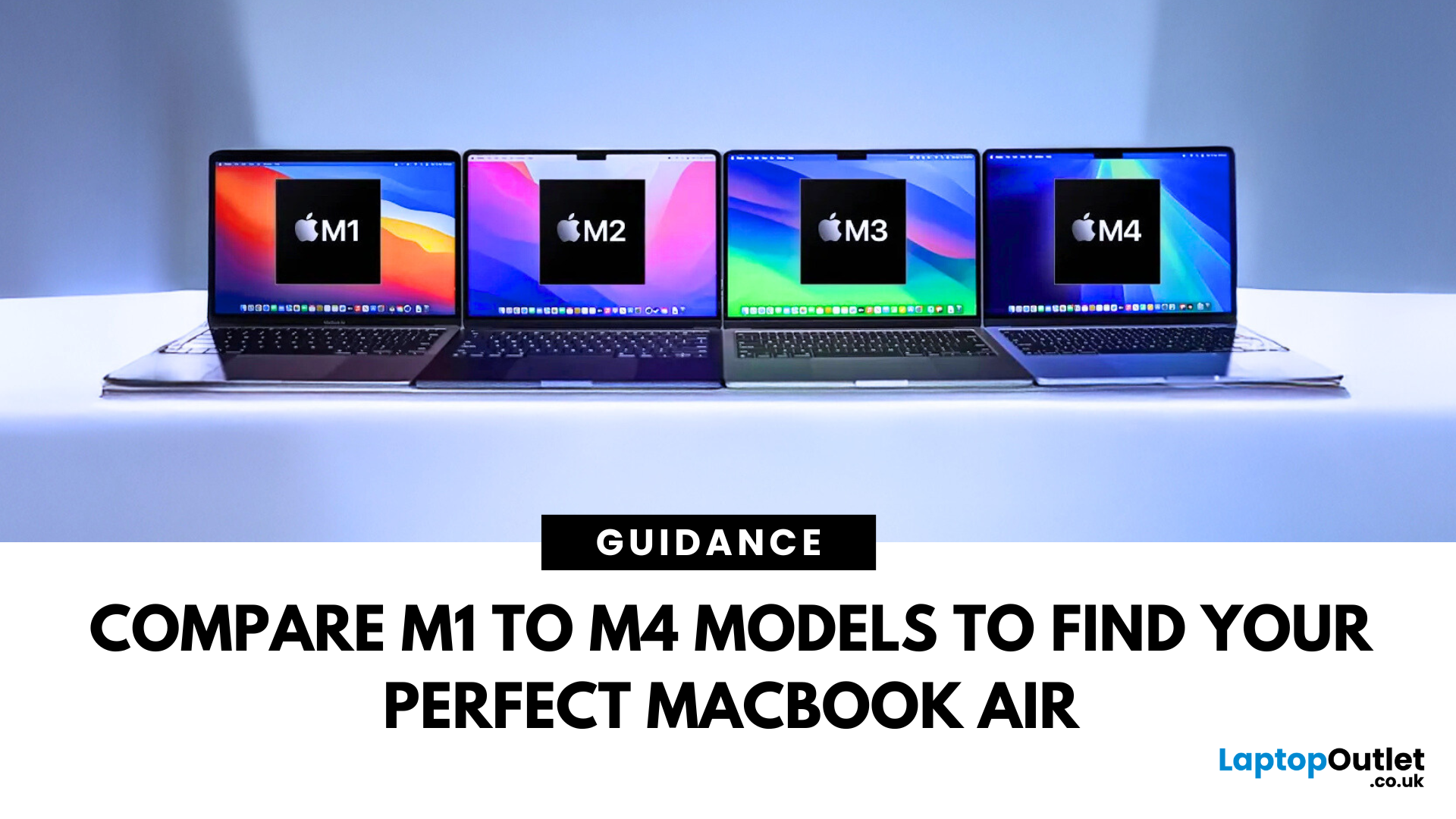
Refurbished MacBook Air have become a go-to option for students, professionals, creatives, and casual users alike. These ultra-thin laptops deliver top-tier performance and battery life, with M1 to M4 chips offering seamless multitasking and future-ready computing.
In this guide, we’ll explore the differences between M1, M2, M3, and M4 MacBook Air’s and help you choose the perfect refurbished laptop for your lifestyle and budget.
Refurbished vs. Used vs. Second Hand: Know the Difference
Not all pre-owned MacBooks are created equal. A refurbished MacBook Air goes through rigorous testing, cleaning, and quality checks before resale. It comes with a warranty and professional refurbishment often indistinguishable from new.
Compare that to a used or second hand MacBook Air, which is typically sold as-is, with no guarantee of condition or long-term performance. Choosing a professionally
Last Updated: October 03, 2025
5 Reasons You Should Choose a MacBook
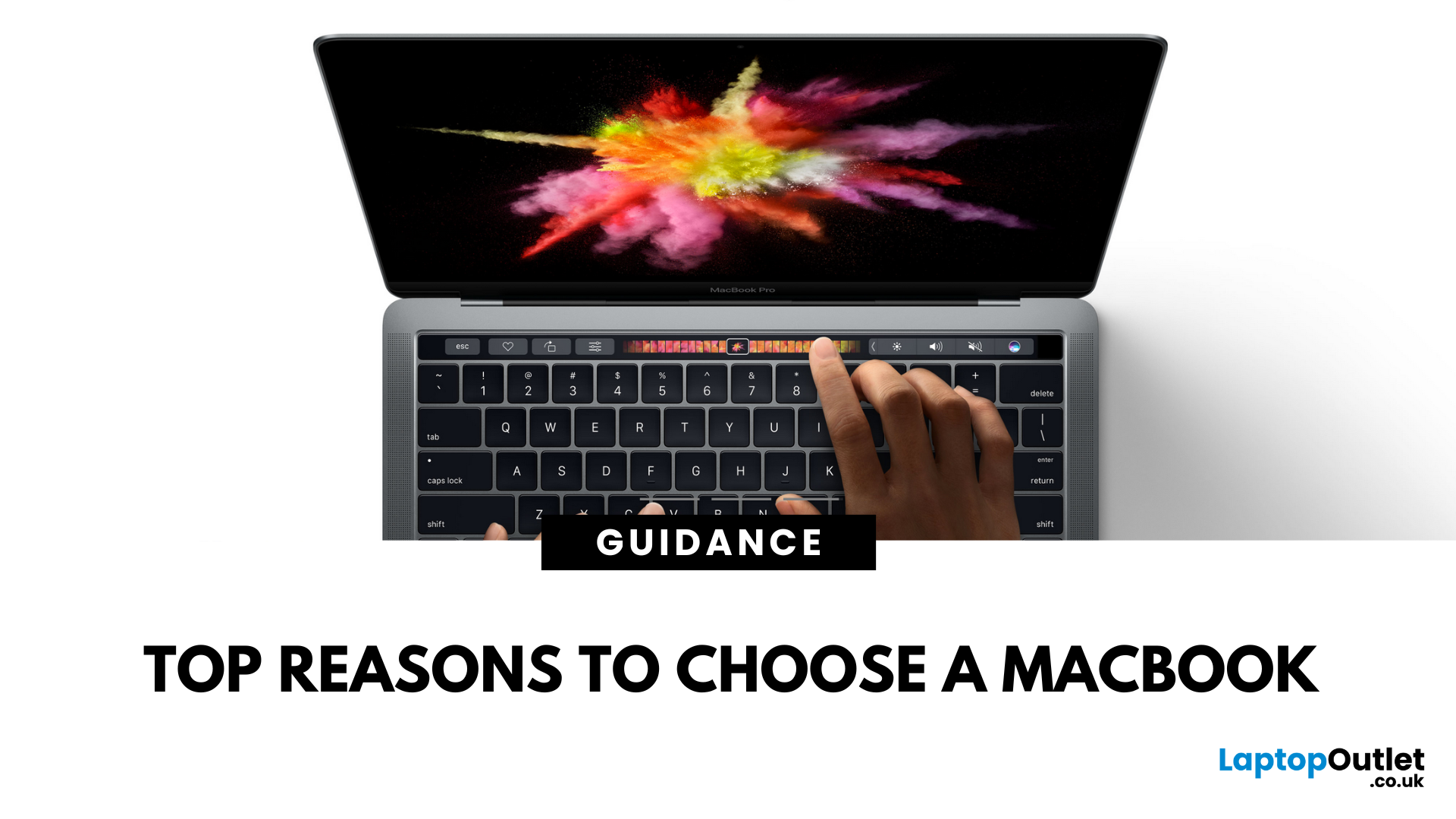
Apple’s MacBook lineup has long been the gold standard for laptops. But what makes them so popular—and are they worth the investment? Here are five reasons why a MacBook could be your perfect next laptop.
1. Sleek Design and Premium Build Quality
MacBooks are known for their ultra-thin, lightweight aluminium bodies. They’re stylish, durable, and designed to slip easily into your backpack or briefcase. Perfect for students and professionals who need a laptop that looks as good as it performs.
2. macOS – Smooth, Secure, and User-Friendly
Apple’s macOS is designed for seamless performance:
- Intuitive interface
- Fewer bugs and crashes compared to some operating systems
- Built-in security features to protect your data
- Regular updates to keep your system fresh and fast
It’s great for both first-time users and seasoned pros.
3. Outstanding Battery Life
With up to 18+ hours of battery life on some models, MacBooks are perfect for all-day
Last Updated: April 17, 2026
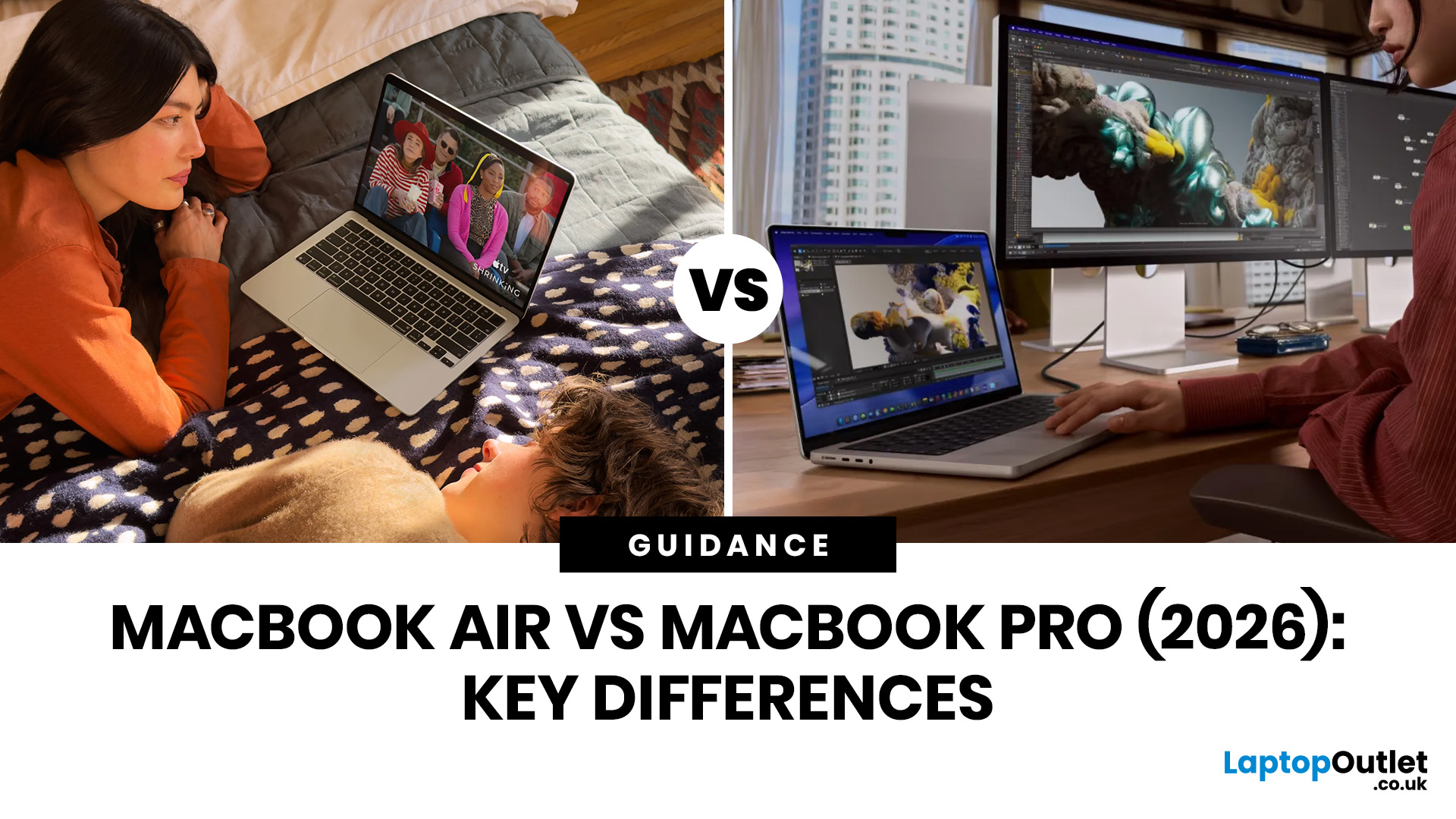
Choosing between the MacBook Air vs MacBook Pro in 2026 isn’t as straightforward as it used to be. With Apple’s latest M-series chips delivering impressive performance across both models, the gap has narrowed, yet key differences still matter depending on how you use your laptop.
Whether you’re a student, creative professional, or everyday user, this guide breaks down the difference between MacBook Air and Pro, including performance, battery life, price in the UK, and which one is right for you.
MacBook Air vs MacBook Pro: Quick Comparison (2026)
| Feature | MacBook Air | MacBook Pro |
| Performance | Great for everyday tasks | Excellent for heavy workloads |
| Battery Life | Outstanding (light use) | Excellent (even under load) |
| Portability | Ultra-light & thin | Heavier but still portable |
| Display | Liquid Retina | Liquid Retina XDR (better brightness & refresh rate) |
| Cooling | Fanless | Active cooling (fans) |
| Price (UK) | From ~£999+ | From ~£1,599+ |
| Best For | Students, casual users | Creatives, professionals |
This MacBook Air
Last Updated: May 07, 2026
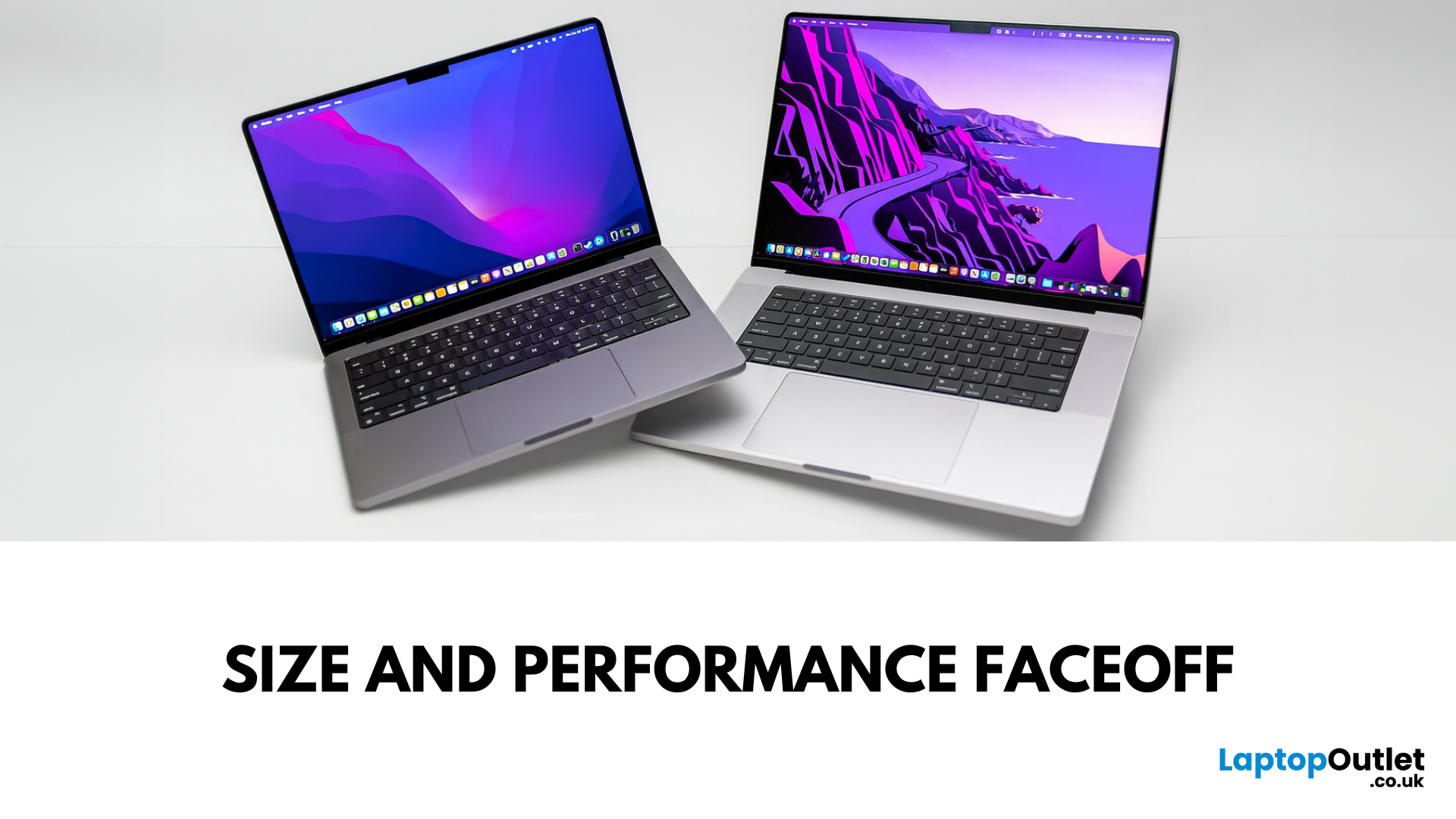
Main Difference Between MacBook Pro 14 and 16
Both laptops share the same Liquid Retina XDR display tech, Apple Silicon (M4/M4 Pro/M4 Max), and near-identical I/O. The real split is portability versus scale: the 14-inch weighs as little as 1.55 kg and fits in almost any bag, while the 16-inch stretches to 2.14–2.15 kg and pairs that larger chassis with a 100-watt-hour battery and better sustained cooling. In short: 14-inch = go-anywhere pro power; 16-inch = bigger canvas and longer runtime.
Feature Comparison Table
| Feature | MacBook Pro 14-inch | MacBook Pro 16-inch |
| Display | 14.2″ Liquid Retina XDR, 3024×1964, ProMotion 120 Hz | 16.2″ Liquid Retina XDR, 3456×2234, ProMotion 120 Hz |
| Size & Weight | 31.26 × 22.12 × 1.55 cm; 1.55–1.62 kg (by chip) | 35.57 × 24.81 × 1.68 cm; 2.14–2.15 kg |
| Chips | M4, M4 Pro, M4 Max (up to 16-core CPU/40-core GPU on Max) | M4 Pro or M4 Max (same top options) |
| Battery & Capacity | Up to 24 hrs (M4), 22 hrs (M4 Pro), 18 hrs (M4 Max); 72.4 Wh | Up to 24 hrs (M4 Pro), 21 hrs (M4 Max); |

Last Updated: May 07, 2026
Main Difference Between MacBook Air M3 and MacBook Pro M3
The core distinction is in what each prioritises: Air M3 delivers silent, lightweight everyday power for general use and portability. In contrast, Pro M3 enhances sustainability under load with active cooling, a premium mini‑LED XDR display, and expanded ports—tailoring it to creators and professionals who do heavy multitasking or editing.
Feature Comparison Table
| Feature | MacBook Air M3 | MacBook Pro M3 (14-inch) |
| Chip & Base Spec | M3 (8‑core CPU, 8‑core GPU), fanless | M3 (same), fans for active cooling |
| Display | 13.6″ Liquid Retina (LED, ~500 nits) | 14.2″ Liquid Retina XDR, mini‑LED, ~1,000 nits sustained, 1,600 nits peak, ProMotion 120 Hz |
| Weight | ~1.24 kg | ~1.55 kg |
| Battery Life | Around 18 hrs real-world usage | Up to 22 hrs (for light tasks) |
| Ports & Connectivity | 2× Thunderbolt/USB-4, MagSafe, 3.5 mm jack | Adds HDMI, SDXC slot, extra TB port |
| Pricing (GBP) | 13″ M3 (8 GB/256 GB): from £1,099 | 14″ M3 (8 GB/512 GB): from £1,599 |
| Best For | Students, |

Last Updated: September 10, 2025
When it comes to professional laptops in 2025, the debate between Microsoft Surface vs MacBook is more relevant than ever. Both brands have carved out distinct reputations—Apple’s MacBook for its premium build quality, seamless ecosystem, and unmatched performance with Apple silicon, while Microsoft’s Surface range is celebrated for its flexibility, touchscreen capabilities, and business-focused Windows integration.
This article breaks down the comparison into design, display, performance, battery life, ports, and ecosystem, helping you decide whether the Surface or MacBook offers the greater value for your professional needs in 2025.
What’s the Main Difference?
Microsoft Surface offers versatile 2-in-1 designs, touchscreens, stylus support, and strong Windows integration with AI-powered Copilot features. On the other hand, Apple MacBook supports premium aluminium builds, macOS ecosystem strength, and Apple silicon (M4) delivering market-leading performance and battery life.
1. Design &
Last Updated: October 08, 2025
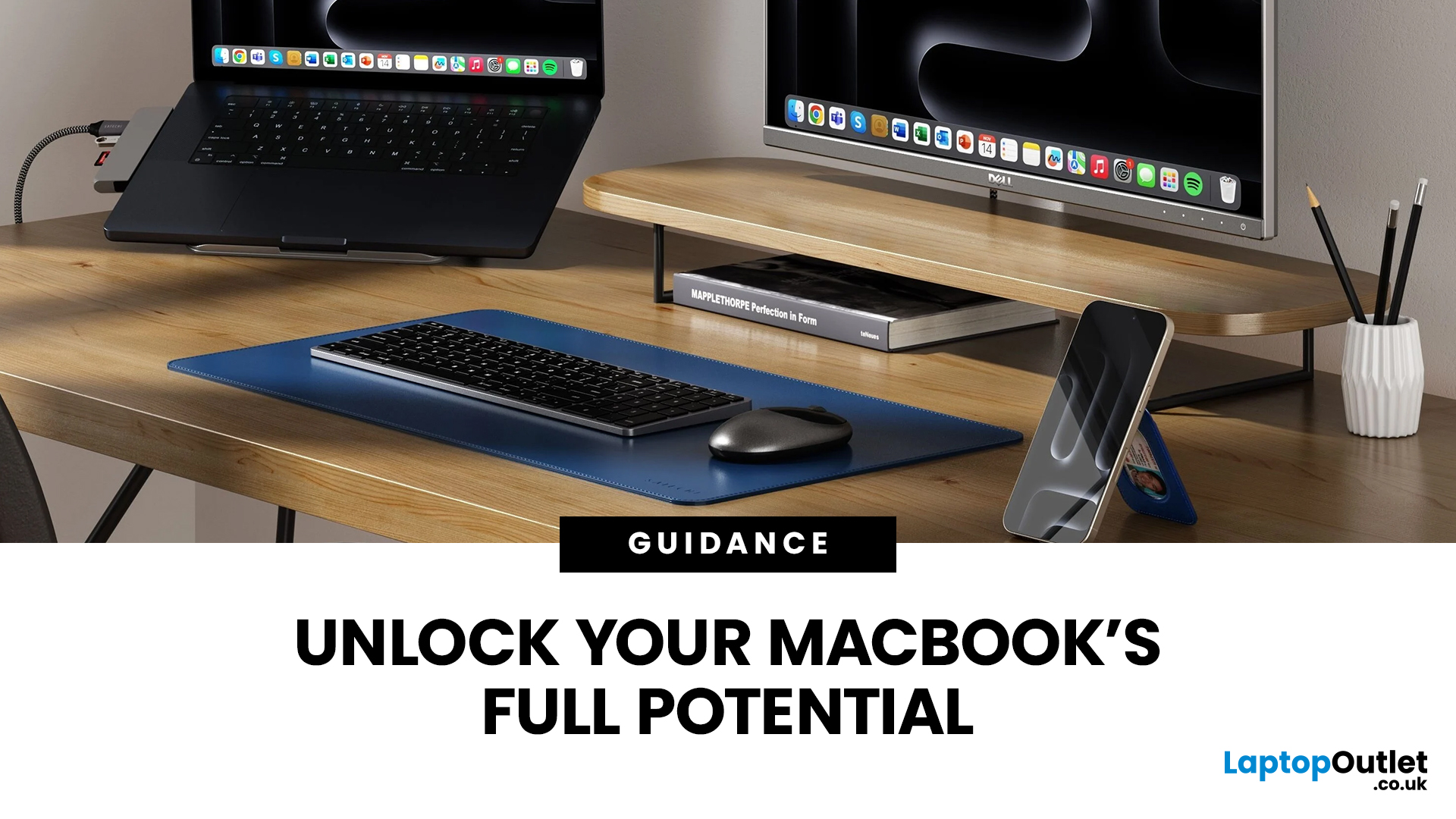
Owning a MacBook already feels like having a premium tool at your fingertips - sleek, powerful, and built for work, study, or creativity. But here’s the truth: on its own, even a MacBook has limits. That’s where accessories step in. The right kit doesn’t just complement Apple’s design; it transforms your MacBook into a full‑on productivity powerhouse.
For students, the right gear means smoother notetaking, better portability, and fewer headaches when deadlines loom. For professionals, accessories bring comfort, efficiency, and a proper setup that makes remote work or long office hours far less draining. Whether it’s a docking station / USB‑C hub to handle multiple screens, a protective sleeve for daily commuting, or noise‑cancelling headphones that save your focus, the right accessories change how you work and study.
Why MacBook Accessories Matter
A MacBook, whether it’s the Air or the Pro, is built to be minimal and stylish - but that also means Apple leaves out a lot of extras. You
Last Updated: October 08, 2025
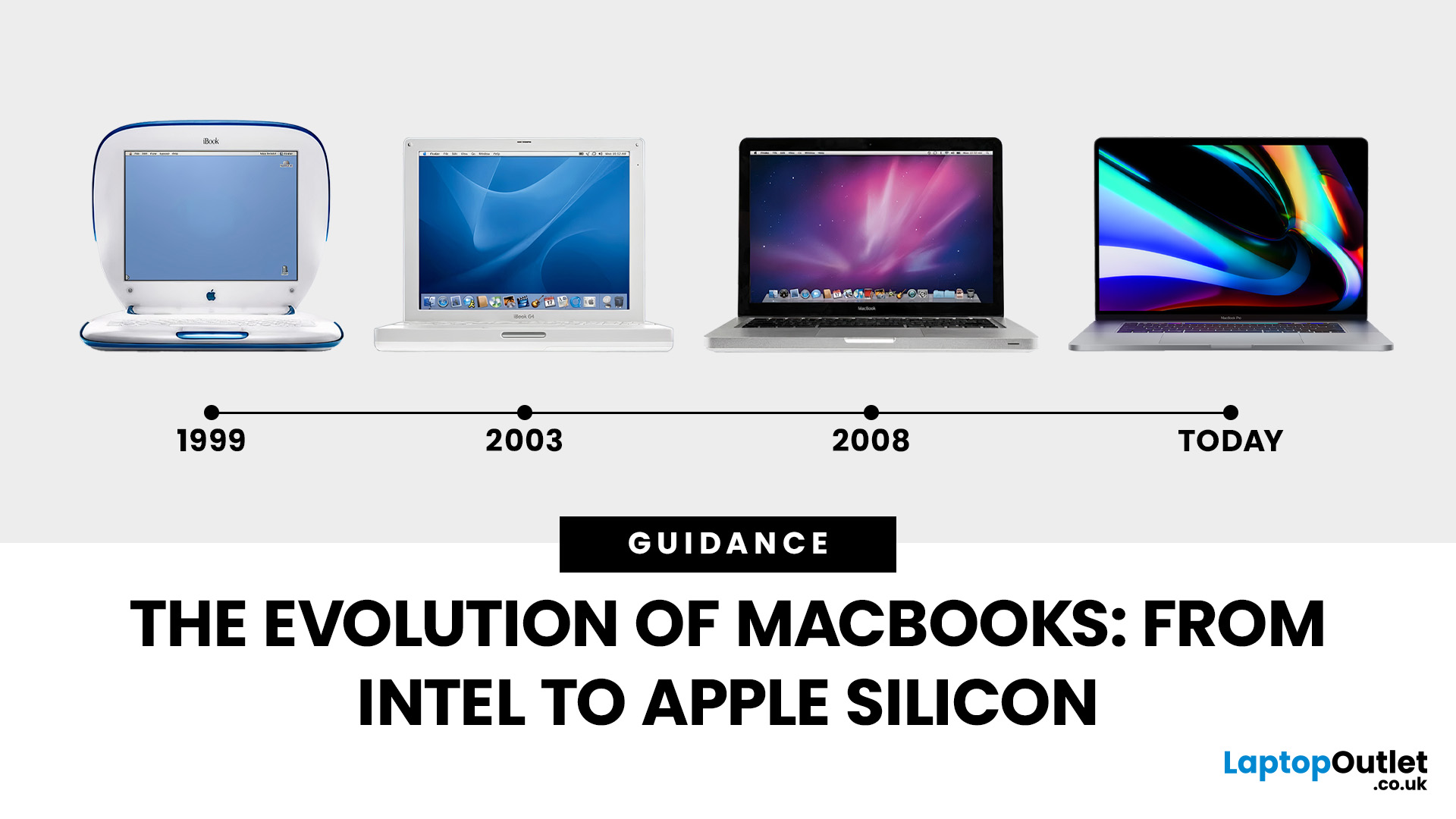
Few products have shaped modern computing quite like the Apple MacBook. From its early Intel-powered beginnings to today’s lightning-fast Apple Silicon machines, the MacBook has consistently pushed the boundaries of laptop design, performance, and portability. Along the way, it’s become a symbol of premium computing - beloved by students, professionals, and creative powerhouses worldwide.
But the evolution of Apple MacBooks hasn’t always been smooth sailing. There have been bold design shifts, controversial choices (remember the butterfly keyboard?), and groundbreaking innovations like Retina displays and MagSafe. The biggest leap of all came in 2020, when Apple ditched Intel processors in favour of its own Apple Silicon chips - a move that completely redefined, what users could expect from a laptop.
In this guide, we’ll take you through the full MacBook journey: from its early days, through key design changes and the Intel era, right up to the Apple Silicon transition and the future of

Last Updated: October 15, 2025
Buying a MacBook isn’t just about picking between an Air or a Pro - it’s also about making smart choices with RAM and storage. These two specs are often overlooked, yet they’re the backbone of your laptop’s performance and longevity. Choose too little, and you’ll quickly hit frustrating slowdowns or run out of space. Choose wisely, and your MacBook will stay fast, reliable, and future-proof for years.
Unlike many Windows laptops, MacBook RAM and storage can’t be upgraded later - what you buy upfront is what you’ll live with. That makes it essential to understand how much you really need. Do students get by with 8GB of RAM? Should professionals always go for 16GB or more? Is 256GB storage enough in the cloud era, or do video editors really need 1TB and beyond?
Why RAM & Storage Matter in a MacBook
When you’re choosing a MacBook, the processor often gets the spotlight - but RAM and storage are just as important. They determine how smooth your experience is today and how well your laptop

