


Blog Categories







June 04, 2026

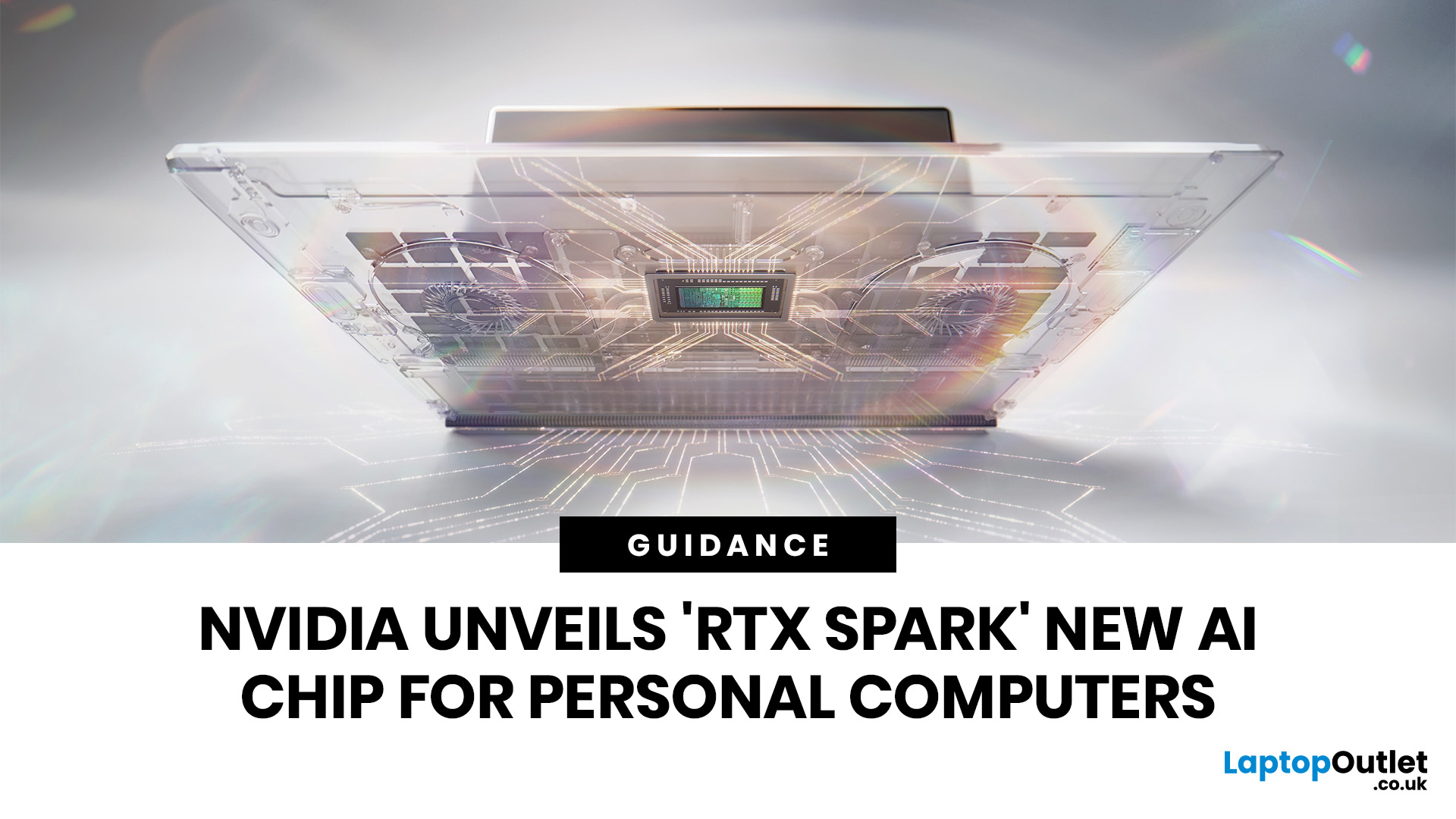
NVIDIA RTX Spark is one of the biggest PC announcements of the AI era. It is NVIDIA’s new AI computing platform for Windows PCs, built to bring local AI agents, RTX graphics, GPU acceleration and high-performance creative work into slim laptops and compact desktop systems.
That matters because personal computing is changing quickly. You are no longer only opening apps, browsing websites or editing documents. The next generation of PCs is being designed to understand your work, run AI models locally, help with coding, create images and videos, search your files, render complex scenes and play demanding games with AI-enhanced graphics.
This is where NVIDIA RTX Spark comes in. According to NVIDIA’s official RTX Spark product page, the platform brings together up to 6,144 Core Blackwell RTX GPUs, a 20-core NVIDIA Grace CPU, up to 128GB unified memory and up to 1 petaflop of AI performance in one platform. In simple words, NVIDIA wants RTX Spark to turn the Windows PC into a personal AI supercomputer.

June 01, 2026
The best microphone for PC depends on how you use it. For work and meetings, choose a noise-reducing USB headset. For gaming and streaming, a headset with a clear boom mic is ideal. For recording vocals or content, prioritise audio clarity and a quiet environment.
| Key features to look for include:
|
Story time: a colleague of mine had just been promoted and was joining one of her first important meetings with senior management. She was prepared, confident, and ready to prove why the decision was the right one. But instead of focusing on her presentation, she spent half the meeting repeating herself because no one could hear her properly.
The problem wasn’t her confidence. It wasn’t her ideas. It was her microphone.
That is exactly why choosing a good microphone for your PC matters. Whether you are attending an important Zoom meeting, streaming,
May 14, 2026
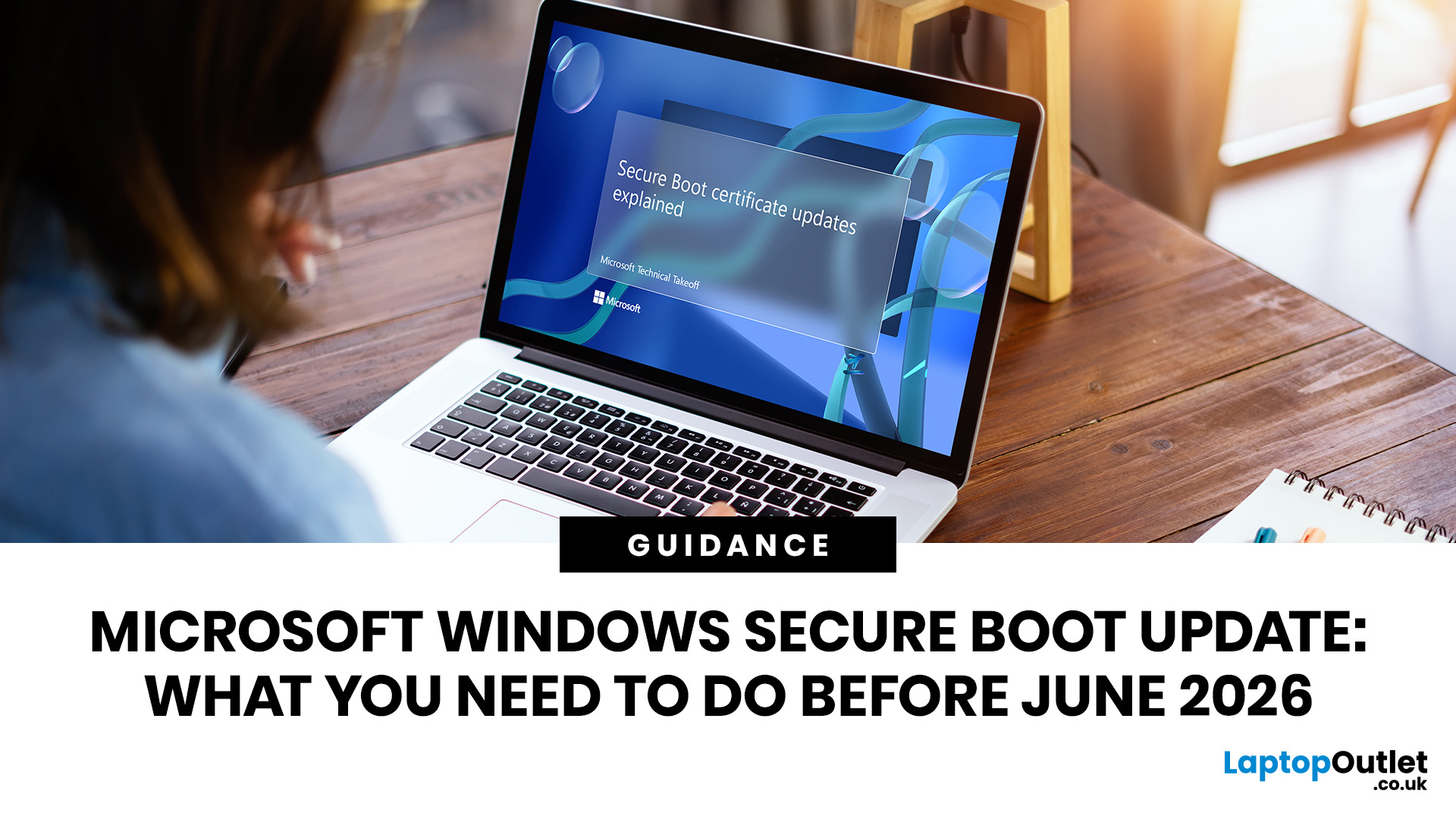
Microsoft is updating Windows Secure Boot certificates before they begin expiring in June 2026. Most supported Windows PCs will receive the update automatically, but users should check Windows Update, Secure Boot status, BIOS/UEFI firmware, and BitLocker recovery key access to avoid future security issues.
Microsoft is rolling out an important Windows Secure Boot update before older Secure Boot certificates begin expiring in 2026. For most home users on supported Windows devices, the update should arrive automatically through Windows Update. But if your PC is older, managed by an organisation, running Windows 10 without Extended Security Updates, or has outdated BIOS/UEFI firmware, you may need to check your device before June 2026.
Secure Boot is the Windows security feature that helps ensure your PC starts using trusted software only. Microsoft says Secure Boot certificates originally issued in 2011 begin expiring in June 2026, and devices need newer 2023 certificates to keep receiving

May 13, 2026
The 2026 RAM crunch is being driven by AI data centre demand. Memory makers are shifting capacity towards high-bandwidth memory, server DDR5, and enterprise SSDs, leaving less supply for consumer laptops. As a result, laptop RAM and SSD costs may rise, making many 2026 laptops more expensive or less generously specified.
If you were hoping laptop prices would settle down in 2026, the RAM market may have other plans.
The AI boom is pushing huge demand for memory chips, including DDR5, SSD storage, and high-bandwidth memory used in data centres. As manufacturers prioritise these high-margin AI products, consumer laptops could face tighter supply and higher component costs.
For UK buyers, that may mean more expensive laptops in 2026, fewer strong discounts, and budget models with weaker specs than before.
What Is the 2026 RAM Crunch?
The 2026 RAM crunch is a global memory shortage caused by rising demand for AI servers, high-bandwidth memory, DDR5 server memory, and enterprise SSDs.
In
May 13, 2026
To protect a Windows 10 PC after end of support, install all available Windows updates, enrol in Extended Security Updates if eligible, use updated antivirus, back up your files, remove old apps, use a modern browser, enable multi-factor authentication, and upgrade to Windows 11 if your PC supports it.
If your PC is still running Windows 10, now is the time to protect it. Windows 10 support ended on 14th October 2025, which means regular security updates and fixes are no longer available unless you take extra steps. Your PC will still work, but it may become more exposed to malware, ransomware, browser attacks, and new security flaws.
The good news is that you still have options. This Windows security guide covers the key Windows 10 protection tips to help you secure your PC, back up your files, and decide whether to upgrade to Windows 11.
Why Windows 10 End of Support Matters
When an operating system reaches end of support, it does not become useless overnight. Your files, apps, browser,
May 13, 2026
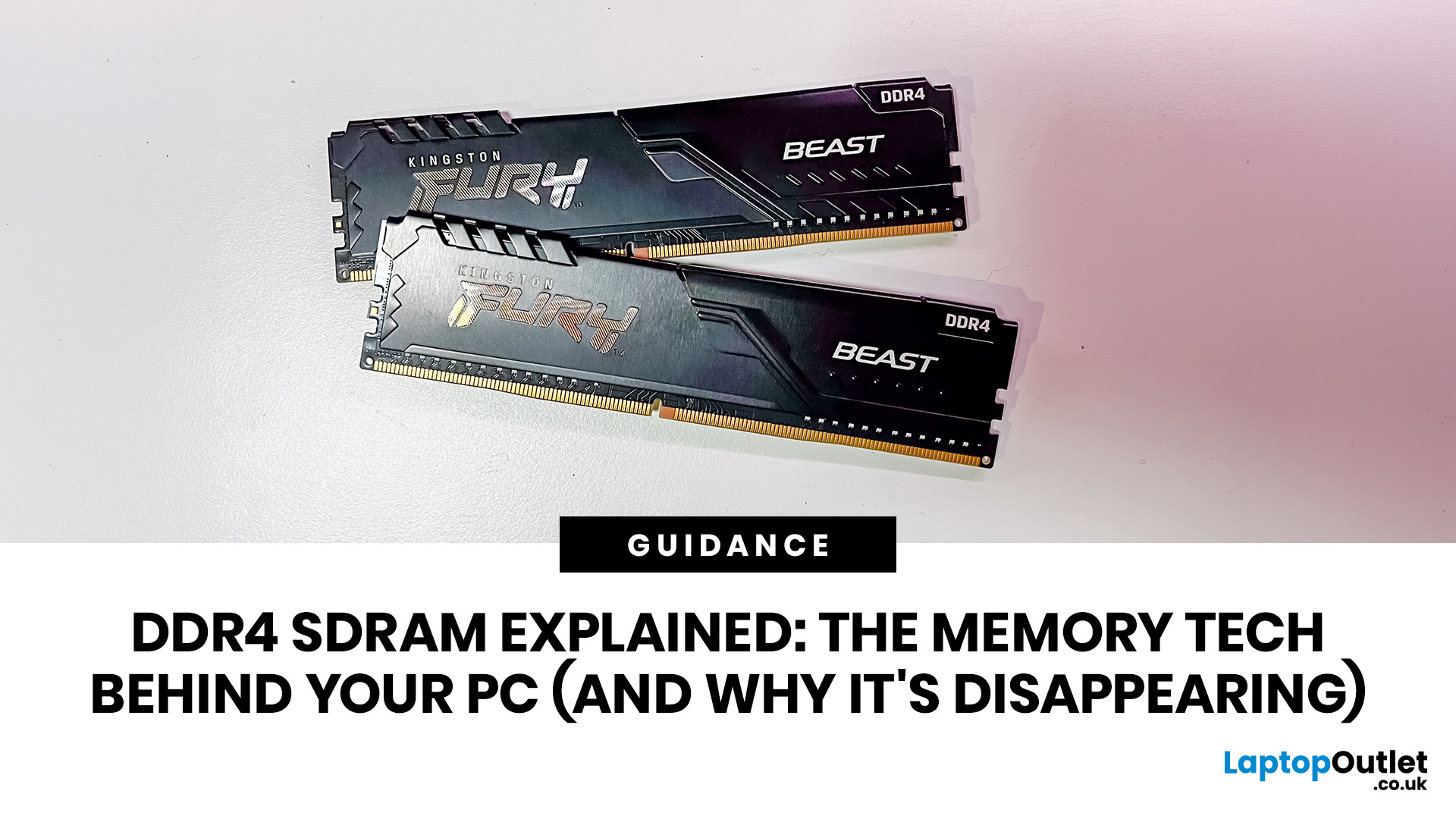
DDR4 is basically the reliable older sibling of modern PC memory. It powered gaming rigs, office PCs, laptops, creator setups and budget builds for years. But now? DDR5 has entered the chat, and new PC hardware is slowly moving on.
Still, DDR4 is not suddenly useless. Far from it. If your current PC uses DDR4, a memory upgrade can still make your system feel faster, smoother and less stressed. This guide has DDR4 SDRAM explained in plain English: what DDR4 memory is, how it works, how it compares with DDR5, and why it is gradually disappearing from new builds.
What is DDR4 SDRAM?
DDR4 stands for Double Data Rate 4. SDRAM stands for Synchronous Dynamic Random-Access Memory. Put together, DDR4 SDRAM is a type of computer memory used in desktops, laptops, workstations and servers.
In normal human terms, DDR4 is the short-term memory your PC uses while it is switched on. It temporarily holds the data your processor needs right now, such as open browser tabs, game assets, APPs, system
May 13, 2026
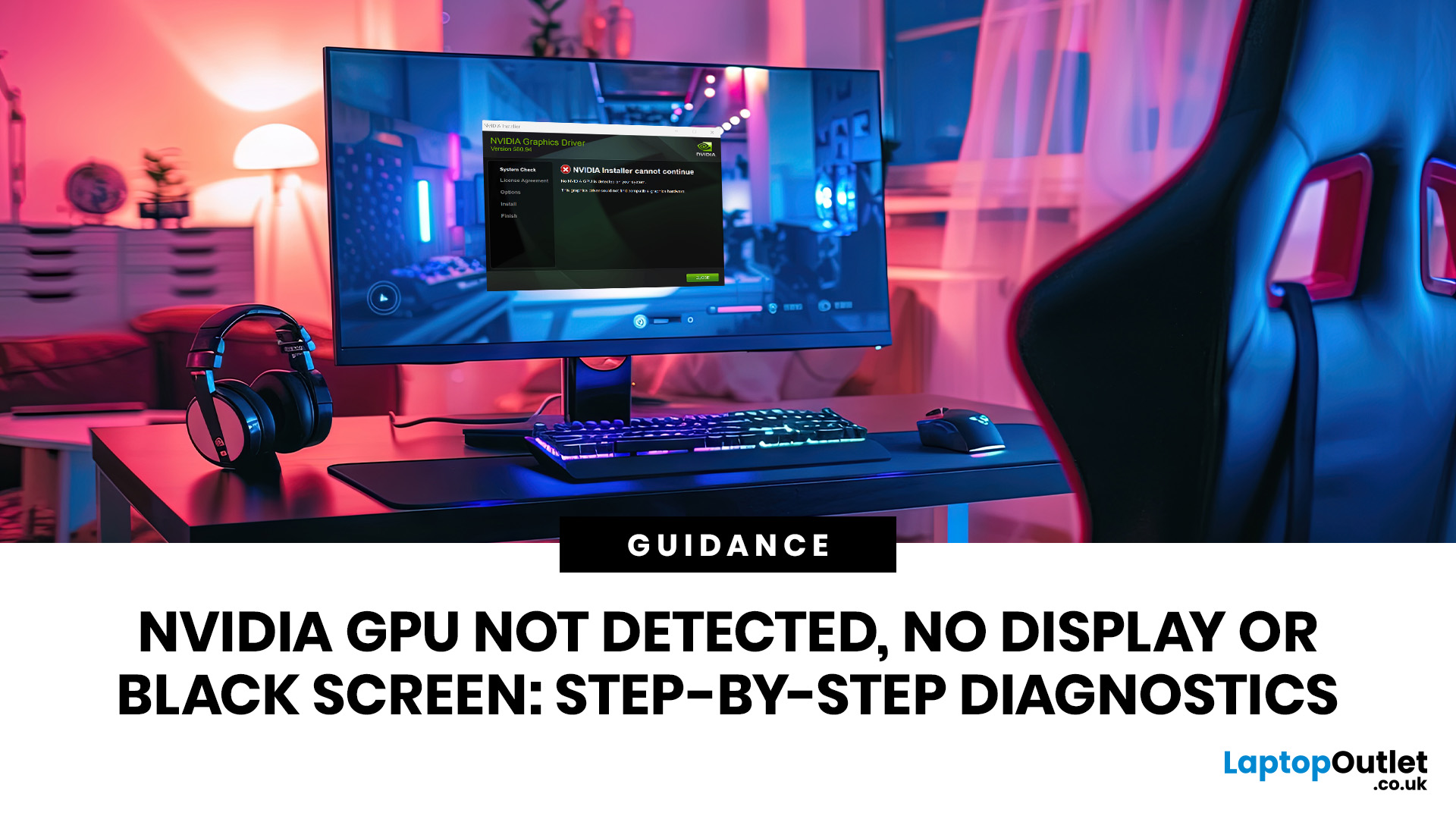
Your PC powers on. The RGB is glowing. The fans are spinning. Your setup looks ready to cook… and then your monitor hits you with “No Signal”... Pain.
Before you decide your graphics card is dead or start panic-searching for a replacement, take a breath. An NVIDIA GPU not detected issue, black screen or no display problem is often caused by something simple: a loose cable, wrong monitor input, driver corruption, BIOS setting, PCIe slot issue or underpowered PSU.
This guide walks you through practical, step-by-step graphics card troubleshooting so you can work out whether your NVIDIA graphics card needs a quick fix, a driver update, professional GPU repair or a full upgrade. Whether your GPU is running but no display appears, your system shows a NVIDIA black screen, or your video card is simply not recognised, here’s how to diagnose it properly.
NVIDIA GPU Not Detected vs No Display vs Black Screen: What’s the Difference?
Not every display issue means the same thing. Knowing the exact
May 22, 2026
Your laptop is acting weird, and now you are wondering if it is a driver's problem.
Maybe your Wi-Fi keeps dropping. Maybe your Bluetooth headphones refuse to connect. Maybe your sound has vanished, your printer is ghosting you, or your graphics suddenly look like your laptop is running on low battery and bad vibes.
This is usually the moment people search “how to update drivers” or “update drivers Windows” and hope the answer is not a 40-step tech maze.
Good news: updating drivers on Windows 10 and Windows 11 is not as scary as it sounds. In most cases, Windows can handle driver updates automatically through Windows Update, and Microsoft says drivers act like translators between Windows and your devices, helping your operating system and apps communicate with your hardware.
This guide will show you how to update drivers safely, how to check if drivers are up to date, when to use Device Manager, when to visit the manufacturer’s website, and when driver problems may be a sign, your laptop
May 05, 2026
Quick Answer
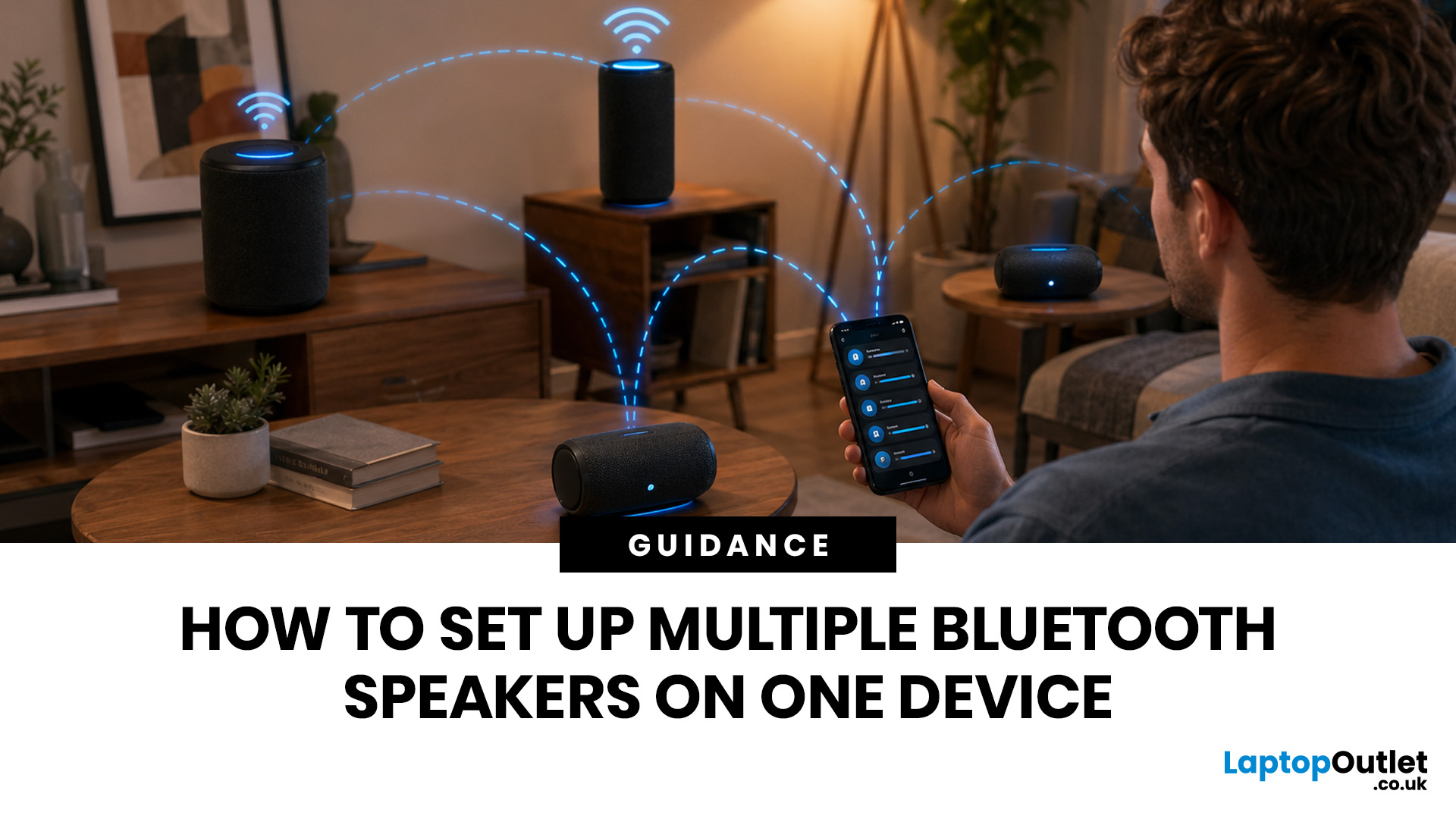
You can set up multiple Bluetooth speakers on one device when your phone, laptop, tablet, or speakers support multi-speaker audio. The easiest method is to use compatible speakers from the same range and link them via the speaker’s party mode, stereo pair mode, the connect button, or the companion app.
Standard Bluetooth pairing does not always let you play sound through multiple Bluetooth speakers simultaneously. Your device may remember several speakers yet only send audio to one. For two-speaker playback, Samsung Galaxy Dual Audio, AirPlay-compatible speakers, Bluetooth LE Audio, Auracast, same-brand speaker pairing, or a Bluetooth transmitter are usually the best routes.
Introduction
You can connect multiple Bluetooth speakers, but the right setup depends on your device and the compatibility of your speakers. A Samsung Galaxy phone, an iPhone, an Android phone, a Windows laptop, a MacBook, or a TV may all need a slightly different method.
The main thing to know is simple:
May 06, 2026
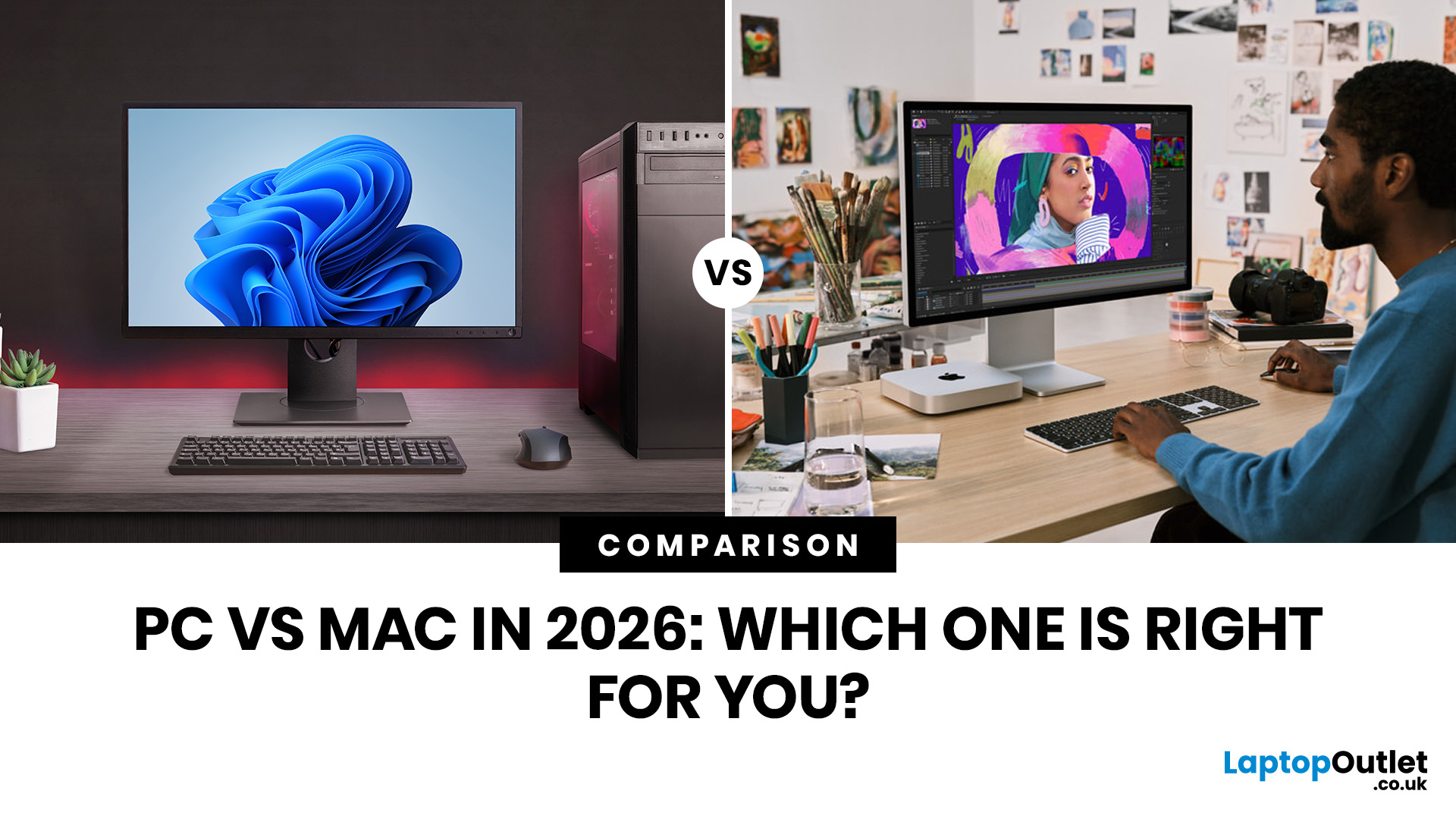
Quick Answer: Choose a PC in 2026 when you want more choice, broader software support, better gaming options, easier business compatibility, and a wider spread of prices. Choose a Mac when you want excellent battery life, a polished day-to-day experience, and tighter integration with your iPhone and other Apple devices.
The PC vs Mac 2026 decision is not really about which side has the louder fan base. It is about which setup makes more sense for the way you use your laptop every day.
Right now, the gap is shaped by practical things rather than old brand arguments. Windows 10 support ended on 14 October 2025, which means older Windows laptops need more careful checking before you buy. At the same time, current MacBook Air models now start from a stronger baseline with 16GB unified memory and up to 18 hours of battery life, so the entry-level Mac story is better than it used to be. Windows still keeps the advantage in gaming and overall device variety, while Mac remains attractive for portability,
May 05, 2026
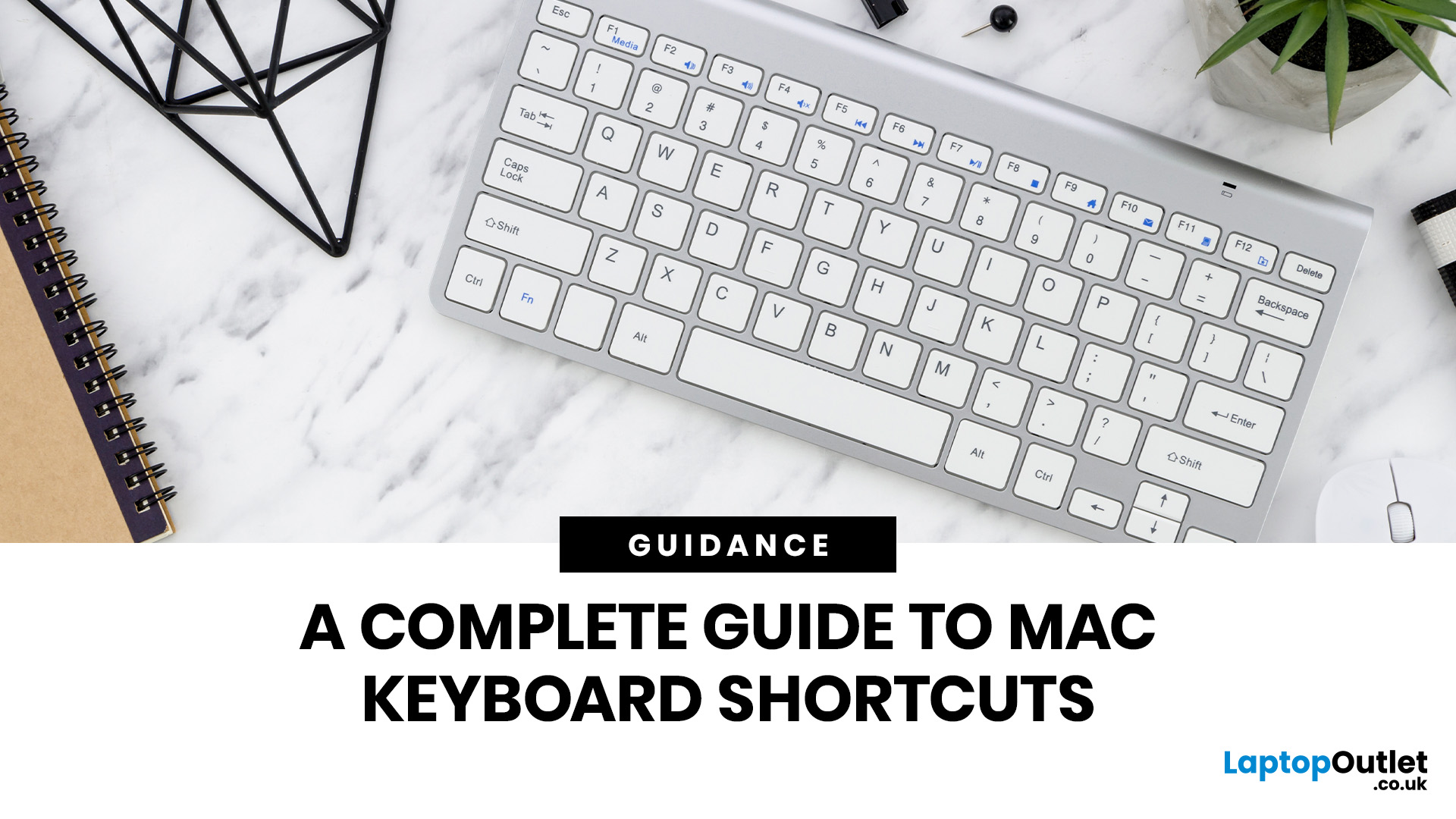
Mac keyboard shortcuts help you copy, paste, search, switch apps, manage files, take screenshots, and control system features faster from the keyboard. This 2026 guide explains the essential shortcuts, the meaning of Apple's modifier keys, practical shortcuts for everyday work, and the easiest ways to customise them for a smoother workflow.
What Are Mac Keyboard Shortcuts, And Why Should You Use Them?

Mac keyboard shortcuts are key combinations that carry out actions you would otherwise do with a mouse or trackpad. Apple notes that these shortcuts can save time, but also points out that some shortcuts vary by app, keyboard layout, and language.
For most people, the biggest benefit is speed. Copying text, opening Spotlight, closing tabs, switching apps, and locking the screen all feel quicker when your hands stay on the keyboard.
The same core shortcuts work across modern Macs, including MacBook, iMac, and Mac mini, as long as the keyboard layout matches.
If you are also comparing machines
April 22, 2026
Whether you're tidying up a slow desktop PC or getting rid of software you never use, knowing how to uninstall apps on Windows is one of the most useful skills you can have.
Both Windows 10 and Windows 11 give you several ways to remove programmes, but the steps differ slightly between the two versions. This guide walks you through every method clearly, plus how to fix it when things go wrong.
5 Ways to Uninstall Apps on Windows 10 and 11

There is more than one way to uninstall apps on Windows, and the right approach often depends on how the app was installed in the first place. Some methods suit modern Microsoft Store apps, while others are better for older desktop software.
The table below gives you a quick overview before we get into the step-by-step detail.
| Method | Best For | Windows 10 | Windows 11 |
| Start Menu | Modern apps, quick removal | Yes | Yes |
| Settings | Most apps and programmes | Yes | Yes |
| Control Panel | Legacy desktop software | Yes | Yes |
| File Explorer | Apps with built-in uninstallers | Yes | Yes |