


External Hard Drives
Finance available
Finance available
Free Delivery *
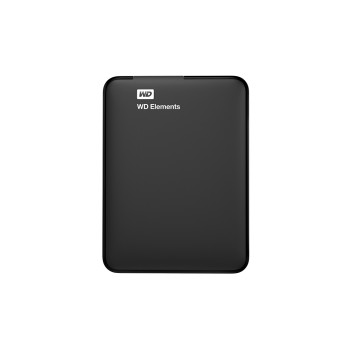
Finance available
Finance available
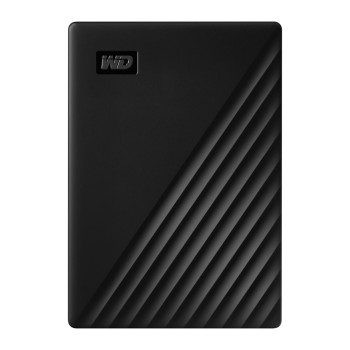
Finance available
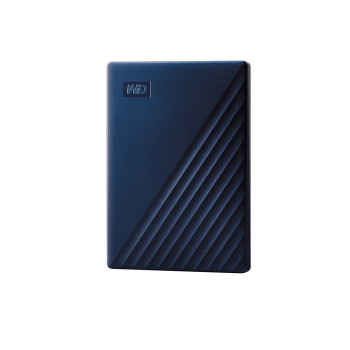
Finance available
Finance available
Finance available
Finance available
Finance available
Finance available
Level Up Your Storage Game with Secure Backups
External hard drives are portable or desktop storage devices that connect to your computer via USB, giving you instant extra space without opening your machine. Whether you are backing up precious photos, storing a growing media library, archiving business files, or expanding storage for your gaming console, an external hard drive offers a simple, cost-effective solution. Unlike cloud storage, there are no monthly fees, no internet dependency, and no limits imposed by a subscription tier, your data stays local, secure, and instantly accessible.
Why Choose an External Hard Drive Over Cloud Storage?
Cloud services have their place, but external drives remain the preferred choice for many UK households and businesses. Here is why:
- No recurring costs: Pay once and own your storage outright, ideal for budget-conscious buyers seeking an affordable external hard drive.
- No internet required: Access your files at full speed even without a Wi-Fi connection.
- Faster large-file transfers: Copying a 50 GB video project locally is far quicker than uploading it to the cloud.
- Privacy and control: Your data never leaves your hands, critical for businesses handling sensitive information.
- One-time investment: A hard disk drive external unit typically costs less over five years than an equivalent cloud plan.
Types of External Hard Drive: Which is Right for You?
Traditional Desktop External Hard Drives
Desktop external hard drives are larger units powered via a mains adapter. They typically offer capacities from 2 TB up to 20 TB or more, making them the go-to choice for NAS setups, bulk media archives, and business backups. If you need best storage solutions at the lowest cost per gigabyte, a desktop hard disk drive external unit is hard to beat.
Portable External Hard Drives. Storage You Can Take Anywhere
A portable external hard drive is bus-powered, meaning it draws its electricity directly from your laptop's USB port, so no separate power cable is needed. Slim and lightweight (most weigh under 150 g), these drives slip into a pocket or bag effortlessly.
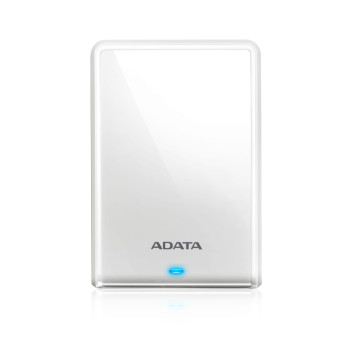
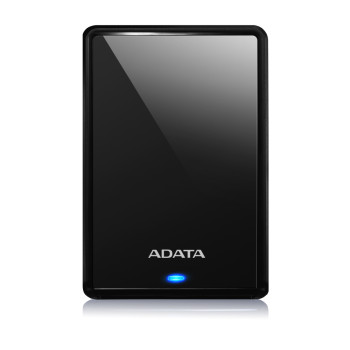
Popular models from Western Digital and ADATA range from 1 TB to 5 TB, making them ideal for students, remote workers, and photographers who need reliable storage on the move.
For Speed-First Users We’ve External Solid Hard Drives (External SSDs)
If performance is your priority, an external solid hard drive (external SSD) delivers dramatically faster read and write speeds compared to a traditional HDD, often five to ten times quicker.
This makes them the preferred choice for video editors, 4K content creators, and gamers who want minimal load times. They are also more resistant to drops and shocks. However, they come at a higher price per terabyte.
Browse our dedicated External SSDs range, if speed is your top requirement; return here if high capacity at an accessible price is what you need.
Quick Comparison: HDD vs Portable HDD vs External SSD
|
Feature |
Desktop External HDD |
Portable External HDD |
External SSD |
|
Capacity range |
2 TB – 20 TB+ |
500 GB – 5 TB |
250 GB – 4 TB |
|
Typical price/TB |
£20–£35 |
£30–£50 |
£70–£120 |
|
Transfer speed |
~120 MB/s |
~120 MB/s |
500–1000+ MB/s |
|
Powered by |
Mains adapter |
USB bus |
USB bus |
|
Best for |
Bulk backup / archive |
Travel / everyday use |
Speed-critical tasks |
|
Shock resistance |
Moderate |
Moderate |
High |
What Storage Capacity Do You Actually Need?
|
Capacity |
Suitable For |
|
500 GB – 1 TB |
Light users, students, document and photo backup |
|
2 TB |
General home use, moderate media libraries, laptop backup |
|
4 TB |
Gamers, photographers, content creators with large project files |
|
6 TB+ |
Business archiving, NAS drives, professional media workflows |
USB 3.0, USB-C, or Thunderbolt: Which Connectivity is Best?
Most external drives today ship with USB 3.0 or USB 3.2, offering transfer speeds of up to 5–10 Gbps, perfectly adequate for backup and general use. USB-C ports are increasingly common on modern laptops and provide the same or better speeds with a reversible connector.
If your laptop supports high-speed USB flash drives, Thunderbolt 3 or 4, paired with an external SSD you can achieve speeds exceeding 2,500 MB/s. Always check which ports your device has before purchasing.
Reliability and Brand Considerations
Western Digital (WD), Seagate, ADATA, and Samsung are among the most trusted names in external storage.
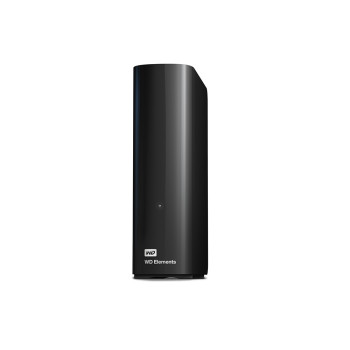
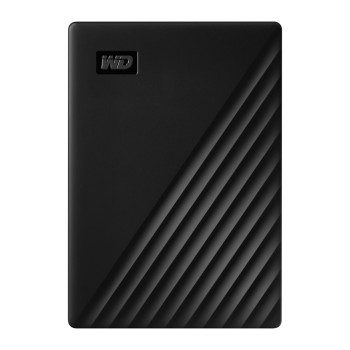
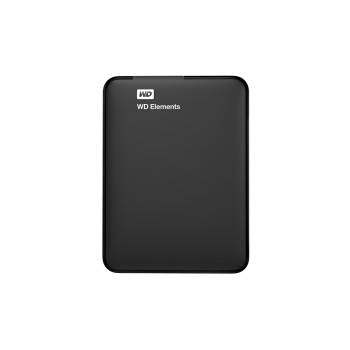
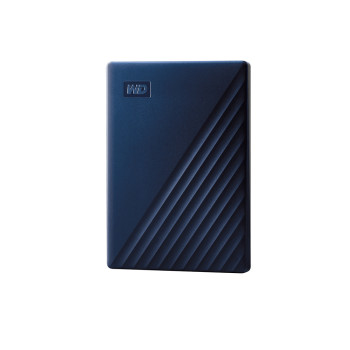
For everyday backup duties, WD Elements and WD My Passport drives are consistently well-reviewed for their reliability and value.
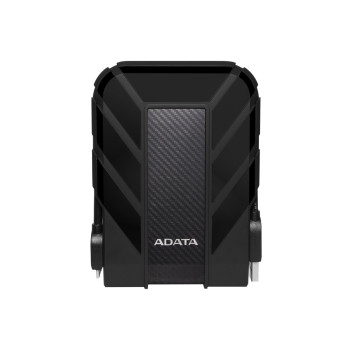
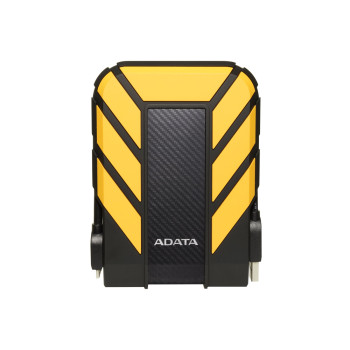
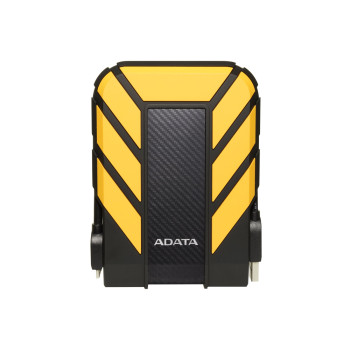
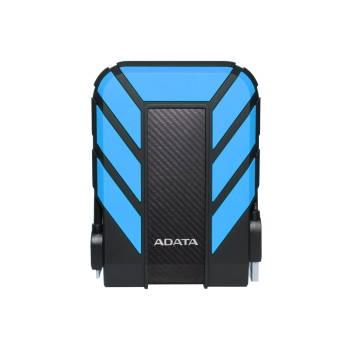
ADATA's HD710 Pro series adds a ruggedised, water-resistant shell, excellent for field workers or anyone who travels frequently.
Which External Drive is Right for Your Lifestyle?
- Students: A 1–2 TB portable drive keeps coursework, projects, and lecture recordings safe without weighing down your bag.
- Home users: A 2–4 TB portable or desktop model is ideal for backing up a family PC and storing photos and videos.
- Gamers: Console gamers benefit from a 4 TB external drive to expand game libraries beyond the built-in SSD.
- Content creators: High-resolution footage demands 4 TB+ with USB 3.2 or USB-C speeds; consider an external solid hard drive for edit-in-place workflows.
- Businesses: IT departments often combine external HDDs for nightly automated backups alongside an internal HDD for on-device storage, creating a layered data protection strategy
Ready to Buy an External Hard Drive? Browse Our Full Range
External hard drives remain one of the most practical, cost-effective storage investments you can make, whether you are a student protecting coursework, a photographer safeguarding memories, a gamer expanding your library, or a business securing critical data. With no subscription fees, instant offline access, and capacities up to 8 TB and beyond, they offer flexibility that cloud storage simply cannot match. When it comes to finding the best external hard drive at a price that suits your budget, Laptop Outlet delivers a trusted selection, fast UK delivery, and expert support every step of the way.
Read More:
External Hard Drives vs USB Flash Drives: Which is Best?
How to Clone Your Hard Drive to an SSD: Upgrade Guide
How Kingston’s Secure USB Drives Keep Your Data Safe While Travelling
Read more