


Netgear Routers
Finance available
Free Delivery *
Finance available
Finance available
Finance available
Free Delivery *
Finance available
Finance available
Free Delivery *
Seamless Connectivity with NETGEAR Routers and Wi-Fi Solutions
Strong, stable internet is no longer a bonus. It is essential to how we work, learn, stream and game. Whether you're upgrading your home network, setting up a new business space, or need wireless access on the go, NETGEAR routers provide reliable Wi-Fi solutions that fit your lifestyle. Laptop Outlet stocks a wide range of NETGEAR Wi-Fi routers, mesh systems, mobile accessories and switches that deliver high-speed connectivity in any environment.
Home Wi-Fi That Actually Covers Your Home
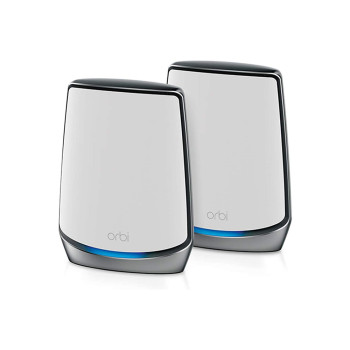
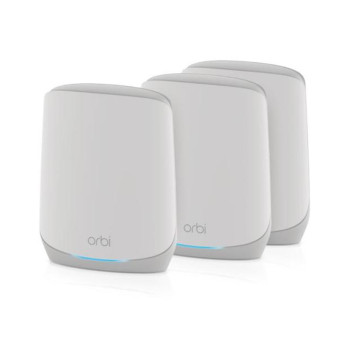
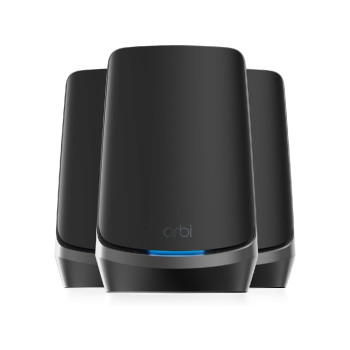
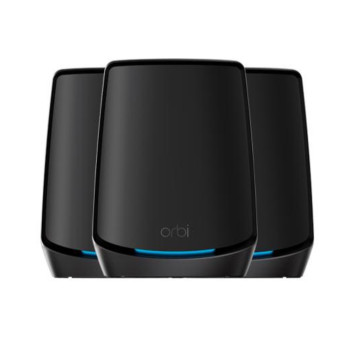
Say goodbye to dead zones and inconsistent signal. NETGEAR Orbi mesh Wi-Fi systems are built to blanket your entire home in fast, stable coverage. Whether you're in a city flat or a multi-storey house, Orbi adapts to your space with a modular system that distributes Wi-Fi evenly, even through walls. With support for Wi-Fi 6 and Wi-Fi 7, Orbi ensures your family’s devices stay connected without interruptions, even when everyone’s streaming, gaming or video calling at the same time.
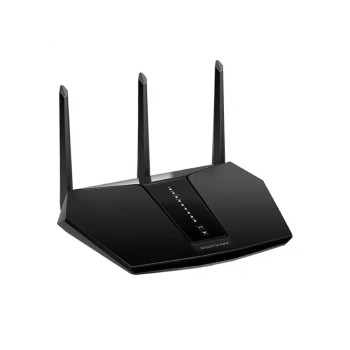
Looking for something more compact or budget-friendly? A standard NETGEAR wireless router offers excellent range and intelligent bandwidth distribution. Perfect for smaller homes and apartments, these NETGEAR routers support multiple users without compromising speed.
Performance Routers for Gamers and Streamers
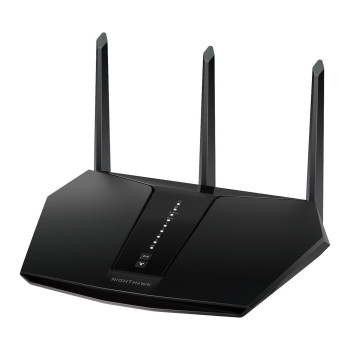
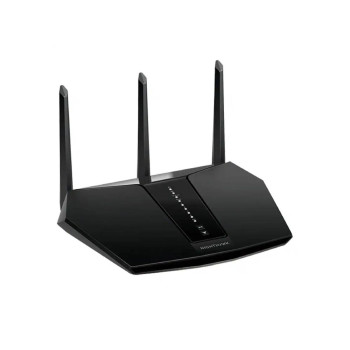
If your online activity demands more power, the NETGEAR Nighthawk range is a perfect fit. These models are some of the best NETGEAR routers available, designed for users who need top-tier speeds, low latency and the ability to handle multiple high-bandwidth devices simultaneously. From 4K streaming and multiplayer gaming to heavy downloads and smart home control, NETGEAR Wi-Fi routers like the Nighthawk are built to manage intense usage without slowing down.
Many Nighthawk models include customisable Quality of Service (QoS) controls, beamforming technology and MU-MIMO support to prioritise traffic, reduce lag and enhance stability. Whether you're a pro gamer or simply want consistent high-speed access, a NETGEAR router from this series is ready for the challenge.
Stay Connected While Travelling
NETGEAR mobile Wi-Fi hotspots give you wireless access wherever you need it. Perfect for commuters, freelancers and remote workers, these compact devices create secure internet access without relying on public networks. Choose from 4G or 5G-ready models to suit your location and coverage.
Simply insert a SIM card and you can connect multiple devices, including laptops, tablets and smartphones. Portable and easy to manage, a NETGEAR Wi-Fi router for mobile use lets you take fast, secure internet with you wherever you go.
Office Networking and Small Business Solutions
NETGEAR doesn’t just serve homes. Its switches, access points and enterprise-grade routers are ideal for office and business environments. Whether you're setting up a small team in a co-working space or expanding a growing business network, you’ll find solutions that are scalable, secure and easy to deploy.
Unmanaged and smart-managed switches are available for all types of setups, offering features like Gigabit speeds, Power over Ethernet (PoE) support and VLAN control. These devices ensure that your office network runs efficiently and can handle high-volume data transfer between users and systems.
Why Choose NETGEAR from Laptop Outlet?
Laptop Outlet offers the full range of NETGEAR routers and wireless products, making it easy to find the right match for your needs. From simple plug-and-play models to advanced mesh systems and enterprise-level networking tools, we help you stay connected with confidence.
When you shop with us, you benefit from fast UK shipping, genuine NETGEAR stock, expert customer support and competitive pricing. Browse our full selection today or explore alternatives like ASUS routers or a TP Link router for comparison.
Built for Now and the Future
As technology advances, your network should keep up. NETGEAR’s support for Wi-Fi 6 and Wi-Fi 7 ensures future-proof performance, allowing more devices to connect at once without slowing down. Many models also include advanced security features, guest networks and parental controls, making them ideal for family use or shared spaces. From fast home routers to high-performance mesh and business networking, you can count on quality, reliability and innovation from a trusted brand.
Explore the full range of NETGEAR routers and Wi-Fi solutions at Laptop Outlet. Bring speed, stability and smarter connectivity to your home, office or travel kit today.
Read More!
What Is a Router?
How Do I Change a Router Password
What Is a Network Switch and What Does It Do
Read more