


Apple iPad Air 13-inch vs iPad Pro 13-inch: Which Should You Choose?

Choosing between Apple’s iPads can feel tricky, especially when both the iPad Air 13-inch and the iPad Pro 13-inch look premium, powerful and remarkably similar at first glance. If you’re weighing up the iPad Air 13 vs iPad Pro 13, this guide is designed to help you make a confident, informed decision based on how you actually plan to use your device.
In this in-depth comparison, we’ll break down performance, display quality, battery life, accessories, and real-world use cases, all with the latest Apple hardware in mind. Whether you’re a student, creative professional, remote worker or casual user, by the end you’ll know exactly which iPad suits you best.
Key Differences Between iPad Air 13-inch and iPad Pro 13-inch
Before diving into individual features, it’s important to understand what separates the Air and Pro lines in Apple’s ecosystem.
Design and Build Quality: Premium Feel Across the Board
Apple doesn’t compromise on build quality, and that’s clear with both models.
Sleek, Lightweight, and Portable
Both the iPad Air 13-inch and iPad Pro13-inch feature Apple’s signature aluminium unibody design with slim bezels and flat edges. Despite the larger display size, both tablets remain impressively thin and easy to carry.
- iPad Air 13-inch: Slightly thicker but still lightweight and well balanced
- iPad Pro 13-inch: Marginally thinner and lighter, offering a more refined feel
In everyday use, the difference is subtle, but frequent travellers and professionals may appreciate the Pro’s extra polish.
Display Technology: iPad Pro Display vs iPad Air
One of the most important distinctions in the iPad Pro display vs iPad Air debate is screen technology.
iPad Air 13-inch Display Explained

The iPad Air 13-inch uses a Liquid Retina display that delivers:
- Sharp resolution
- Excellent colour accuracy
- True Tone technology for comfortable viewing
For watching films, browsing, note-taking and casual creative work, the Air’s display is more than capable.
iPad Pro 13-inch Display Explained
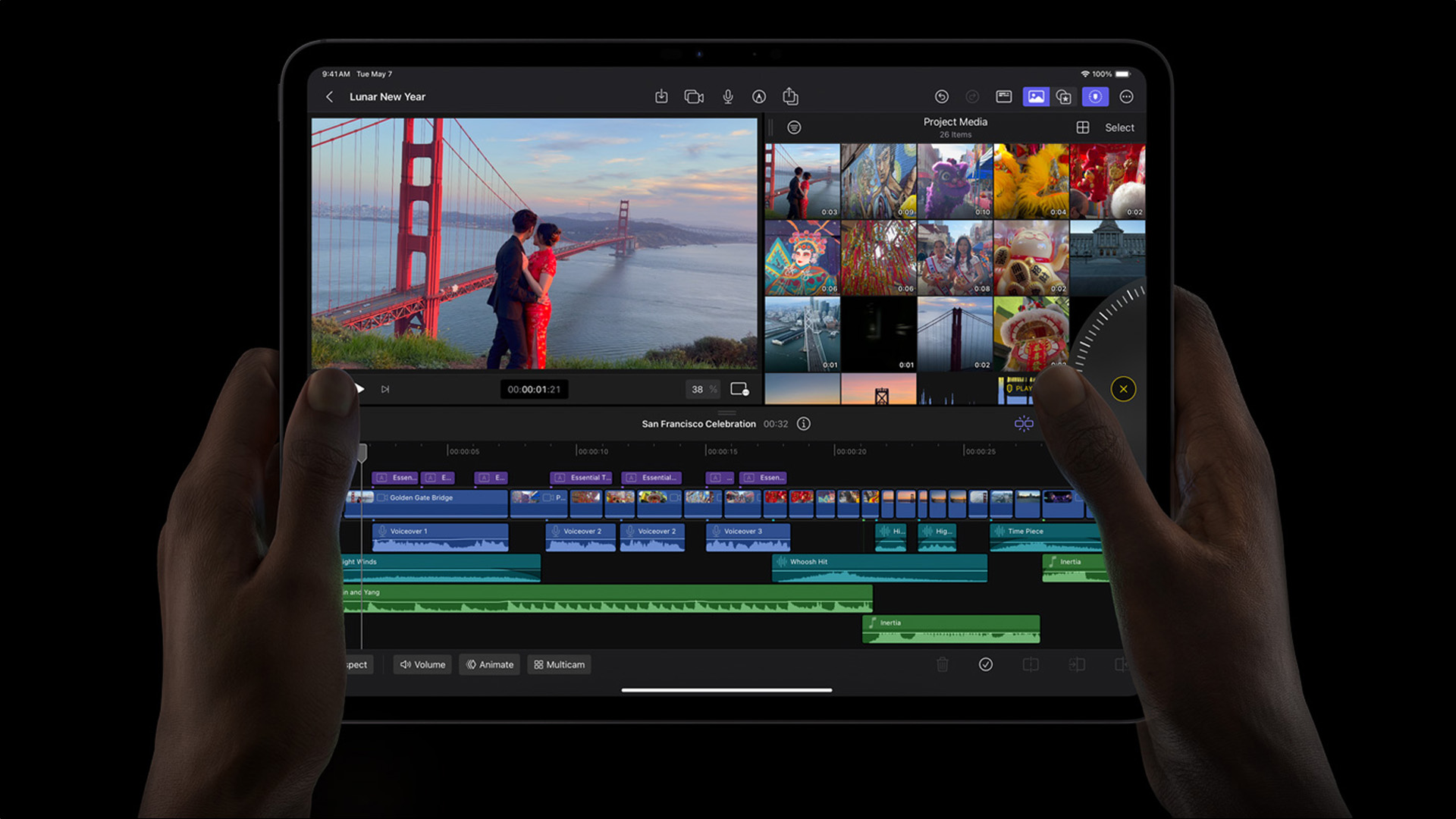
The iPad Pro steps things up significantly with its advanced display technology:
- Ultra-smooth Pro Motion with adaptive refresh rates up to 120Hz
- Deeper contrast and brighter highlights
- Better performance in direct sunlight
If you work with detailed visuals, animations or video editing, the Pro’s display offers a noticeably smoother and more immersive experience.
Verdict: For everyday users, the Air is excellent. For creatives and professionals, the Pro’s display stands out.
Performance and Power: iPad Pro vs iPad Air Performance
Performance is often the deciding factor, especially if you plan to push your iPad beyond basic tasks.
iPad Air 13-inch Performance
Powered by Apple’s latest silicon, the iPad Air13 inch M3 delivers:
- Fast app loading
- Smooth multitasking
- Excellent gaming performance
For most users, this level of power is more than sufficient for work, study and entertainment.
iPad Pro 13-inch Performance
The Pro model takes performance to the next level with its cutting-edgechip, often compared to laptop-grade power. The iPad Pro 13 inch M5 is built for:
- Intensive creative workflows
- 4K video editing
- Advanced design software
- Professional multitasking
This is where the Pro truly justifies its name.
Verdict: If you want future-proof performance and regularly used demanding apps, the Pro is the clear winner. Otherwise, the Air offers outstanding speed for the price.
Battery Life: iPad Air vs iPad Pro Battery Life
Battery life matters, especially for users on the move. In real-world use, battery life is remarkably similar. The Pro’s advanced display can use more power at higher refresh rates, but this is balanced by its efficient chipset.
Real-World Battery Performance
Both models are designed to last a full day on a single charge:
- Up to 10 hours of web browsing or video playback
- Efficient power management thanks to Apple silicon
Verdict: There’s no clear winner here, both deliver excellent all-day battery performance.
Accessories and Productivity: Magic Keyboard Compatibility
If you’re planning to use your iPad as a laptop replacement, accessories playa big role.
Keyboard and Pencil Support
Both models support:
- Apple Pencil (latest generation)
- Full Magic Keyboard compatibility
- Trackpad and multi-touch gestures
This makes both the Air and Pro suitable for typing, document editing, emails and creative workflows.
Laptop-Like Experience
With a Magic Keyboard attached, either iPad can comfortably handle:
- Office work
- Remote working
- University assignments
The Pro, however, benefits more from this setup due to its superior performance and display.
iPad for Creators and Designers: Which One Wins?
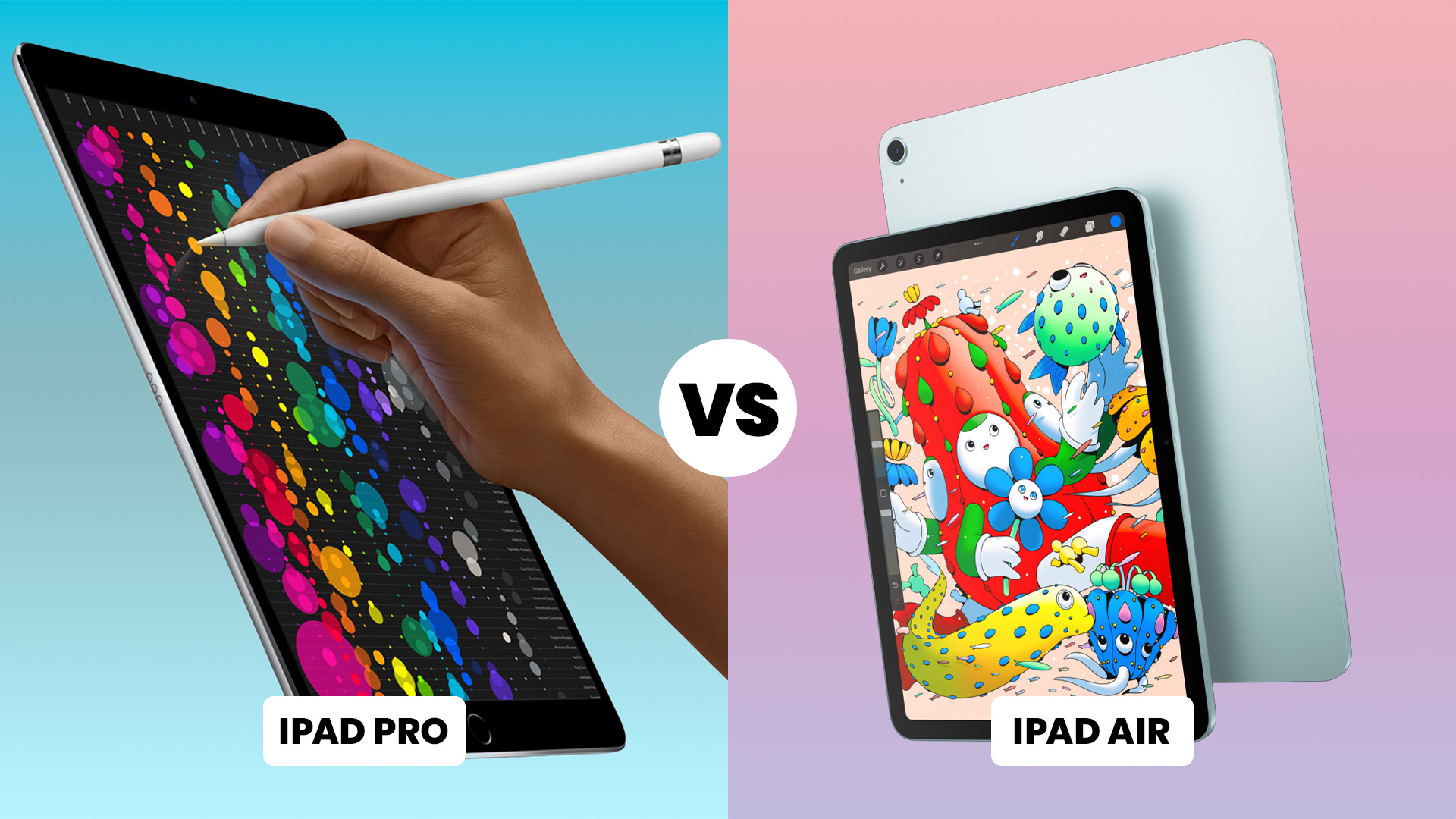
For creatives, the decision often comes down to how demanding your work is.
iPad Air for Creatives
It handles most creative apps smoothly and offers fantastic value. The Air is an excellent choice for:
- Digital illustration
- Photo editing
- Music production
- Content creation
iPad Pro for Professionals
If your workflow demands absolute smoothness, colour accuracy and raw power, the Pro is hard to beat as an iPad for creators and designers. The Pro is designed for:
- Professional video editors
- Graphic designers
- 3D artists
- Motion designers
Storage Options and Pricing Considerations
Price is where the difference becomes more noticeable, with the Pro sitting firmly at the premium end. Both models offer multiple storage configurations, allowing you to choose based on your needs and budget.
- Lower storage is fine for cloud-based users
- Higher storage suits creatives working with large files
Which iPad Should You Buy?
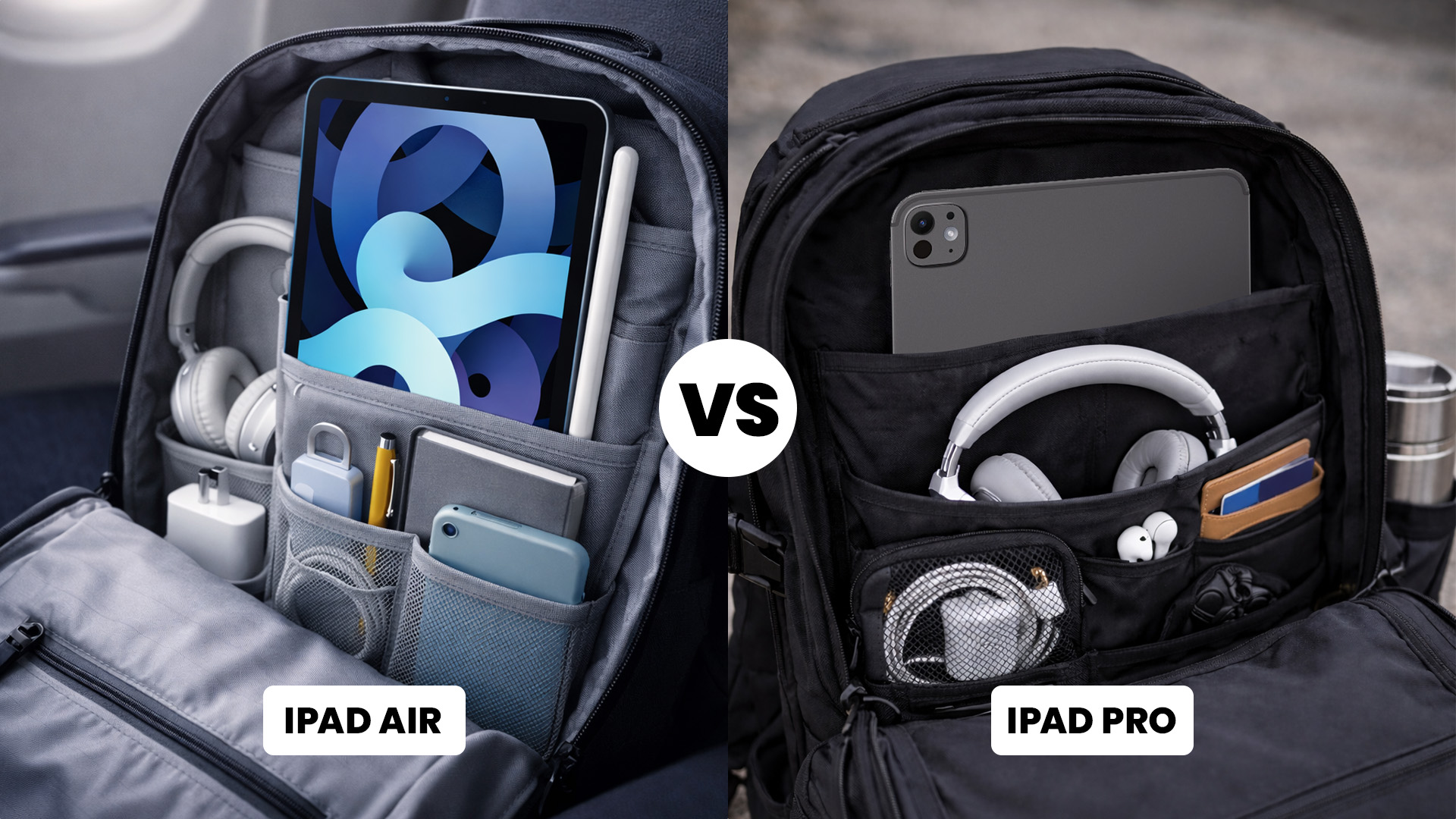
Choose the iPad Air 13-inch If You:
- Want a powerful, versatile iPad at a better value
- Use your iPad for work, study and entertainment
- Don’t need top-tier display or performance
Choose the iPad Pro 13-inch If You:
- Are a creative professional or power user
- Want the best display Apple offers
- Need maximum performance for demanding tasks
If you don’t want to buy a new iPad, you can choose cheap refurbished iPads, which are budget-friendly and in good condition.

Final Thoughts: iPad Air 13 vs iPad Pro 13
When it comes to the iPad Air 13 vs iPad Pro 13, there’s no wrong choice, only the right one for your needs. The Air delivers exceptional performance and value, while the Pro offers unmatched power and display quality for professionals. Think about how you’ll use your Apple iPad day to day, and you’ll quickly see which one fits your lifestyle best.

Are You Still Confused?
Is the iPad Pro 13-inch worth the extra money?
Yes, if you’re a creative professional or power user who needs top-tier performance and display quality. For everyday use, the iPad Air offers better value.
Can both iPads replace a laptop?
With a Magic Keyboard attached, both can handle many laptop-style tasks. The Pro is better suited for demanding workflows.
Which iPad is better for students?
The iPad Air 13-inch is ideal for students thanks to its strong performance, lower price and excellent battery life.
Do both support Apple Pencil?
Yes, both models support the latest Apple Pencil, making them great for note-taking and creative work.
Which iPad is better for video editing?
The iPad Pro 13-inch is the better choice for video editing due to its superior performance and advanced display.
| Read More: |
| Are Refurbished iPads Worth it? |
| How to Connect Apple Pencil to iPad? |
| iPad Buying Guide: Best iPads for Students, Artists, & Professionals |
Related Articles


Last Updated: September 09, 2025
Let’s be honest: new iPads are expensive. And with Apple releasing updates almost every year, it’s hard to justify the full retail price, especially if you're just after a reliable, good-looking tablet for daily use.
That’s where refurbished iPads come in. These aren’t second-rate gadgets tossed aside; they're professionally restored devices that often look and work like new, but at a fraction of the cost. But the question remains: are refurbished iPads actually worth buying in 2025?
This guide will walk you through everything you need to know from performance and battery health to warranty and compatibility with the latest iPadOS.
Let's dive in.
What is a Refurbished iPad?
A refurbished iPad is a pre-owned device that has been inspected, cleaned, and restored to full working condition. It might have been returned due to a fault (which has now been fixed), or simply because the original buyer changed their mind.
There are two key types:
-
Manufacturer Refurbished iPads: Restored by Apple

Last Updated: October 08, 2025
Choosing the right tablet can be overwhelming, but Apple’s extensive iPad lineup makes it possible to find a model that fits almost any workflow or budget. From students managing coursework to artists creating digital illustrations, and professionals handling demanding tasks, the range of iPads from Apple is built to meet a wide variety of needs.
With options ranging from the compact iPad Mini to the high-performance Apple iPad Pro lineup, including options like the Apple iPad Pro 13, understanding what each model offers is key to making a smart investment.
This guide breaks down powerful and the latest iPads from Apple, comparing performance, features, and value to help you find the best Apple tablet for your daily demands without wasting money on features you won't use.
Top iPads for Students, Artists, and Professionals in 2025
For Students
Apple iPad Air 11 (SKU:MUWG3NF/A)
The Apple iPad Air 11 is an excellent option for students who want performance without the weight or cost of a
Last Updated: September 11, 2025
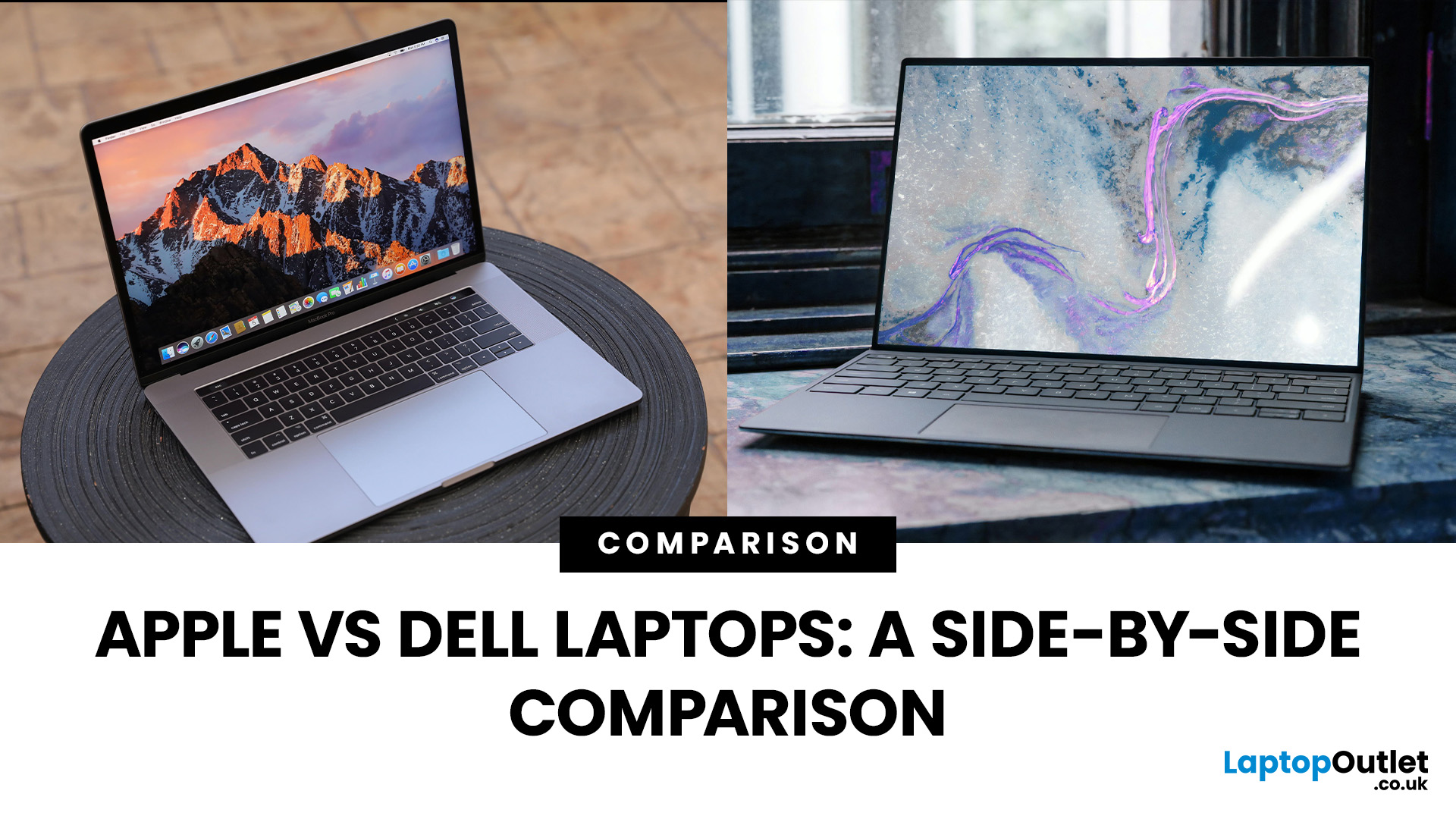
Choosing between Apple vs Dell laptops in 2025 is less about which brand is “better” overall and more about which suits your needs best. Apple’s MacBooks are known for their premium build, exceptional battery life, and smooth macOS ecosystem, while Dell offers a wider range of laptops—from affordable everyday machines to high-end XPS ultrabook delivering flexibility, Windows compatibility, and value across budgets. This comparison breaks down the key differences in performance, design, battery life, displays, and pricing to help you decide which brand delivers the right balance for your work or personal use.
What’s the Main Difference Between Apple and Dell?
Apple (MacBook Air/Pro) focuses on seamless macOS integration, class-leading battery life, and quiet, efficient performance on Apple silicon (M-series). Hardware is premium, but upgrades/ports are limited, and prices skew higher. On the other hand, Dell (XPS/Inspiron/Latitude/Alienware) offers a wider spread from budget to premium with
Last Updated: November 12, 2025
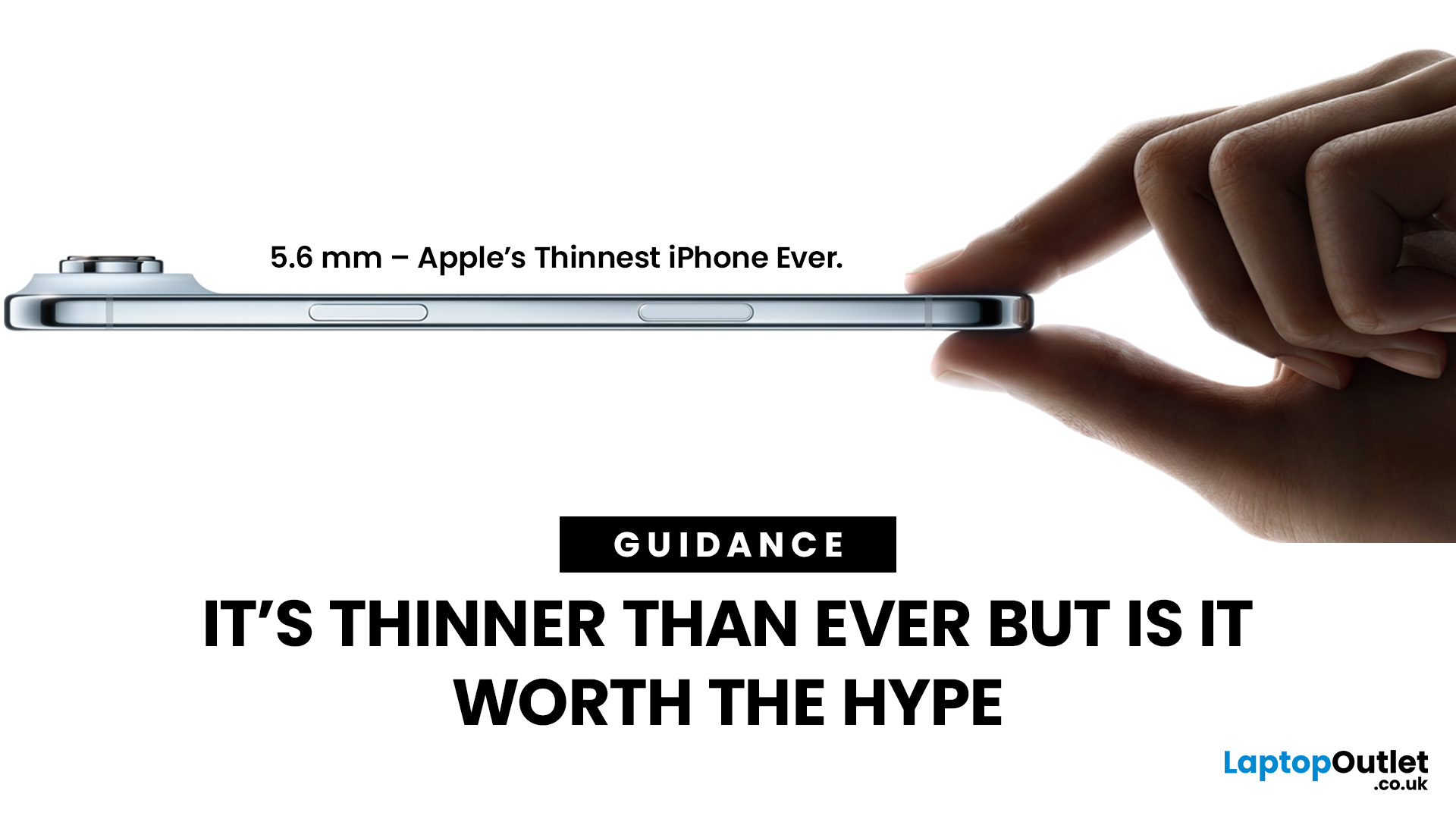
Apple has officially launched the iPhone Air, billed as its slimmest ever model, just 5.6 mm at its thinnest point. While the sleek design has grabbed attention, many are asking: how many compromises were made for aesthetics? Here’s what the iPhone Air delivers, what it gives up, and whether it lives up to the hype.
What’s New & Special
The iPhone Air proves Apple can still surprise with daring design choices. Its razor-thin build and premium display make it one of the most elegant devices on the market. However, elegance comes at a price: less battery stamina, a simpler camera system, and potential concerns about durability. For those who value style and portability above all else, the Air delivers. For users who demand power, longevity, and versatility, the Pro lineup remains the safer bet.
Featherweight Design & Build
The defining feature of the iPhone Air is its astonishing thinness. At around 5.6 mm, it’s Apple’s thinnest phone ever, replacing the Plus line in the iPhone family.
Last Updated: May 07, 2026
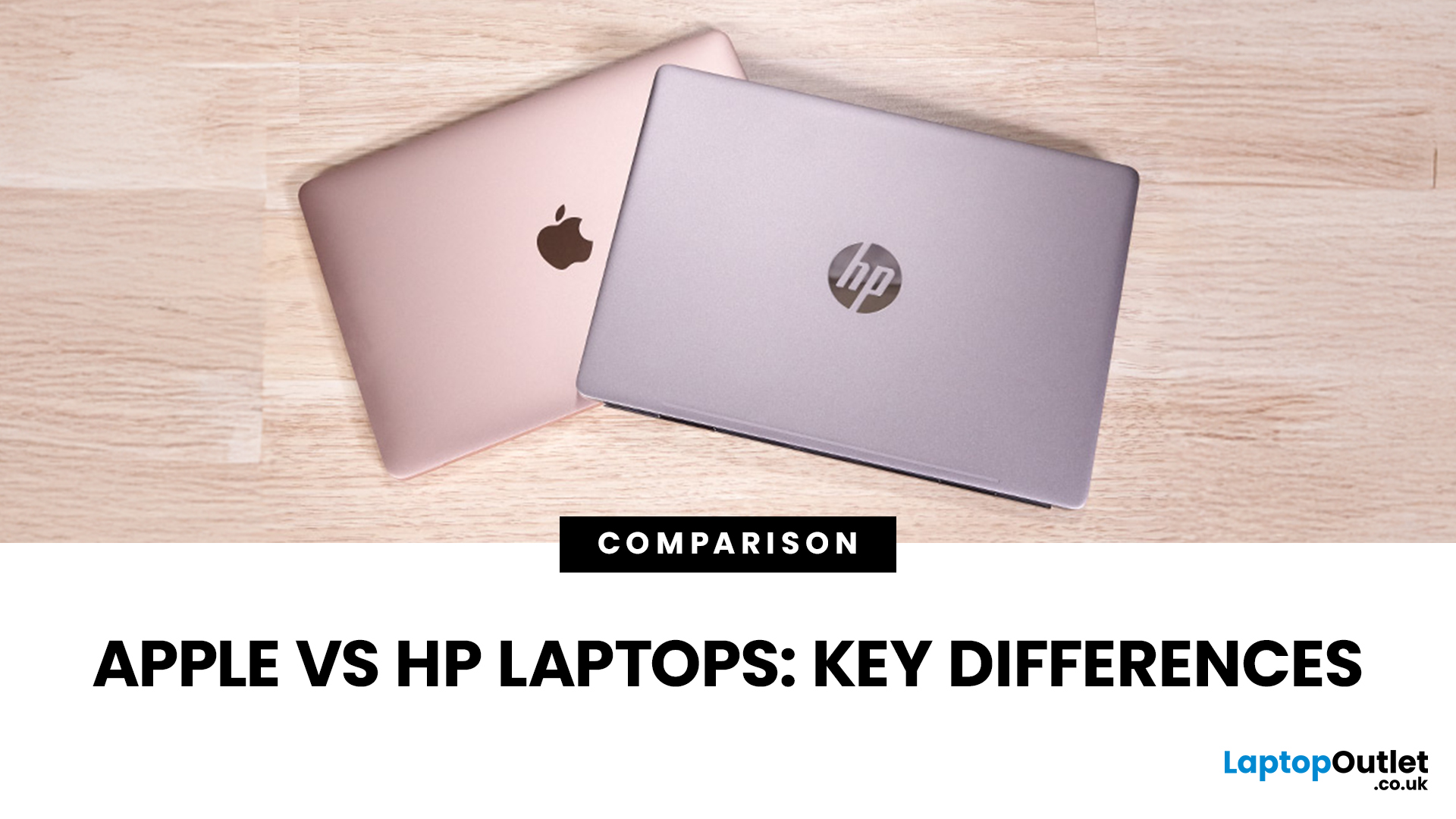
When it comes to buying a new laptop in 2025, the debate comes down to Apple vs HP laptops. Apple’s MacBook Air and Pro have become the go-to choice for creatives, professionals, and fans of the Apple ecosystem, while HP dominates the Windows world with a massive range of laptops that fit every budget, from student-friendly notebooks to workstation beasts like the ZBook.
So, which one is actually right for you? Let’s dive into a head-to-head comparison of Apple vs HP laptops, covering design, performance, battery life, price, and everyday usability, so you can confidently pick the laptop that matches your lifestyle.
Apple vs HP Laptops: Key Differences
| Feature | Apple MacBook (Air & Pro) | HP Laptops |
| Operating System | macOS (integrated with iPhone/iPad ecosystem) | Windows 11 / ChromeOS depending on model |
| Design & Build | Premium aluminium, minimalist, lightweight | Wide range: From budget plastic builds to premium Spectre |
| Performance | Apple Silicon (M2/M3 chips – high efficiency) | Intel Core Ultra, |

Last Updated: May 05, 2026
What’s Going on with the iPhone 17 Camera?
iPhone 17 has landed and, as usual, Apple’s made a song and dance about its shiny new features. Titanium frame? Nice. Periscope zooms on all models? Lovely jubbly. But let’s be real: what’s everyone actually talking about? The camera. And not in a “wow this is insane” way, more like a “hang on, why is my £1k+ phone acting up when I try to snap a pic?” sort of way.
Yep, if you’ve noticed your shots glitching, freezing, or showing weird distortions, you’re not alone. This is what’s now being dubbed the iPhone 17 camera glitch, and it’s caused enough noise online that Apple’s had to officially acknowledge it. Classic, right? New phone hype meets first-week bugs.
The Symptoms: What Does the Camera Glitch Look Like?
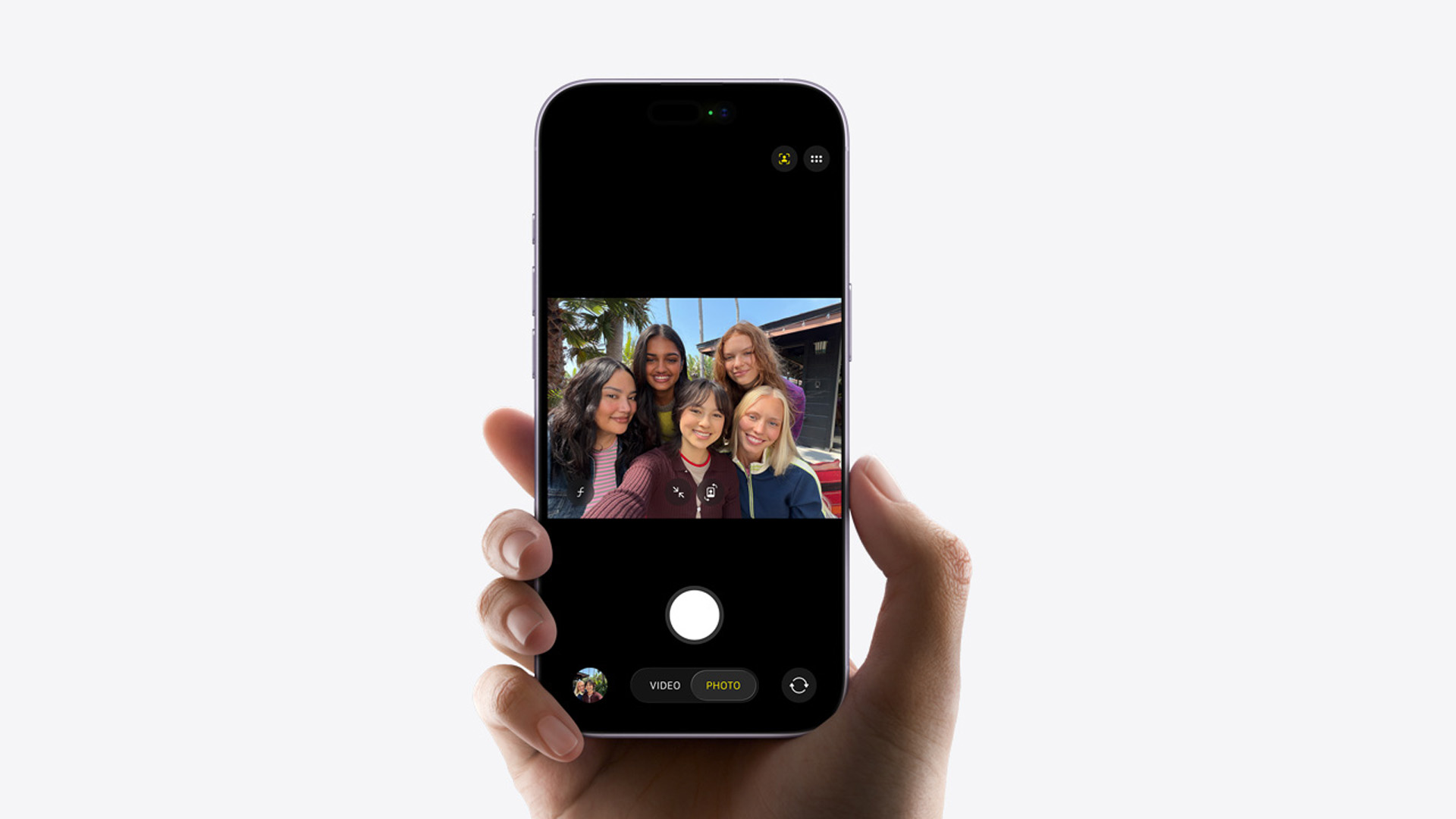
Basically, you don’t need to be a tech whizz to spot when something’s off. Here is, what’s off about iPhone 17’s camera:
- Shaky Previews: Your camera viewfinder stutters or skips frames.
- Weird Distortions: Images sometimes look stretched
Last Updated: October 08, 2025
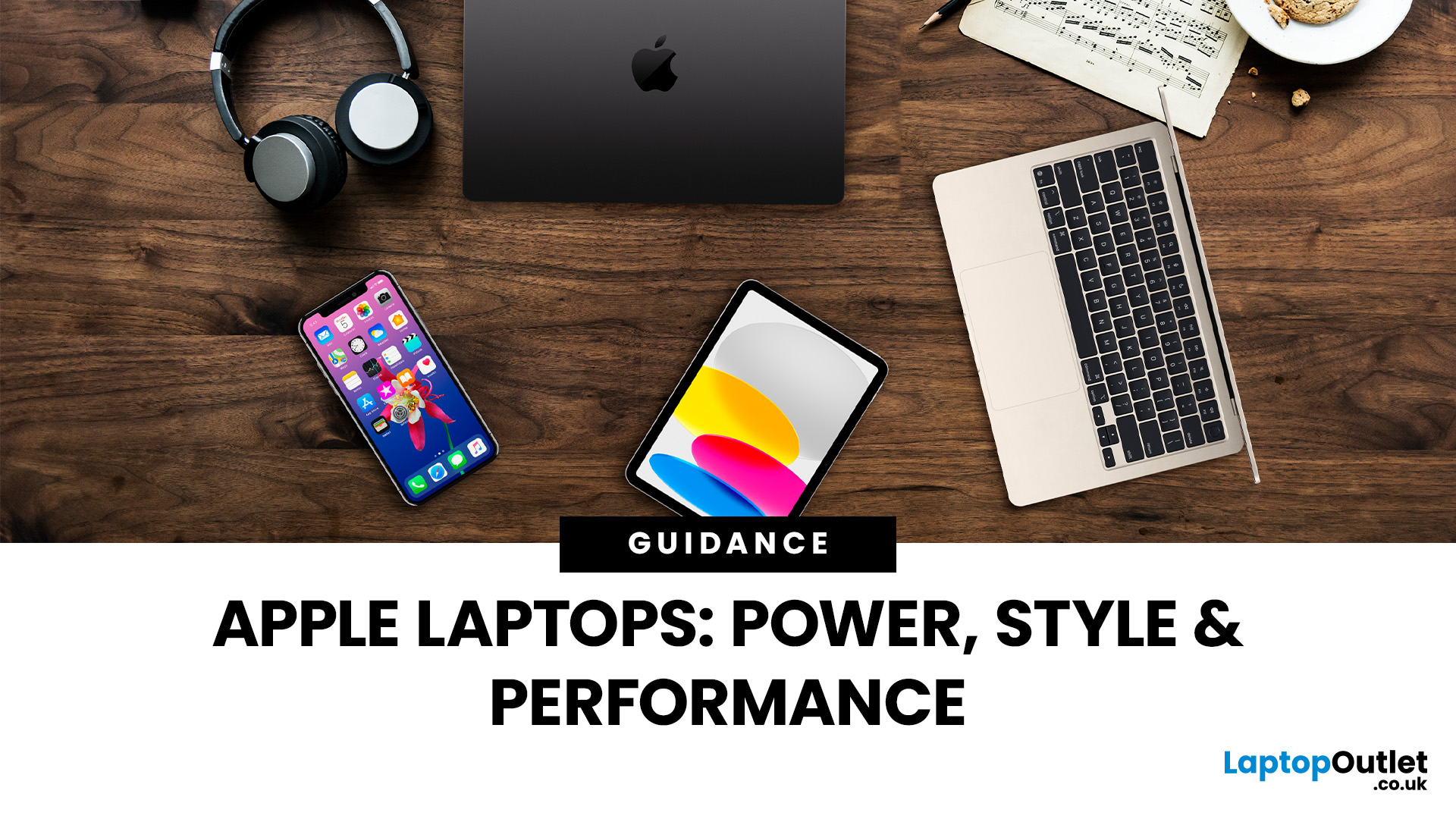
When it comes to laptops, few names carry the same weight as Apple. Known for their sleek designs, long-lasting performance, and seamless integration with the wider Apple ecosystem, MacBooks have become the go-to choice for students, professionals, and creatives alike. But with multiple models, a steady stream of upgrades, and a shift to Apple’s own silicon chips, it can be tricky to know which one is right for you.
That’s where this guide comes in. In this Apple laptops guide, we’ll walk you through everything you need to know: from the differences between the MacBook Air and MacBook Pro, to standout features, comparisons, and buying advice. We’ll even cover smart alternatives like refurbished MacBooks for those looking to save money without missing out on Apple’s quality.
Whether you’re after the best MacBook for studying, a portable all-rounder for hybrid work, or a powerhouse for video editing and design, this guide will help you choose with confidence.
A Brief History of Apple Laptops
Last Updated: April 01, 2026
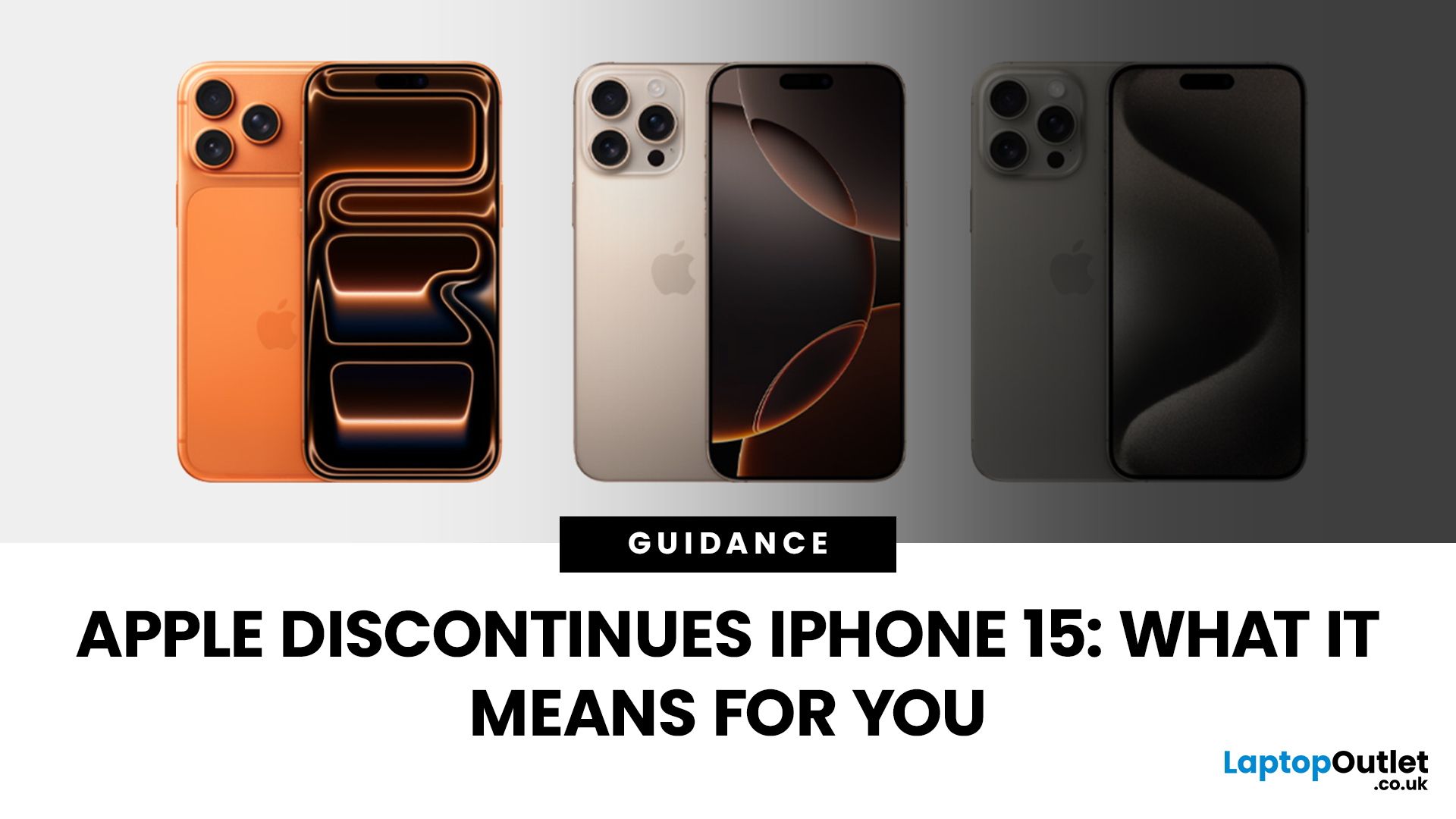
Apple has done it again - trimmed its iPhone line-up to make room for the shiny new models. With the launch of the iPhone 17 series, the company has officially discontinued the iPhone 15 and iPhone 15 Plus, along with last year’s iPhone 16 Pro and Pro Max. If you’ve been eyeing up an iPhone 15 or already own one, this news might feel like a curveball. After all, the 15 series only debuted in late 2023, and here we are two years later with Apple quietly removing it from the shop floor.
But here’s the thing: discontinuation doesn’t mean “dead.” Apple’s strategy has always been to streamline its line-up after new launches, focusing on the latest flagships while phasing out older models. The iPhone 15 may no longer be sold on Apple’s website, but it will continue to be supported for years to come.
So what does this mean for you? If you’re a current owner, should you panic about support or resale value? If you’re shopping for a new iPhone, is it still worth picking up a discontinued model at
Last Updated: October 08, 2025
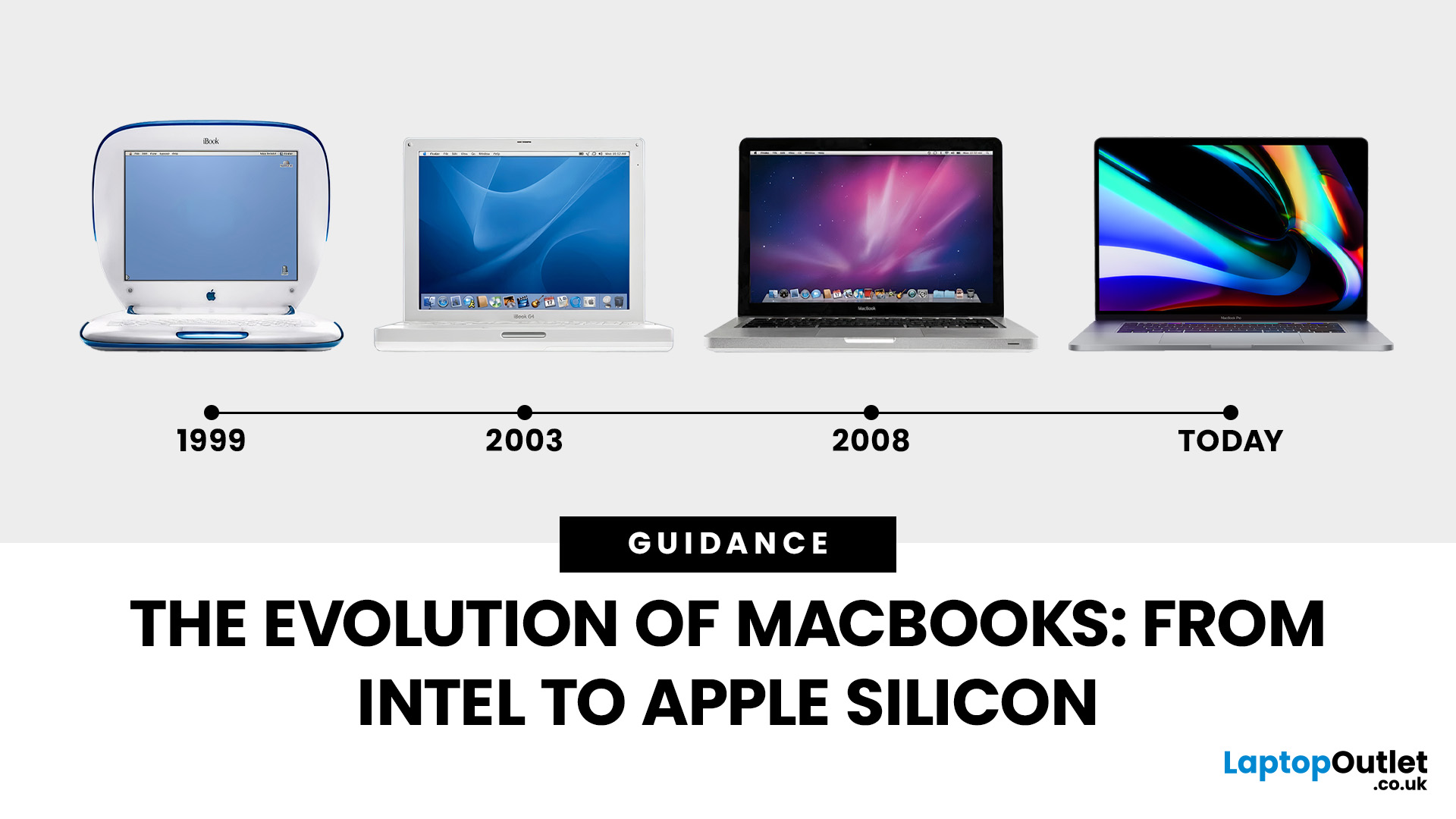
Few products have shaped modern computing quite like the Apple MacBook. From its early Intel-powered beginnings to today’s lightning-fast Apple Silicon machines, the MacBook has consistently pushed the boundaries of laptop design, performance, and portability. Along the way, it’s become a symbol of premium computing - beloved by students, professionals, and creative powerhouses worldwide.
But the evolution of Apple MacBooks hasn’t always been smooth sailing. There have been bold design shifts, controversial choices (remember the butterfly keyboard?), and groundbreaking innovations like Retina displays and MagSafe. The biggest leap of all came in 2020, when Apple ditched Intel processors in favour of its own Apple Silicon chips - a move that completely redefined, what users could expect from a laptop.
In this guide, we’ll take you through the full MacBook journey: from its early days, through key design changes and the Intel era, right up to the Apple Silicon transition and the future of
Published: November 17, 2025
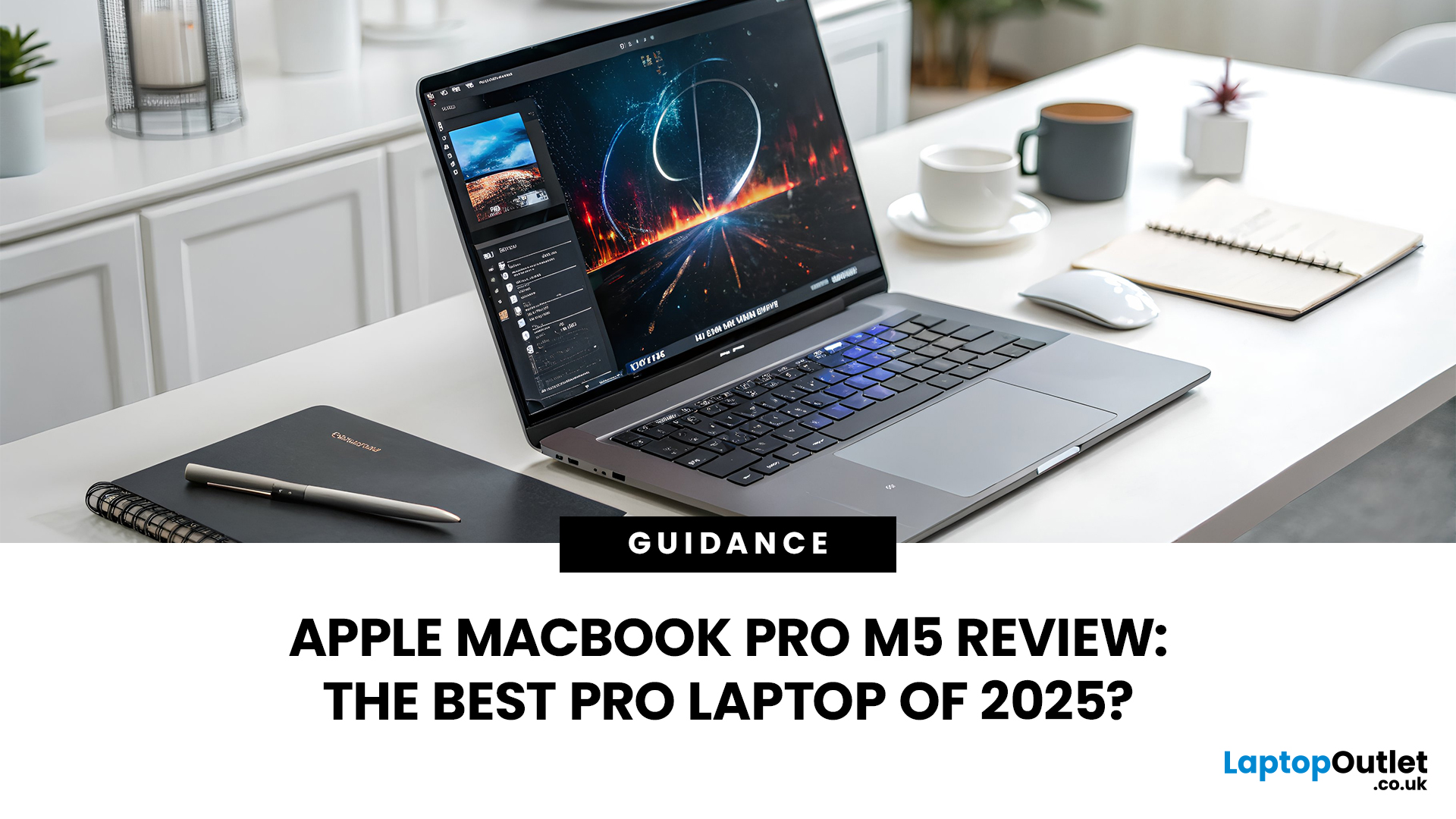
In 2025, Apple continues its dominance in professional laptops with the release of the MacBook Pro M5, the latest evolution of its in-house silicon revolution. Following the impressive M3 Pro and M4 generations, the Apple M5 chip marks a leap in raw performance, AI processing, and energy efficiency - and it’s already being hailed as the gold standard for creative professionals and demanding users.
But does the new M5 MacBook Pro really set a new benchmark in laptop performance? Or are Windows-based power machines like the Dell XPS 15 and Razer Blade 16 catching up?
In this Apple MacBook Pro M5 review, we dive into real-world performance, specs, benchmarks, battery life, display quality, and user experience to see if this is truly the best pro laptop of 2025.
Design and Build: Familiar Excellence, Refined Again
Apple hasn’t reinvented the MacBook’s look - and honestly, it didn’t need to. The M5 edition retains the precision-machined aluminium unibody, but now features a subtle refinement

