


Acer Nitro Gaming Monitors: Affordable Options for Casual, Console & Entry-Level PC Gaming
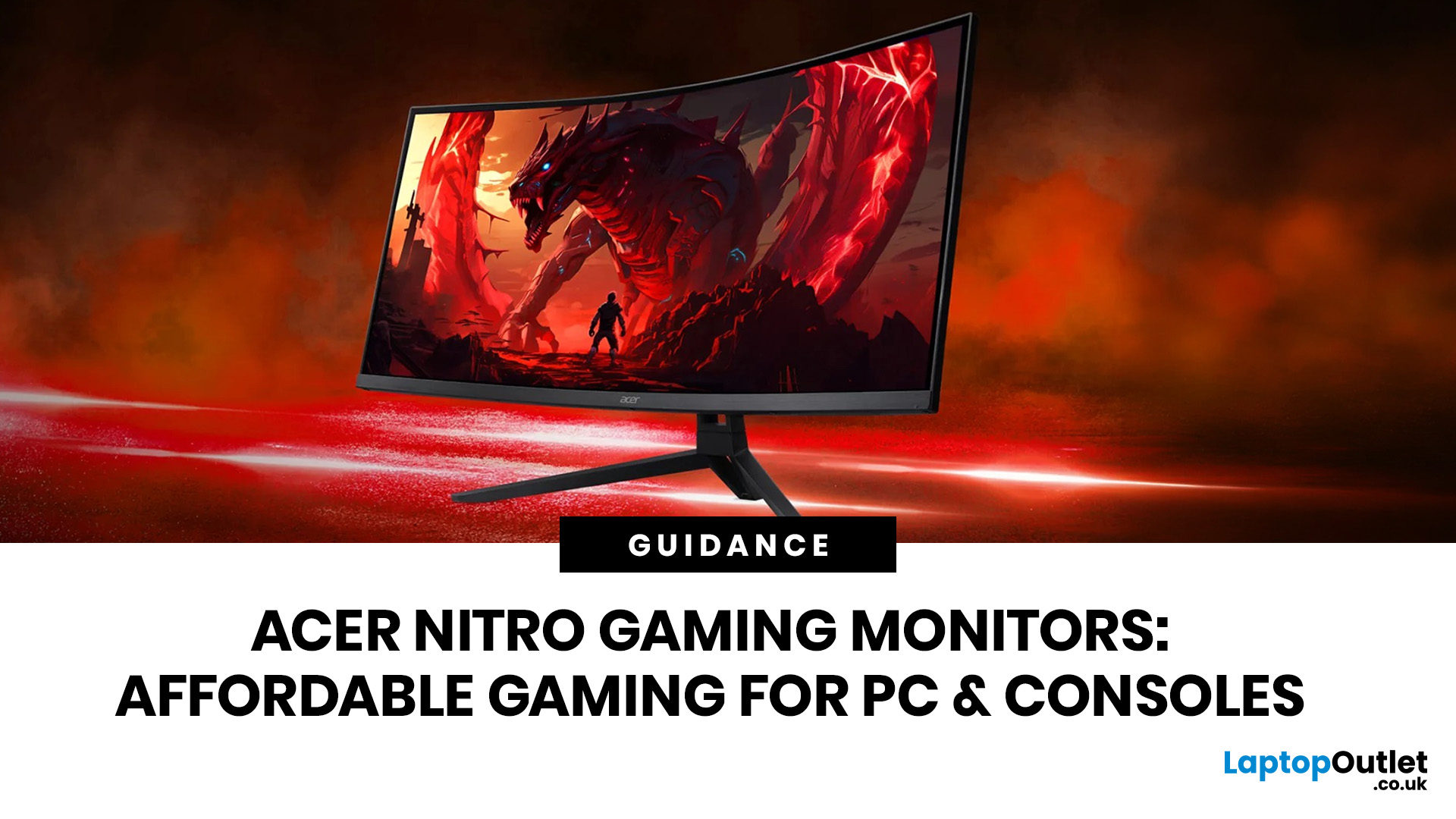
If you want smooth gameplay without jumping straight into premium OLED pricing, Acer Nitro gaming monitors are one of the easiest ranges to shortlist. Acer positions the Nitro line as a gaming family with options for fast-paced play, ultrawide immersion and richer colour, while Our Acer monitor range backs that up with Full HD, QHD, curved and ultrawide Nitro models aimed at buyers who want value, not just spec-sheet flexing.
That is exactly why Acer Nitro monitors UK shoppers keep coming back to the series. The range is broad enough to cover casual desk gaming, PS5 and Xbox setups, and entry-level PC esports, but it still stays realistic on price compared with high-end Predator and OLED alternatives. Nitro models from compact 23.8-inch Full HD panels up to 34-inch curved UWQHD displays, with refresh rates running from 120Hz to 240Hz.
Are Acer Nitro Gaming Monitors Good for Budget Gaming?
Yes. For casual gaming, console play and entry-level PC builds, Acer Nitro sits in a very practical sweet spot. Our current range shows multiple Nitro models at 1080p and 1440p with 180Hz, 200Hz and 240Hz refresh rates, plus FreeSync support across much of the line. That is more than enough for the kind of smooth, responsive play most buyers actually need.
A lot of buyers still start by searching for an Acer Nitro 144Hz monitor, but the current Nitro lineup is already pushing beyond that in most key price bands. If you are specifically shopping for an Acer Nitro 165Hz / 180Hz monitor, the range currently leans much more heavily toward 180Hz, with several models at 180Hz and others stepping up to 200Hz or 240Hz.
What Specs Matter Most Before You Choose?
For most buyers, the decision is simpler than it looks.
- Choose 1080p if you want the lowest-cost route into high refresh gaming, especially for Fortnite, Rocket League, EA Sports FC, Call of Duty, Valorant or general console play.
- Choose 1440p if you want a sharper step-up for PC gaming and more desktop space for work, study or streaming as well.
- Choose curved if you want more wraparound feel, especially at 27 inches and above.
- Choose HDMI 2.1 if you are planning to pair the monitor with a modern console and want stronger compatibility for higher refresh gaming.
If you specifically want an Acer Nitro curved gaming monitor, the current Laptop Outlet range makes that decision pretty easy because the XZ272S3, XZ322QUV3 and XV345CURX0 are the clearest curved options in the current Nitro selection. If you want to browse our current selection of Acer Nitro gaming monitors is the best place to start.
Top 10 Acer Nitro Models Worth Looking at Right Now
Below are 10 Nitro models pulled from the current Acer monitor range at Laptop Outlet, with the user type each one suits best.
For Casual Gamers, Smaller Desks and First Setups
1. Acer Nitro QG241YX1 23.8" Full HD 200Hz IPS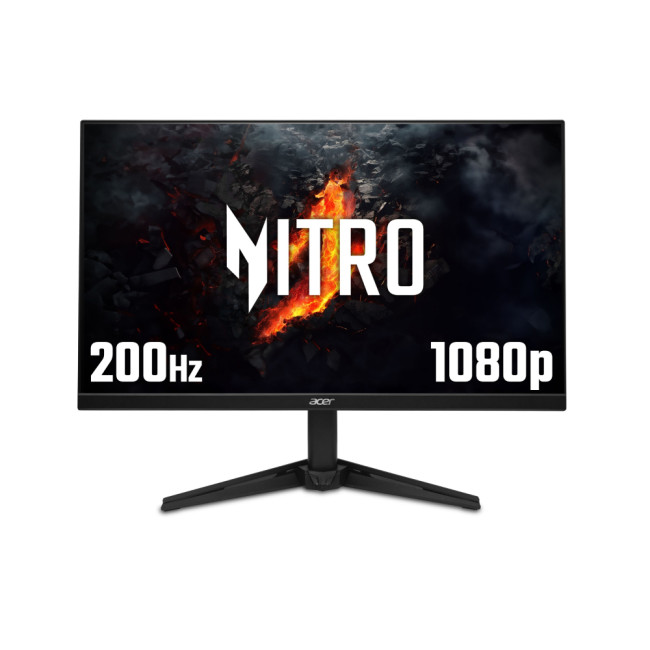
This is one of the easiest Nitro models to recommend to first-time buyers. The QG241YX1 pairs a manageable 23.8-inch size with Full HD, IPS colour and a 200Hz refresh rate, which is a strong mix for lighter PC gaming, student setups and compact desks. It is also a sensible pick for casual console players who want something quick and tidy rather than oversized.
Best for: students, first gaming setups, smaller bedrooms, casual shooters and sports titles.
2. Acer Nitro KG241YX3 24" Full HD 200Hz 0.5ms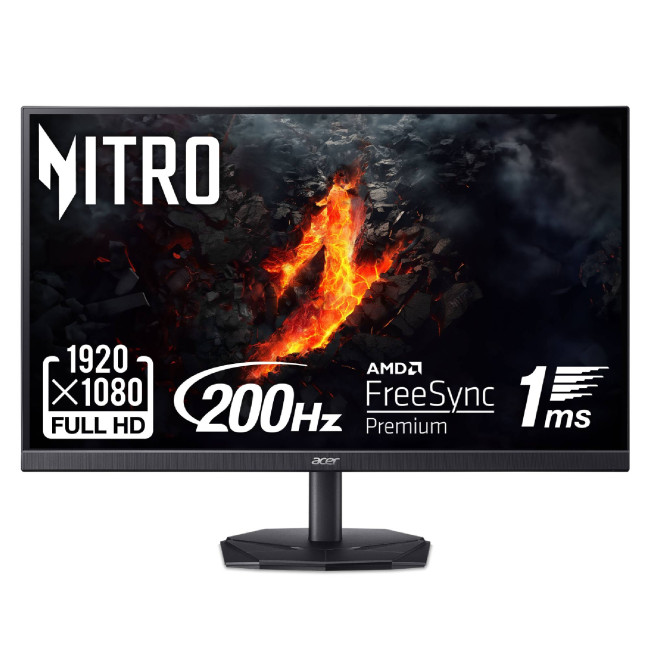
The KG241YX3 is the sharper value play for buyers who want speed first. Laptop Outlet lists it as a 24-inch Full HD Nitro with 200Hz and 0.5ms response time, which makes it one of the strongest budget picks for entry-level competitive gaming without moving into more expensive 27-inch territory.
Best for: budget-conscious PC gamers, fast-paced multiplayer, and anyone who wants a proper gaming panel without overspending.
3. Acer Nitro XZ272S3 27" Full HD VA 180Hz Curved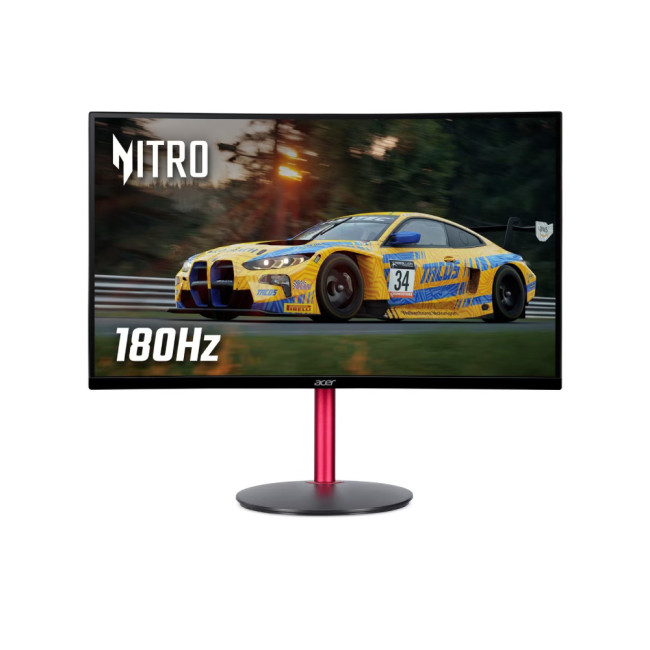
If you want a bigger screen without making the jump to 1440p pricing, the XZ272S3 is a smart middle ground. Laptop Outlet lists it as a 27-inch Full HD VA Nitro with 180Hz, FreeSync Premium and a curved panel, so it gives you a more immersive feel than smaller flat displays while still staying firmly in the affordable bracket.
Best for: casual console players, story-driven games, racing games, and buyers who want a bigger curved display on a tighter budget.
For Console Players and Hybrid Console-PC Gaming
4. Acer Nitro XF270M3biiph 27" Full HD IPS 180Hz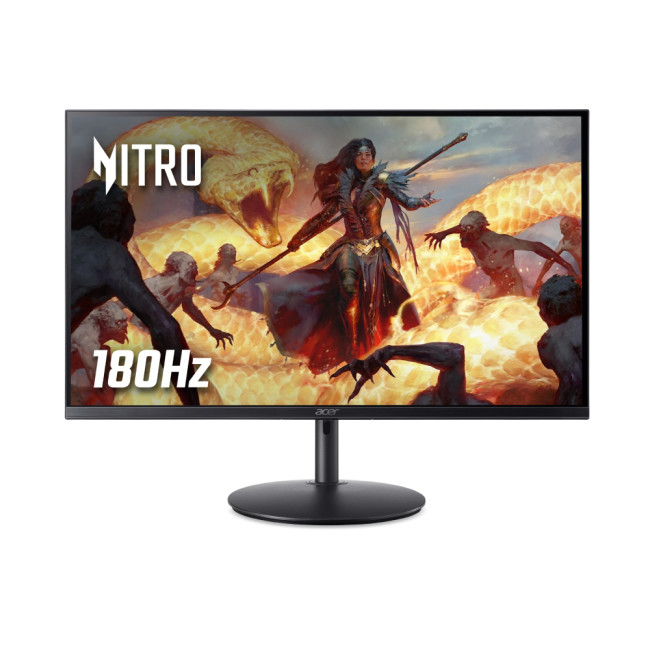
The XF270M3biiph is one of the most straightforward all-rounders in the current range. Laptop Outlet lists it with a 27-inch Full HD IPS panel, 180Hz refresh, 1ms response time, HDR10 and a height-adjustable stand, which makes it a very easy monitor to live with for mixed gaming and everyday use.
Best for: PS5 and Xbox players who also game on PC, users who want a flat 27-inch screen, and buyers who care about adjustability.
5. Acer Nitro VG270KV4 27" 4K 160Hz with HDMI 2.1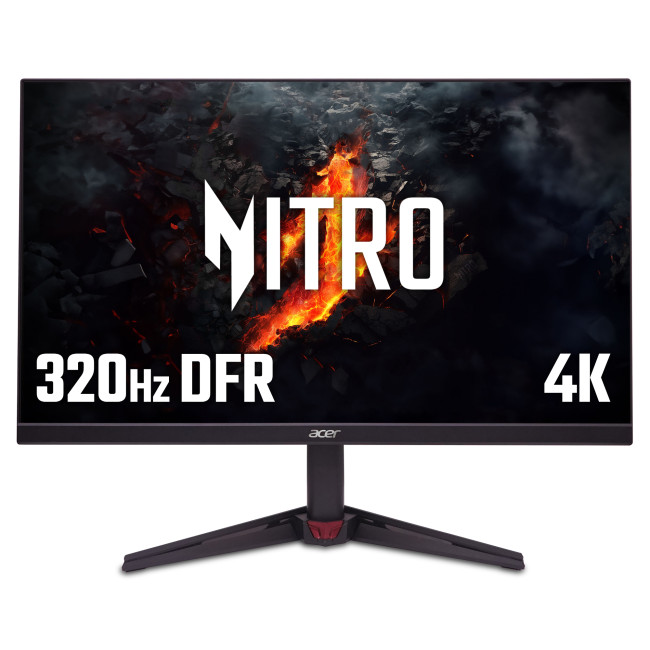
This is the Nitro model to notice if your gaming life leans heavily toward current-gen consoles. Laptop Outlet lists the VG270KV4 with a 27-inch 4K IPS panel, 160Hz refresh, 0.5ms response time, HDMI 2.1, FreeSync Premium and G-SYNC compatibility. That makes it one of the most flexible Nitro screens for PS5, Xbox Series X and PC crossover use.
Best for: console-first buyers, 4K single-player gaming, and hybrid users who want one monitor for both gaming and media.
If you want a broader view of the full Acer monitor lineup, our Acer monitors explained guide compares Nitro, Predator and business-focused models for work, study and gaming.
For Entry-Level PC Gaming and Budget Esports
6. Acer Nitro QG271X1 27" Full HD 200Hz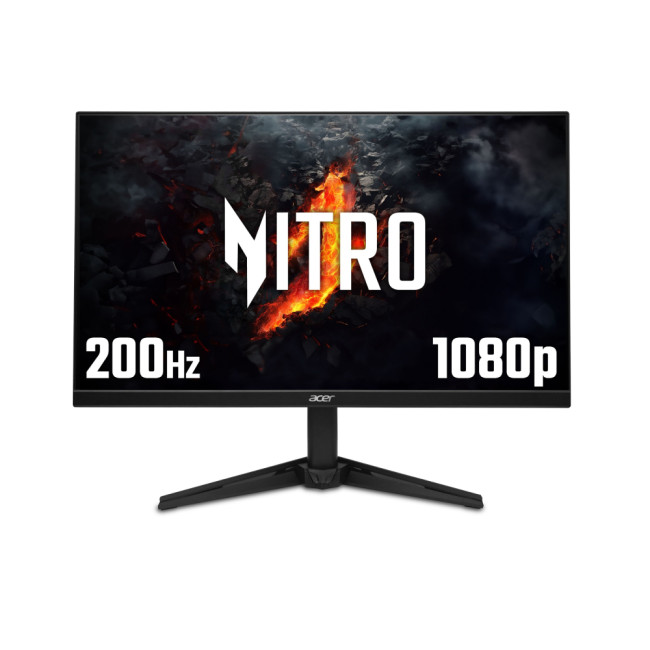
The QG271X1 is the “go bigger, stay fast” option. Laptop Outlet’s current product page lists it as a 27-inch Full HD Nitro with 200Hz and 0.5ms response time, which keeps motion smooth and gives newer PC players a larger screen to work with without the GPU demands of 1440p.
Best for: first-time esports players, 27-inch shoppers on a budget, and gamers who want high refresh without a QHD price jump.
7. Acer Nitro VG272U V3 27" WQHD IPS 180Hz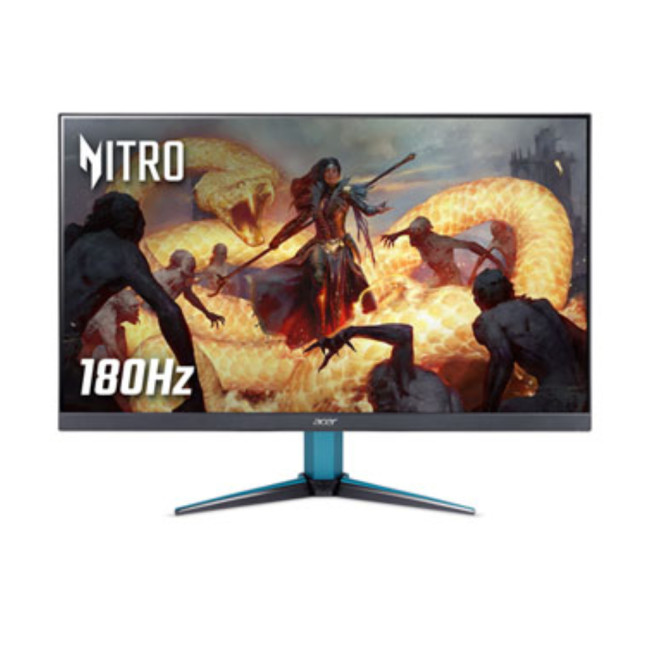
This is where the current Nitro range gets especially strong. The VG272U V3 gives you 27 inches, QHD resolution, IPS colour, 180Hz, 0.5ms response time, FreeSync Premium, built-in speakers and DisplayHDR 400. For buyers moving beyond basic 1080p, this is one of the most balanced value picks in the line.
Best for: entry-level PC gamers stepping up to 1440p, mixed gaming and work use, and anyone who wants sharper detail without going all-in on premium pricing.
8. Acer Nitro VG272UW2 27" QHD IPS 240Hz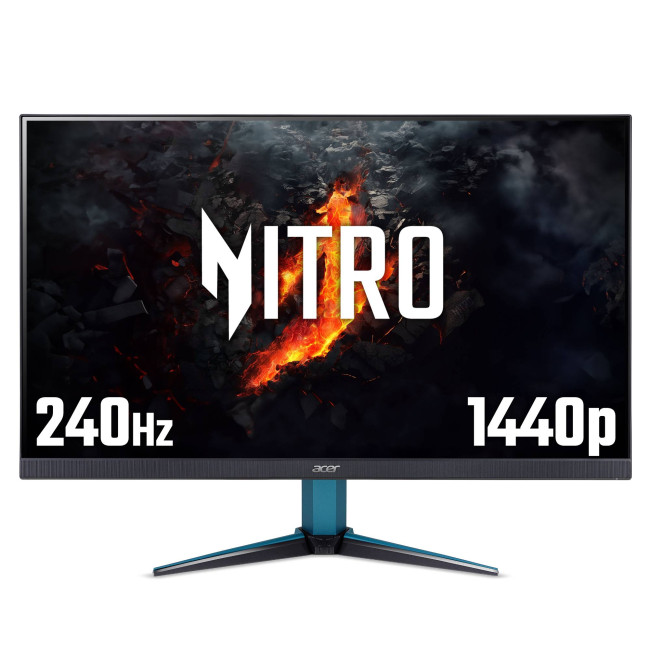
If the VG272U V3 is the sweet spot, the VG272UW2 is the faster step-up. Laptop Outlet lists it with a 27-inch QHD IPS panel, 240Hz refresh, 1ms response time, built-in speakers and dual HDMI 2.1 ports, which makes it one of the most serious Nitro choices for competitive play without leaving the affordable-to-midrange bracket.
Best for: entry-level esports, competitive PC play, and buyers who want 1440p plus genuinely high refresh.
For Bigger-Screen and More Immersive Gaming
9. Acer Nitro XZ322QUV3 31.5" QHD Curved 180Hz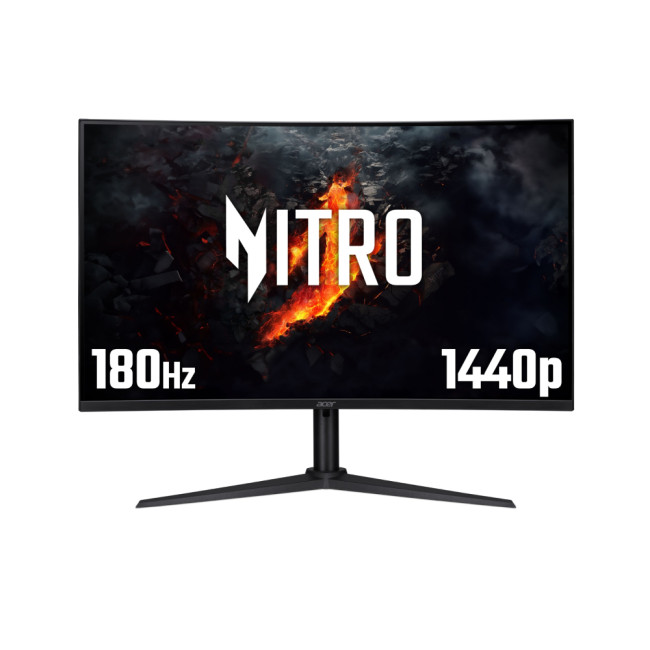
The XZ322QUV3 is a great “one monitor, bigger impact” model. Laptop Outlet lists it with a 31.5-inch curved QHD panel, 180Hz refresh, 1ms response time, FreeSync Premium, built-in speakers and a height-adjustable stand, so it feels more cinematic than a 24-inch or 27-inch panel without going ultrawide.
Best for: single-player games, racing and sports games, casual console players at a desk, and buyers who want scale without full ultrawide commitment.
10. Acer Nitro XV345CURX0 34" Curved UWQHD 200Hz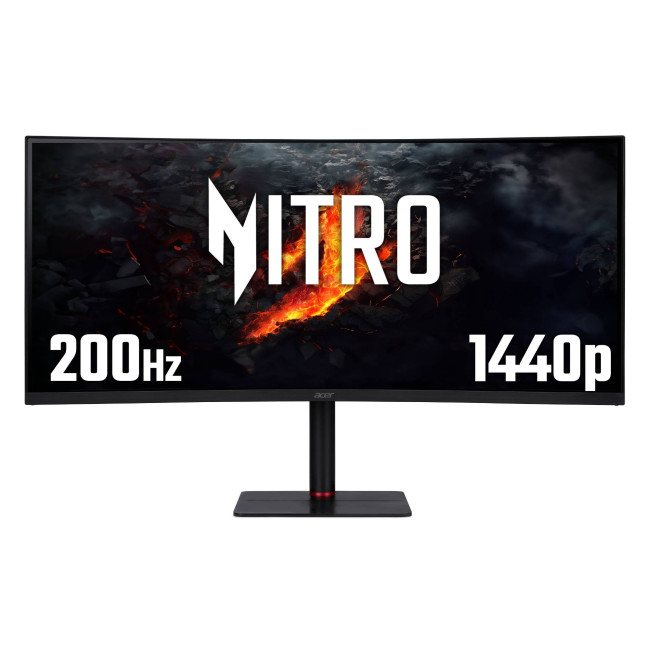
If you want the most immersive Nitro option in this list, this is it. Laptop Outlet describes the XV345CURX0 as a 34-inch curved UWQHD gaming monitor with 3440 x 1440 resolution, 200Hz refresh and 1ms response time. It is the strongest fit here for sim racing, open-world gaming and anyone who wants a more cinematic desk setup.
Best for: sim racers, ultrawide fans, immersive single-player gaming, and gamers who also multitask heavily.
If you are still deciding between value-focused Nitro screens and the more premium Predator range, our Acer Predator vs Nitro guide makes the differences much easier to compare.
Which Acer Nitro Monitor Should You Buy?
For most people, the decision breaks down like this.
- Buy a 23.8-inch or 24-inch Full HD Nitro if you want the most affordable route into smooth gaming.
- Buy a 27-inch Full HD Nitro if you want a bigger screen for casual gaming and console use without the added cost of QHD.
- Buy a 27-inch QHD Nitro if you want the best balance of sharpness, refresh rate and long-term value.
- Buy a 31.5-inch or 34-inch curved Nitro if immersion matters more than raw esports focus.
That is why Acer Nitro works so well in the UK market right now. The range covers the real-world steps most gamers actually take, not just the aspirational top end.
Our Best Picks by User Type
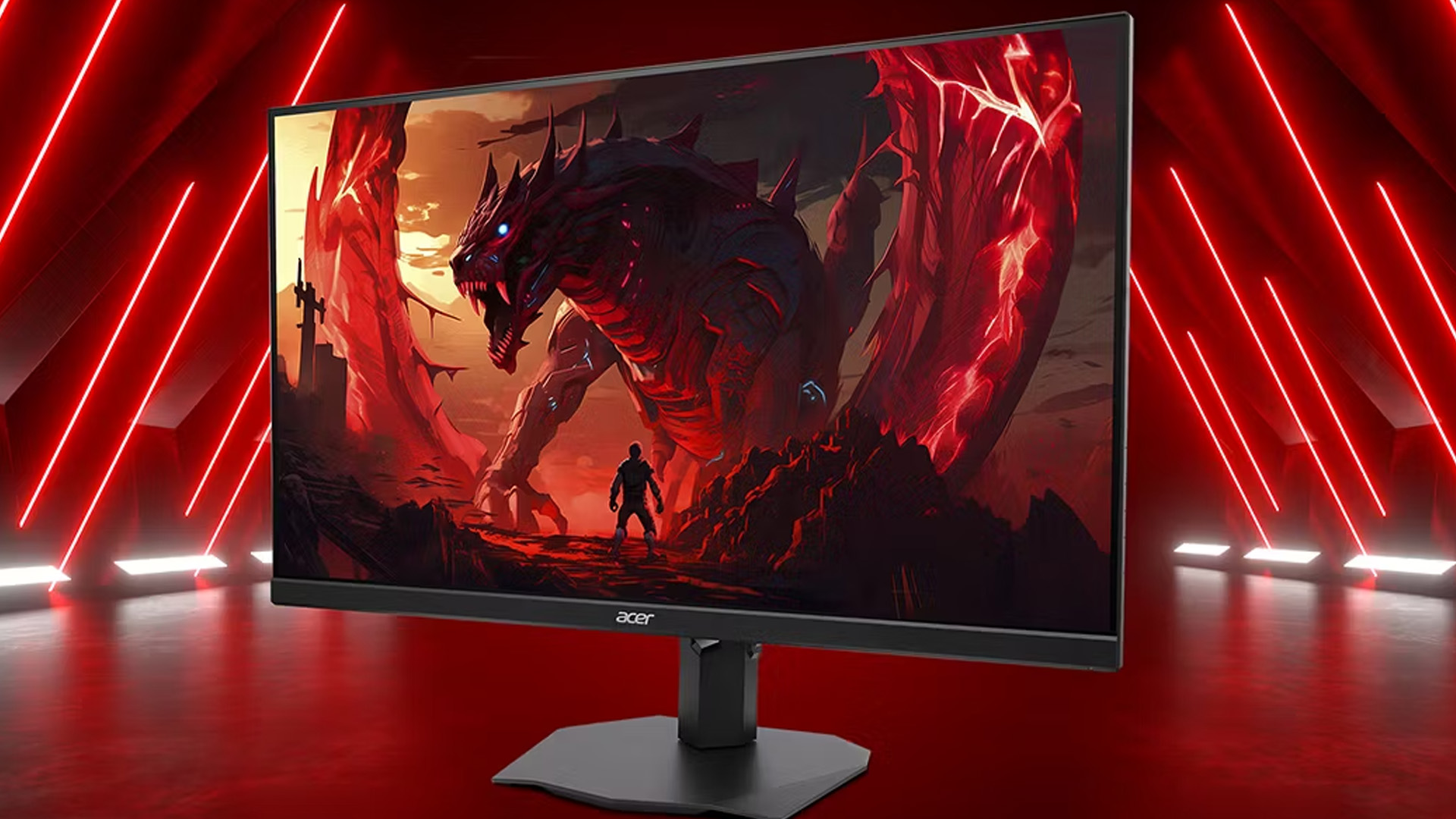
If we were narrowing the current Nitro lineup down quickly, this is how we would do it:
- Best first gaming monitor: Acer Nitro QG241YX1
- Best tight-budget pick: Acer Nitro KG241YX3
- Best curved value pick: Acer Nitro XZ272S3
- Best flat 27-inch all-rounder: Acer Nitro XF270M3biiph
- Best 1440p value monitor: Acer Nitro VG272U V3
- Best step-up competitive 1440p option: Acer Nitro VG272UW2
- Best large-screen curved desk monitor: Acer Nitro XZ322QUV3
- Best console and 4K hybrid choice: Acer Nitro VG270KV4
- Best ultrawide Nitro pick: Acer Nitro XV345CURX0
If you want something faster, sharper or more premium than the Nitro range, our guide to Acer Predator gaming monitors breaks down the best options for esports, 4K play and immersive PC setups.

Final Verdict: Affordable Gaming Starts Here
If your goal is simple, which is smoother gameplay, decent response times and a sensible price, Acer Nitro gaming monitors are one of the strongest ranges to shop right now. Our current lineup proves the point: there are affordable 1080p options, multiple 180Hz models, sharper 1440p choices and curved screens for players who want more immersion without jumping to premium monitor pricing.
For casual gaming, console setups and entry-level PC builds, Nitro is the part of Acer’s range where value and performance meet most cleanly. If you are ready to compare models, browse our live range of Acer Nitro gaming monitors, or see more gaming monitors across the wider category.

Do You Know?
Are Acer Nitro gaming monitors good for casual gaming?
Yes, Acer Nitro gaming monitors are a strong choice for casual gaming because they offer smooth refresh rates, fast response times and solid value without pushing you into premium monitor pricing. They suit everyday PC gaming, story-led titles, sports games and general home setups very well.
Which Acer Nitro monitor is best for console gaming?
The best Acer Nitro monitor for console gaming depends on your setup, but 27-inch models with higher refresh rates and HDMI 2.1 support are usually the strongest fit for PS5 and Xbox Series X players. They give you a better balance of screen size, smooth gameplay and modern console compatibility.
Is an Acer Nitro 144Hz monitor still worth buying?
Yes, an Acer Nitro 144Hz monitor is still worth buying for many gamers, especially if you want a smoother experience than standard 60Hz or 75Hz displays. That said, many current Acer Nitro models now go beyond 144Hz, so it is worth comparing 165Hz, 180Hz or even 200Hz options if the price difference is small.
Should I choose an Acer Nitro 165Hz / 180Hz monitor or a 1440p model?
Choose an Acer Nitro 165Hz / 180Hz monitor if your priority is faster, more responsive gameplay in competitive titles. Choose a 1440p Acer Nitro model if you want a sharper image, more detail and a better all-round experience for gaming, streaming and everyday use.
Are budget Acer gaming monitors good for entry-level PC gaming?
Yes, budget Acer gaming monitors are a very good match for entry-level PC gaming because they give you access to high refresh rates, gaming-focused features and practical screen sizes at a lower price point. They are ideal for new PC gamers who want a proper gaming monitor without overspending.
Related Articles

Last Updated: May 05, 2026
Choosing the best gaming monitor brand can make a huge difference to your gaming experience. Whether you play competitive esports titles, immersive AAA games, or console exclusives on PS5 and Xbox Series X, the right monitor brand delivers smoother performance, better visuals, and long-term reliability.
In the UK gaming market, several brands consistently stand out for quality, innovation, and value. Companies like ASUS, LG, BenQ, AOC, Philips, and iiyama offer gaming monitors across every price range - from affordable 144Hz displays to cutting-edge OLED and 4K panels.
But with so many options available, it’s not always obvious which gaming monitor brand is best for your setup, budget, and gaming style.
Let’s discuss the best gaming monitor brands in the UK, compare their strengths, and help you choose the right one based on resolution, refresh rate, and platform compatibility.
What Makes a Gaming Monitor Brand Worth Buying in 2026?
When comparing the top gaming monitor brands, it’s important
Last Updated: April 14, 2026
Choosing the right monitor can genuinely change how you play. Whether you’re grinding ranked matches, competing in esports, or just kicking back on your console, your display has a direct impact on performance, clarity and overall experience.
That’s where BenQ gaming monitors stand out. Known for precision engineering and gamer-first features, BenQ offers two standout ranges: ZOWIE and MOBIUZ. But when it comes to BenQ gaming monitors ZOWIE vs MOBIUZ, which one is right for you? Let’s break it down in a way that makes sense for how you play.
BenQ Gaming Monitors Explained
BenQ doesn’t take a one-size-fits-all approach to gaming. Instead, it splits its lineup into two clearly defined categories:
- BenQ ZOWIE esports monitors – built purely for competitive performance
- BenQ MOBIUZ gaming monitors – designed for immersive, all-round gaming
ZOWIE is about speed, precision and winning. MOBIUZ is about visuals, versatility and enjoying the full gaming experience. Both are excellent, but they serve
Last Updated: April 06, 2026
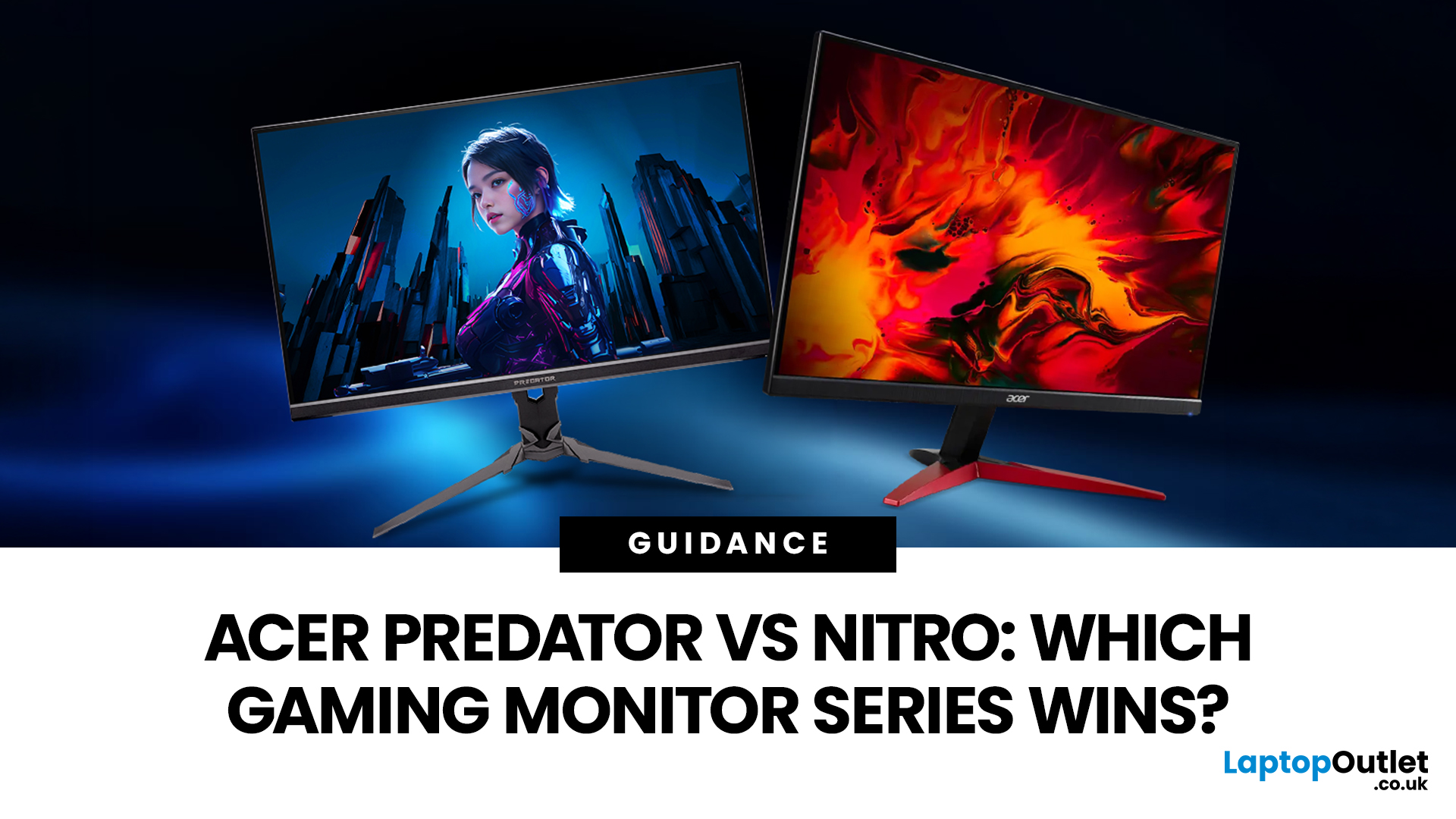
If you are comparing Acer Predator vs Nitro, you are likely at a point where a standard monitor no longer cuts it. Maybe you are upgrading your setup, moving into competitive gaming, or simply trying to get better value for your money.
Acer has made this decision slightly more complex by offering two strong Acer gaming monitor ranges that, at first glance, seem similar. Both support high refresh rates, both look like gaming displays, and both are widely available across the UK.
But once you dig deeper, Predator and Nitro are built for very different types of users. This guide breaks it down properly. No fluff, no brand hype, just a clear explanation of what matters when you are choosing between them.
Why Acer Splits Predator and Nitro in the First Place
Before comparing specs, it helps to understand Acer’s thinking. The company is not just offering two versions of the same product. These are two separate strategies:
- Predator is where Acer pushes performance, display innovation, and premium
Last Updated: April 14, 2026
Picking the right gaming monitor is no longer as simple as choosing the biggest screen you can afford. Your setup matters, your platform matters, and the way you play matters even more. A monitor that feels perfect for a competitive PC player might not be the best fit for someone gaming on a PS5 or Xbox Series X.
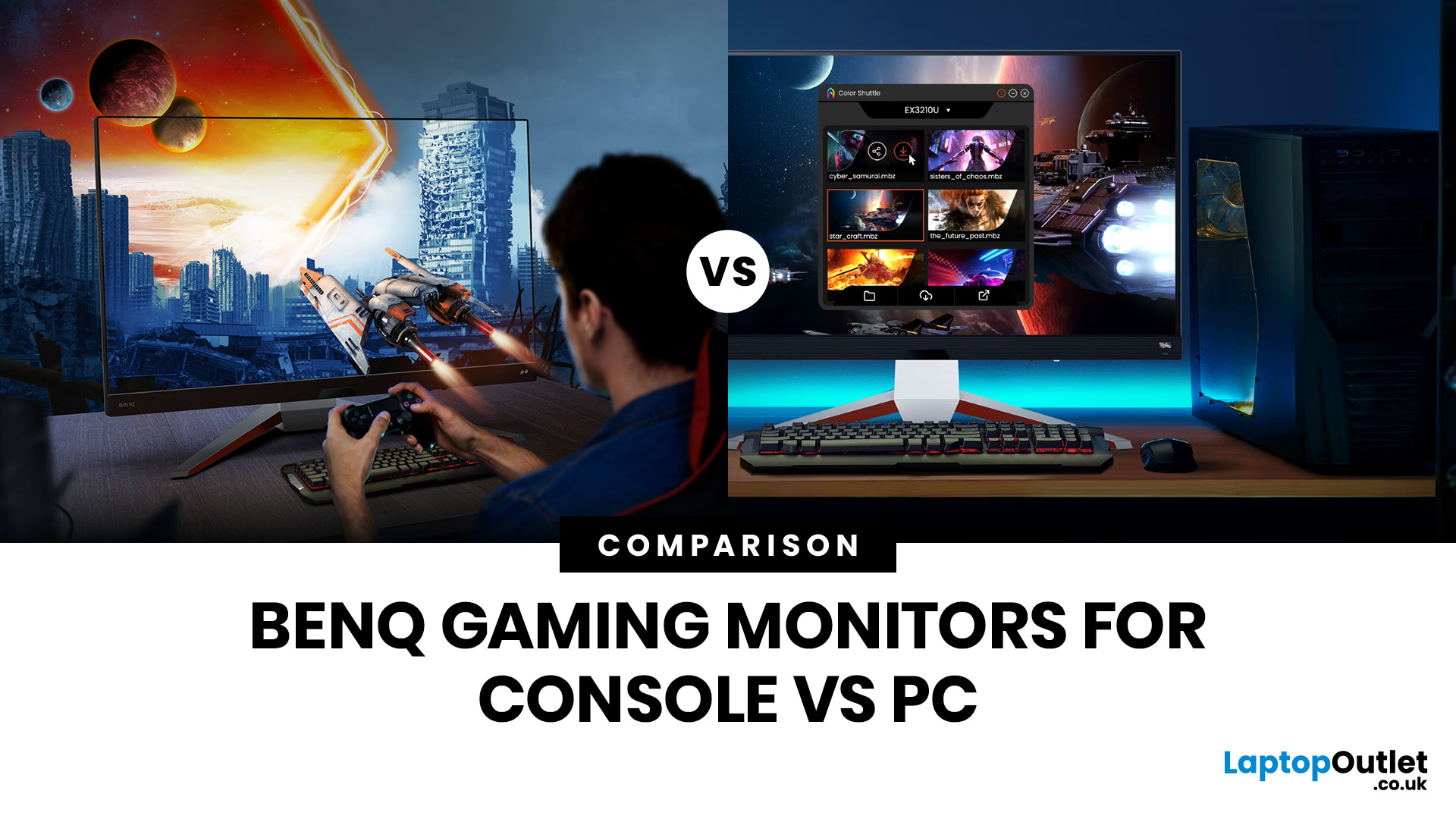
That’s exactly why choosing the right BenQ gaming monitor for console or PC comes down to more than specs on a product page. You need to think about refresh rate, resolution, connectivity and whether you care more about raw speed or immersive visuals.
BenQ makes that decision easier by offering two clear gaming monitor families. ZOWIE is built for fast, focused competitive PC play, while MOBIUZ is designed for players who want strong performance with more visual depth and better console-friendly features. If you’ve been stuck comparing 1080p, 1440p and 4K, this guide breaks it all down in a way that helps.
Do Console and PC Gamers Need Different BenQ Monitors?
Console and PC
Last Updated: April 28, 2026
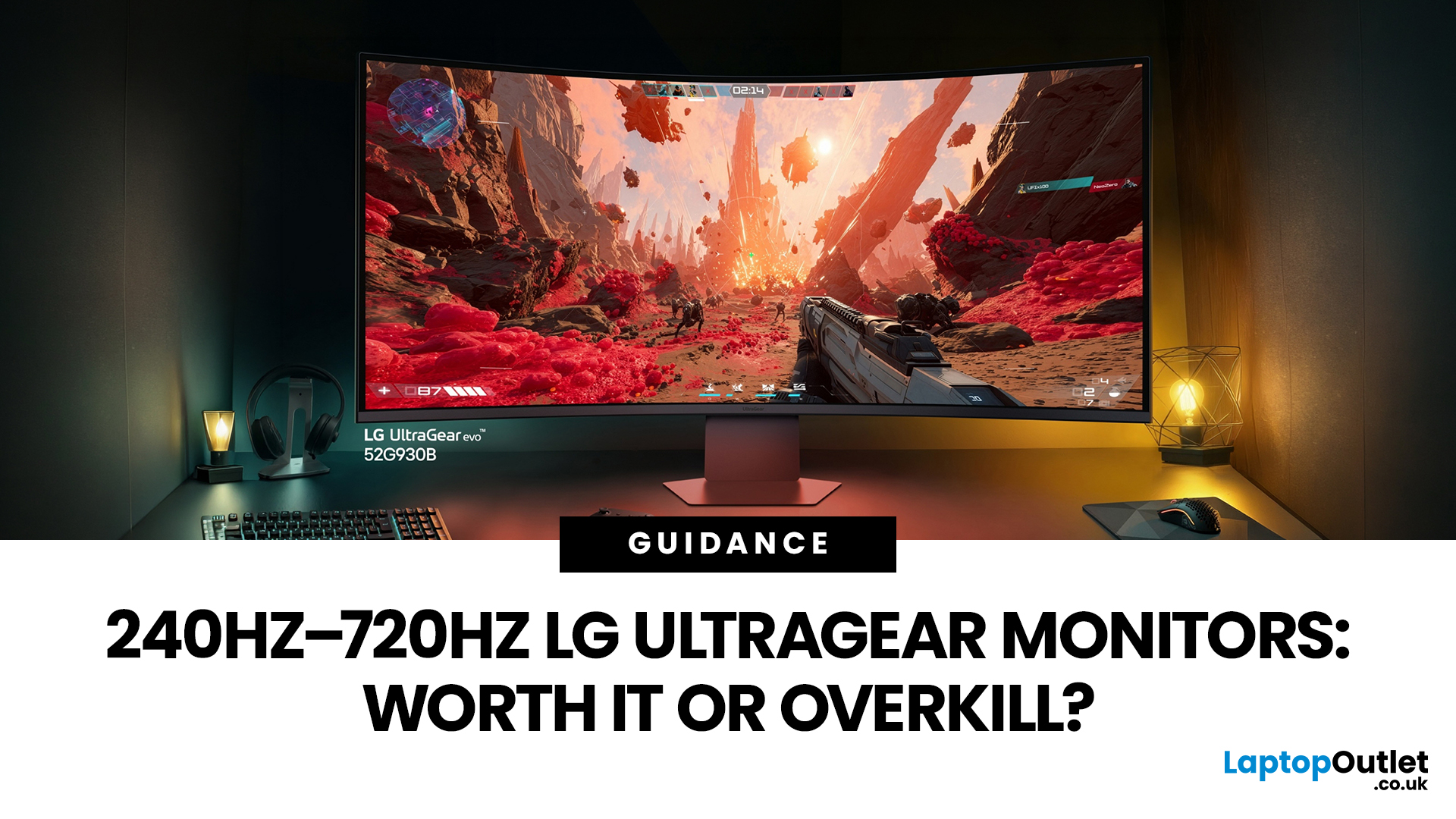
If you've been shopping for a gaming monitor lately, you've probably noticed the numbers getting a bit daft. 240Hz, 330Hz, 480Hz, 540Hz, and now 720Hz.
High refresh LG UltraGear monitors are pushing the boundaries of what gaming displays can do, and the specs are genuinely impressive. But the real question isn't what these monitors can do. It's whether you'll actually notice the difference when you're in the thick of a match.
This guide cuts through the spec sheet jargon and answers what most gamers genuinely want to know: when does a higher refresh rate actually matter, who benefits from it, and which part of the spectrum makes sense for your setup?
What Refresh Rate Actually Does During Gameplay
Refresh rate is one of the most talked-about monitor specs, yet it is also one of the most misunderstood. Before diving into the numbers, it helps to know what is actually happening at the hardware level, because the real-world experience comes from two separate things working together.
A monitor's
Last Updated: April 28, 2026
Not all gaming monitors are built the same, and the LG UltraGear range makes that very clear. Whether you're playing for fun on weekends, grinding ranked matches on a mid-range rig, or competing at a serious level, there's a specific UltraGear model that fits your needs.
This LG UltraGear guide breaks down the full lineup by player type so you can make a genuinely informed decision before spending your money.
What Makes LG UltraGear Different from Standard LG Monitors?
LG produces monitors for all sorts of uses, from office work to content creation to home cinema. UltraGear is the gaming-focused sub-brand, and it comes with a noticeably different spec sheet compared to LG's standard displays.
The core differences come down to priorities. Standard LG monitors are built around colour accuracy, ergonomics, and value for office use. UltraGear monitors are tuned for speed, responsiveness, and visual clarity under fast-moving gaming conditions.
In practical terms, this means LG UltraGear gaming
Last Updated: April 28, 2026
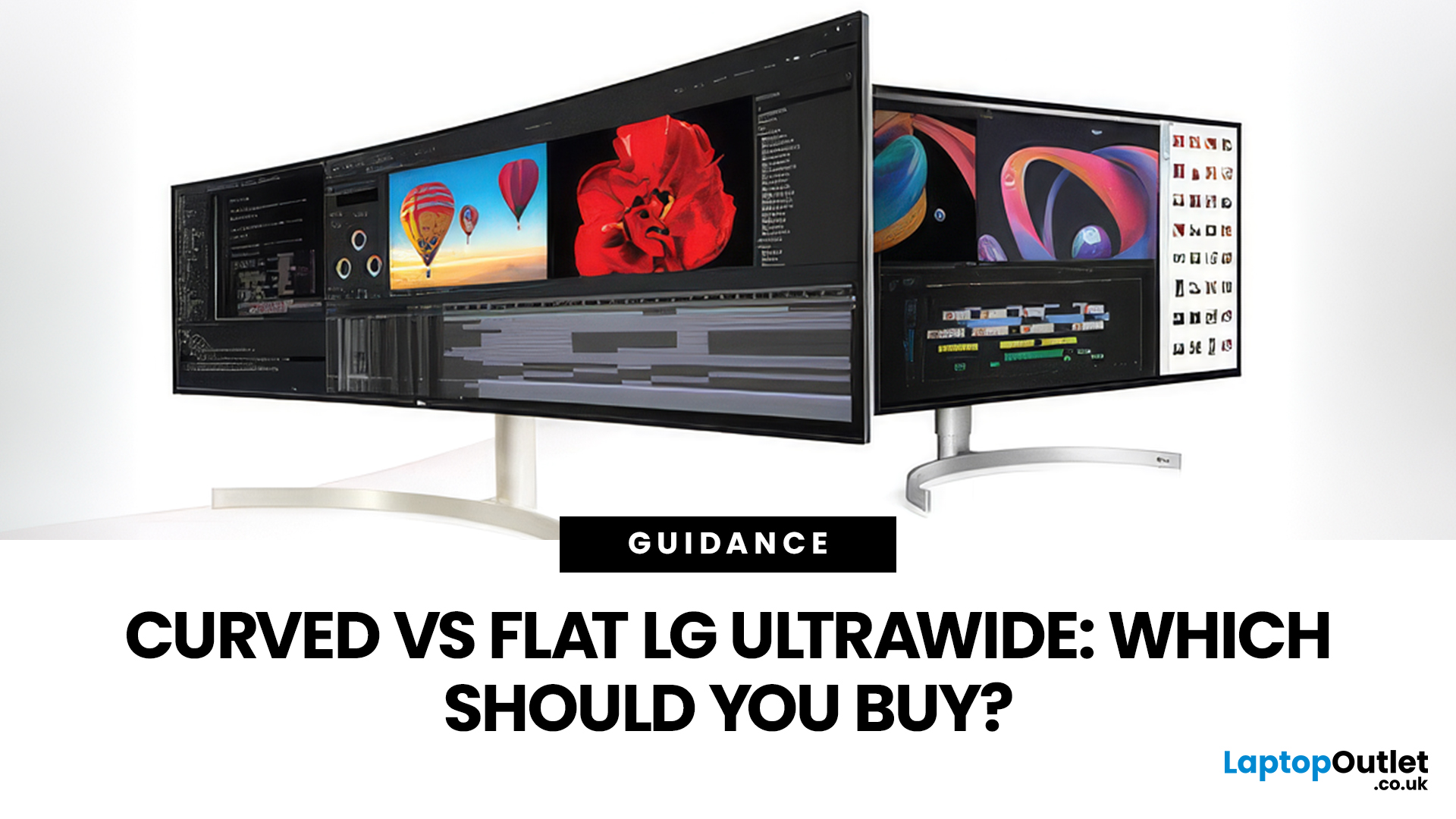
If you're choosing between a curved vs flat LG UltraWide monitor, the decision is more nuanced than it first appears. The right choice depends on what you do, how long you sit at your desk, and the kind of experience you want from your screen.
This guide breaks down every major use case side by side, with a clear verdict for each one, so you can make the right call before you spend your money.
What Makes LG UltraWide Monitors Different?
LG UltraWide monitors use a 21:9 aspect ratio, giving you roughly a third more horizontal screen space than a standard 16:9 display. That extra width is what makes the curved vs flat debate so relevant on these screens specifically.
On standard 26 to 28-inch monitors, the curve debate is largely down to personal preference. But once you hit 34 inches and beyond, the physics of how your eyes scan left-to-right starts to matter. On ultrawide displays of 34 inches or larger, the curvature brings the edges of the screen closer to you, covering more of your
Last Updated: April 14, 2026
If you work with colour professionally, your monitor is your most critical piece of kit. BenQ monitors for creators are built around one principle: what you see on screen should accurately reflect what you print, publish, or deliver to a client.
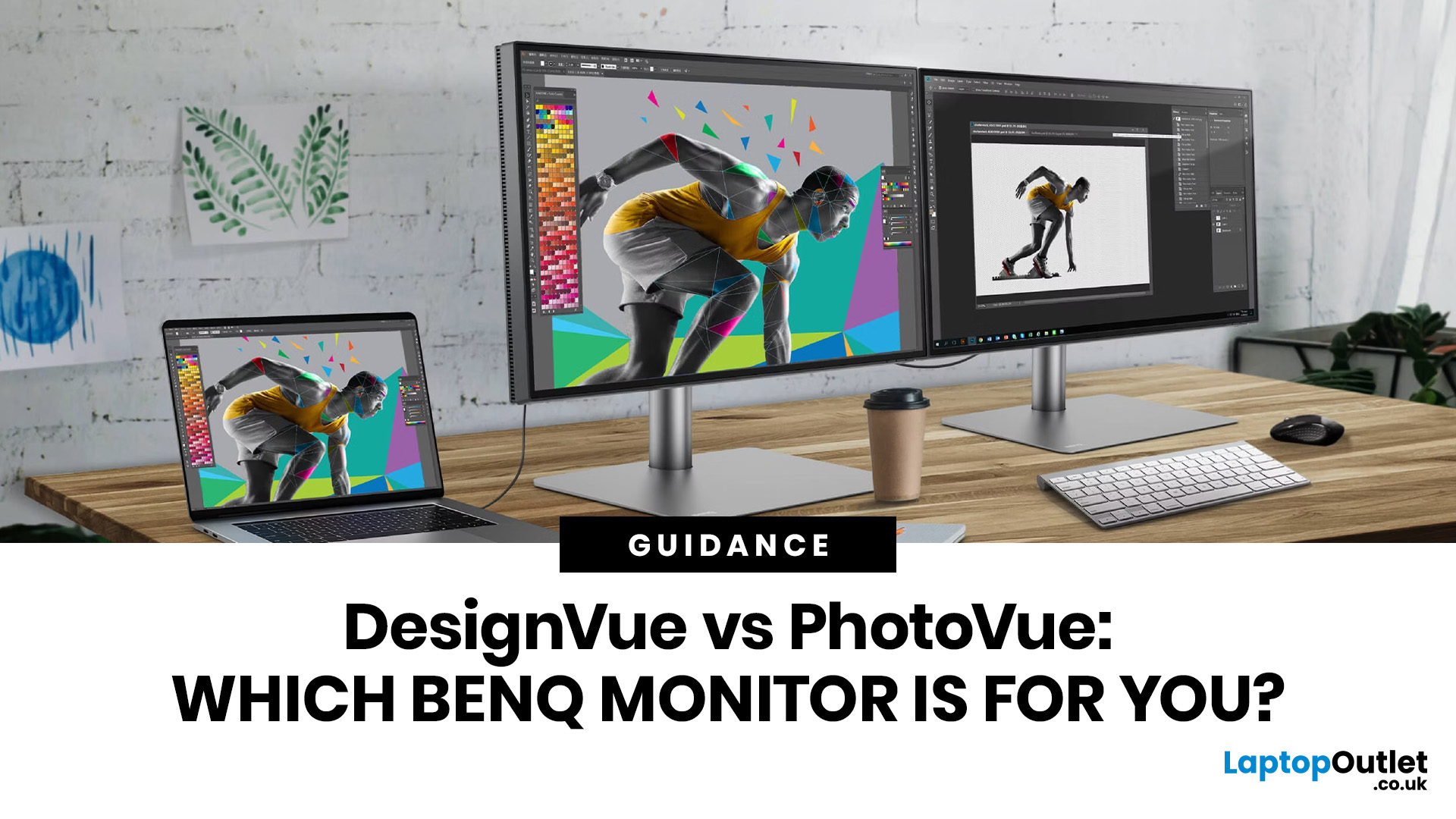
Whether you are a photographer editing RAW files, a designer producing brand assets, or a video editor reviewing colour grades, accuracy matters at every stage. BenQ addresses this through two dedicated series: the DesignVue PD range and the PhotoVue SW range.
Each is engineered for a different creative discipline. This guide explains both series, covers the key specs to look for, highlights how they compare, and helps you decide which one fits your workflow best.
BenQ’s Creator Series: DesignVue & PhotoVue SW
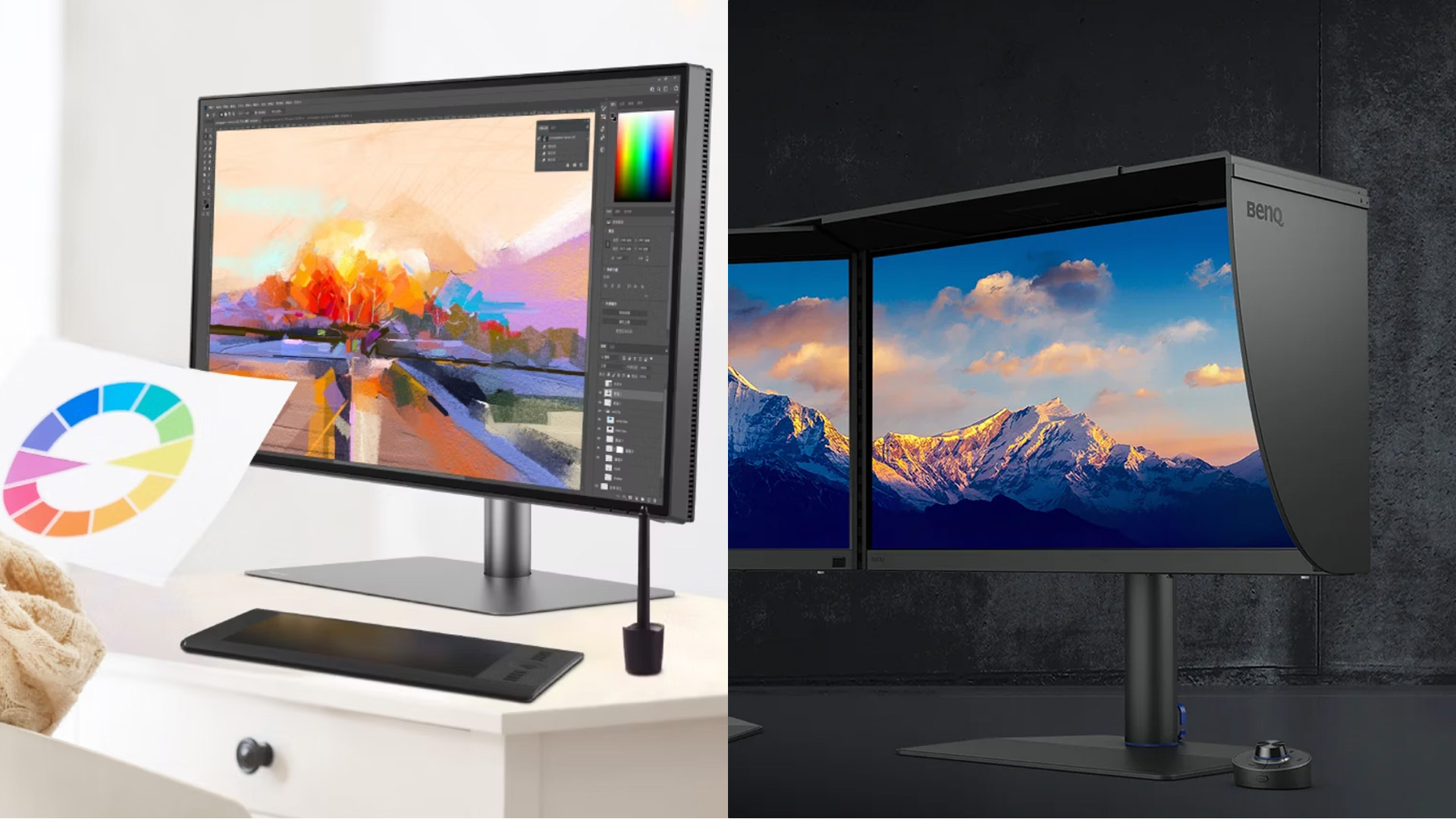
Finding the right BenQ monitors for creators starts with understanding why BenQ separates its professional range into two distinct families, each tailored to a different core workflow. Rather than one catch-all creative

Last Updated: April 14, 2026
If you want reliable colour from a BenQ creative monitor, calibration is not the final polish. It is the foundation. Whether you are editing photos, preparing work for print, designing for web, or reviewing client visuals, the goal is the same: your monitor should show colour in a way that is consistent, repeatable, and appropriate for the job in front of you.
This guide will walk you through how to calibrate a BenQ DesignVue monitor or BenQ PhotoVue monitor, when to use sRGB vs AdobeRGB on BenQ monitors, what hardware calibration changes, and how often you should recalibrate if accurate colour matters to your work.
Why BenQ Monitor Colour Calibration Matters
A high-spec monitor is only one part of colour accuracy. Out of the box, even a very good display may be too bright for print work, set to the wrong colour space for your workflow, or simply drift over time. That is where BenQ monitor colour calibration comes in.
BenQ explains that hardware calibration works by adjusting colour directly
Last Updated: April 28, 2026
Choosing the right monitor format can transform how you work. Whether you are a developer, analyst, designer, or remote professional, your display shapes your entire workflow.
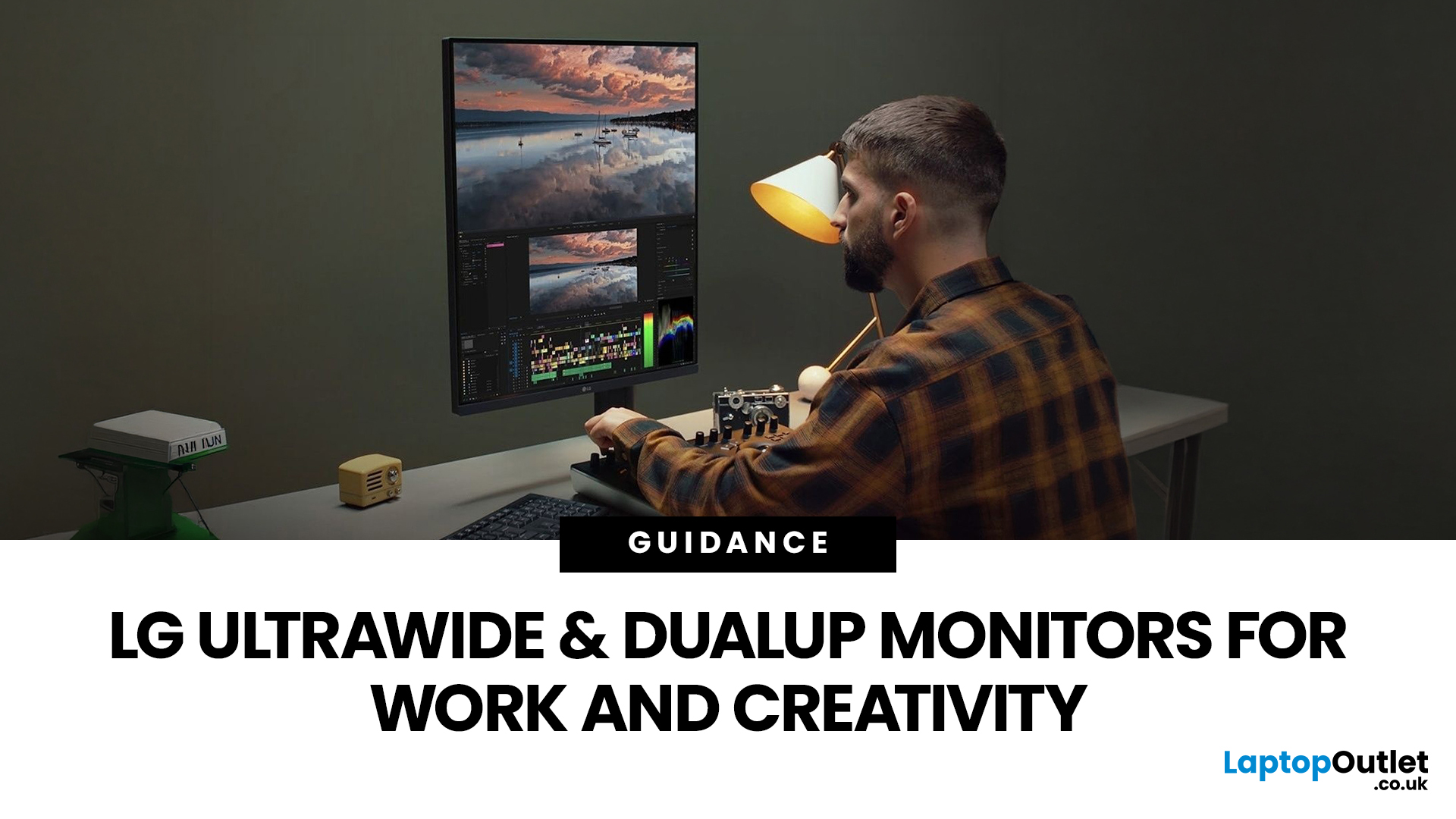
LG UltraWide and DualUp productivity monitors have become a firm favourite across the UK for professionals who need more screen space without the cable clutter of multiple setups.
This guide breaks down how each format performs for coding, content creation, dashboards, and day-to-day productivity, so you can pick the right one for your desk.
Why Screen Format Changes Everything
The shape of your display directly influences how many windows you can manage, how much you need to scroll, and whether your neck stays comfortable after a full working day. It is worth understanding the two non-standard formats LG offers before deciding which suits your setup.
LG monitors come in two distinctive formats: the horizontal 21:9 or 32:9 UltraWide and the vertical 16:18 DualUp. Both give you significantly more usable space than

