


BenQ Gaming Monitors: ZOWIE vs MOBIUZ for Esports, Ranked and Console Players
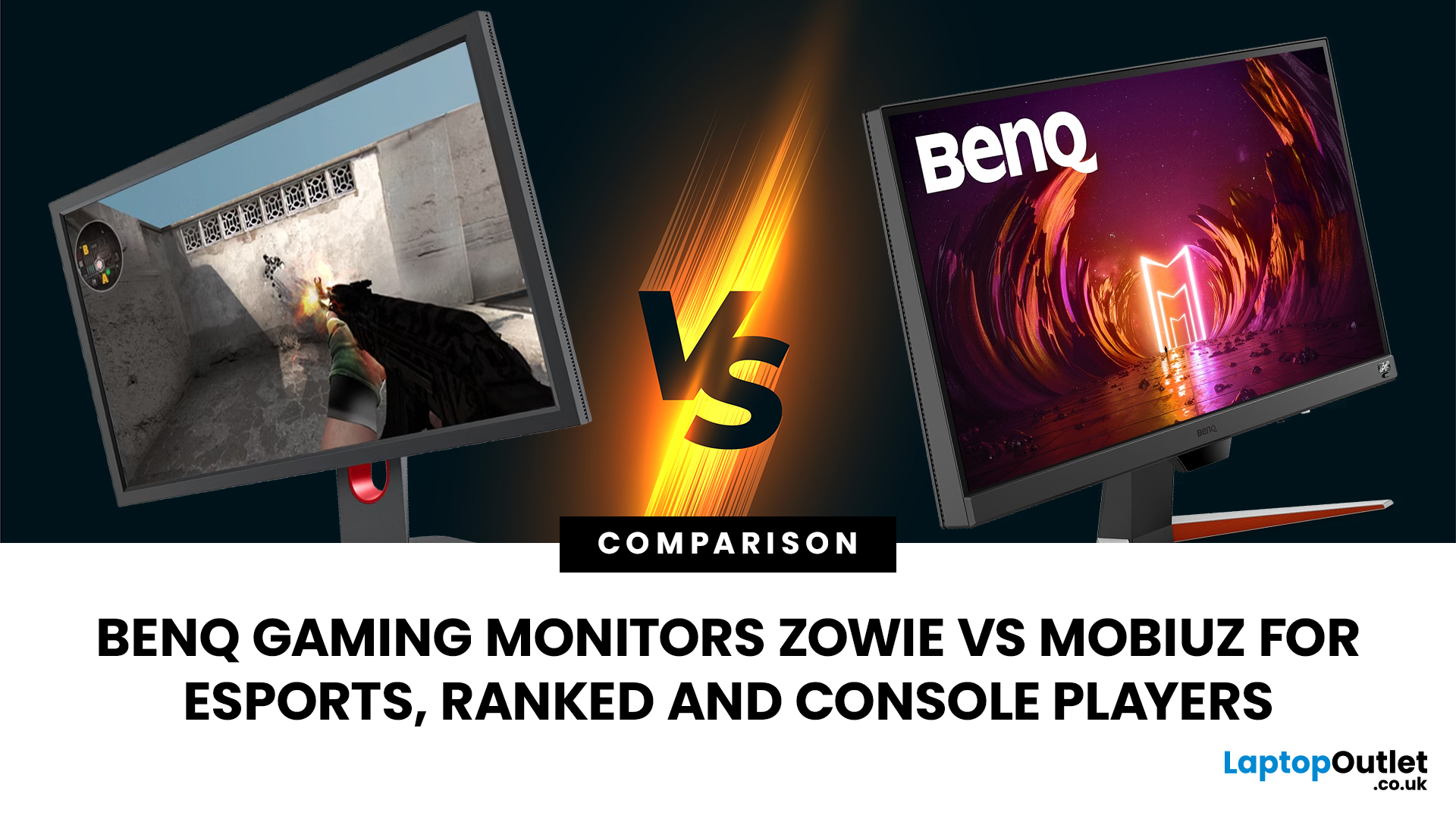
Choosing the right monitor can genuinely change how you play. Whether you’re grinding ranked matches, competing in esports, or just kicking back on your console, your display has a direct impact on performance, clarity and overall experience.
That’s where BenQ gaming monitors stand out. Known for precision engineering and gamer-first features, BenQ offers two standout ranges: ZOWIE and MOBIUZ. But when it comes to BenQ gaming monitors ZOWIE vs MOBIUZ, which one is right for you? Let’s break it down in a way that makes sense for how you play.
BenQ Gaming Monitors Explained
BenQ doesn’t take a one-size-fits-all approach to gaming. Instead, it splits its lineup into two clearly defined categories:
- BenQ ZOWIE esports monitors – built purely for competitive performance
- BenQ MOBIUZ gaming monitors – designed for immersive, all-round gaming
ZOWIE is about speed, precision and winning. MOBIUZ is about visuals, versatility and enjoying the full gaming experience. Both are excellent, but they serve very different purposes.
ZOWIE vs MOBIUZ Quick Comparison
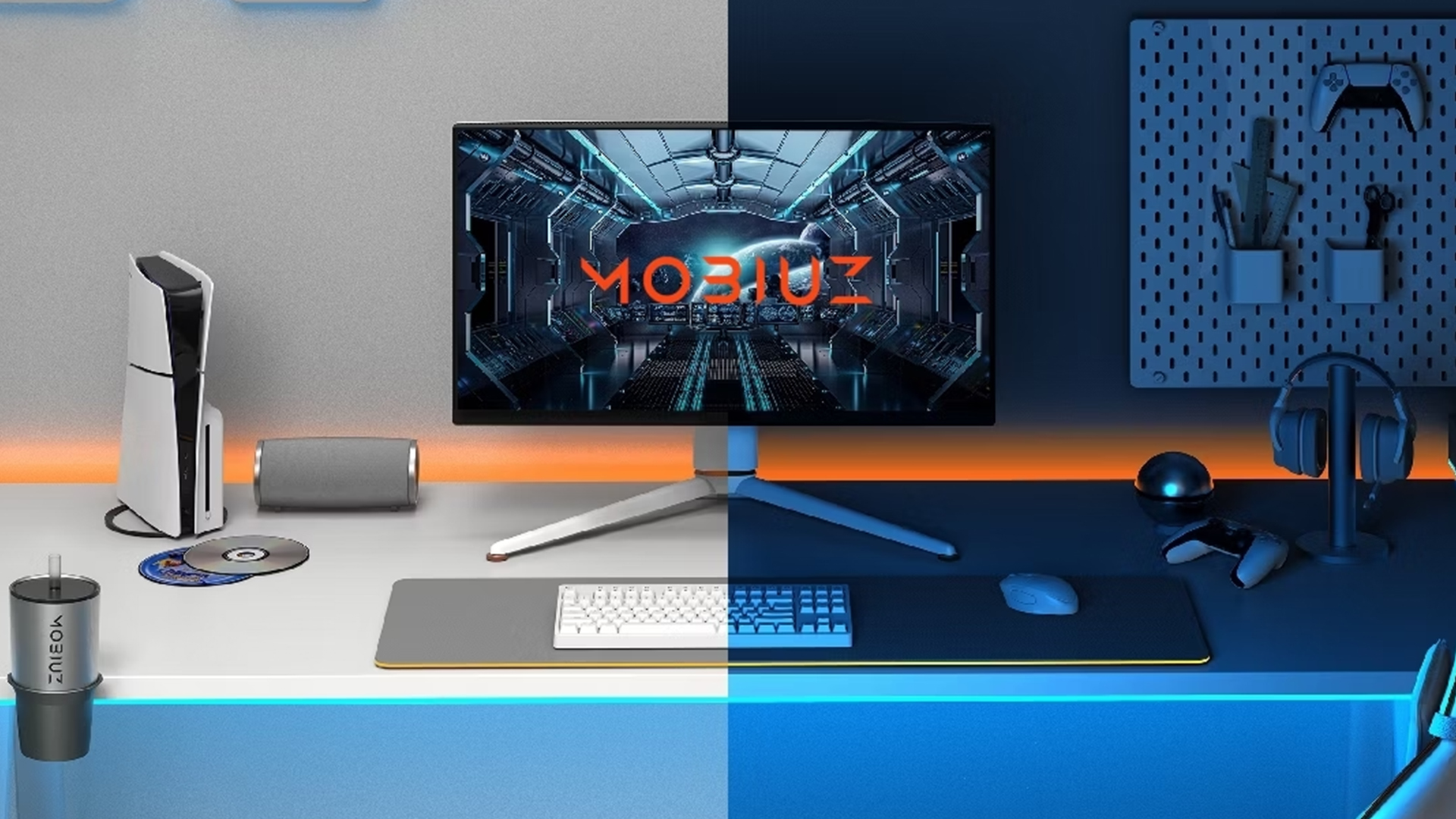
|
Feature |
BenQ ZOWIE |
BenQ MOBIUZ |
|
Target User |
Competitive esports players |
Casual, hybrid and console gamers |
|
Core Focus |
Performance, speed, precision |
Visual quality, immersion, versatility |
|
Panel Type |
TN (faster response times) |
IPS (better colours and viewing angles) |
|
Refresh Rate |
Up to 240Hz+ (240Hz BenQ gaming monitor options available) |
Typically 144Hz–165Hz (some higher-end models available) |
|
Response Time |
Extremely low (ideal for esports) |
Low, but prioritises visual balance |
|
Motion Clarity |
DyAc / DyAc+ technology |
Standard motion handling |
|
Resolution Priority |
Lower resolution for speed (usually 1080p) |
Higher resolutions (1440p / 4K options) |
|
HDR Support |
Limited or none |
Yes (HDRi for enhanced visuals) |
|
Console Compatibility |
Not optimised for consoles |
Strong support, including HDMI 2.1 |
|
Built-in Speakers |
No |
Yes (in most models) |
|
Best For |
FPS games, esports, ranked play |
RPGs, open-world, console gaming |
|
Overall Experience |
Competitive edge |
Immersive gameplay |
Key Differences: ZOWIE vs MOBIUZ
When comparing ZOWIE vs MOBIUZ, the differences come down to priorities.
- ZOWIE monitors are tuned for esports players who want maximum responsiveness. You’ll typically see ultra-high refresh rates, minimal input lag and features that enhance visibility in fast-paced scenarios.
- MOBIUZ monitors, on the other hand, lean into visual quality. They offer higher resolutions, better colour accuracy, HDR support and features that make them ideal for console gaming and story-driven titles.
In simple terms:
- ZOWIE is for performance.
- MOBIUZ is for experience.
BenQ ZOWIE Esports Monitors are Built for Competitive Play
If you’re serious about competitive gaming, ZOWIE is where you should be looking.
- These monitors are engineered specifically for esports environments, where every millisecond counts.
- Features like DyAc and DyAc+ reduce motion blur, making it easier to track enemies during fast movements.
- Combined with TN panels, which prioritise speed over visual richness, you get extremely low input lag and crisp motion clarity.
- This is why so many professional players rely on BenQ ZOWIE esports monitors. They’re not designed to look pretty, they’re designed to give you an edge.
- A BenQ high refresh gaming monitor in the ZOWIE range often pushes up to 240Hz or even higher, meaning smoother gameplay and faster reaction times.
- A 240Hz BenQ gaming monitor can genuinely make the difference in titles like CS2, Valorant or competitive Call of Duty.
- ZOWIE also includes tools like Black eQualizer and Colour Vibrance, letting you fine-tune visibility, so enemies stand out more clearly in darker scenes.
If your goal is to climb ranks, improve reaction time and stay competitive, ZOWIE is built for you. However, if you’re shopping on a tighter budget, you can also explore some of the best-value options in our guide to BenQ 27-inch monitors under £200 for everyday work, study and light gaming.
BenQ MOBIUZ Gaming Monitors are Designed for Immersion and Console Gaming
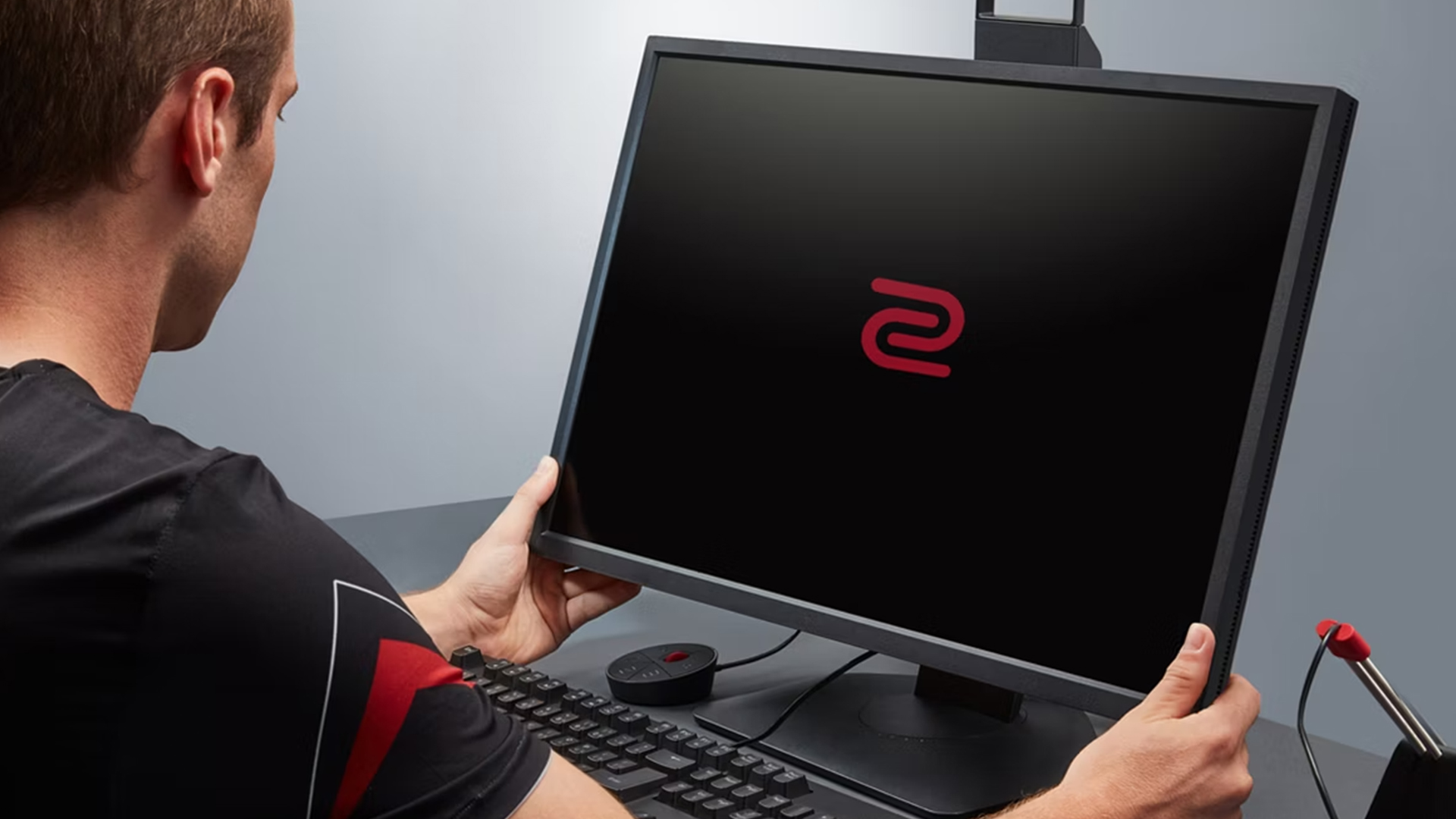
While ZOWIE focuses on winning, MOBIUZ focuses on enjoying every moment.
- The MOBIUZ range is all about visual immersion.
- With IPS panels, you get richer colours, wider viewing angles and sharper image quality. Add HDR support into the mix, and games look more vibrant and lifelike.
- This makes BenQ MOBIUZ gaming monitors ideal for players who want more than just performance.
- Whether you’re exploring open worlds, playing RPGs or enjoying cinematic experiences, MOBIUZ delivers.
- Where MOBIUZ really shines is console compatibility. Many models include HDMI 2.1, allowing you to take full advantage of next-gen consoles like the PS5 and Xbox Series X. That means smoother gameplay at higher resolutions without compromise.
- If you’re specifically looking for BenQ MOBIUZ for console gaming, this range ticks all the right boxes.
- It’s also one of the best options when considering BenQ gaming monitors for console, thanks to built-in speakers and balanced performance across visuals and responsiveness.
For players who switch between PC and console, MOBIUZ offers the flexibility ZOWIE doesn’t aim to provide. For those building a setup that’s more about productivity than play, take a look at our breakdown of BenQ productivity monitors, covering 4K, ultrawide and programming-friendly options.
Refresh Rate vs Resolution: What Actually Matters?
One of the biggest decisions when choosing between ZOWIE and MOBIUZ comes down to refresh rate and resolution.
- Refresh rate refers to how many frames your monitor can display per second. A higher refresh rate, like 144Hz or 240Hz, means smoother gameplay and quicker visual feedback. This is crucial in competitive gaming, where reaction time is everything.
- Resolution, on the other hand, determines how sharp and detailed your image looks. Higher resolutions like 1440p or 4K make games more visually impressive, especially in story-driven or open-world titles.
So, what should you prioritise?
- If you’re focused on esports or ranked play, refresh rate matters more. That’s where BenQ high refresh rate monitors like ZOWIE dominate.
- If you’re playing on console or enjoy visually rich games, resolution and HDR become more important. That’s where MOBIUZ takes the lead.
Still unsure whether ultra-high refresh rates make a difference? Our deep dive into 240Hz+ BenQ gaming monitors explains whether they’re worth the upgrade for your setup.
Which BenQ Monitor Should You Choose?
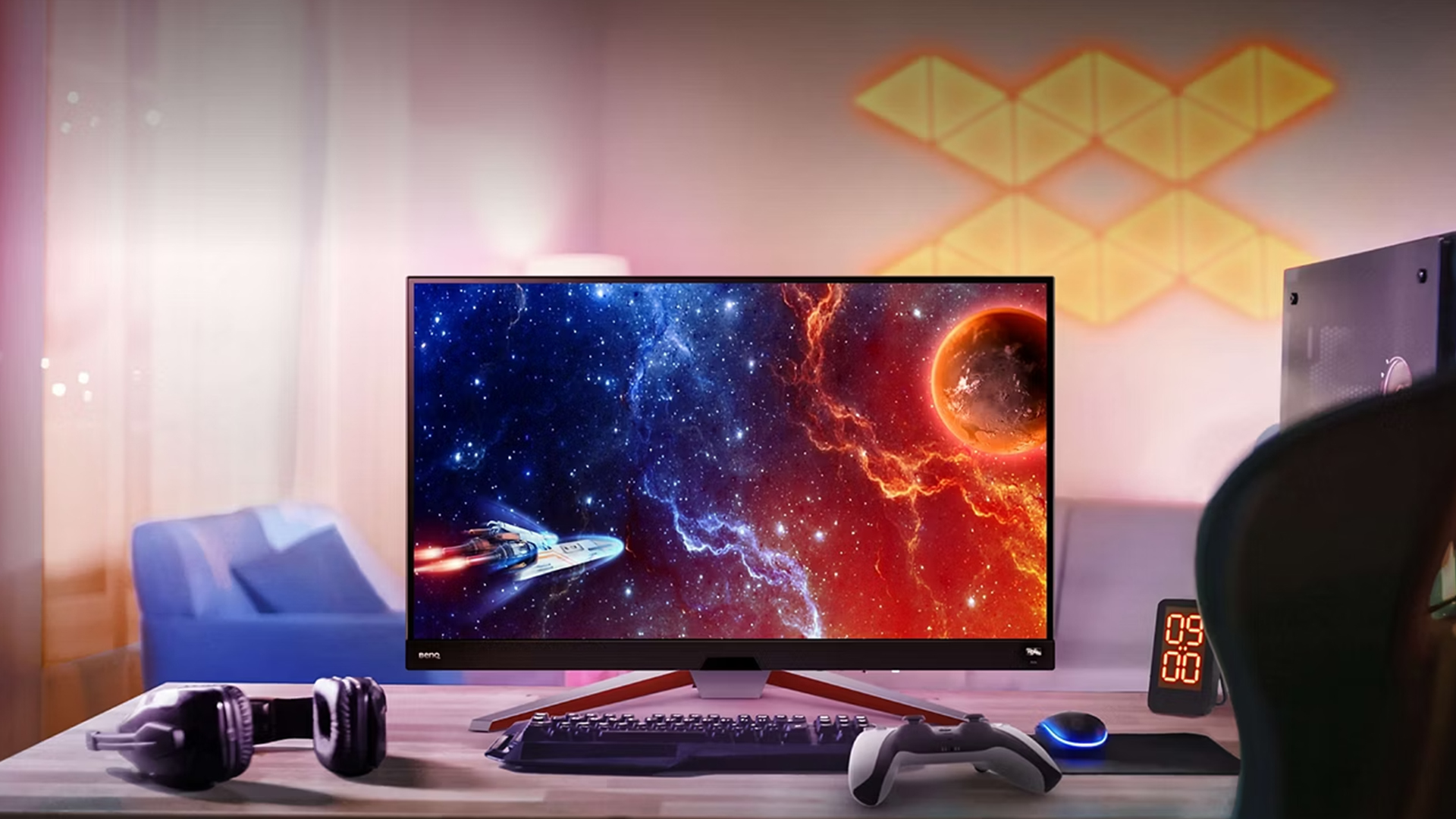
Your choice depends entirely on how you play.
- If you’re a competitive esports player, ZOWIE is the clear winner. It’s built for speed, precision and consistency under pressure.
- If you’re grinding ranked but still care about visuals, you might find yourself choosing between both. ZOWIE gives you the competitive edge, while MOBIUZ offers a more balanced experience.
- If you’re a console gamer, MOBIUZ is the obvious choice. It’s designed to work seamlessly with modern consoles and delivers the visual quality those platforms are built for.
- For players who want a mix of everything, competitive play, casual gaming and entertainment, MOBIUZ offers more versatility.
If you’re still unsure, it’s worth exploring a full BenQ gaming monitor buying guide to narrow down the best option based on your setup and playstyle.

Final Verdict: ZOWIE vs MOBIUZ
When comparing BenQ gaming monitors ZOWIE vs MOBIUZ, there isn’t a single “better” option, only the right one for you.
- ZOWIE is built for competitive players who prioritise performance above everything else. It’s fast, responsive and designed to help you win.
- MOBIUZ is built for gamers who want more from their experience. It delivers strong performance alongside immersive visuals and console-friendly features.
If your focus is esports, go ZOWIE. If you want versatility and visual quality, go MOBIUZ.

FAQs
ZOWIE vs MOBIUZ: which is better?
Neither is universally better. ZOWIE is ideal for competitive esports performance, while MOBIUZ is better for immersive gaming and console use.
Are ZOWIE monitors good for casual gaming?
They can be used for casual gaming, but they prioritise performance over visuals, so they’re not the best choice for cinematic or story-driven games.
Is MOBIUZ suitable for competitive gaming?
Yes, but it’s not as specialised as ZOWIE. MOBIUZ offers good performance, but ZOWIE is specifically optimised for esports-level play.
What refresh rate do I need for esports?
At minimum, 144Hz is recommended, but many competitive players prefer 240Hz or higher for smoother gameplay and faster reaction times.
Are BenQ monitors good for PS5 and Xbox?
Yes, especially the MOBIUZ range. They support features like HDMI 2.1, making them excellent for next-gen console gaming.
Related Articles
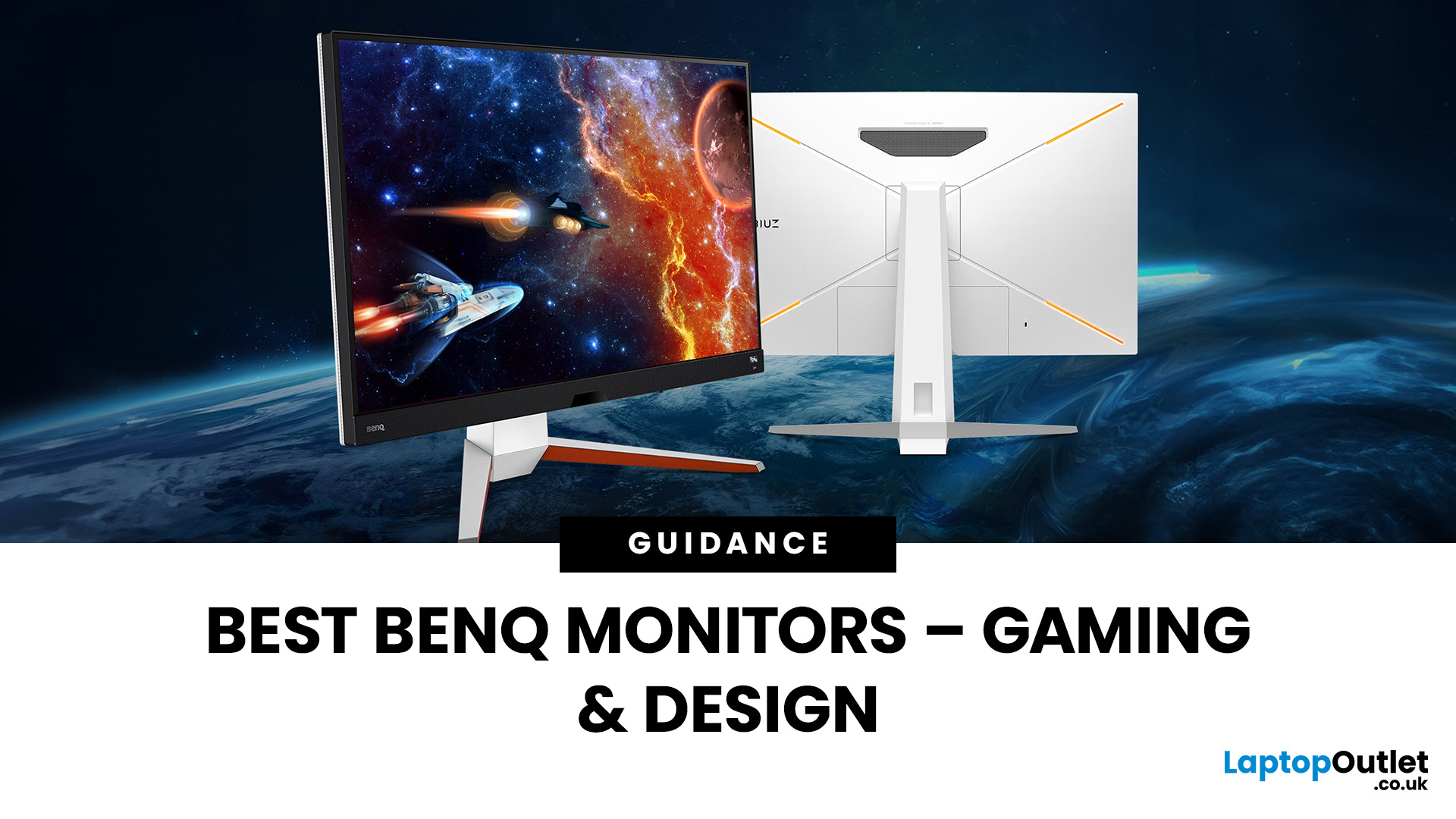

Published: September 17, 2025
In 2025, BenQ monitors for gaming and design stand out as some of the most versatile displays available, combining advanced technology, eye-care features, and excellent build quality. From BenQ gaming monitors designed for esports and AAA titles to BenQ design monitors aimed at creative professionals, the BenQ monitor lineup covers every need. This blog highlights the best BenQ monitors you can buy at Laptop Outlet, with a breakdown of their features, benefits, and why they’re trusted worldwide.
Why Choose BenQ Monitors in 2025?
Before diving into specific models, let’s explore why BenQ remains a top choice for professionals and gamers.
Innovation Across Categories
For competitive players, BenQ gaming monitors now feature refresh rates up to 240Hz, 1ms response times, and adaptive sync technologies like AMD FreeSync Premium and NVIDIA G-Sync compatibility. On the other hand, its design monitors offer factory-calibrated colour accuracy, HDR10 support, and wide gamut coverage (sRGB, AdobeRGB,
Last Updated: April 14, 2026
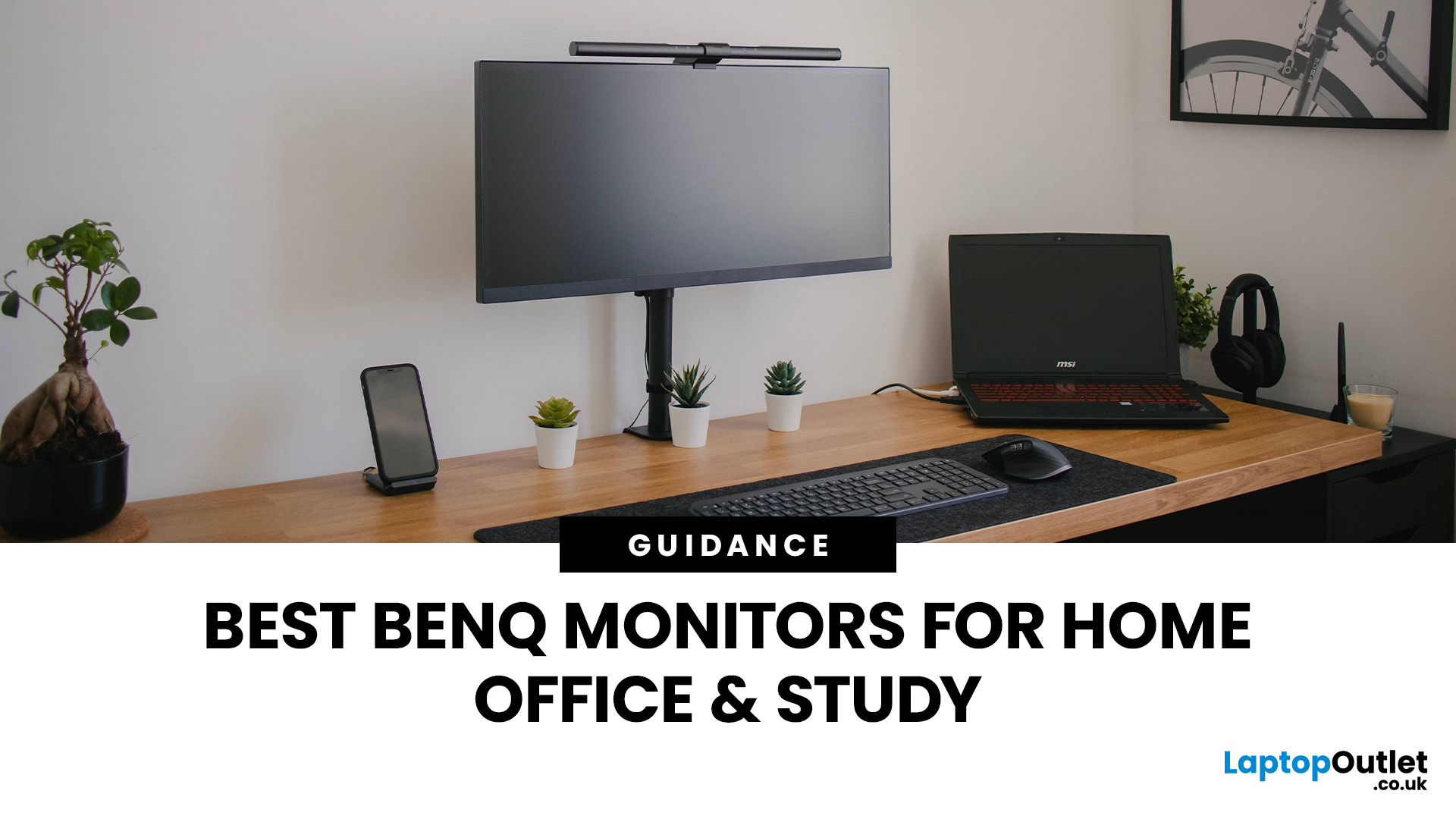
Creating a home workspace that actually makes you want to sit down and get things done starts with one key upgrade: your monitor. Whether you’re fully remote, juggling hybrid life, or deep into study mode, choosing the best BenQ monitor for home office use can seriously level up your focus, comfort and overall productivity.
Let’s be honest! Squinting at a tiny laptop screen for eight hours straight isn’t the vibe. You need space. You need clarity. You need something that doesn’t leave your eyes feeling fried by 4 pm. From compact Full HD screens that fit neatly on smaller desks to powerful 4K displays that handle heavy multitasking like a pro, there’s something for every type of workflow. So if you’re scrolling through BenQ monitors for home office and wondering which one deserves desk space, you’re in the right place.
What Makes a Good Home Office Monitor?
Not all monitors are created equal. A display designed for gaming or entertainment won’t always offer the same comfort and practical
Last Updated: April 14, 2026
If you’ve been shopping for a competitive gaming display, you’ve probably noticed that BenQ 240Hz gaming monitors are becoming the new standard for serious players. But with so many options available, the big question remains:
Is 240Hz worth it — or is 144Hz still enough?
In this guide, we’ll break down what ultra-high refresh rates change in gameplay, compare 144Hz vs 240Hz BenQ monitor performance, and help you decide whether a BenQ high refresh ZOWIE monitor or a BenQ MOBIUZ high refresh monitor is the right upgrade for you.
Quick Answer — Is 240Hz Worth it?
So, is 240Hz worth it?
For many gamers, the answer is:
- Yes, if you play competitive FPS titles and want the smoothest, fastest response possible
- Maybe, if you play a mix of casual and competitive games
- Not necessarily, if you mostly play single-player or cinematic titles
A jump from 144Hz to 240Hz delivers:
- Smoother motion
- Reduced input delay
- Clearer tracking in fast-paced shooters
That’s why high refresh BenQ gaming monitors are
Last Updated: April 14, 2026
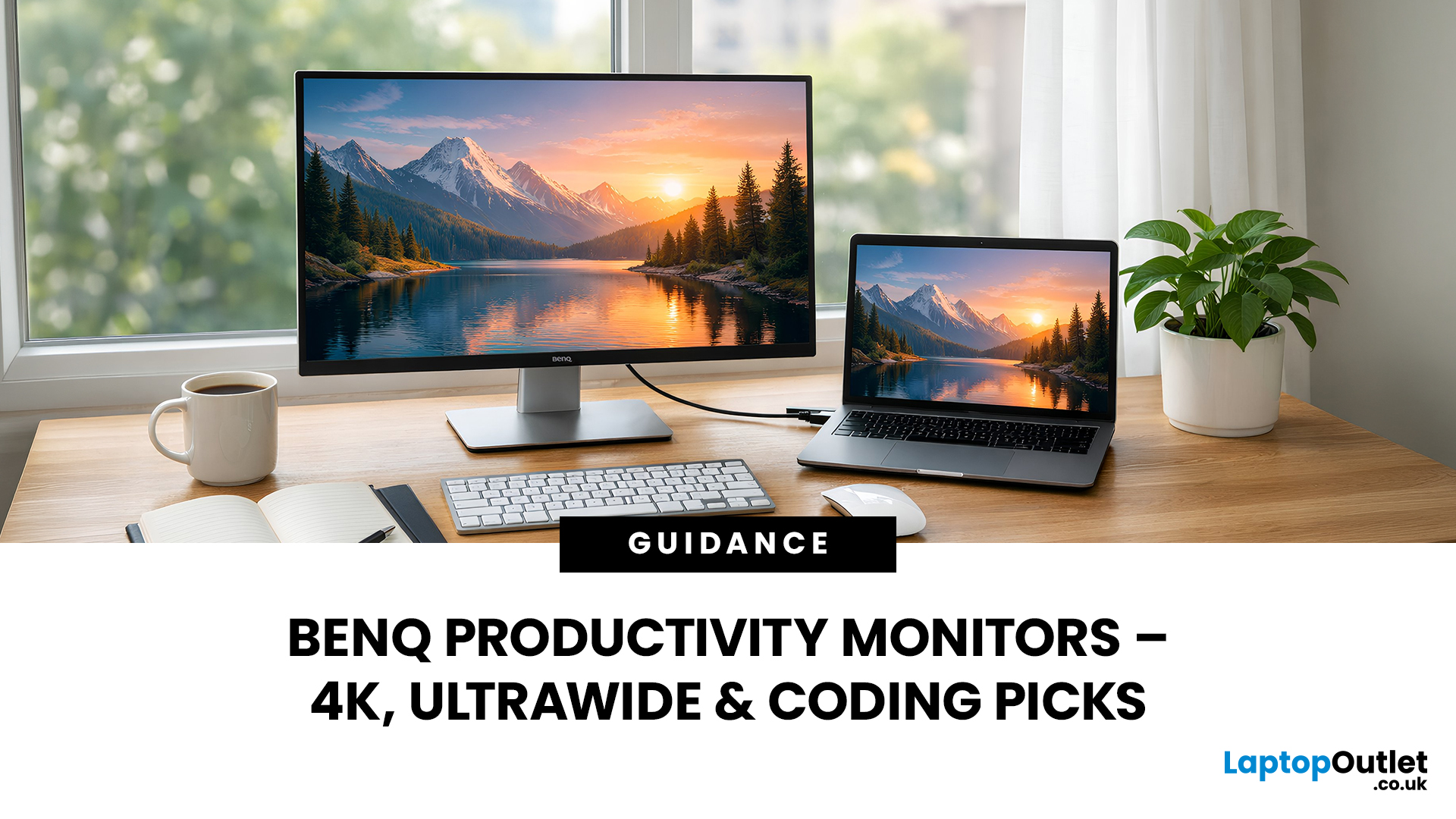
When you spend hours each day working across spreadsheets, dashboards, documents, or lines of code, your monitor becomes more than just a screen. It becomes the centre of your workflow. The right display can make work feel smoother, reduce fatigue, and help you stay focused for longer.
That’s exactly where BenQ productivity monitors stand out. Designed with knowledge workers, developers, and multitaskers in mind, BenQ offers a range of displays built for modern professional demands. Whether you need pixel-perfect clarity, extra-wide space for multiple apps, or coding-specific features, there’s a BenQ option tailored to the way you work.
Why Productivity-Focused Monitors Matter for Knowledge Work
A standard office monitor can get the job done, but knowledge work has evolved. Today’s workflows often involve multiple applications running side by side, detailed content review, long hours of screen time, and constant context switching. That’s why choosing the right monitor is no longer just
Last Updated: April 14, 2026
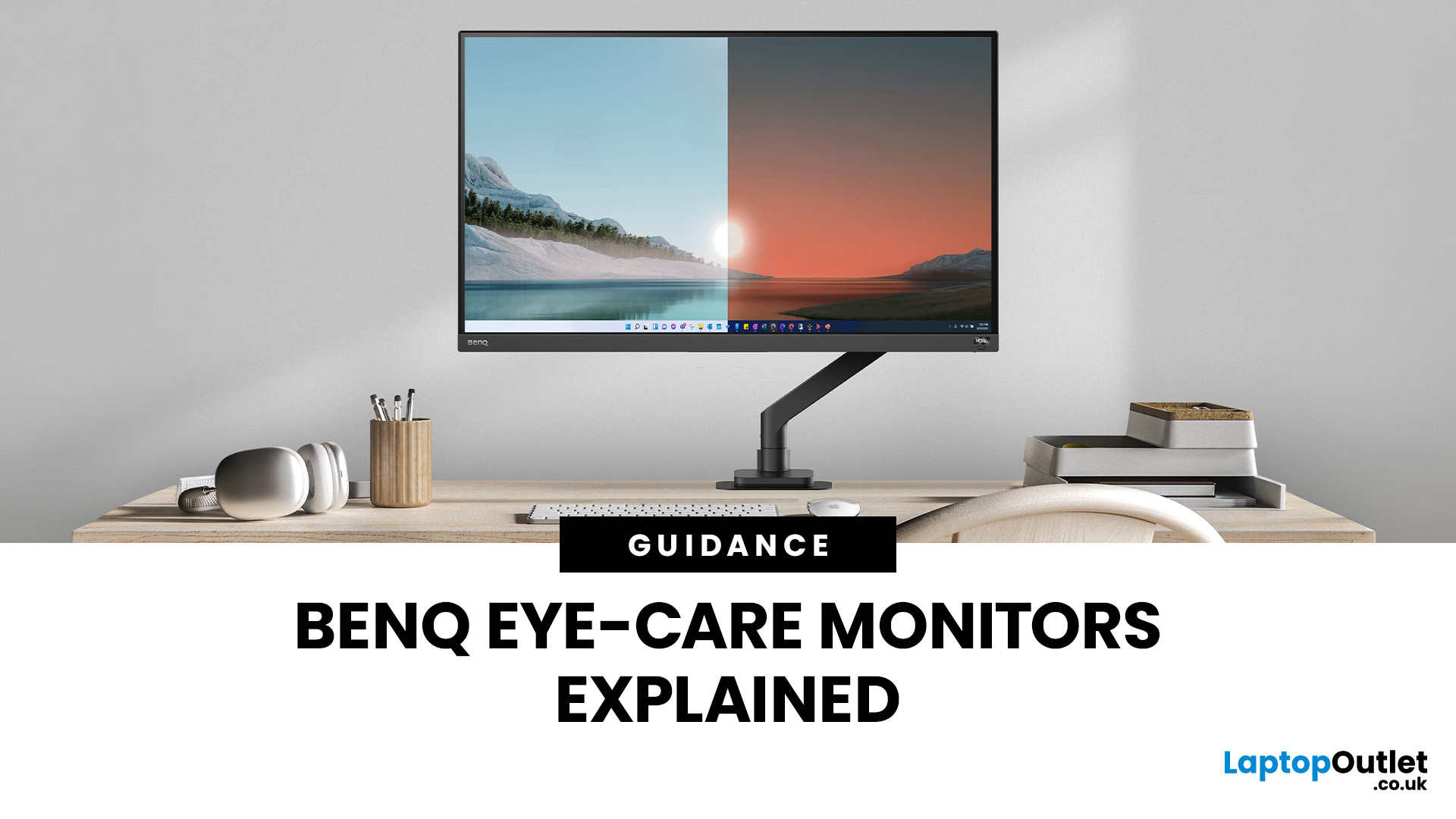
If you spend hours a day on a screen, you’ve probably felt it: tired eyes, headaches, dryness, or that “slightly gritty” end-of-day sensation. While no monitor can solve every cause of discomfort, BenQ Eye-Care monitors are designed to reduce a few common contributors to visual fatigue, especially harsh brightness, excessive blue-light exposure at night, and screen flicker.
What BenQ Eye-Care Means: Features and What they’re For
Several BenQ groups have comfort-focused tools under its Eye-Care umbrella. The exact bundle varies by model, but the typical set includes:
- BenQ Brightness Intelligence (sometimes “Brightness Intelligence Plus / B.I.+”) to adjust the screen to your room lighting and what’s on screen
- BenQ Low Blue Light monitor modes (and sometimes “Low Blue Light Plus”) to reduce blue-light output
- BenQ Flicker-Free technology to reduce flicker that can contribute to eye strain
- Often also: anti-glare coatings, reading/ePaper modes, reminders, and other usability tools (model-dependent)
Last Updated: April 14, 2026
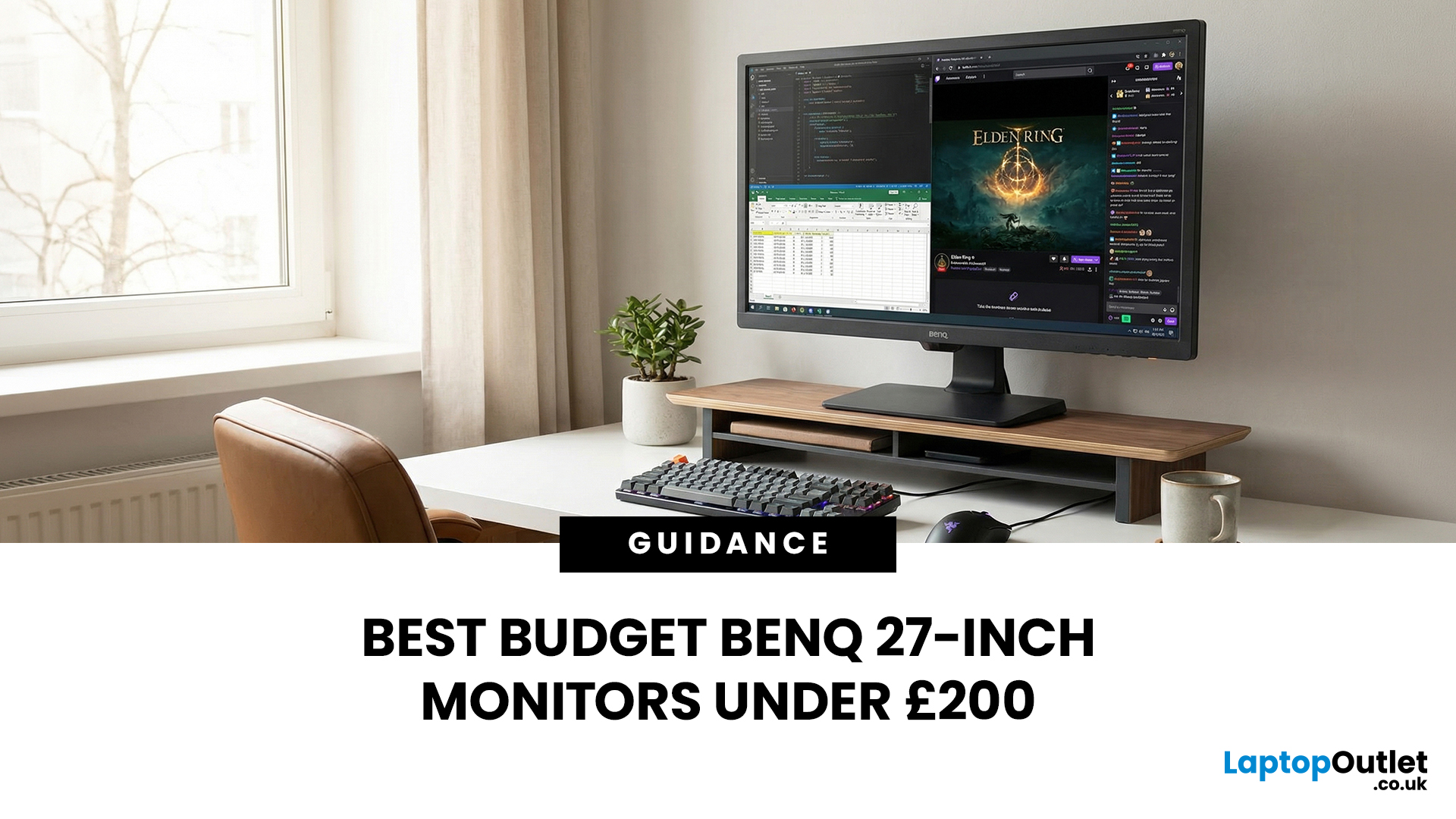
If you're searching for budget BenQ 27 inch monitors that balance affordability, comfort, and reliable performance, there are excellent options available under £200 in the UK. BenQ has built a strong reputation for producing displays with dependable IPS panels and industry-leading eye comfort features. Whether you need a BenQ 27 inch monitor for work, online classes, or relaxed gaming after hours, a well-chosen BenQ 27 inch monitor under £200 can deliver impressive value.
What to Expect from a BenQ 27 Inch Monitor Under £200
When buying budget BenQ 27 inch monitors, it’s important to understand what’s realistic at this price.
What You Typically Get
- Full HD (1920x1080) resolution
- IPS panel technology
- 60Hz–75Hz refresh rate
- BenQ Eye-Care technology
- Slim, modern bezels
- Built-in speakers
- Basic tilt adjustment
What You Usually Won’t Get
- 1440p (QHD) resolution
- 144Hz gaming refresh rates
- Advanced ergonomic stands (height/pivot)
- High-wattage USB-C charging
For productivity, studying, browsing,
Last Updated: May 06, 2026
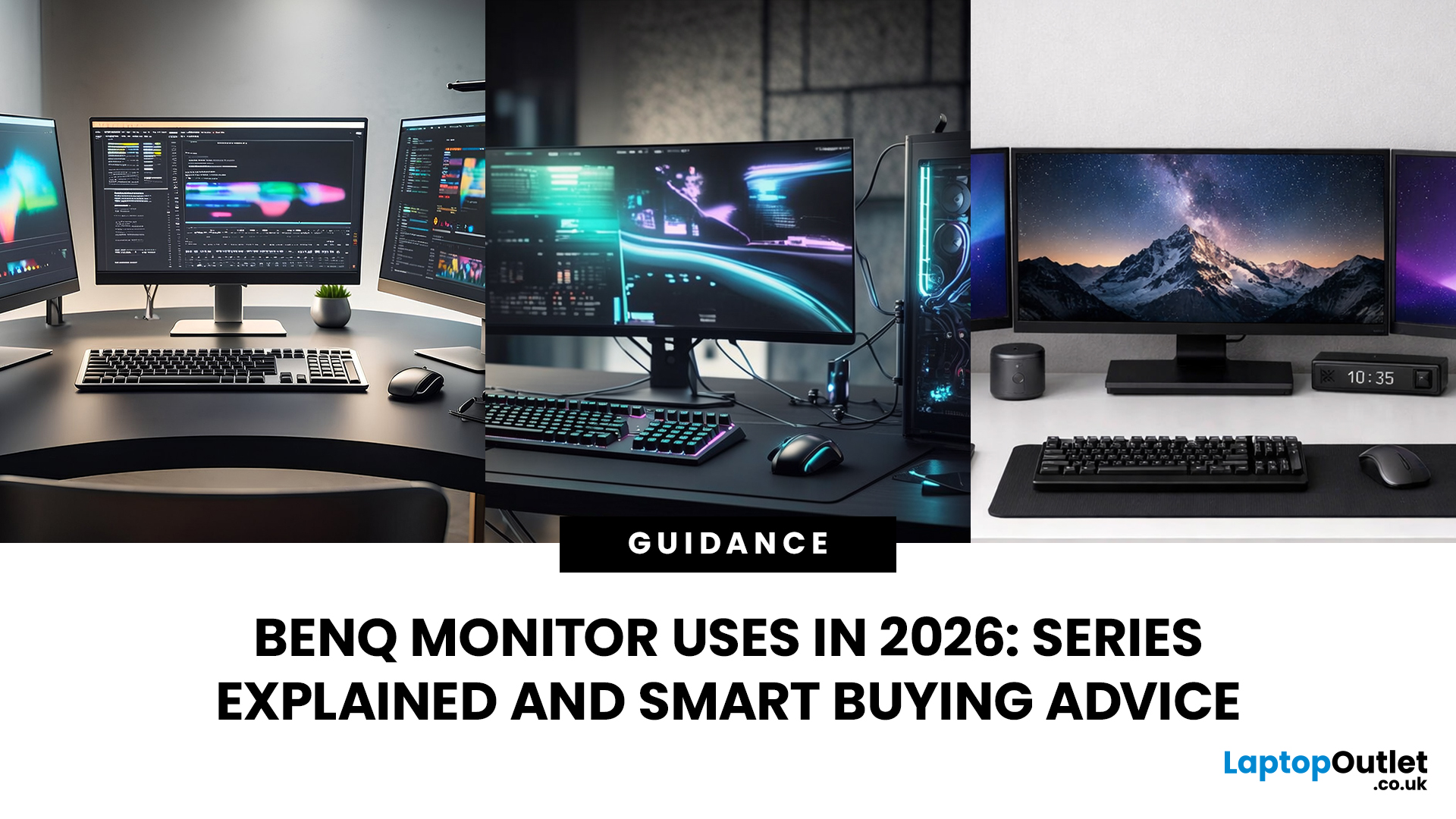
Getting the right monitor is no longer just about picking a size and hoping for the best. In 2026, the best results come from matching the screen to the job. That is where BenQ tends to do well. Instead of trying to make every display “good at everything”, the range is split into clear families built around specific uses: creative colour work, programming and text-heavy productivity, competitive gaming, immersive gaming, and comfortable home office setups.
This guide focuses on BenQ monitors uses in real setups, the key differences between series, and what to look for when you want one monitor for both gaming and work.
BenQ as a Brand in 2026
BenQ is a Taiwan-based electronics brand known globally for displays, including monitors and projectors. The BenQ name is tied to the idea of “Bringing Enjoyment ‘N’ Quality to life,” and the company’s display focus shows up most clearly in how it splits monitors into specialised series instead of pushing one “flagship for everyone.”
That specialisation
Last Updated: April 29, 2026
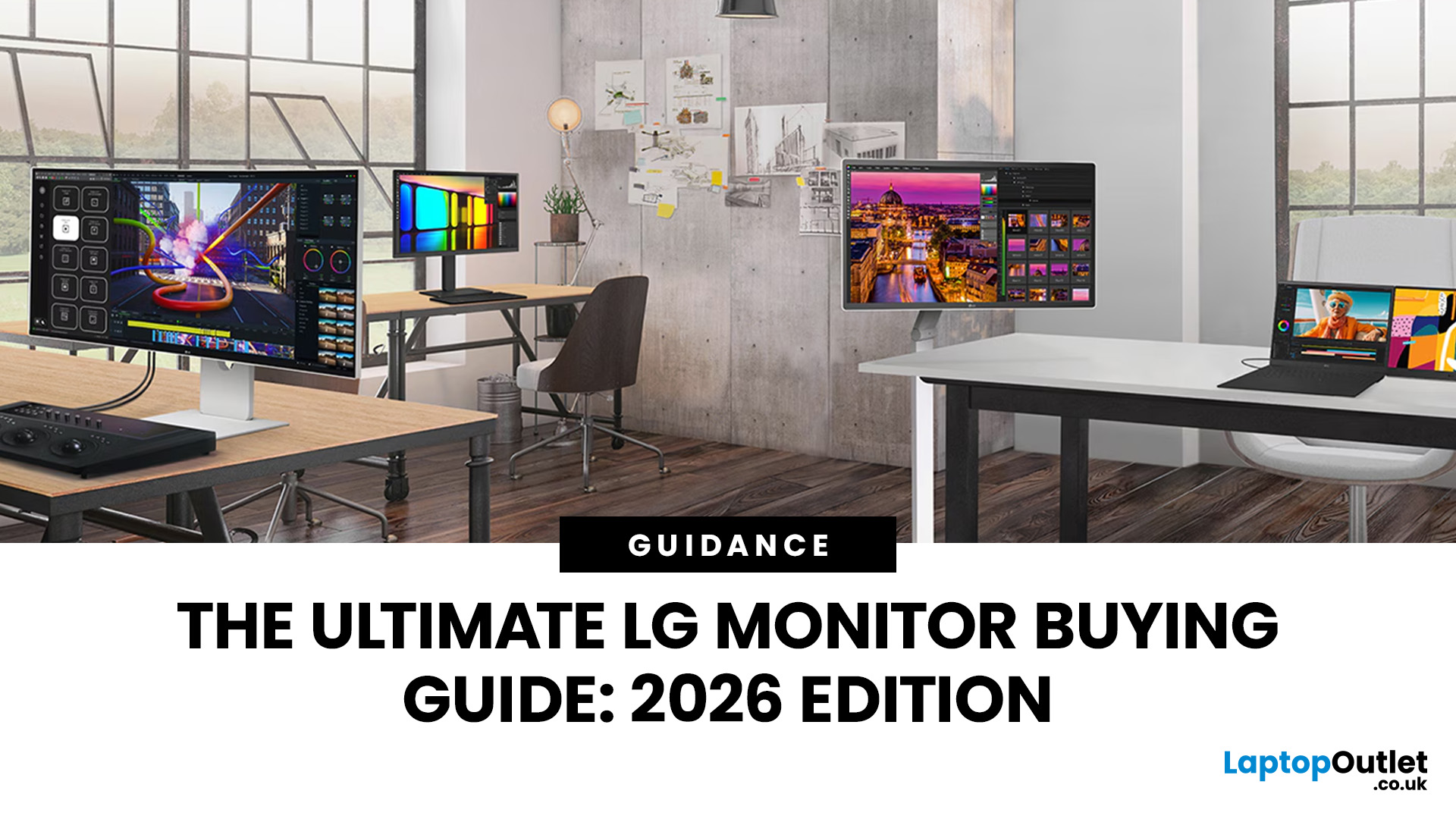
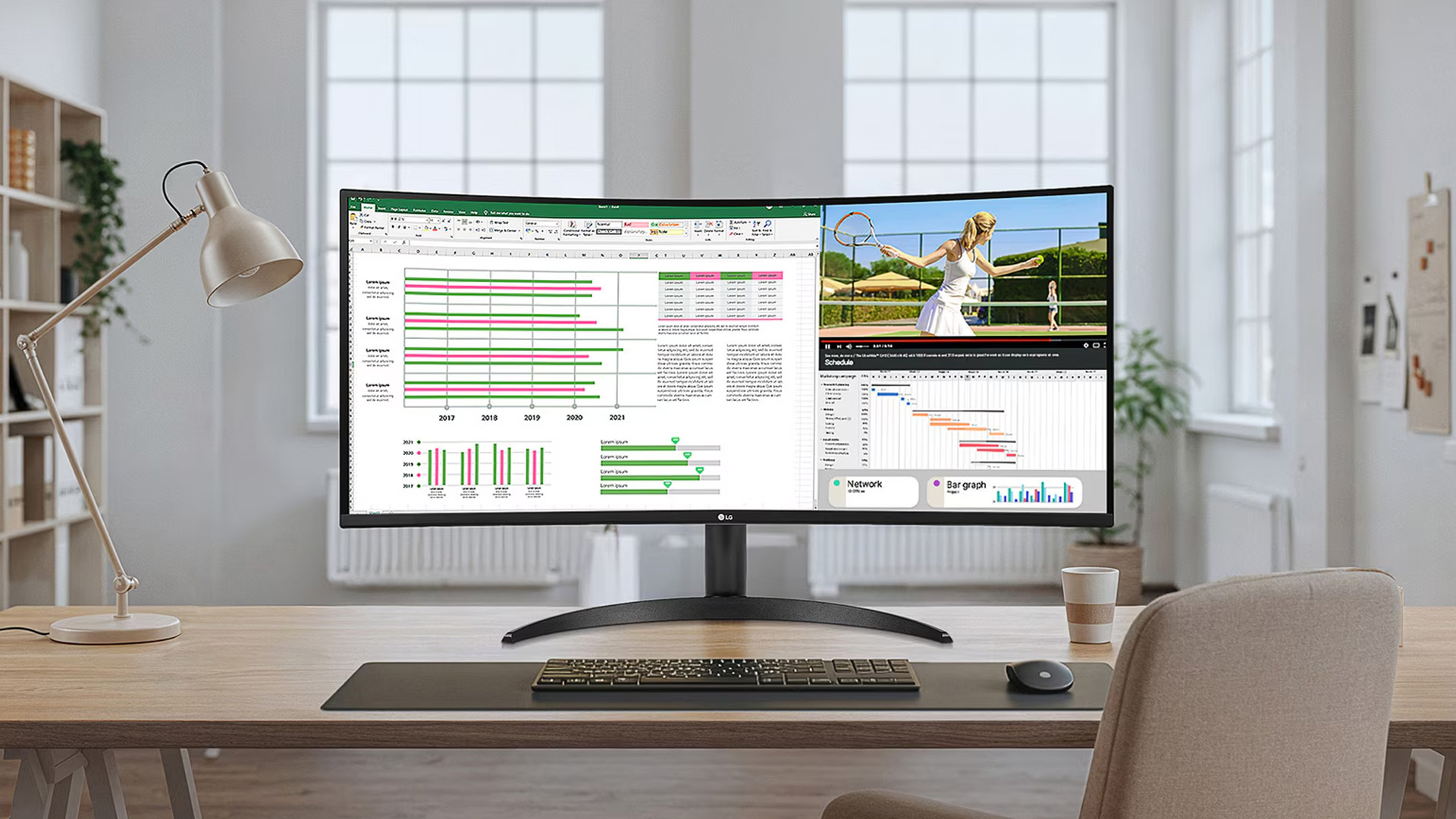
Choosing a new monitor is not always straightforward. With so many screen sizes, panel types, and resolution options on the market, it is easy to get lost before you even reach a shortlist. This LG monitors buying guide cuts through all of that.
It walks you through every major LG screen series, explains the specs that actually matter, and helps you find the right display for your needs and budget. Whether you are gaming, working from home, editing photos, or simply upgrading a tired old screen, LG has a monitor built for the job. Let’s get started.
Why Choose an LG Monitor in 2026?
LG is one of the few brands that designs and manufactures its own display panels. That matters because it gives LG direct control over colour accuracy, panel quality, and how quickly new technology reaches the market.
Whether you need a budget-friendly Full HD screen or a professional-grade OLED display, LG offers a broad, well-priced range. They continue to lead with innovations like Nano IPS
Last Updated: April 28, 2026
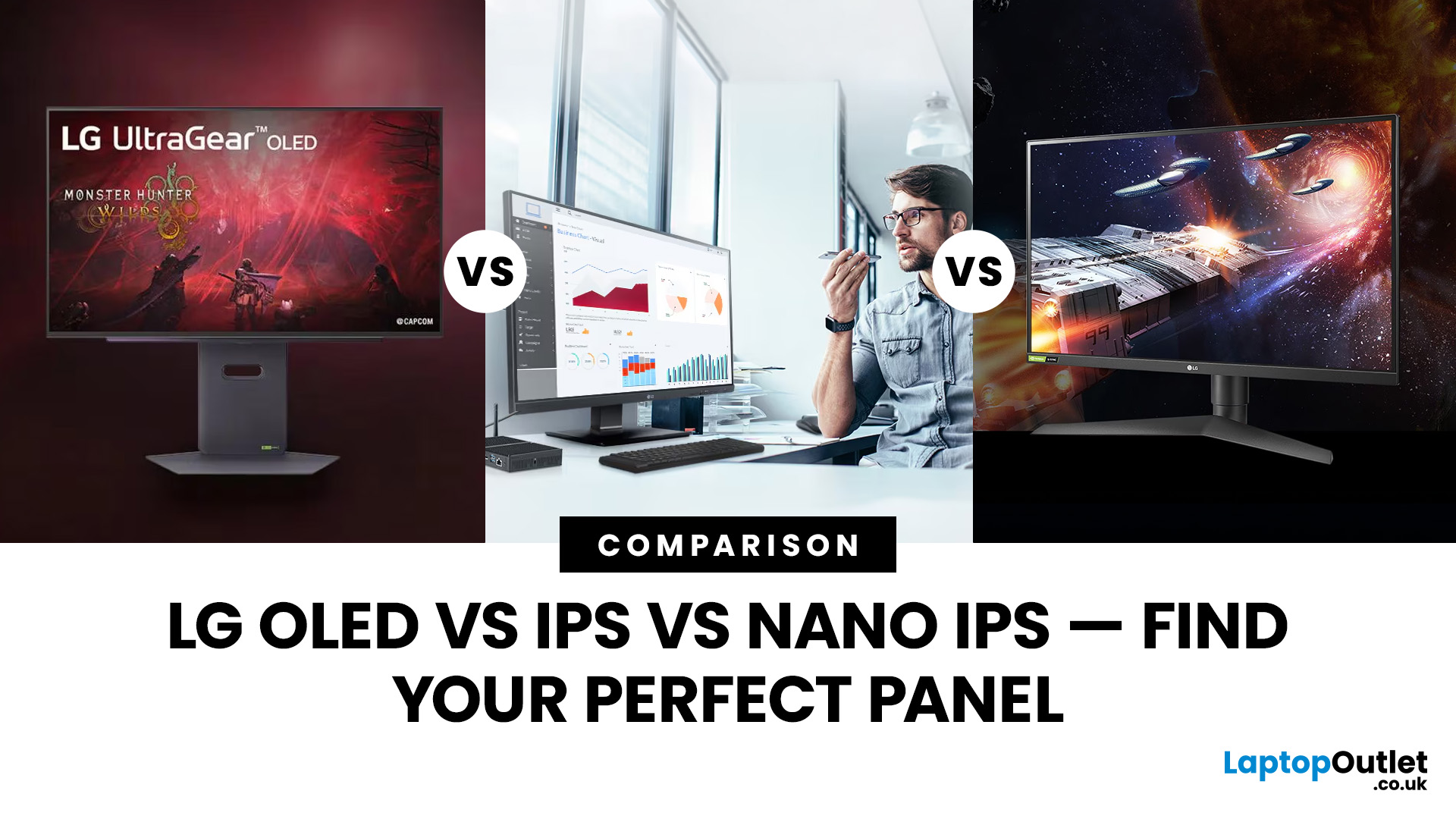
Choosing a new monitor is never as simple as picking the biggest screen you can afford. The panel technology underneath the glass makes a huge difference. It shapes how colours look, how fast the screen responds, and how comfortable it is to use for hours on end.
LG monitors feature all three major panel types under one roof — OLED, IPS, and Nano IPS. Each one has a distinct character. And each one suits a different kind of user.
So, if you are weighing up the LG OLED vs IPS vs Nano IPS debate, this guide cuts through the noise. We will explain what each panel actually does, where it excels, and where it falls short. By the end, you will know exactly which display belongs on your desk.
Understanding the Three Panel Types
Before diving into comparisons, it helps to understand what each technology actually does. The differences go deeper than just price.
What Is an IPS Panel?
IPS stands for In-Plane Switching. This technology uses a backlight to illuminate liquid crystals, which then twist
Last Updated: April 28, 2026
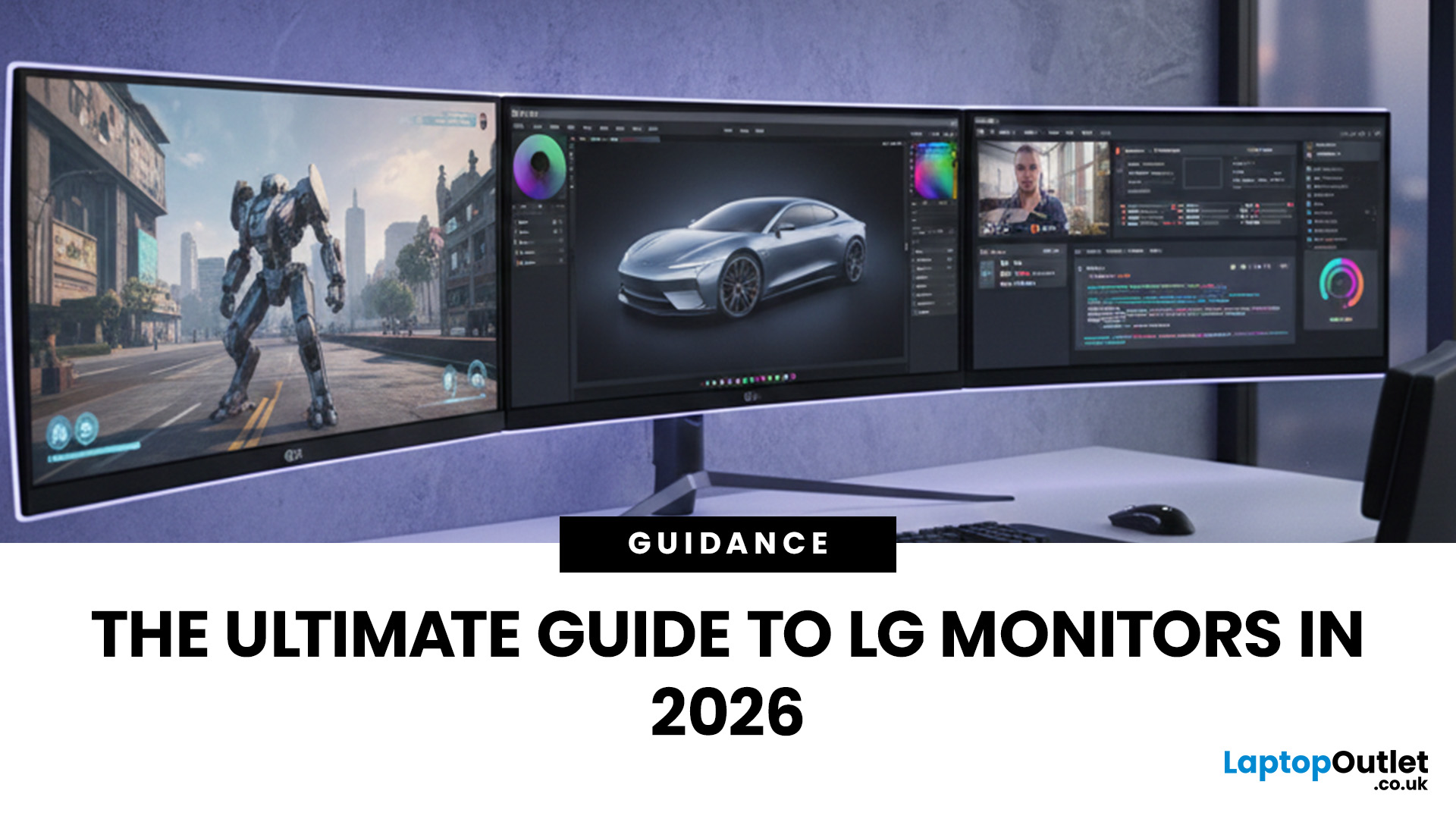
Choosing the right monitor can genuinely transform how you work, game, or create. And when it comes to display technology, few brands match the depth and range that LG brings to the table.
From silky-smooth gaming panels to colour-accurate professional displays, LG monitors cover just about every use case imaginable. Understanding LG monitors uses is the key to choosing correctly. Each series is designed around a specific purpose, whether that is competitive gaming, hybrid working, or colour-critical design.
Whether you are a casual user, a competitive gamer, a creative professional, or someone building a home office setup, this LG monitors 2026 guide will help you understand which screen is right for you and how different LG monitors uses align with your needs.
Let us start from the beginning.
LG Monitors 2026: Brand Overview
LG is one of the most recognisable names in display technology worldwide. The South Korean tech giant has been manufacturing screens for decades, and today it

