


Best Gaming Chairs for PC vs Console Gamers – Which One Should You Choose?
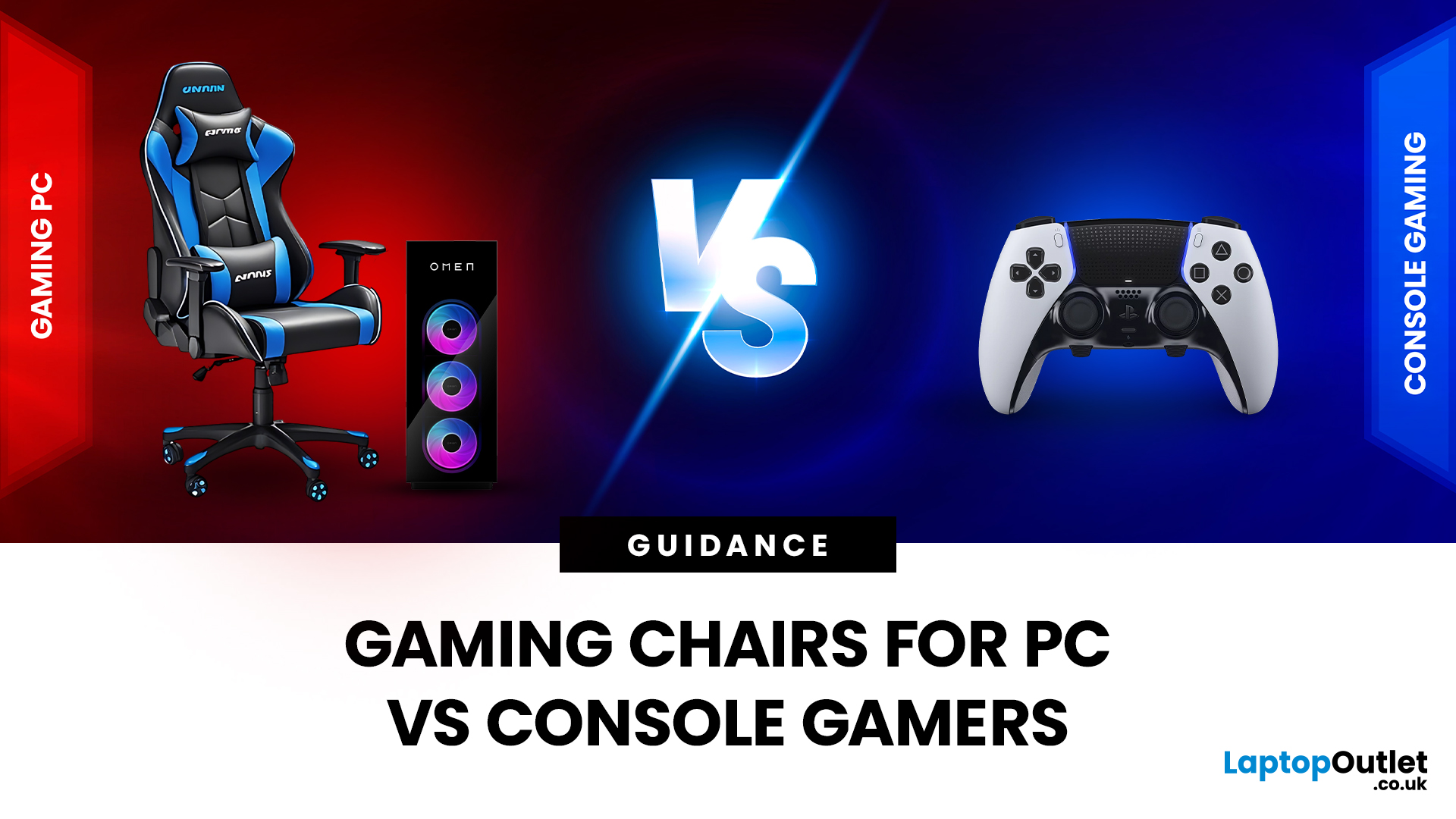
Choosing the right gaming chair is often treated as a cosmetic decision, colour, style, and whether it “looks gamer enough.” In reality, the chair you sit on has a far greater impact on your comfort, posture, and long-term health than many hardware upgrades.
For anyone deciding between gaming chairs for PC vs console, the choice is rarely straightforward. PC gamers and console gamers sit differently, play differently, and interact with their setups in completely different ways. A chair that works perfectly at a desk can feel awkward in a living room, while a recliner designed for console gaming can be unusable for mouse-and-keyboard play.
Why the Right Gaming Chair Matters More Than Ever
Modern gaming sessions are longer than they’ve ever been. Competitive multiplayer, open-world games, and live-service titles encourage extended playtimes, often lasting several hours at a stretch.
Sitting for long periods without proper support can lead to:
- Lower back pain
- Neck and shoulder tension
- Poor circulation
- Fatigue that affects concentration and reaction time
A well-designed gaming chair doesn’t just improve comfort - it supports your posture and helps reduce strain over time. The key is matching the chair to how and where you play.
Difference Between PC and Console Gaming Setups
Before choosing a chair, it’s important to understand why PC and console gaming environments place different demands on seating.
PC Gaming: Desk-Based and Precision-Oriented
PC gaming is typically centred around a desk setup. The player sits close to the screen, with arms positioned on a desk surface for keyboard and mouse control.
Common characteristics include:
- Upright posture
- Minimal body movement
- Long periods of static sitting
- High reliance on arm and wrist positioning
Because of this, PC gaming places a strong emphasis on posture and alignment.
Console Gaming: Distance, Comfort, and Relaxation
Console gaming usually takes place in a living room environment, with the player seated further from the screen and using a controller.
Typical characteristics include:
- Reclined or relaxed posture
- Greater freedom of movement
- Seating designed for comfort rather than precision
- Shared spaces such as lounges or bedrooms
These differences are why gaming chairs for PC vs console are designed so differently.
No matter what platform you play on, comfort always comes down to fundamentals. Gaming Chair Features You Should Never Ignore breaks down the core elements that affect posture, support, and long-term comfort, helping you understand which features matter most before choosing between PC- or console-focused designs.
Best Gaming Chairs for PC Gamers
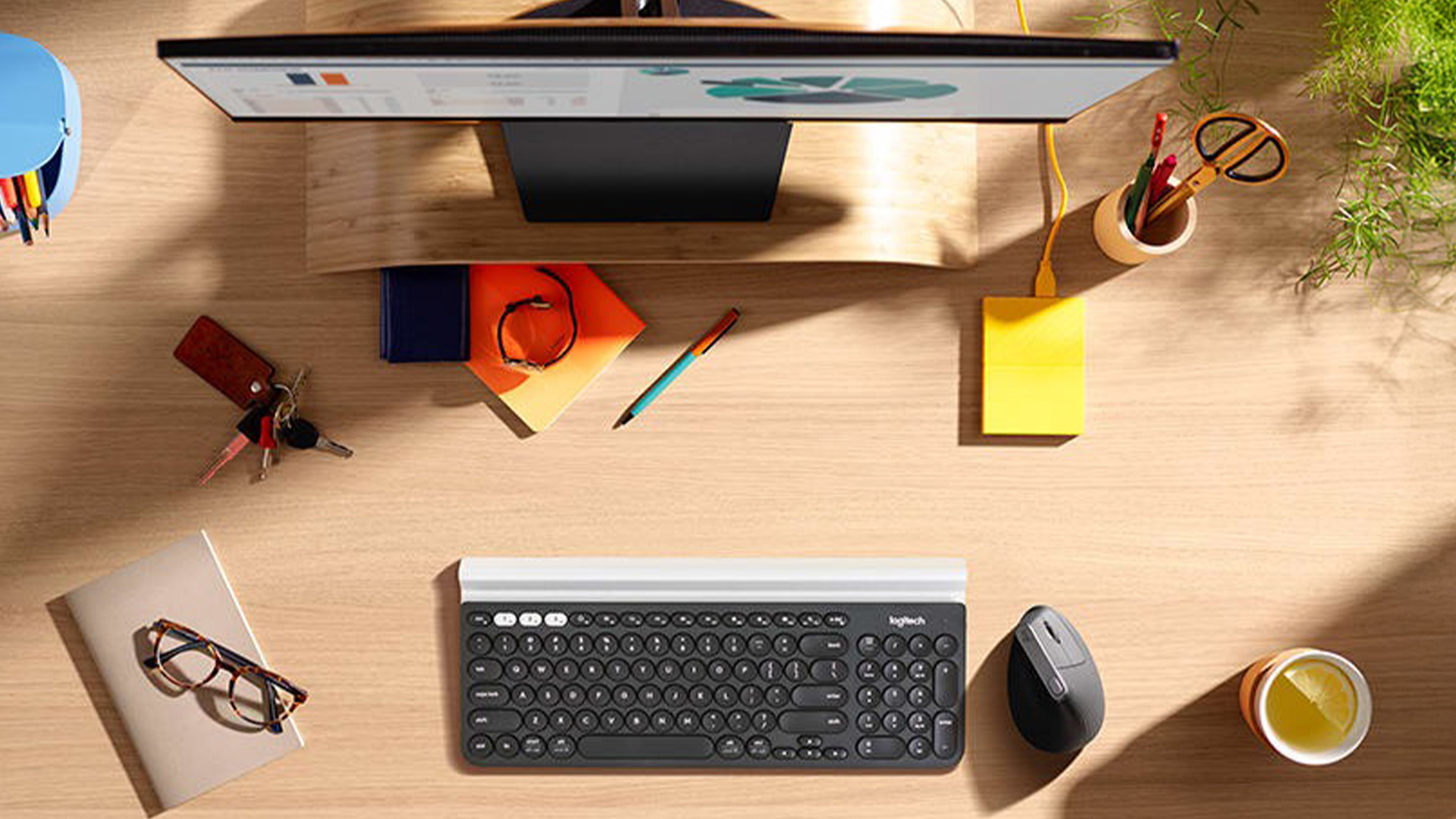
PC gamers generally spend long hours seated at a desk, making support and adjustability essential.
What Defines the Best PC Gaming Chair?
The best PC gaming chair is built to support an upright posture while allowing small adjustments to suit individual body shapes and desk setups.
Posture and Spinal Support
A good PC chair should support the natural curve of the spine. Features to look for include:
- High backrest to support the upper back and shoulders
- Built-in or adjustable lumbar support
- Firm cushioning that doesn’t compress over time
This is why an ergonomic chair for PC gamers is often recommended for long-term use.
Arm and Desk Alignment
Armrests play a crucial role in PC gaming. Adjustable armrests allow:
- Elbows to rest at a natural angle
- Reduced strain on shoulders and wrists
- Better control during extended sessions
Without proper arm support, fatigue builds quickly.
Adjustability and Fit
PC gaming chairs typically offer:
- Height adjustment
- Recline for short breaks
- Tilt tension for subtle movement
These features allow the chair to be fine-tuned to your desk and monitor height.
Racing-Style vs Office-Style Chairs for PC Gaming
PC gamers often choose between racing-style gaming chairs and office-style ergonomic designs.
- Racing-style chairs prioritise firm support and a distinctive aesthetic.
- Office-style ergonomic chairs focus on breathability and posture correction.
Both can work well, provided they offer sufficient adjustability.
Best Gaming Chairs for Console Gamers
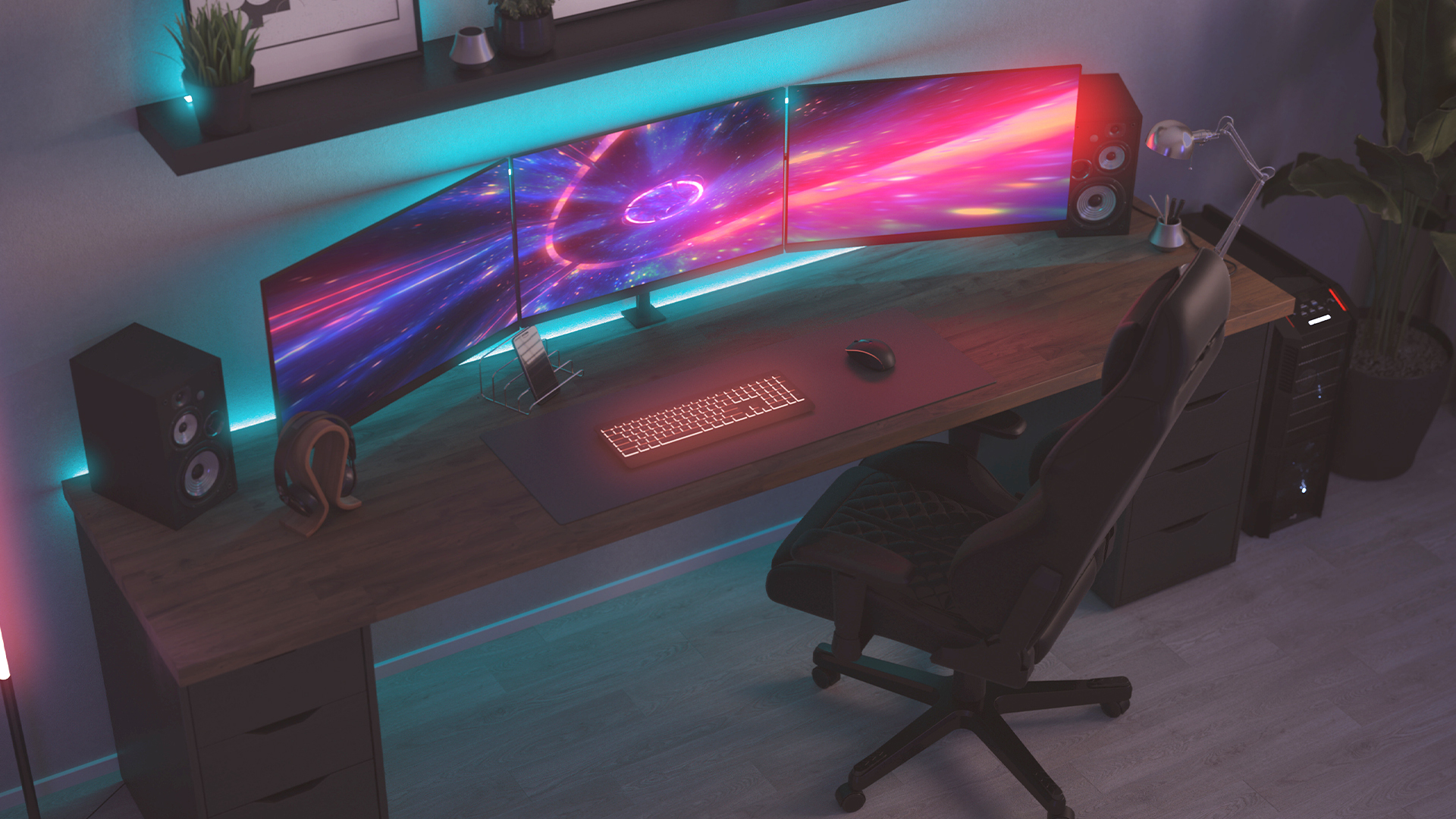
Console gamers benefit from chairs designed for comfort rather than desk ergonomics.
What Makes the Best Console Gaming Chair?
The best console gaming chair supports relaxed seating, allowing players to lean back and enjoy longer sessions without discomfort. These chairs are often designed to function as a living room gaming chair, blending into home environments rather than resembling office furniture.
Rocker Chair for Console Gaming
A rocker chair for console gaming sits directly on the floor and features a curved base.
Why Rocker Chairs Are Popular
- Natural viewing angle for TV screens
- Lightweight and easy to move
- Encourages a relaxed, immersive posture
Rocker chairs are especially common in smaller rooms or shared spaces.
Recliner Gaming Chairs
Recliners are designed for maximum comfort and support.
Key benefits include:
- Deep cushioning
- Padded armrests
- Full back recline
- Foot support
For many players, a recliner is the best console gaming chair for long, story-driven sessions.
If you’re still weighing up multiple options, How to Choose the Best Gaming Chair: A Complete Buyer’s Guide walks through the full decision process, from seating posture and room layout to body type and daily usage. It’s especially helpful if you want a broader framework before narrowing your choice to PC or console-specific chairs.
Recliner vs Desk Chair Gaming: Which Is Better?
The debate around recliner vs desk chair gaming comes down to posture and input method.
Desk Chair Gaming Is Best For
- PC gamers
- Competitive or precision-focused games
- Desk-based setups
Recliner Gaming Is Best For
- Console gamers
- Controller-based play
- Living room environments
- Casual or immersive gaming
Using the wrong chair for your setup often leads to discomfort over time.
PC vs Console Chair Comparison
|
Feature |
PC Gaming Chair |
Console Gaming Chair |
|
Seating Position |
Upright |
Reclined |
|
Best Environment |
Desk setup |
Living room |
|
Chair Type |
Ergonomic / Racing |
Rocker / Recliner |
|
Arm Support |
Adjustable |
Cushioned |
|
Primary Focus |
Posture & control |
Comfort & immersion |
This PC vs console chair comparison highlights why choosing based on platform matters.
Hybrid Gaming Chairs: One Chair for Multiple Platforms
Many gamers switch between PC and console or use the same setup for work and play.
Hybrid chairs offer:
- Height adjustment for desk gaming
- Recline for console sessions
- Full back and lumbar support
They’re a practical choice for gamers running desktop gaming PCs alongside consoles.
How to Choose Between Gaming Chairs for PC vs Console
When choosing between gaming chairs for PC vs console, consider:
- Where you game most often
- How long your sessions typically last
- Whether you prioritise posture or relaxation
- If you switch platforms regularly
Quick Recommendations
- PC-focused gamer → Ergonomic desk chair
- Console-focused gamer → Recliner or rocker
- Mixed-use gamer → Adjustable hybrid chair
Our Top-Picks for Gaming Chairs for PC and Console Gamers
Choosing the right gaming chair isn’t about chasing trends or picking the loudest design - it’s about finding a seat that genuinely supports how you play. The chairs below have been selected for their ability to handle long sessions, different play styles, and real-world setups, from desk-based PC gaming to relaxed console play in the living room.
Each one brings something distinct to the table, whether that’s ergonomic focus, adaptable comfort, or standout design. Think of this section as a curated lineup - chairs that don’t just look the part, but earn their place in a serious gaming setup.
1. Razer Enki Chair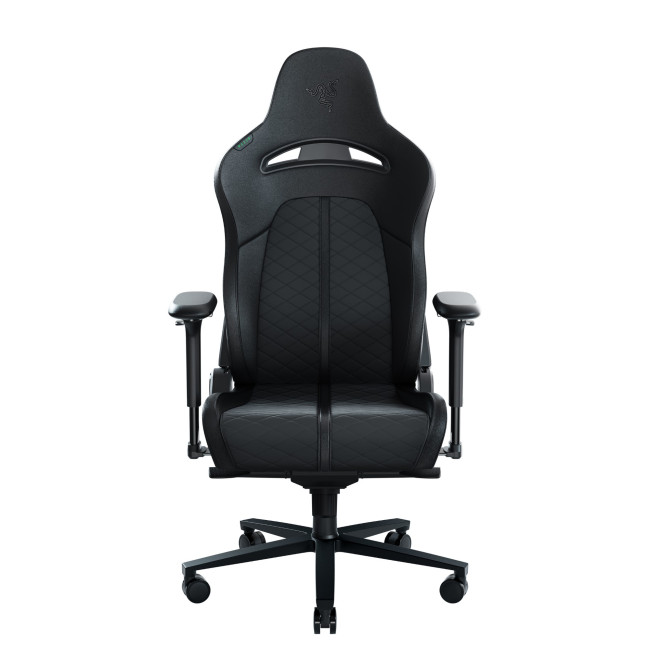
Highlights:
- Ergonomic all-day comfort design
- Built-in lumbar arch support
- 110° shoulder arches, ultrawide seat
- Two-Tone (Black / Green) Colour
- 2 Years Warranty
- RZ38-03720100-R3G1
- Condition: New
Built for the long game.
Some chairs are made for quick sessions. The Razer Enki is not one of them.
This chair is engineered for endurance - the kind of comfort that quietly supports you through hours of gameplay without demanding attention. Its wider seat base and sculpted shoulder arches are designed to distribute pressure evenly, meaning fewer posture shifts and less fatigue as the session stretches on. Built-in lumbar support keeps your lower back aligned without bulky cushions, while the balanced foam density gives you structure without stiffness.
What really sets the Enki apart is its versatility. It feels just as natural at a desk as it does slightly reclined with a controller, making it a smart choice for anyone navigating gaming chairs for PC vs console setups. It’s understated, refined, and confident, a chair that lets the gameplay do the talking.
2. ThunderX3 CORE Fabric Gaming Chair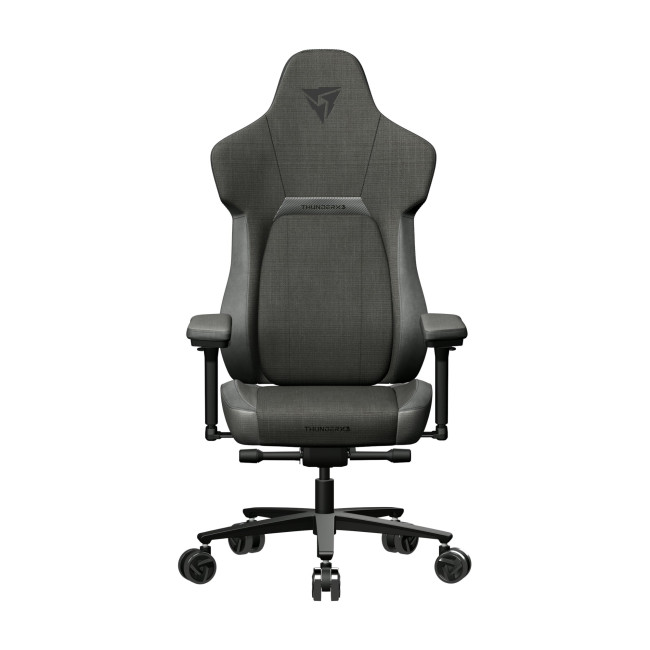
Highlights:
- CORE.RDY 360° adaptive lumbar support
- Premium fabric upholstery
- SYNC6 six-way ergonomic adjustability
- Black Colour
- 1 Year Warranty
- TEGC-2056111.11
- Condition: New
Comfort that adapts as fast as you do.
The ThunderX3 CORE is all about responsive comfort. Instead of forcing you into a fixed position, it moves with you - subtly supporting posture while allowing natural shifts during long sessions.
Wrapped in breathable fabric, it avoids the heat buildup common with PU leather chairs, making it ideal for extended PC gaming or warm environments. The adaptive lumbar support is the real star here, adjusting as you lean and reset, helping maintain alignment without constant manual tweaks.
This chair fits perfectly into a desk-based setup, especially for players running powerful desktop gaming PCs who need sustained focus. It doesn’t shout for attention - it just quietly does its job, session after session. A solid pick for gamers who value comfort that feels natural rather than forced.
3. ThunderX3 TC5 MAX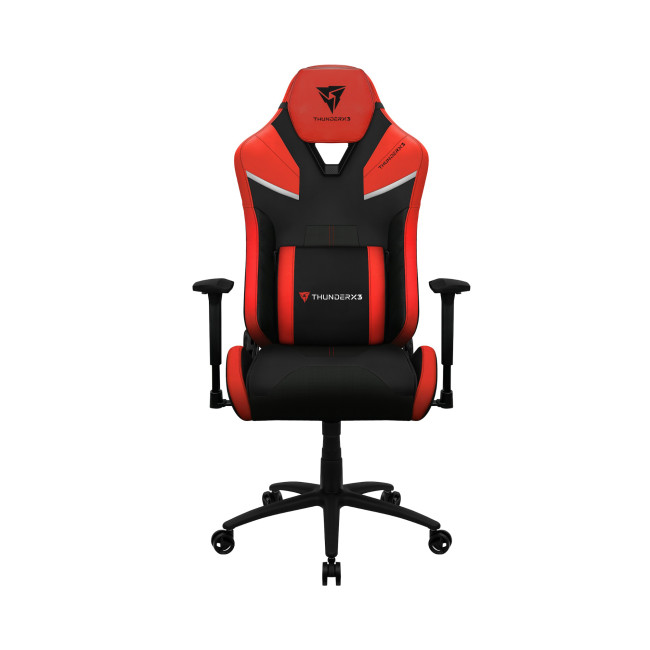
Highlights:
- Ergonomic design with lumbar support
- Premium leatherette with carbon fibre-style pattern
- Adjustable backrest (90°180°) for comfort
- Ember Red Colour
- 2 Years Warranty
- TEGC-2046111.R1
- Condition: New
Where performance meets presence.
The TC5 MAX doesn’t try to blend in - and that’s the point.
With its bold Ember Red accents and commanding silhouette, this chair is designed to anchor a gaming setup visually while delivering serious support underneath. Adjustable armrests, reclining backrest, and structured cushioning let you dial in your position whether you’re locked upright for competitive play or leaning back between matches.
It’s particularly well suited to gamers who want one chair to do everything - desk gaming, controller sessions, even light media use. In the ongoing PC vs console chair comparison, the TC5 MAX sits confidently in the middle ground: structured enough for performance, comfortable enough for downtime.
This is a chair that looks as powerful as the setup it supports
4. Corsair TC500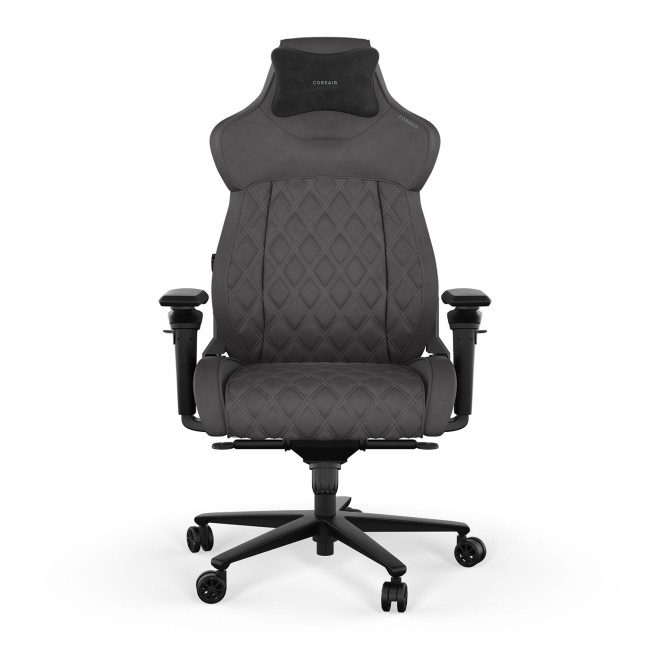
Highlights:
- Breathable fabric upholstery
- Omniflex 4D armrests
- Steel base & frame
- Shadow Colour
- 2 Years Warranty
- CF-9010066-UK
- Condition: New
Designed for sessions that don’t end on schedule.
The Corsair TC500 takes a different approach - prioritising breathable comfort and long-term usability over flashy design.
Its premium fabric upholstery allows airflow throughout extended sessions, making it ideal for gamers who play for hours without breaks. The ergonomic shape supports the spine naturally, while the adjustable components allow easy transitions between upright desk posture and relaxed recline.
This chair works exceptionally well across multiple setups, which is why it stands out among the best gaming chairs for PC and consoles. Whether you’re switching from productivity to play or moving between platforms, the TC500 feels adaptable and effortless.
It’s the kind of chair you forget about - and that’s exactly the point.
5. Acer Predator Gaming Chair
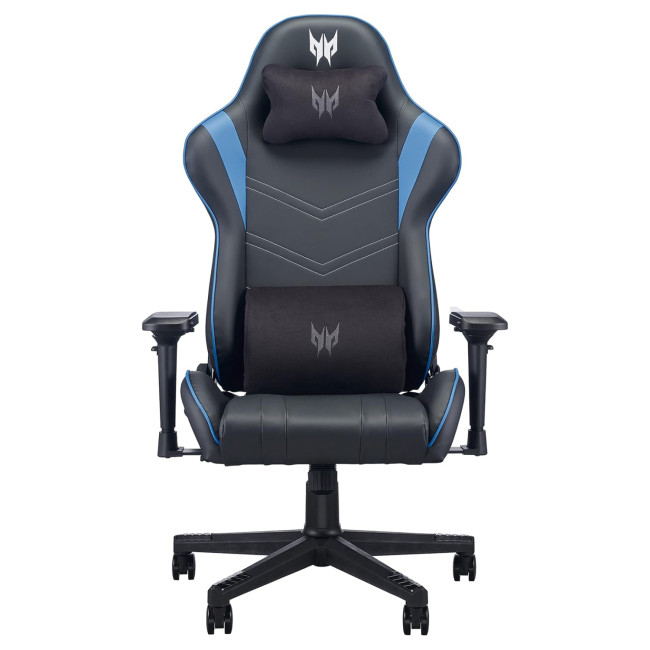
Highlights:
- PU / faux-leather upholstery
- Steel frame + base
- Moulded foam seat
- Black/Blue Colour
- 2 Years Warranty
- GP.G0Z11.001
- Condition: New
Predator DNA, gaming-first comfort.
The Acer Predator Gaming Chair brings the brand’s signature aggressive styling into a surprisingly balanced seating experience.
Designed to support both focused desk play and relaxed console gaming, it features generous padding, ergonomic contours, and a sturdy frame that feels built for long-term use. The adjustable backrest and supportive cushioning make it easy to settle into a comfortable position, whether you’re chasing wins or sinking into a story-driven title.
Visually, it’s unmistakably Predator - bold without being overbearing - making it a strong fit for modern setups built around high-performance gaming consoles or PC rigs. This chair doesn’t just look the part; it earns its place through comfort that holds up long after the hype fades.
For a wider look across categories and price ranges, Top 10 Best Gaming Chairs for Ultimate Comfort in 2026 showcases standout models that excel in long-session support, adaptability, and build quality, making it easier to compare today’s best options at a glance.

Final Thoughts
Choosing the best gaming chairs for PC and consoles isn’t about trends or aesthetics - it’s about matching your seating to how you actually play.
- PC gamers benefit most from ergonomic, adjustable desk chairs
- Console gamers are better suited to recliners and rocker chairs
- Hybrid gamers should look for versatility
With the right choice, your chair becomes an upgrade you feel every time you play.

Still Have Questions?
1. Are gaming chairs for PC vs console actually different?
Yes, gaming chairs for PC vs console are designed for different seating positions and play styles. PC gaming chairs focus on upright posture, desk alignment, and ergonomics for mouse-and-keyboard use, while console gaming chairs prioritise relaxed comfort, recline, and immersion for TV-based setups. Choosing the right type helps reduce fatigue and improves long-session comfort.
2. What is the best PC gaming chair for long sessions?
The best PC gaming chair is one that offers strong lumbar support, adjustable armrests, and a high backrest to support your spine during extended desk-based play. An ergonomic chair for PC gamers helps maintain proper posture and reduces strain on your back, shoulders, and wrists, especially during competitive or productivity-heavy sessions.
3. What is the best console gaming chair for living room setups?
The best console gaming chair depends on how relaxed you want your setup to be. Recliners are ideal for long, immersive sessions, while a rocker chair for console gaming is a great choice for closer-to-the-floor seating and smaller spaces. Both work well as a living room gaming chair when comfort and screen distance are the priority.
4. Is a recliner or a desk chair better for gaming?
The recliner vs desk chair gaming debate comes down to platform and posture. Desk chairs are better suited for PC gaming where precision and posture matter, while recliners are better for console gaming where comfort and relaxation take priority. Using the right chair for your setup helps prevent discomfort over time.
5. Can one gaming chair work for both PC and console gaming?
Yes, some chairs are designed to handle both setups. Hybrid designs with adjustable height, recline, and lumbar support can work well for gamers who switch between desktop gaming PCs and gaming consoles. These options offer flexibility without compromising comfort, making them ideal for mixed-use gaming spaces.
| Read More: |
| Best Gaming Chairs Under £250 – Top 5 Affordable Picks |
| How to Choose the Best Gaming Chair: A Complete Buyer’s Guide |
| Gaming Chair Features You Should Never Ignore |
Related Articles

Last Updated: June 03, 2025
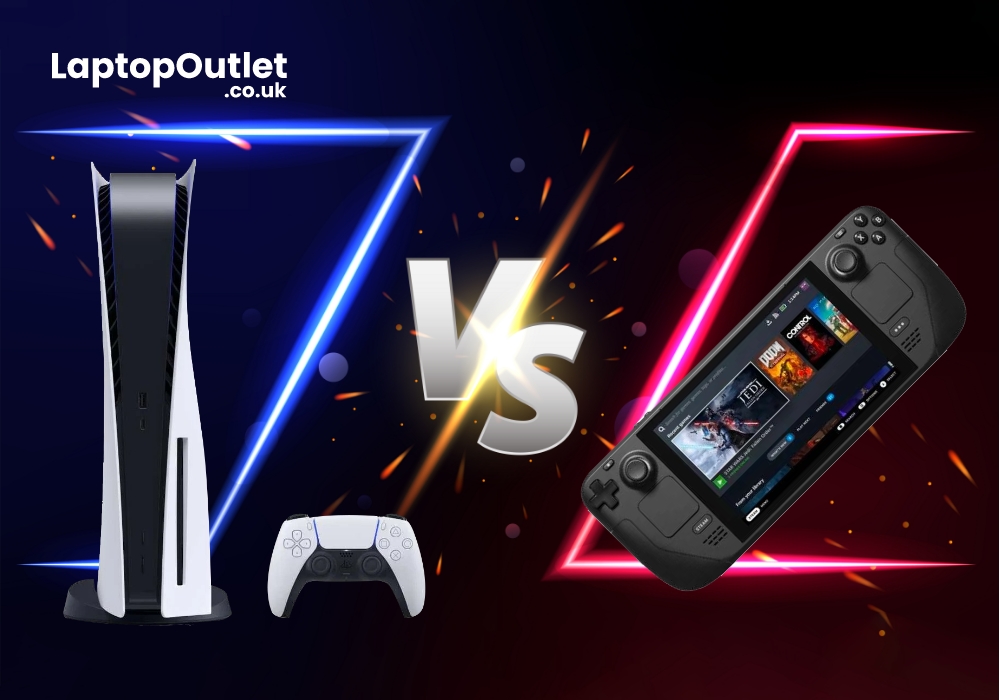
Developed and marketed by Valve, Steam Deck is a portable gaming console. While the PlayStation 5 (PS5) is a home video game console by Sony Interactive Entertainment. Valve released the Steam Deck on February 25, 2022, while PS5 is in the market since November 12th, 2020. Both gaming consoles come packed with robust processors, fast SSDs, and several other cutting-edge functionalities. Still many gaming enthusiasts are confused which one to buy?
In this article, we have reviewed both gaming consoles in a detailed manner to give you comprehensive insights about both devices. So, without any further delay, let’s get started.
What is Steam Deck?
Steam Deck is a handheld gaming PC by Valve corporation and introduced in the market on 25 February 2022. Aligned to work as a portable gaming desktop, Steam Deck can either be used as a mini gaming PC or it can be used as an external monitor. The x86-64-v3 device uses its open platform to support a range of compatible games from other
Last Updated: May 06, 2026
When shopping for a new gaming display, one of the most common debates emerging today is dual mode vs standard gaming monitors. As gaming technology evolves, so do the expectations for smooth performance, colour accuracy, faster refresh rates, and adaptive visual enhancements. The rise of dual-mode gaming monitors, screens offering two distinct performance profiles in a single unit, has added an exciting twist to the monitor market.
But what exactly makes dual mode display different? Are they genuinely better, or are standard monitors still the best option for everyday gamers? And most importantly, which gaming monitor type should you choose?
In this in-depth guide, we break down everything you need to know, including features, performance, benefits, limitations, and real-world use cases. Whether you're chasing victory in competitive FPS titles or looking for a cinematic RPG experience, this expert comparison will help you decide between a dual-mode vs standard monitor setup with confidence.
Published: November 24, 2025
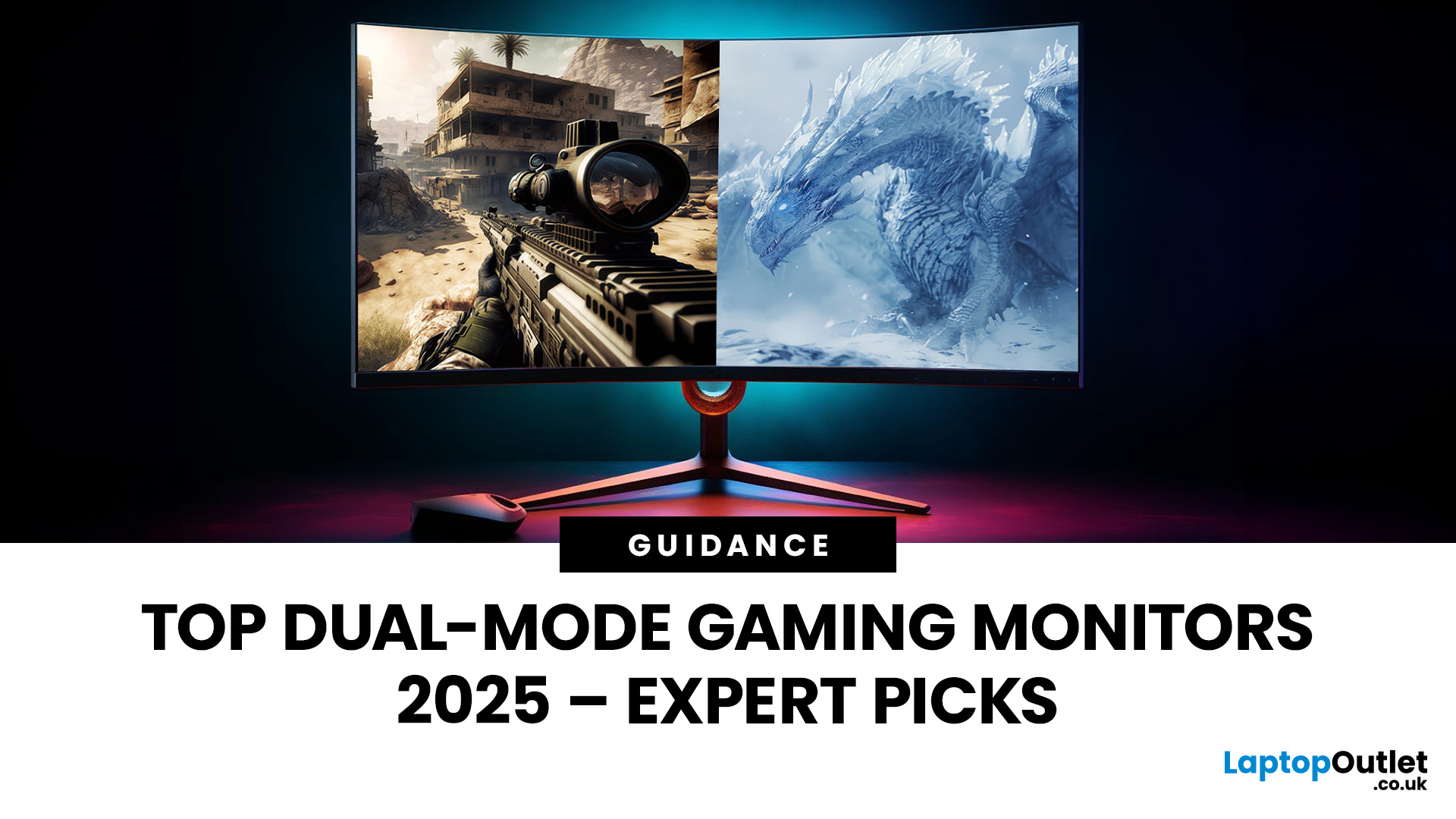
The gaming landscape in 2025 is more advanced than ever, and at the centre of every elite gaming setup lies one essential component, the monitor. Performance-focused gamers now have new demands: adaptability, fluid responsiveness, and pinpoint accuracy tailored to various game genres. This is where dual mode gaming monitors stand out. Designed to deliver extraordinary flexibility, they allow you to switch between ultra-high-resolution visuals and lightning-fast frame rates depending on your playstyle.
What Are Dual Mode Gaming Monitors?
Dual mode gaming monitors are cutting-edge displays with the ability to switch between two distinct performance profiles:
- High-resolution mode – ideal for immersive open-world titles, with sharp visuals and cinematic detail.
- High refresh rate mode – optimised for competitive and fast-paced gameplay, where responsiveness and precision are key.
This new category bridges the gap between high-resolution gaming monitors for sharp visuals and high refresh rate
Last Updated: December 23, 2025
One monitor, two personalities; perfectly tuned for any game.
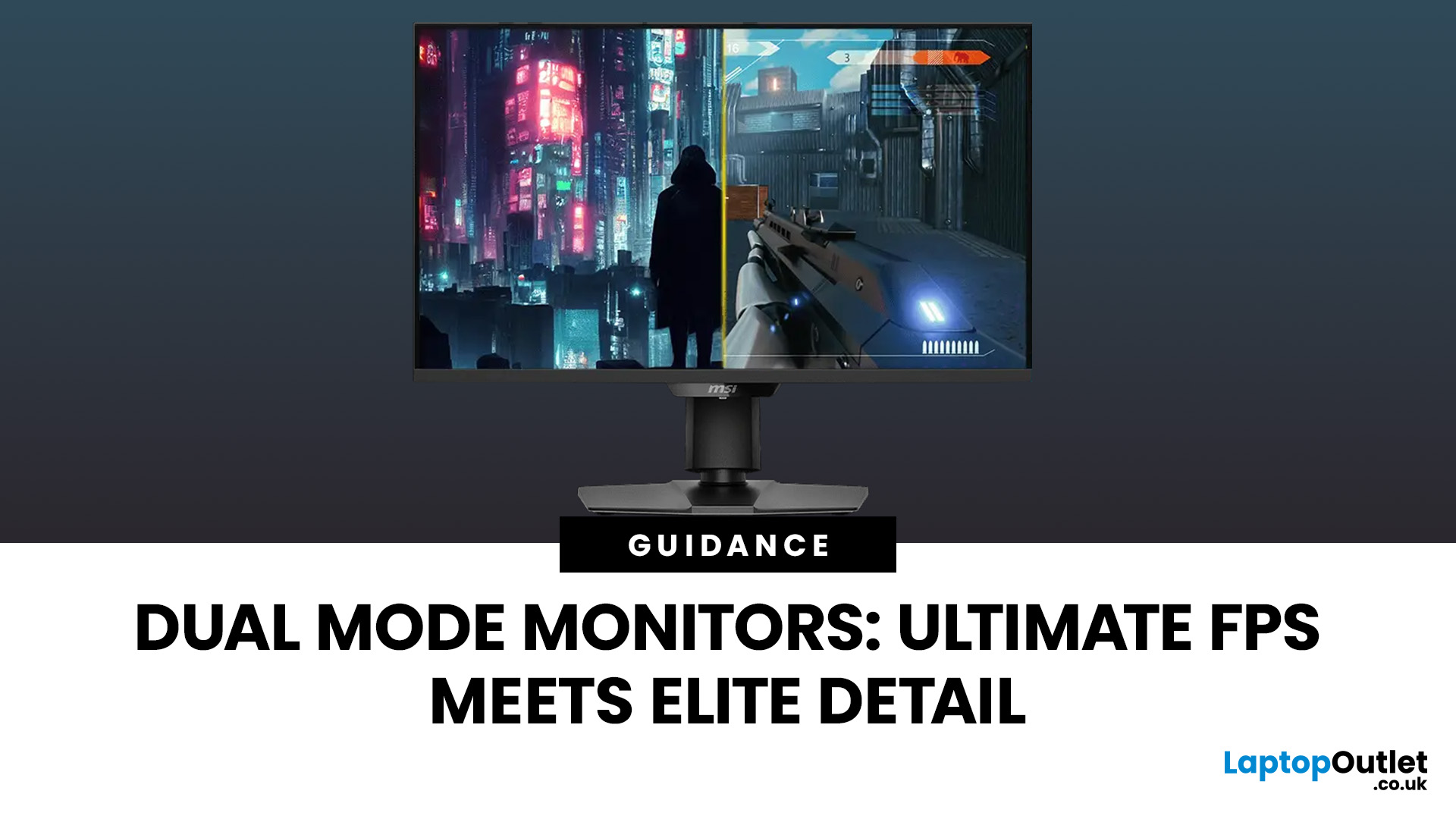
For years, gamers have faced a tough choice: do you pick a monitor with crystal-clear display and high resolution, or one with fast refresh rates for maximum speed? Trying to achieve both usually meant compromising on one side. That compromise is now a thing of the past, thanks to the dual mode gaming monitor.
This cutting-edge technology gives you the power to switch instantly between two different display modes, each optimised for a specific type of gaming. This simple switch can genuinely help improve FPS and dramatically enhance your overall visual quality.
If you want to know how dual mode gaming monitors improve FPS & visual quality, read on.
What Exactly are Dual Mode Gaming Monitors?
Before we get to the nuts and bolts of why dual mode monitor performance is so remarkable, let's nail down what they are.
A dual mode gaming monitor is a single display that has the unique, built-in ability to switch between two distinctly

Last Updated: June 05, 2026
If you’re upgrading your gaming rig or building one from scratch in 2025, the motherboard you choose is going to set the tone for your entire PC. Whether you’re aiming for an affordable setup or an ultra-high-end powerhouse, the motherboard is the foundation - determining not just what components you can use today, but how future-ready your system will be.
This guide takes you through the best motherboards for gaming PCs in 2025, handpicked for performance, features, and value. You’ll find AMD and Intel options, from budget boards with modern DDR5 support to premium PCIe 5.0 powerhouses. Every recommendation is researched using up-to-date 2025 benchmarks, market data, and UK availability, ensuring you can make an informed purchase that fits your budget and build goals.
Why the Motherboard Matters in 2025

With the launch of AMD’s Ryzen 9000 and Intel’s 15th-gen “Arrow Lake” CPUs, the motherboard landscape has changed considerably. New chipsets like AMD B650E and Intel Z890 bring cutting-edge

Last Updated: December 02, 2025
If you’re hunting for the best gaming laptops of 2025, you’re in luck; this year has delivered some of the most powerful, portable, and genuinely budget-friendly machines we’ve seen in years. With GPUs becoming more efficient, CPUs offering console-level performance, and cooling systems finally catch up. Gaming laptops in 2025 aren’t just powerful - they’re smart, stylish, and surprisingly accessible.
Whether you’re a casual player looking for smooth 1080p gaming, a competitive esports enthusiast chasing those 300+ FPS moments, or a hardcore creator-gamer hybrid who needs workstation-level power, there’s a machine built for you. The best part? You no longer need a king-sized budget to get impressive performance.
Welcome to your complete guide to the best gaming laptops of 2025 - sorted by budget, playstyle, and performance needs.
Budget Gaming Laptops (Under £800)

Perfect for casual gamers, students, first-time buyers, and those who want reliable FPS without blowing the bank.
1. Acer
Published: December 03, 2025
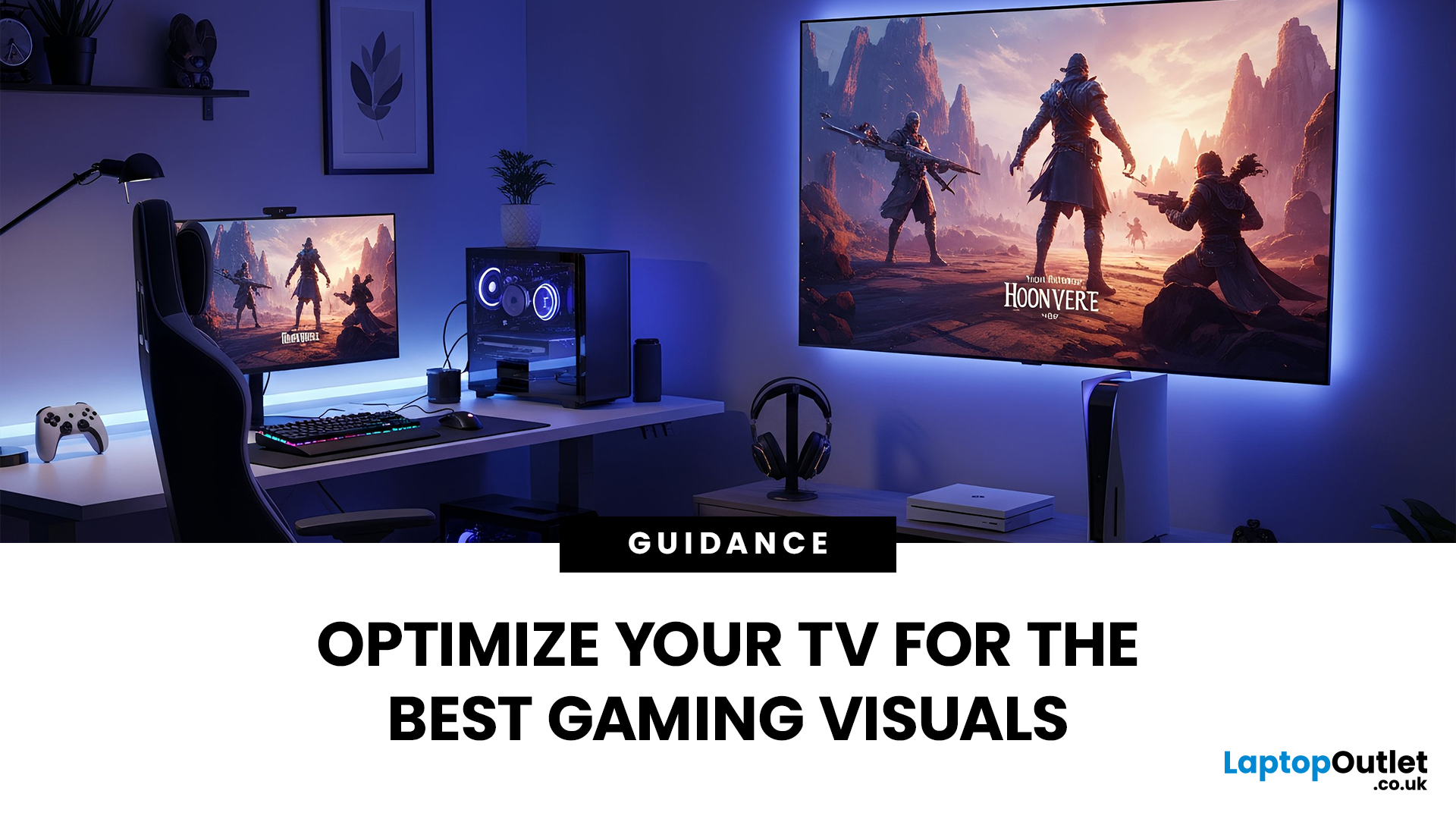
Whether you’re diving into the latest console titles or playing fast-paced online games, your TV settings can dramatically impact how smooth, vibrant, and responsive your gameplay feels. Modern TVs offer a wide range of picture modes and performance features, but not all are optimised for gaming out of the box. To get the most out of your console or PC setup, it’s important to fine-tune your display for low latency, crisp visuals, and accurate colour.
1. Switch to Game Mode
The single most impactful change you can make is to enable Game Mode. Most modern TVs include a dedicated gaming preset designed to reduce input lag, the delay between pressing a button and seeing the action on screen.
What Game Mode does:
- Minimises image processing
- Improves controller response time
- Provides smoother on-screen motion
While Game Mode may slightly reduce picture enhancements such as heavy sharpening or advanced noise reduction, the performance improvement is well worth it, especially for competitive

Last Updated: December 12, 2025
If you are serious about PC gaming, esports, or even streaming, you will undoubtedly have heard the name HyperX. This brand is synonymous with high-quality, durable, and exceptionally comfortable gaming hardware. For nearly two decades, HyperX has set the industry standard for peripherals used by competitive gamers and everyday enthusiasts alike.
This comprehensive guide offers a complete HyperX brand overview. We will explore its origins, its current ownership under HP Inc., and break down the best HyperX gaming gear across all major categories. By the end, you will understand exactly what HyperX is about and why it remains the favourite choice for countless players globally.
The HyperX Brand Overview
To truly understand what HyperX is today, we must look at where it came from and how a massive industry shift led to a major change in ownership.
The Kingston Years (2002–2021)
HyperX was officially launched in 2002 as the high-performance division of Kingston Technology, a global leader

Last Updated: February 26, 2026
Before diving into specs and comparisons, it’s important to understand where HyperX fits in the gaming laptop ecosystem. HyperX started as a premium gaming accessory brand known for headsets, keyboards, and memory modules. Their products were built for competitive players and quickly gained global traction.
Today, HyperX’s gaming DNA influences HP’s gaming ecosystem. Many of the performance standards and design philosophies seen in HyperX products carry over into HP’s Omen series. This is why HyperX laptops are often associated with, or based on, Omen builds, because HP owns HyperX and integrates their performance-first design approach.
If you’ve ever researched gaming laptops, you’ve likely come across HP, widely recognised as a top tech brand with strong, long-lasting hardware. Their Omen series, featured here at HP laptops, is built on the same principles that define HyperX: high performance, durability, smart cooling, and competitive-edge engineering.
So, when we talk about HyperX

Last Updated: December 12, 2025
For years, HyperX has been one of the most recognised names in gaming, known for high-performance headsets, keyboards, memory modules and accessories trusted by both casual players and esports professionals. But as HyperX’s influence expands into the laptop world through the HP products ecosystem, many buyers are now asking the big question:
Are HyperX Gaming Laptops Worth It?
The short answer: Yes, if you want strong performance, gaming-focused features, durable build quality, and reliable long-term value.
For the detailed answer, you need to scroll down and read it all. Below, you’ll find a complete analysis of HyperX laptop pros and cons, performance, features, durability, and how HyperX compares to other brands. We’ll also examine whether these laptops deliver genuine value, and offer a full HyperX laptop guide to help you decide if they’re right for you. Let’s explore what makes these laptops unique and when they might not be the best option.
What Are HyperX Gaming Laptops? Understanding

