


Back-to-School Tech Trends: What Students Are Really Buying

Every year, the back-to-school season brings a rush of shopping. But in 2026, it is not just about stationery and backpacks. Tech has become one of the biggest spending categories on every student's list.
Whether you are a parent, a student, or simply trying to stay informed, knowing the latest back-to-school tech trends can save you time, money, and a few headaches.
So, what are students actually buying this year? Let's break it down.
Why Tech Is Now a Back-to-School Essential
Learning has changed. Most schools and universities across the UK now expect students to have access to their own devices. Hybrid learning, digital coursework, and online collaboration tools have made tech a necessity rather than a luxury.
In fact, a growing number of UK schools have moved to fully digital classrooms. This means students need reliable, capable devices from day one.
Parents and students are also more tech-savvy than ever. They know what to look for. And they are not just buying cheap. Many are investing in quality products that will last through several academic years.
The Top Back-to-School Tech Trends in 2026
1. Laptops Remain the Number One Priority
Laptops continue to top the list. They are the most searched-for item during the back-to-school period in the UK. Demand has not slowed down.
This year, students are leaning towards lightweight models with long battery life. Nobody wants to carry a heavy machine or hunt for a plug mid-lecture.
Popular choices include:
- Budget laptops (under £300): Great for note-taking, browsing, and basic coursework. Brands like Acer, Lenovo, and HP dominate this space.
- Mid-range laptops (under £500): Preferred by older students and those in creative or tech-heavy courses.
- MacBooks: Still a top pick among university students, particularly for design and media courses.
Retailers like Laptop Outlet have seen a noticeable spike in demand for refurbished and pre-owned laptops. Students are savvy. They want value without compromising on performance.
Key features students look for:
- Battery life of 8 hours or more
- Fast SSD storage for quick load times
- Lightweight build (under 1.5kg) for daily commutes
- Good webcam quality for online classes and tutorials
2. Wireless Earbuds and Headphones Are Everywhere
After laptops, wireless audio is the next big purchase. Earbuds and over-ear headphones have become a staple for UK students.
Students study in noisy shared flats, busy libraries, and on packed public transport. Good audio gear makes a genuine difference to concentration and productivity.
What students are looking for:
- Active Noise Cancellation (ANC) for distraction-free study
- Long battery life of at least 6 to 8 hours
- Comfortable fit for extended wear
- Clear microphone quality for video calls and online seminars
Over-ear headphones suit deep focus desk sessions. Compact true wireless earbuds are ideal for commuting.
3. Tablets Are Gaining Ground
Tablets are rising fast on the list of essential student tech. They sit nicely between a smartphone and a laptop. Light, portable, and versatile.
- The iPad (standard model, starting at around £349) remains the most popular choice. Students use it for note-taking with a stylus, reading digital textbooks, and watching lecture recordings.
- Android tablets from Samsung have also gained traction among students looking for a more affordable option. The Galaxy Tab A series starts at around £199 and offers solid performance for everyday academic tasks.
Many students now pair a tablet with a physical keyboard case. This essentially turns it into a compact laptop alternative. It is a smart and budget-conscious move.
4. Practical Wearables for Student Life
Smartwatches have found a real place in the student toolkit. They are not just fitness trackers. Students use them to manage schedules, receive notifications discreetly during lectures, and monitor sleep and wellbeing.
Google Wear OS devices, including the Pixel Watch range, are trending among Android users. Their integration with Google Calendar, Keep, and Maps makes them genuinely useful day-to-day. Samsung's Galaxy Watch range is also widely used, offering excellent Android compatibility and strong health tracking features.
5. Smart Accessories Are on the Rise
It is not just the headline devices. Students are also spending on smart accessories that improve their productivity and comfort throughout the day.
Here are some of the accessories trending in 2026:
- Portable chargers and power banks: Essential for long days on campus. Look for 10,000mAh or higher capacity.
- USB-C hubs and docking stations: Many modern laptops have limited ports. A good hub solves that instantly.
- USB flash drives: These remain practical for quick transfers and submitting work on university machines.
- Blue light glasses: More students are becoming aware of eye strain from extended screen use.
- Mini portable monitors: Popular with students who prefer a dual-screen setup, even away from home.
- External SSDs: Students with large files, creative projects, or coursework portfolios find them invaluable.
- Laptop bags and covers: They protect devices during the daily commute between home, campus, and libraries
6. Refurbished Tech Is Having a Big Moment
One of the most notable back-to-school tech trends in 2026 is the shift towards refurbished devices. With the cost of living putting pressure on household budgets, many families are turning to pre-owned tech as a smarter alternative.
Refurbished laptops, in particular, offer excellent value. A well-graded refurbished laptop from a reputable retailer can perform just as well as a brand-new one at a fraction of the cost.
Retailers like Laptop Outlet have built a strong reputation in this space by offering quality-tested, graded devices with warranties. This gives buyers real confidence without the premium price tag.
How Much Are Students Spending on Tech?
Here is a rough guide to average spend by product category in the UK for 2026:
|
Product Category |
Average Spend |
|
Laptop (new) |
£400 to £700 |
|
Laptop (refurbished) |
£150 to £400 |
|
Tablet |
£200 to £500 |
|
Wireless earbuds / headphones |
£50 to £150 |
|
Accessories (total) |
£50 to £150 |
|
Estimated Total |
£450 to £1,200 |
As you can see, the total spend can vary widely. Planning ahead and comparing options can make a significant difference to the final bill.
What to Look for When Buying Student Tech
Before making a purchase, keep these practical tips in mind:
- Check the course requirements. Some courses specify minimum specs or preferred software. Always verify before buying.
- Prioritise battery life. A device that dies mid-lesson is not useful. Aim for 8 to 10 hours of real-world use.
- Think about portability. Heavier devices become a burden quickly. Lightweight is better for daily commutes.
- Consider the warranty. Both new and refurbished devices should come with a warranty. Do not skip this.
- Read reviews. Real user reviews are your best guide. Look at both positive and critical feedback before deciding.

Get Ahead of the Back-to-School Rush
The back-to-school tech trends in 2026 are clear. Laptops are still king. Wireless audio is a must. Tablets are climbing the ranks. And refurbished tech is a smarter choice than ever.
Whether you are a student heading off to university, a parent shopping for your child, or just someone keeping up with the latest in consumer tech, the message is the same. Plan ahead, set a budget, and buy smart.
If you are looking for student-ready tech at prices that make sense, Laptop Outlet is worth exploring.

Just So You Know…
Is refurbished tech worth buying for students?
Yes. Refurbished devices from reputable retailers are quality-tested and often come with warranties, offering great performance at much lower prices.
Are tablets good enough to replace a laptop for students?
Tablets work well for note-taking and reading, but most students still need a laptop for writing essays and running course-specific software.
What accessories should every student have?
A power bank, USB-C hub, and a good pair of wireless earbuds are the top three accessories most students find essential during the school day.
What accessories do students really need for university?
The essentials are a power bank, wireless earbuds, a laptop bag, and a USB-C hub to cover all your connectivity needs.
What are the biggest student tech trends in the UK right now?
Key trends include lightweight laptops, refurbished devices, noise-cancelling earbuds, 2-in-1 laptops, and sustainability-driven purchasing choices.
| Read More: |
| 10 Reasons Why Microsoft Surface Laptops are a Great Choice for Students |
| Where to Buy Refurbished Laptops? Are they Good for Students? |
| Is ASUS ZenBook Good for Students? |
Related Articles


Last Updated: May 07, 2026
Main Difference Between MacBook Air M3 and MacBook Pro M3
The core distinction is in what each prioritises: Air M3 delivers silent, lightweight everyday power for general use and portability. In contrast, Pro M3 enhances sustainability under load with active cooling, a premium mini‑LED XDR display, and expanded ports—tailoring it to creators and professionals who do heavy multitasking or editing.
Feature Comparison Table
| Feature | MacBook Air M3 | MacBook Pro M3 (14-inch) |
| Chip & Base Spec | M3 (8‑core CPU, 8‑core GPU), fanless | M3 (same), fans for active cooling |
| Display | 13.6″ Liquid Retina (LED, ~500 nits) | 14.2″ Liquid Retina XDR, mini‑LED, ~1,000 nits sustained, 1,600 nits peak, ProMotion 120 Hz |
| Weight | ~1.24 kg | ~1.55 kg |
| Battery Life | Around 18 hrs real-world usage | Up to 22 hrs (for light tasks) |
| Ports & Connectivity | 2× Thunderbolt/USB-4, MagSafe, 3.5 mm jack | Adds HDMI, SDXC slot, extra TB port |
| Pricing (GBP) | 13″ M3 (8 GB/256 GB): from £1,099 | 14″ M3 (8 GB/512 GB): from £1,599 |
| Best For | Students, |
Last Updated: December 18, 2025
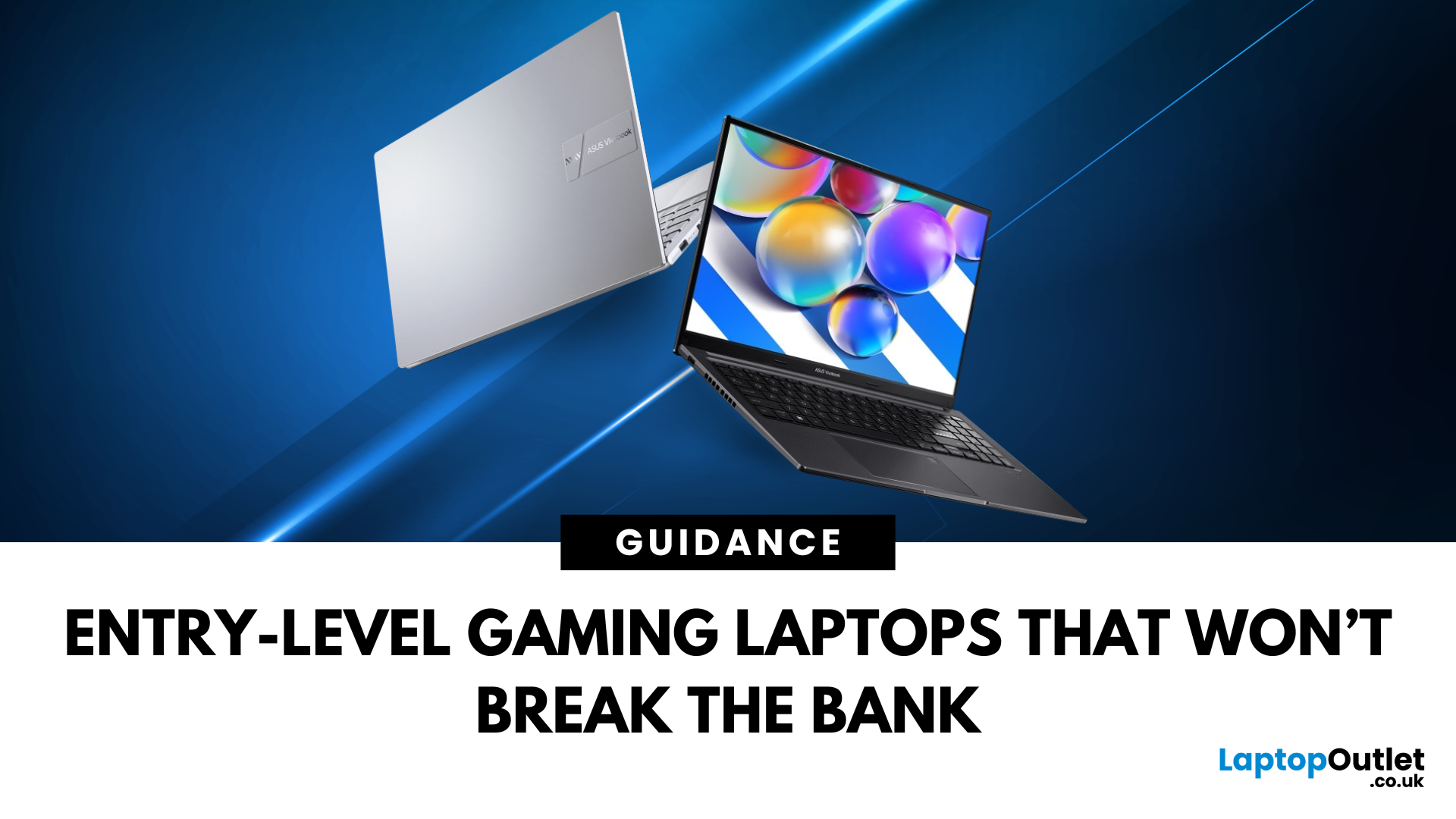
For many people in the UK, the idea of buying a gaming laptop often comes with the assumption of spending well over £ 1,000. While high-end machines certainly exist, not everyone needs them. If you’re an entry-level gamer or a student looking for an affordable option, the good news is that there are plenty of budget gaming laptops available today. These laptops are powerful enough to handle popular games, reliable enough for everyday study, and priced in a way that won’t break the bank.
This gaming laptop buying guide will take you through why cheap gaming laptops are a smart choice, what features to look out for, and some of the best options you can buy right now in the UK.
Why Choose a Budget Gaming Laptop?
If you’re just starting your gaming journey or need a laptop for both study and entertainment, a budget gaming laptop makes perfect sense. You don’t need to spend thousands to enjoy games like Fortnite, Minecraft, or League of Legends. Many modern entry-level machines can also manage

Last Updated: October 06, 2025
Lenovo vs Acer: What’s the Difference?
- Lenovo: Focuses on durability, productivity, and professional-grade performance. ThinkPad models are a global business staple, while Yoga and IdeaPad lines balance style and function.
- Acer: Known for affordability, Acer offers everything from ultra-cheap student laptops to high-performance gaming rigs under the Predator and Nitro brands.
Feature Comparison Table
| Feature | Lenovo Laptops | Acer Laptops |
| Build Quality | Rugged, business-tested (esp. ThinkPad) | Varies. Slim and lightweight but less rugged |
| Performance Range | From student models to enterprise workstations | From Chromebooks to powerful gaming rigs |
| Price Range (UK) | ~£350–£2,000+ | ~£250–£1,800+ |
| Best For | Professionals, students needing reliability | Students, gamers, budget buyers |
| Popular Series | ThinkPad, IdeaPad, Yoga, Legion | Aspire, Swift, Nitro, Predator |
| Battery Life | Often strong, especially ThinkPads (10–15 hrs) | Decent (6–10 hrs on most models) |
| Design | Sleek, minimalist, premium finishes | Flashy (gaming), |
Last Updated: October 08, 2025
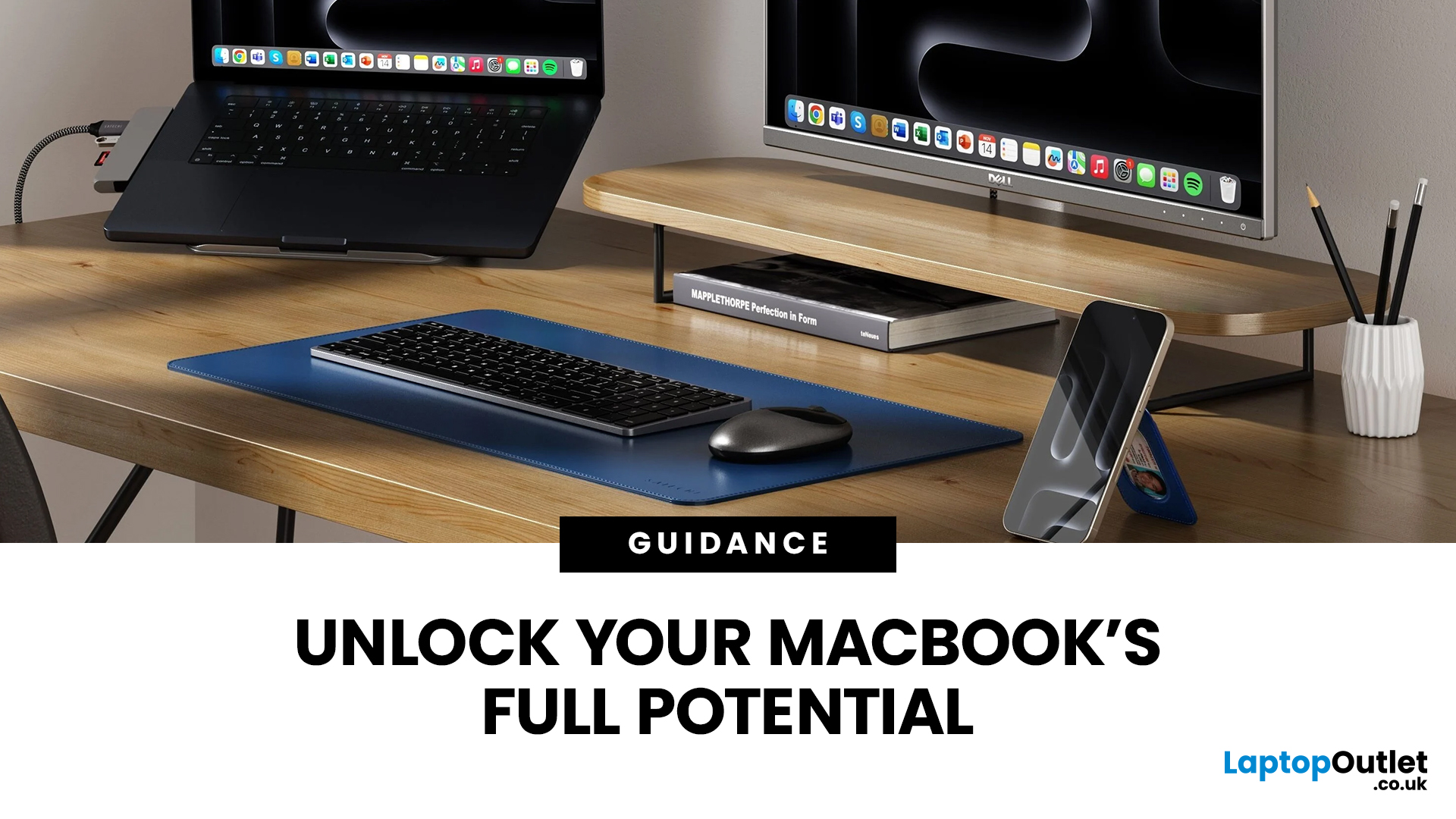
Owning a MacBook already feels like having a premium tool at your fingertips - sleek, powerful, and built for work, study, or creativity. But here’s the truth: on its own, even a MacBook has limits. That’s where accessories step in. The right kit doesn’t just complement Apple’s design; it transforms your MacBook into a full‑on productivity powerhouse.
For students, the right gear means smoother notetaking, better portability, and fewer headaches when deadlines loom. For professionals, accessories bring comfort, efficiency, and a proper setup that makes remote work or long office hours far less draining. Whether it’s a docking station / USB‑C hub to handle multiple screens, a protective sleeve for daily commuting, or noise‑cancelling headphones that save your focus, the right accessories change how you work and study.
Why MacBook Accessories Matter
A MacBook, whether it’s the Air or the Pro, is built to be minimal and stylish - but that also means Apple leaves out a lot of extras. You

Last Updated: February 03, 2026
If you’re a student in 2025, chances are you’ve already heard about AI tools—ChatGPT, Gemini, Notion AI, and many more. But how do you pick the right ones for your studies, and more importantly: what kind of laptop will run them best? In this guide, we’ll explore a curated list of AI tools for students, and then deep dive into what AI laptop specs really matter for using those tools comfortably. Whether you’re writing essays, preparing presentations, doing research, or dabbling in machine learning, this post is for you.
Why Students Should Use AI Tools (But Wisely)

Before jumping into tools, let’s set the mindset:
- Save time on routine tasks. AI can help you create drafts, summarise articles, proofread, or generate study questions, freeing you to focus on understanding.
- Boost creativity & brainstorming. Stuck on how to start an essay or a project? AI can help you generate ideas or alternative angles.
- Personalised learning. Some AI platforms can adapt to your pace, identify weak spots,
Last Updated: June 15, 2026
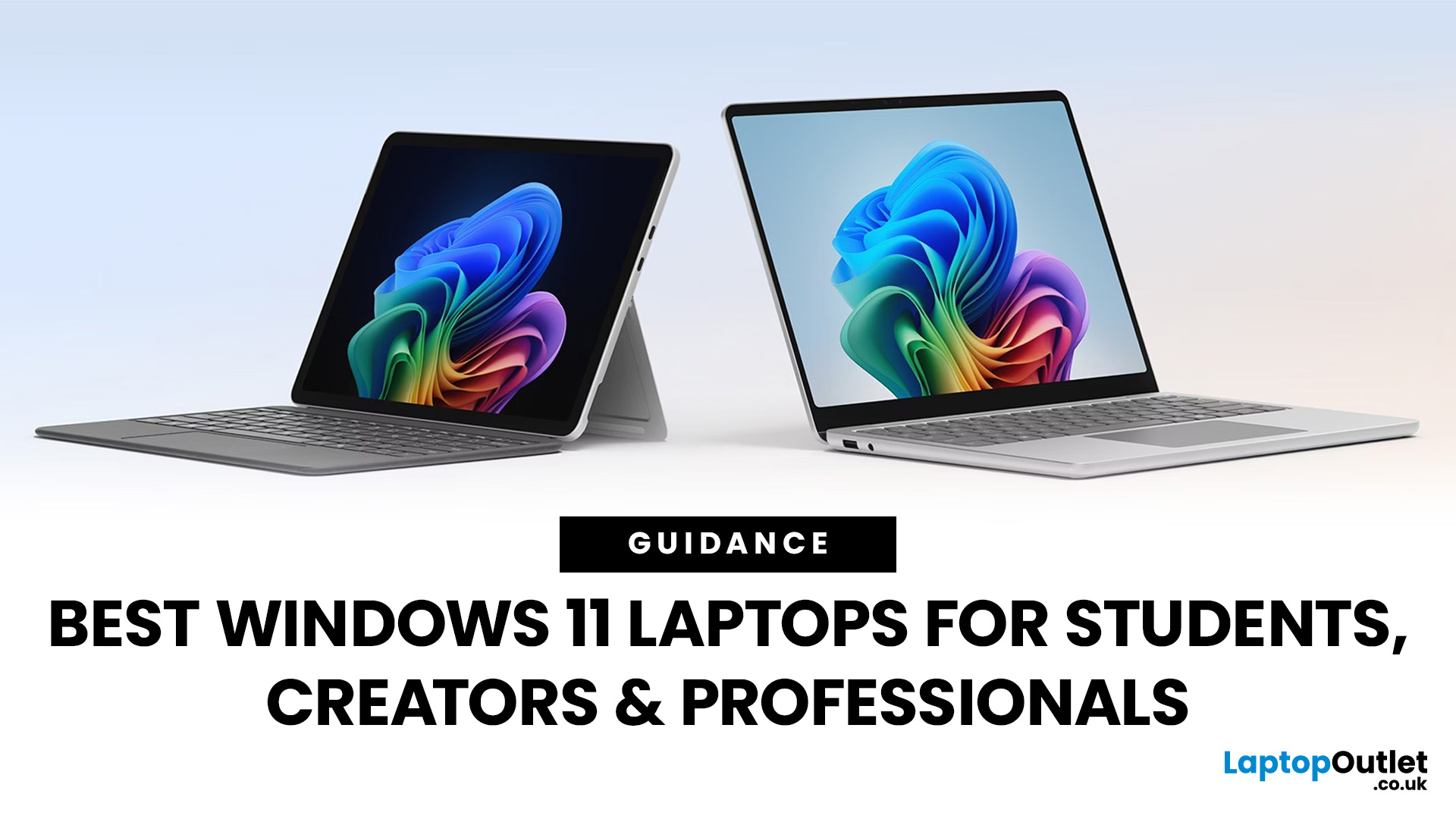
Choosing the right laptop has never been more important. Whether you are studying for exams, editing videos, or managing a full workload from home, the laptop you use makes a real difference. And right now, Windows 11 laptops are setting the standard for what a modern, capable machine should look and feel like.
Windows 11 brings a cleaner interface, better multitasking tools, improved security features, and built-in support for the latest AI-powered workflows. Add to that the wide range of hardware options available — from budget-friendly everyday machines to high-performance creative workstations — and it is clear why Windows 11 remains the go-to platform for most users in 2026.
But with so many options out there, knowing where to start can feel overwhelming. That is exactly why we put together this guide. We have split the best Windows 11 laptops into three clear categories — students, professionals, and creators — so you can find the right fit quickly.
The Best Windows 11 Laptops for
Last Updated: February 26, 2026
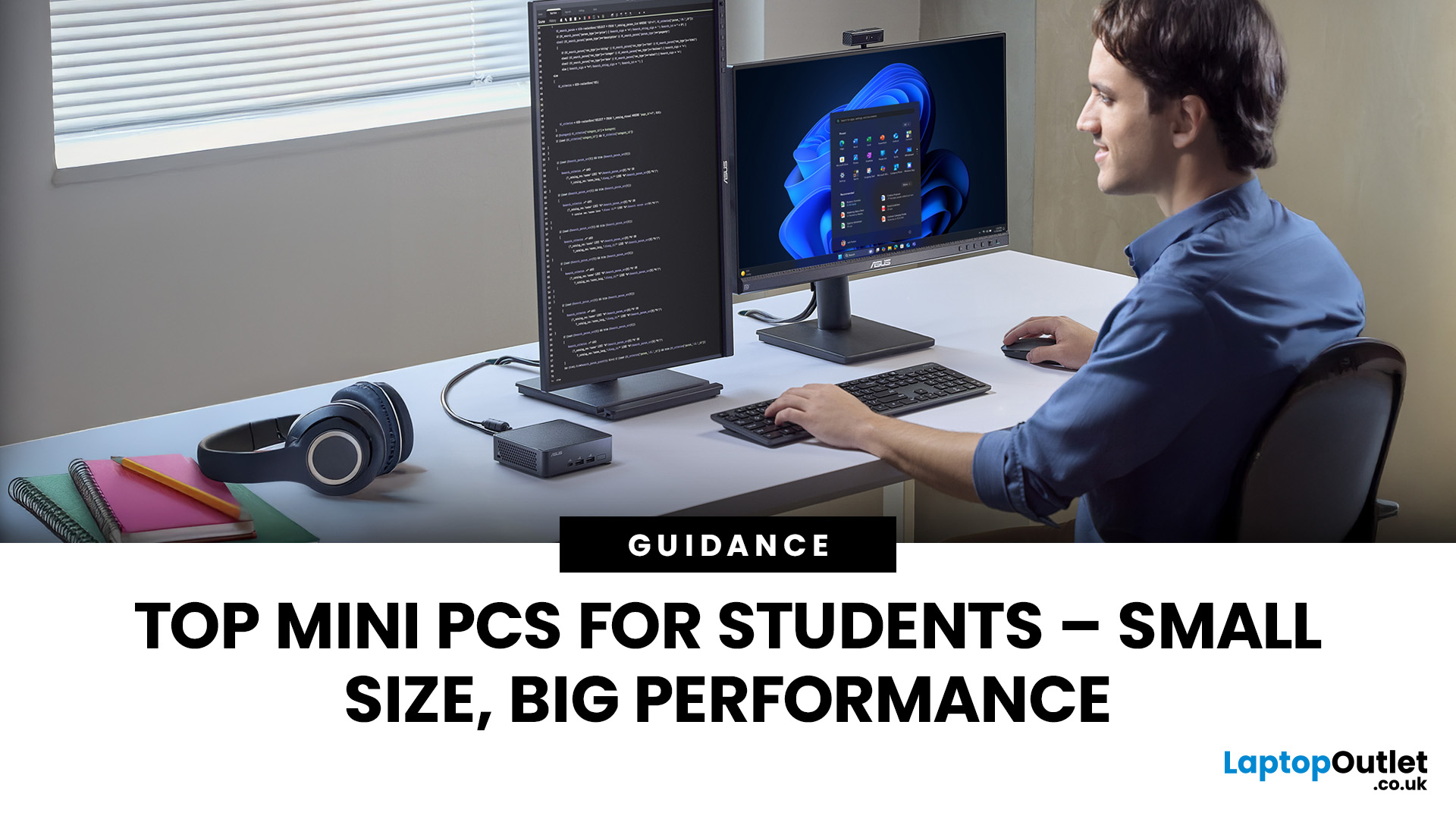
Looking for the best mini PC for students? Good call. A modern mini desktop gives you laptop-like efficiency with desktop-class reliability, without the bulk, noise, or price tag of a full tower. Whether you’re writing essays, crunching data, editing short films, or firing up a few games after class, today’s mini PCs squeeze serious performance into palm-sized cases that fit on a shelf, under a monitor, or even behind one.
Below, you’ll find a practical guide to choosing the right mini PC for school or university, followed by curated picks by use case, setup tips, and answers to common questions. Everything is written with UK students in mind, budget-savvy, space-conscious, and focused on getting things done.
Why a mini-PC makes sense for students
Small footprint, big desk space. A mini PC leaves room for your notes, sketchbooks, and that essential mug of tea.
Quiet and efficient. Low-power mobile-class CPUs and efficient cooling keep noise down in libraries and dorms.
Better ergonomics.
Last Updated: February 27, 2026
In recent years, especially after the pandemic, as students across the UK depend more than ever on their laptops for studying, attending lectures, and writing essays, one question looms large: how long will their laptop batteries actually last? While manufacturers often claim many hours of “battery life,” real-world usage tends to tell a different story. Moreover, beyond a single charge, batteries degrade over time, meaning a laptop that once lasted a full day may barely survive a few hours by the time a student’s second- or third-year rolls around.
This article provides a survey of what academic research and UK-relevant policy studies actually tell us about lithium-ion laptop battery life. We explore the science of battery degradation, draw on UK-based research, and make evidence-based estimates for how long student laptops really last - both in terms of charge per session and overall battery lifespan. Finally, we discuss the implications for students and educational institutions.
What

Published: December 24, 2025
Heading into 2026, the student laptop vibe is basically: lightweight enough to carry all day, fast enough to handle 27 Chrome tabs + a Zoom call, and affordable enough that you can still buy snacks. Whether you’re doing GCSE homework, uni essays, coding projects, or just living in Google Docs, this blog on Student Laptops 2026 breaks down what matters (and what’s just marketing fluff).
What to look for in Student Laptops 2026 (aka the “don’t get scammed” checklist)

1) RAM (memory):
- 8GB = the realistic minimum for 2026 if you want smooth multitasking.
- 16GB = the “I’m serious about this degree” upgrade (especially for creative apps, coding, or heavy research).
2) Storage:
- 256GB is okay, but 512GB is comfy if you keep lots of files, downloads, photos, and videos.
- If you see 128GB, it can work for light use - but you’ll want cloud storage habits.
3) Screen size:
- 14" laptop = the sweet spot (portable, still comfy for essays).
- 15" laptop = bigger and nicer for split-screen, but less “throw-it-in-your-bag”
Last Updated: April 03, 2026
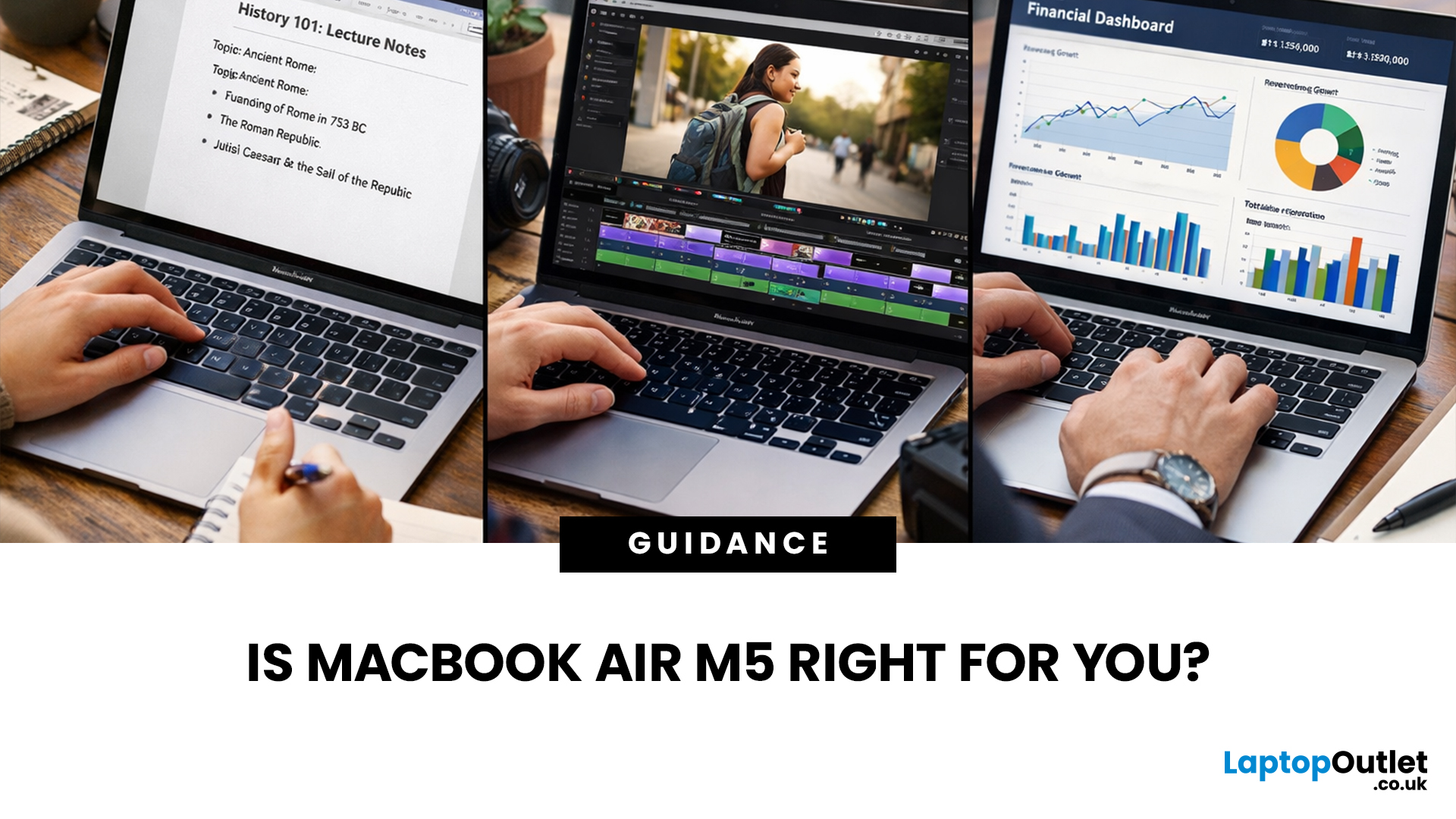
If you’re eyeing the MacBook Air M5 for students (or for your work era), you’re not alone. The MacBook Air is basically the “does-everything-without-being-annoying” laptop, portable, quiet, and powerful enough for most real-life tasks. But the big question is: is it the right buy for you in 2026, or are you about to spend money on features you’ll never use?
What’s New with the MacBook Air M5 in 2026 (Quick Recap)
Without turning this into a specs spreadsheet, here’s what matters in the latest model vibes:
Performance
Think: faster app launches, smoother multitasking, fewer “why is everything lagging?” moments when you have 42 tabs open. For most people, the M5 Air will feel effortlessly quick for years.
Battery + Portability (the Air’s whole personality)
The MacBook Air is built for life on the move, classes, cafes, commutes, and travel days. Expect strong battery performance in real usage and a laptop that doesn’t make your bag feel like a gym session.

