


Top Mini PCs for Students – Small Size, Big Performance
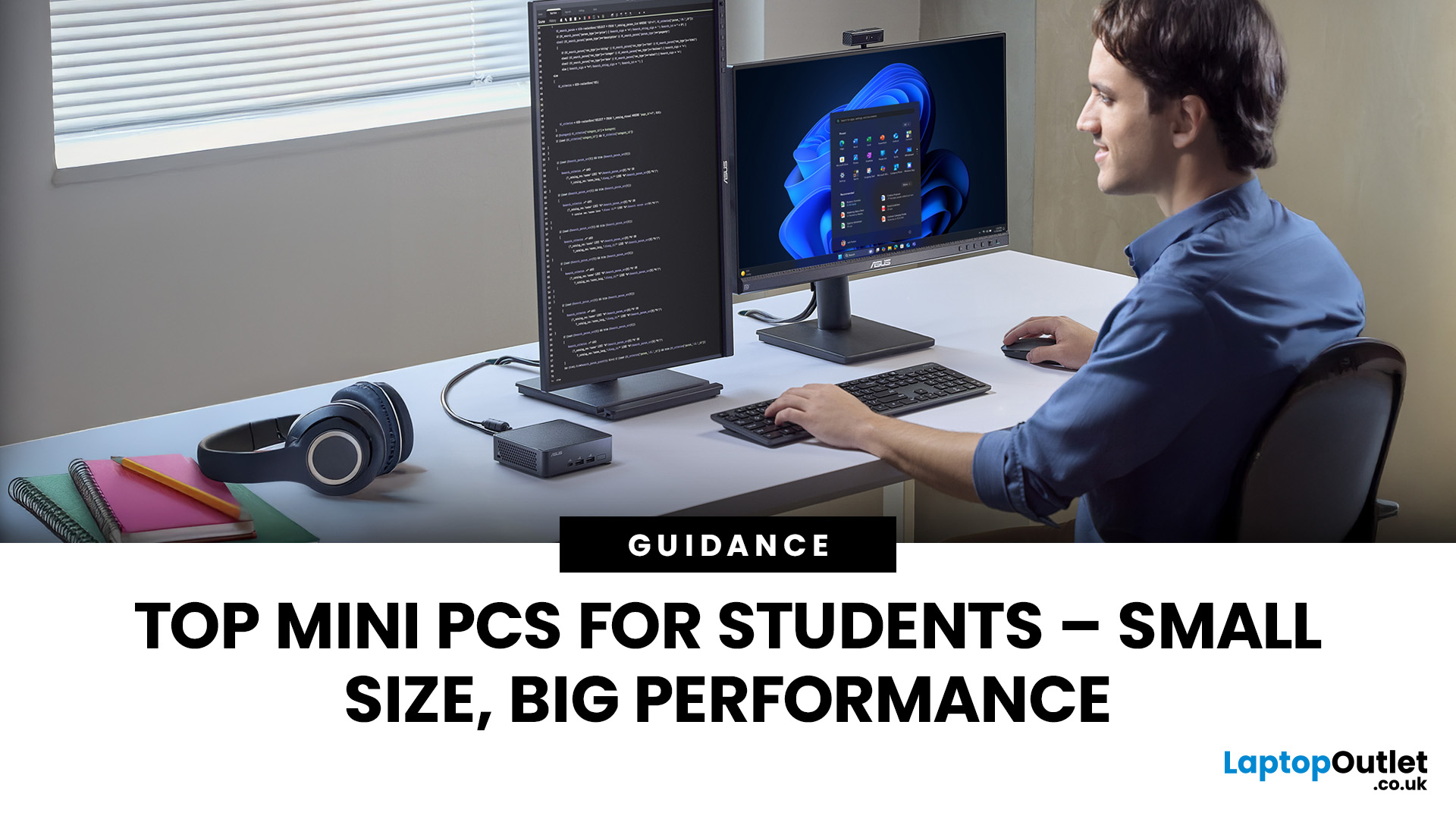
Looking for the best mini PC for students? Good call. A modern mini desktop gives you laptop-like efficiency with desktop-class reliability, without the bulk, noise, or price tag of a full tower. Whether you’re writing essays, crunching data, editing short films, or firing up a few games after class, today’s mini PCs squeeze serious performance into palm-sized cases that fit on a shelf, under a monitor, or even behind one.
Below, you’ll find a practical guide to choosing the right mini PC for school or university, followed by curated picks by use case, setup tips, and answers to common questions. Everything is written with UK students in mind, budget-savvy, space-conscious, and focused on getting things done.
Why a mini-PC makes sense for students
Small footprint, big desk space. A mini PC leaves room for your notes, sketchbooks, and that essential mug of tea.
Quiet and efficient. Low-power mobile-class CPUs and efficient cooling keep noise down in libraries and dorms.
Better ergonomics. Pair with a proper monitor, keyboard, and mouse to avoid hunching over a small laptop screen.
Upgradable and long-lived. Many models let you add RAM or storage later, extending lifespan beyond typical student cycles.
Value. You can match a laptop’s performance for less money, especially if you already own a monitor or TV.
Quick buyer’s checklist (read this first)
1. Processor (CPU)
- For everyday study, look for recent Intel Core i5/i7 (12th Gen or newer) or AMD Ryzen 5/7 (5000 series or newer). These strike the best balance between speed and thermals.
- For heavier tasks (coding VMs, STEM apps, light video), aim for Core i7 / Ryzen 7 or Apple’s M-series on Mac mini.
2. Memory (RAM)
- 8GB works for basic coursework.
- 16GB is the smart sweet spot for multitasking, Office + dozens of tabs, light editing, and a long usable life.
- 32GB is great for creative and STEM projects but not essential for most.
3. Storage
- Go SSD only. A 512GB NVMe SSD is comfortable; 1TB if you edit media or keep lots of offline resources.
- Ensure there’s a spare M.2 slot or easy access if you plan to upgrade.
4. Graphics
- Integrated graphics (Intel Iris Xe or AMD RDNA-based iGPU) are fine for schoolwork, streaming, and light creative tasks.
- If you’ll use GPU-accelerated apps or want some modern gaming, consider mini PCs with discrete GPUs (rare and pricier) or plan to use cloud/remote resources.
5. Ports & connectivity
- Prioritise USB-C, several USB-A, HDMI/DisplayPort, and Ethernet.
- Wi-Fi 6/6E and Bluetooth 5.x are must-haves for fast campus networks and wireless peripherals.
6. Upgradability
- Check if RAM is SO-DIMM (replaceable) or soldered.
- Confirm storage slots (M.2 NVMe/SATA) and maximum capacities.
7. Size & thermals
- Smaller isn’t always better. Ultratiny units look slick but may throttle under sustained loads. A slightly larger chassis often stays quieter and faster.
8. Operating system
- Windows offers the broadest software compatibility.
- ChromeOS (Chromebox) is simple and secure for web-first students.
- macOS (Mac mini) is excellent for creative apps and iPhone integration.
The best mini PC for students—by scenario
Rather than a single “winner”, the best mini PC for students depends on what you study, how you work, and what you already own. Use these scenario-based picks to match your needs. (Where models are mentioned, treat them as examples; specifications vary by configuration and year.)
1) The budget all-rounder (Humanities, Business, Social Sciences)
Who it’s for: Essays, research, Zoom, spreadsheets, a hundred browser tabs, Spotify, and Netflix.
What to prioritise: A recent mid-range CPU, 16GB RAM, and a 512GB SSD.
Why it works: You get smooth multitasking and a responsive desktop without overpaying for graphics you’ll never use. Many budget mini PCs also include VESA mounts to hide behind a monitor—ideal for small rooms.
Spec template to look for:
- CPU: Intel Core i5 (12th/13th Gen) or AMD Ryzen 5 (5600U/5600H or newer)
- RAM: 16GB (upgradeable)
- Storage: 512GB NVMe (with a spare slot)
- Ports: 2× HDMI/DP (dual-monitor), 3–4× USB-A, 1× USB-C, Ethernet, audio jack
- Connectivity: Wi-Fi 6, Bluetooth 5.2+
Why students love it: Fast boots, instant app launches, and no fan roar during seminars.
Recommended PCs
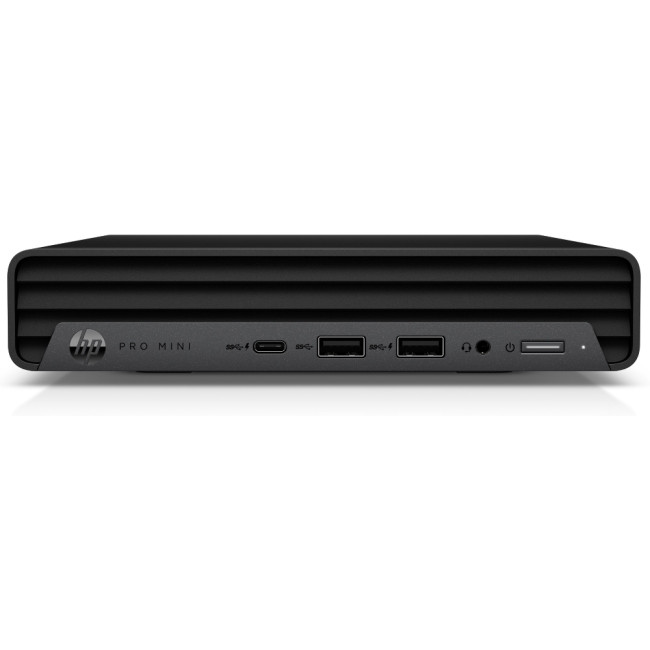
- HP Pro 400 G9 Mini Desktop (Intel Core i5-13500T, 16 GB RAM, 256 GB SSD) — This mini PC pairs a recent mid-range CPU with upgradeable RAM, dual-DisplayPort/HDMI video outputs and compact size that can be mounted behind a monitor. It ticks the “16 GB/512 GB” zone if you opt for the variant with 512 GB and gives solid multitasking without over-spend.
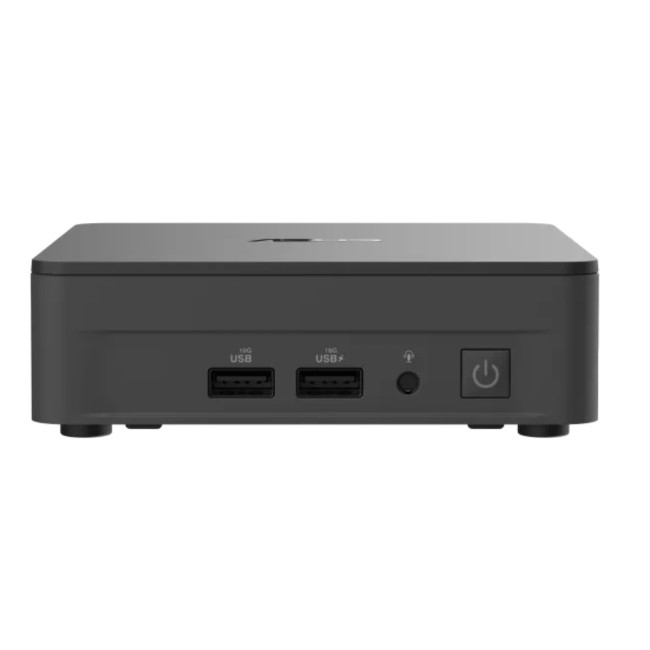
- ASUS NUC 13 Pro (Intel Core i5-1340P, bare-bone kit), A slightly more future-proof option. With a 13th Gen i5, dual M.2 slots and the ability to add RAM/storage, it offers excellent value for students wanting their mini PC to last through all years of study.
2) The compact creator (Media, Marketing, Design)
Who it’s for: Lightroom, Photoshop, Canva, Figma, Premiere Rush/Pro (short projects), podcast editing.
What to prioritise: Strong multi-core CPU, 16–32GB RAM, fast NVMe SSD, support for dual 4K displays.
Spec template:
- CPU: Intel Core i7 (12th/13th Gen P/H-series) or AMD Ryzen 7 (6800U/7735U/7840U)
- RAM: 16–32GB
- Storage: 1TB NVMe (or 512GB + external USB-C SSD)
- Graphics: Capable iGPU (Intel Xe / AMD RDNA) is fine for light editing; discrete GPU boosts render speed if available
- Ports: Two video outputs minimum (HDMI/DP/USB-C ALT), SD or microSD slot is a bonus
Pair with a colour-accurate IPS or OLED monitor and a comfortable wrist-friendly mouse. That combo matters more to creative flow than chasing the very top CPU bin.
Recommended PCs
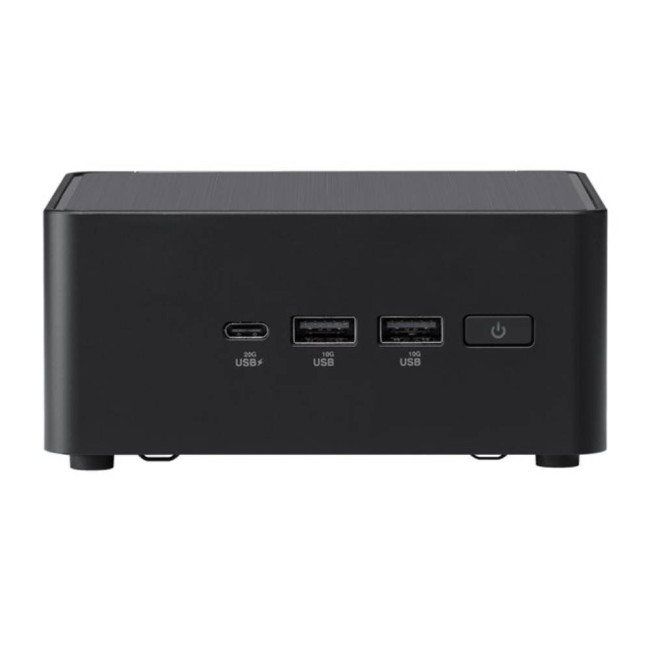
- ASUS NUC 14 Pro (Intel Core Ultra 7, 16 GB/512 GB) — A high-performance mini PC with a multi-core 16-core CPU, DDR5 memory, Thunderbolt 4 and dual M.2 slots, making it a strong pick for creative tools like Photoshop, Premiere and Figma.
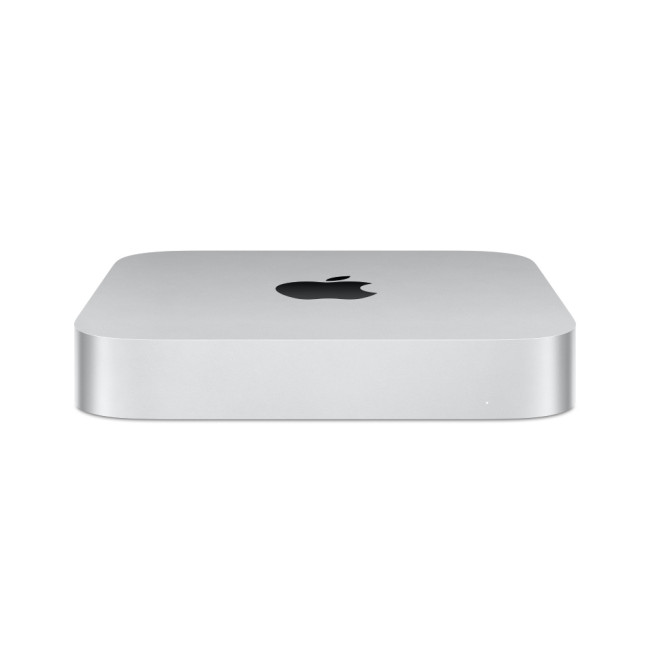
- Apple Mac Mini (M2 chip, 8 GB/512 GB) — A compact but powerful macOS option, ideal for students in Apple’s ecosystem doing design/media work and who value silent operation and premium build.
3) The STEM sprinter (Engineering, CS, Data, Sciences)
Who it’s for: Coding, Docker, WSL/VMs, MATLAB, Jupyter, simulations, small CAD, light ML experiments.
What to prioritise: High sustained CPU performance, 32GB RAM option, fast NVMe, robust thermals, 2.5GbE (nice to have).
Spec template:
- CPU: Intel Core i7/i9 (P/H-series) or Ryzen 7 with high sustained clocks
- RAM: 16GB minimum; 32GB recommended for VMs/containers
- Storage: 1TB NVMe Gen 4 (fast reads for datasets)
- Networking: Ethernet (preferably 2.5GbE) + Wi-Fi 6E
- Ports: Multiple USB-A/USB-C for dev boards, external storage, and peripherals
BIOS options for virtualisation, Thunderbolt/USB4 for fast external drives, and space for a second M.2 stick dedicated to code repos and datasets.
Recommended PCs
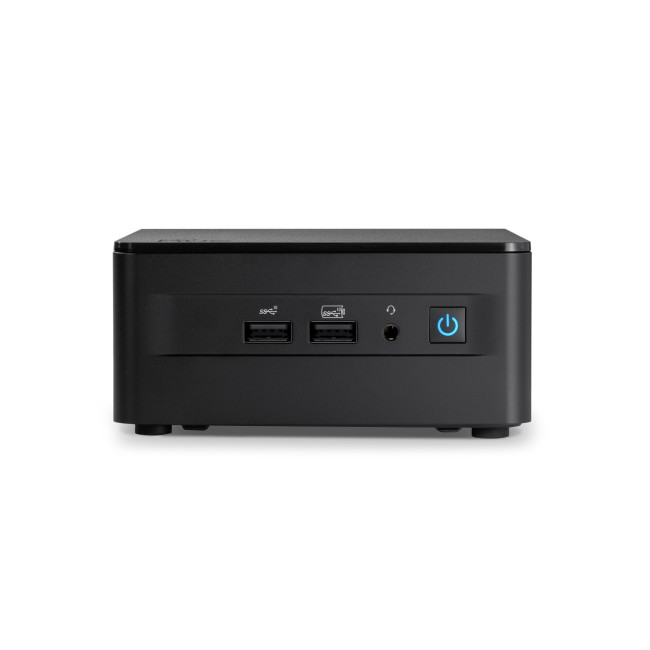
- ASUS NUC 13 Pro (Intel Core i7-1360P) — With a 12-core CPU, dual-channel RAM support, Thunderbolt 4 and strong I/O this mini PC is well suited to VMs, code, data sets and STEM workloads.
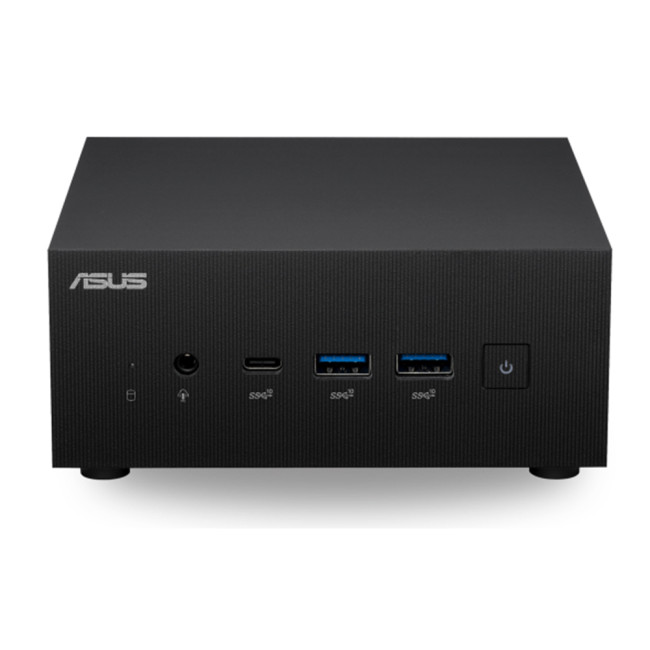
- (If you prefer another) ASUS PN51-S1 (AMD Ryzen 5-5500U barebone) — A flex option where you can add your own RAM/storage and scale as your projects/VMs grow.
4) The dorm entertainer (Media, light gaming, group study)
Who it’s for: Movie nights, Spotify, study playlists, party playlists, occasional esports.
What to prioritise: Quiet acoustics, dual-monitor output (or 4K TV), reliable Bluetooth for speakers/controllers.
Spec template:
- CPU: Mainstream i5/Ryzen 5 with modern iGPU
- RAM: 16GB
- Storage: 512GB+ (media can live on an external drive/NAS)
- Ports: HDMI 2.0/2.1 for 4K60, front USB for gamepads, headphone jack
- Connectivity: Wi-Fi 6, BT 5.2 for low-lag audio
If you plan light gaming—indies and esports, favour modern AMD APUs (RDNA-based iGPU) or recent Intel Xe iGPUs. Keep expectations modest and enjoy smoother titles at 1080p with sensible settings.
Recommended PCs
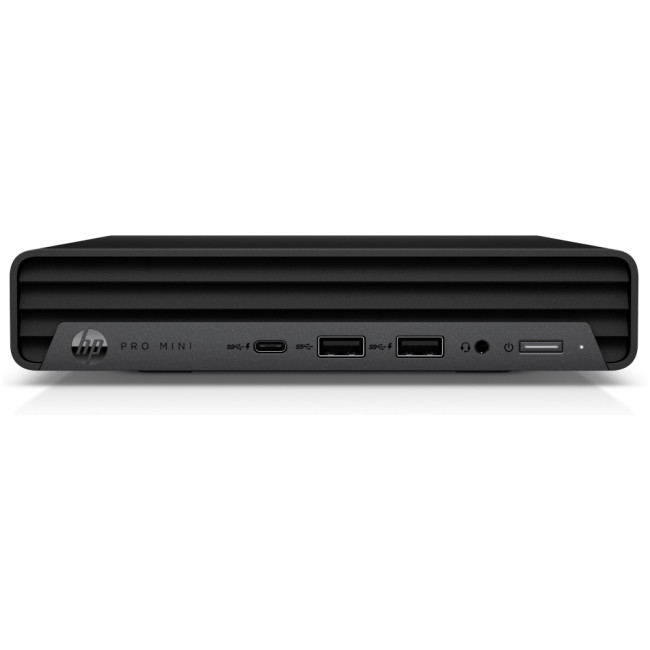
- HP Pro 400 G9 Mini Desktop (Intel Core i5-13500T, 16 GB/512 GB) — Balanced spec for streaming, group viewing, light gaming and study use in a dorm environment.
- Apple Mac Mini (M2 chip, 8 GB/512 GB) — Sleek, near-silent and ideal for a shared space where movies, music, Zoom and casual gaming are on the agenda.
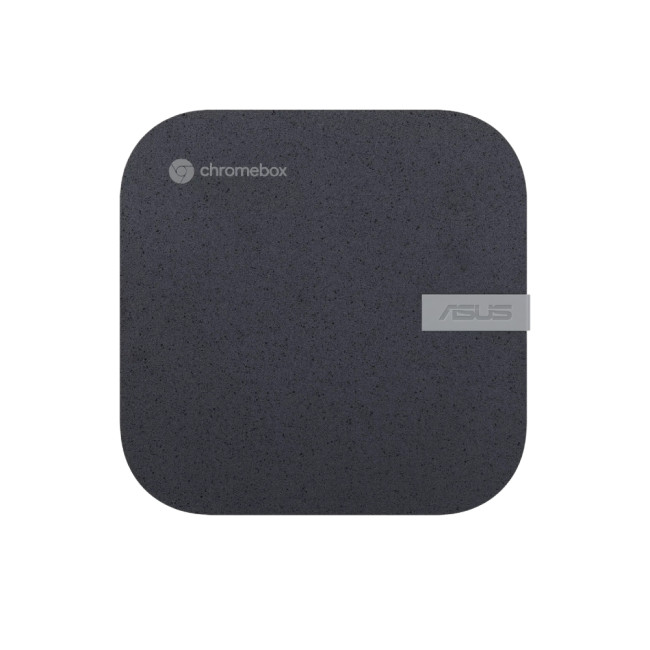
5) The cloud-first study box (Chromebox / web-only workflows)
Who it’s for: Students living in Google Workspace, Notion, and web apps, who want zero-maintenance computing.
What to prioritise: Simple setup, small SSD (128–256GB), 8–16GB RAM, strong Wi-Fi, auto updates.
Why it works: ChromeOS devices (including Chromeboxes) are fast, secure, and stay responsive for years with minimal fuss. Add a nice monitor and keyboard and you’ve got a clean, reliable workstation that just… works.
Recommended PCs
- ASUS PN64 (Intel Core i3-1220P, 8 GB/256 GB) — If you want full Windows compatibility while still keeping the hardware light and simple, this mini PC fits the bill.
6) The polished all-rounder (Mac mini option)
Who it’s for: Media and design students who favour macOS and Apple’s creative ecosystem.
What to prioritise: Sufficient unified memory and storage from day one (not user-upgradable).
Spec thoughts:
- Memory: 16GB recommended for creative tools and long-term comfort
- Storage: 512GB+ (plan for external USB-C SSDs if needed)
- Peripherals: Pair with a colour-accurate monitor and a comfortable keyboard/trackpad
Why students love it: Silent, tiny, excellent creative performance per watt, and slick iPhone/iPad integration for AirDrop, Messages, and screen continuity.
Recommended PCs
- Apple Mac Mini (M4 Pro, 24 GB/512 GB) — For creatives or students who want premium performance, seamless integration with iPhone/iPad, and a machine that will last through all years of study.
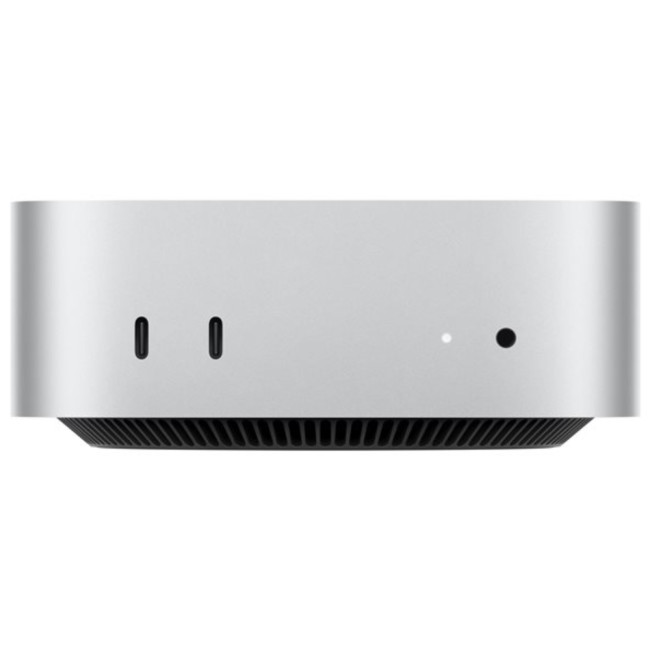
- Apple Mac Mini (M2, 16 GB/512 GB) — A slightly more budget-friendly entry into the Mac mini line while still delivering strong performance and upgrade comfort for a student day-to-day.
Comparison snapshot (spec templates at a glance)
|
Student type |
CPU class |
RAM |
Storage |
Graphics |
Key ports |
|
Budget all-rounder |
Core i5 / Ryzen 5 |
16GB |
512GB NVMe |
Integrated |
2× video, 3–4× USB-A, USB-C, Ethernet |
|
Compact creator |
Core i7 / Ryzen 7 |
16–32GB |
1TB NVMe |
iGPU / discrete (if available) |
Dual 4K, USB-C/DP Alt, SD/microSD |
|
STEM sprinter |
High-sustained i7/i9 or Ryzen 7 |
32GB |
1TB NVMe Gen 4 |
Integrated OK |
2.5GbE, TB/USB4, multiple USB |
|
Dorm entertainer |
i5 / Ryzen 5 |
16GB |
512GB |
Integrated |
HDMI 2.0/2.1, BT 5.x, front USB |
|
Cloud-first |
Efficient Intel/ARM |
8–16GB |
128–256GB |
Integrated |
USB-C, Wi-Fi 6, simple I/O |
|
Mac mini |
Apple M-series |
16GB |
512GB |
Integrated |
TB/USB4, HDMI, Wi-Fi 6/6E |
How to pick a display to match your mini PC
A mini PC is only as good as the screen you stare at. For long study sessions:
- 24–27" 1080p/1440p IPS is the comfort sweet spot for text clarity and desk space.
- Colour accuracy matters if you’re editing: look for sRGB 99–100% or DCI-P3 coverage.
- Ergonomics: A height-adjustable stand or a VESA arm saves your neck during revision marathons.
- Eye comfort: Blue-light filters and flicker-free backlights reduce fatigue.
Essential accessories (small upgrades, big wins)
- Keyboard & mouse: Choose low-profile, quiet keys for libraries; mechanical for long typing sessions.
- Webcam & mic: External 1080p webcams and USB mics beat built-ins for seminars and presentations.
- Headset: A comfy on-ear or in-ear set with a good mic keeps calls clear in noisy halls.
- External SSD: A USB-C NVMe drive is perfect for project files and quick backups.
- Dock or hub: Add extra USB, SD, and video ports in one cable—handy for dorm hot-desking.
Performance tuning tips (free or low-cost)
- Undervolting/eco modes: Many mini PCs offer “balanced” or “silent” profiles that keep temps and noise low without killing responsiveness.
- RAM in dual-channel: Two sticks (e.g., 2×8GB) often boost integrated graphics and overall snappiness.
- Keep firmware and drivers up to date: Small updates often fix fan curves, Wi-Fi stability, and monitor quirks.
- Storage hygiene: Leave 15–20% free space on your SSD for peak performance; use an external drive for bulky media.
- Thermal care: Keep vents clear; consider a tiny laptop stand to improve airflow if your desk runs warm.
Budget planning: where to spend, where to save
Spend on:
- CPU/RAM first—your everyday responsiveness depends on them.
- A good monitor—reduces fatigue and increases productivity more than a small CPU bump.
- A quiet, reliable chassis—you’ll appreciate it during late-night study.
Save on:
- Internal storage (start at 512GB) and add an external SSD later.
- RGB and gimmicks—focus on thermals and ports.
- Overkill GPUs—mini PCs with discrete graphics are pricey and not always necessary.
Example study setups you can copy
The tidy typist
- Budget all-rounder mini PC (i5/Ryzen 5, 16GB, 512GB)
- 24" IPS 1080p monitor, compact keyboard, silent mouse
- USB-C hub + external 1TB SSD for backups
The creative corner
- Creator-class mini PC (i7/Ryzen 7, 32GB, 1TB)
- 27" 1440p colour-accurate display + desk lamp
- External card reader, near-silent speakers
The code cave
- STEM-focused mini PC (i7, 32GB, 1TB Gen 4)
- Dual 24" monitors (vertical + horizontal)
- Wired Ethernet, USB-C NVMe scratch drive

What, Why and How’s for best mini PC for students
Is a mini PC better than a laptop for students?
If you already have (or prefer) a larger monitor and a proper keyboard, yes, you’ll get more comfort and, pound-for-pound, better value. If you need computing on the go, a laptop plus an external monitor may suit you better.
How much RAM do students really need?
8GB works, but 16GB is the smarter pick for multitasking and futureproofing. Creative and STEM students benefit from 32GB if budgets allow.
Can I game on a mini PC?
Light gaming and esports are fine on modern integrated graphics at 1080p with sensible settings. For AAA titles, look for mini PCs with discrete GPUs, use cloud gaming, or keep a separate console.
4) Are mini PCs upgradeable?
Many allow RAM and SSD upgrades. Check the model’s manual for slot counts and maximum capacities. Apple’s Mac mini is not user-upgradeable for memory/storage—configure it right at purchase.
Do mini PCs support dual monitors?
Most modern units do. Ensure you have two video outputs (HDMI, DisplayPort, or USB-C with DisplayPort Alt Mode) and cables that match your screens.
6) What’s the best mini PC for students on a tight budget?
Choose a recent i5/Ryzen 5 model with 16GB RAM, 512GB SSD, and dual-monitor support. Skip extras and upgrade storage later with an external SSD.
Will a mini PC handle video editing for coursework?
Short 1080p and light 4K edits are fine with a recent i7/Ryzen 7 and 16–32GB RAM. For larger projects, use proxy workflows or an external fast SSD scratch disk.
Is Wi-Fi enough, or do I need Ethernet?
Wi-Fi 6/6E is great, but wired Ethernet is more stable for big downloads, cloud backups, and live presentations. If your room has a wall port, use it.
How long will a mini PC last?
With 16GB RAM and an NVMe SSD, expect 4–6 years of comfortable student use. Upgrades can stretch that further.
Windows, ChromeOS, or macOS for students?
- Windows: widest software support, best for STEM and general use.
- ChromeOS: simplest and most secure for web-first study.
- macOS: excellent for creative workflows and Apple ecosystem users.

Final thoughts: picking the best mini PC for students
The best mini PC for students is the one that fits your real day-to-day. If you’re writing essays and juggling tabs, a budget i5/Ryzen 5 with 16GB RAM is perfect. Creators should invest in a stronger CPU, more memory, and a colour-accurate monitor. STEM students will appreciate sustained performance, fast storage, and reliable networking.
| Read More: |
| Best Mini PCs for Office Work and Productivity in 2025 |
| What is a Mini PC? Everything You Need to Know Before Buying |
| Mini PC vs. Tower PC: Which is Right for You? |
Related Articles

Last Updated: April 06, 2026
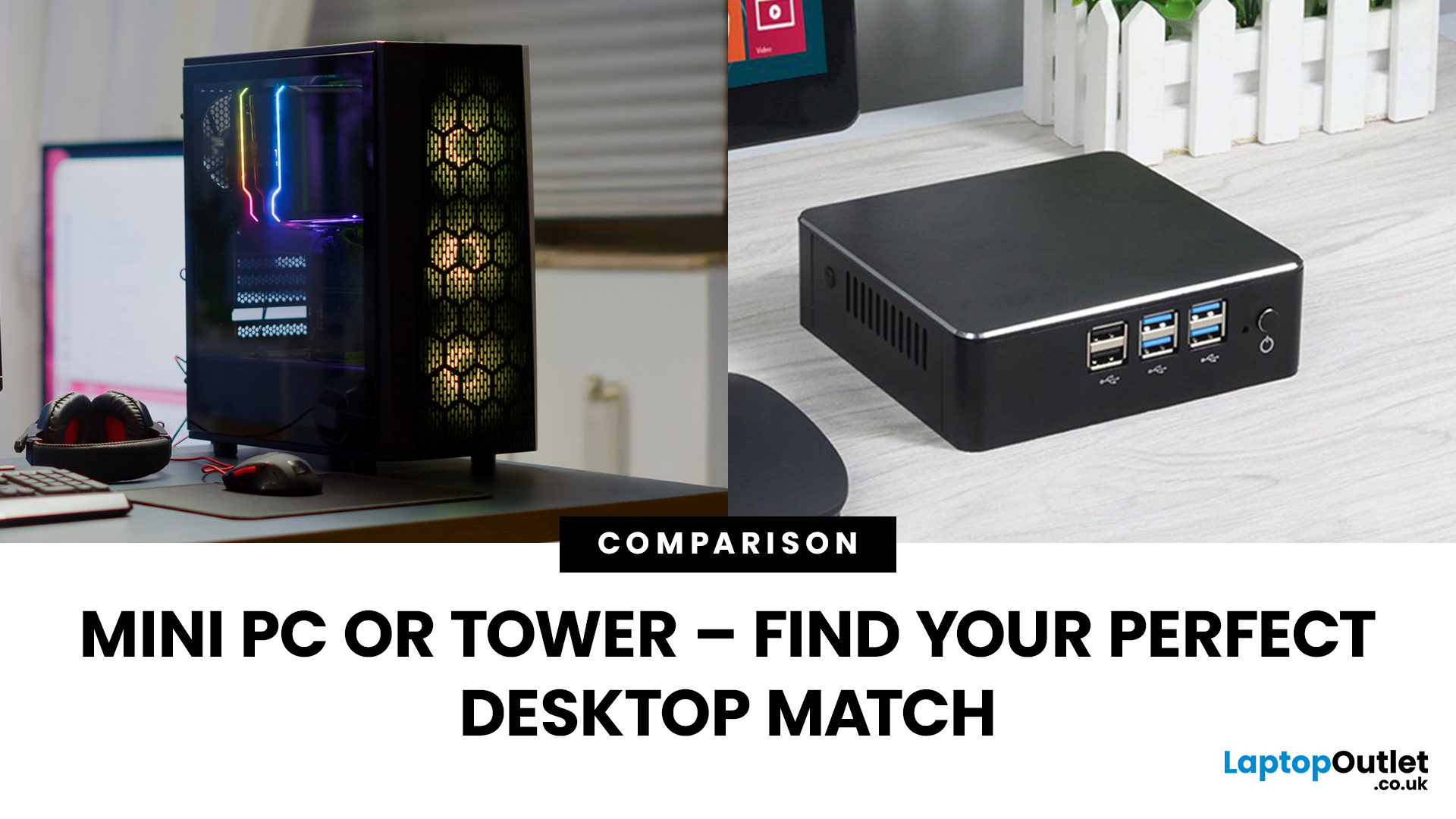
Need a black and white answer to ‘mini PC vs. tower PC’? You have come to the right place! Mini PCs and tower PCs are great devices suitable for different needs. While mini PCs are compact, space-saving, and offer competent-high performance, tower PCs are typically more robust, super spacious, capable of accommodating various components, and offer higher performance potential. Ultimately, choosing between them depends on your needs and preferences. However, mini PCs are ideal for people with limited space, everyday users, remote workers, and frequent travellers. At the same time, tower PCs are terrific options for gamers, content creators, professionals, tech enthusiasts, heavy multitaskers, and power users.
Mini PC vs. tower PC is a frequently discussed topic, often with a straightforward answer. Both offer distinct advantages and are fantastic options for different types of users. If you have limited space, want to enjoy competitive performance at a cost-effective price, and prioritise

Last Updated: June 15, 2026
The world of gaming desktops has never been more exciting. In 2026, gamers can enjoy next-level performance powered by Intel Core 14th Gen and AMD Ryzen 9000-series processors, paired with NVIDIA RTX 40 and 50-series GPUs. Whether you’re after an entry-level setup or a high-end machine for 4K gaming and VR, today’s best gaming desktop 2026 options offer something for every type of player. This guide breaks down the top categories, performance, features, and ideal users, to help you buy the best gaming desktop PC for your needs.
Best Budget Gaming Desktops in 2026
If you’re new to PC gaming or shopping on a budget, 2026 offers plenty of affordable options that deliver reliable 1080p performance.
Budget Highlights
- Processor: Intel Core i5-14400F / AMD Ryzen 5 8600G
- Graphics: NVIDIA RTX 50 series / AMD Radeon RX 7000 series XT
- RAM & Storage: 16GB DDR5, 512GB – 1TB SSD
Top Choices
| Model Image | Model | Processor | Graphics Capability | Memory (RAM) | Storage | Operating System | Special Features |
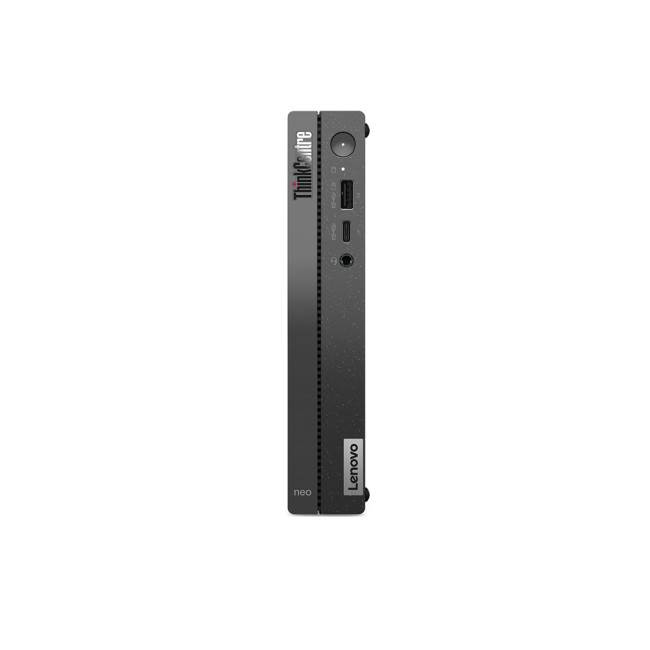 | Lenovo |

Last Updated: April 03, 2026
It’s the question that refuses to die, isn’t it? Should you buy a prebuilt PC or build your own? If you’ve spent even five minutes in a Reddit thread or a tech forum lately, you’ve probably seen both sides going at it like it’s a religion.
In 2025, the line between the two has blurred. Prebuilt desktops are no longer the clunky, overpriced boxes they once were, they’re sleeker, more powerful, and often better value than ever. On the other hand, building your own still gives you unmatched control, satisfaction, and that “I built this beast” pride.
So, which is actually better? That’s what we’re here to unpack, the real pros, cons, costs, and quirks of prebuilt vs custom PCs, without the tech snobbery or marketing fluff. Let’s settle this debate properly.
What’s the Real Difference Between Prebuilt and Custom PCs?

Before we start picking sides, let’s make one thing clear, both prebuilt and custom PCs can be brilliant, depending on what you need. But they’re built on two very different ideas.
Last Updated: October 24, 2025
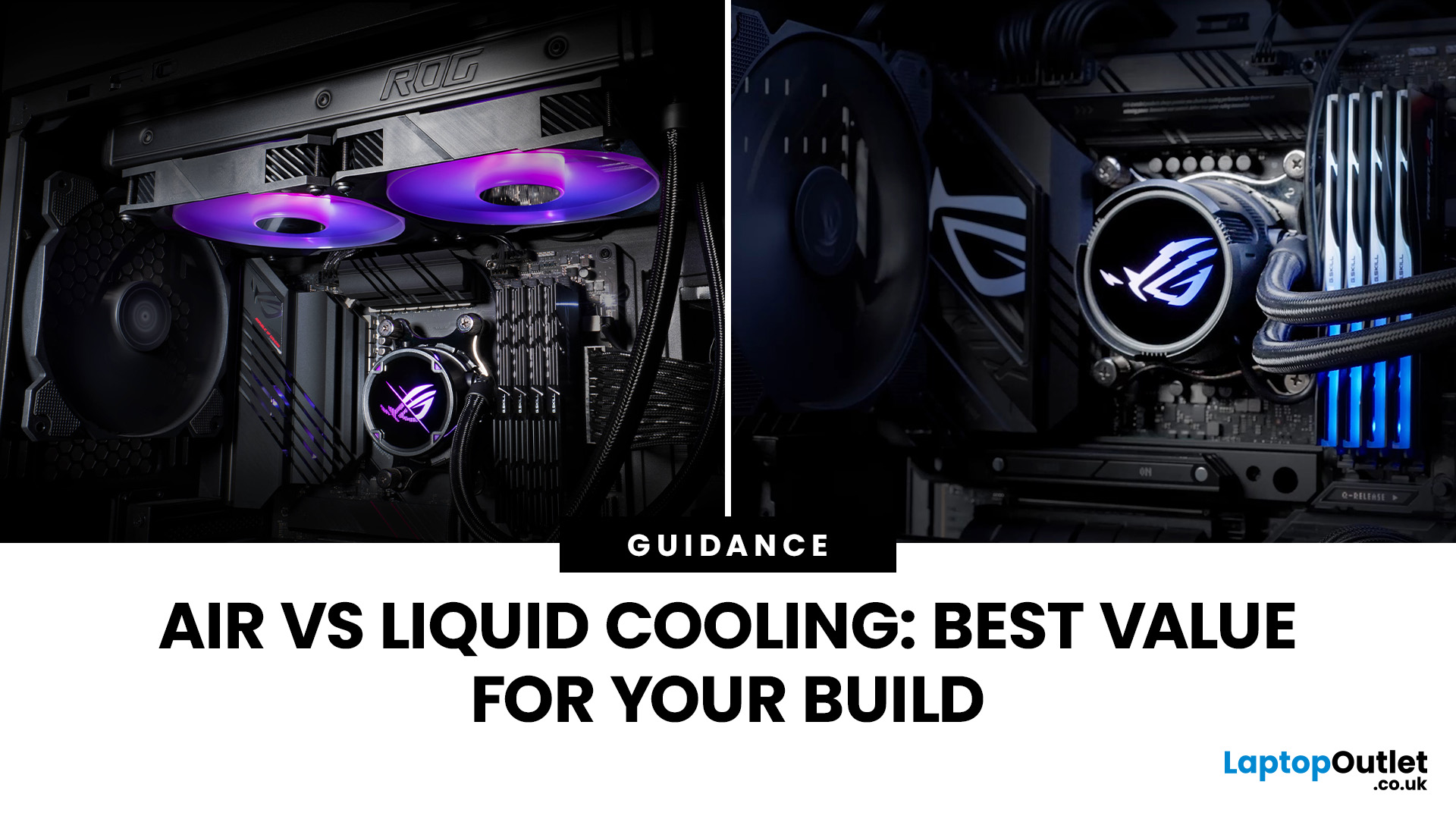
Whether you’re building your dream gaming rig or configuring a high-performance workstation, one of the biggest decisions you’ll face is how to keep your system cool. With modern CPUs and GPUs pushing the limits of performance, thermal management is more important than ever. The debate between air vs liquid cooling PC solutions is one that no serious builder can ignore. In this article, let’s discuss how both cooling methods work, their pros and cons, and which one may be best suited to your particular use case.
How PC Cooling Works: Basics & Why it Matters
To understand the difference between methods, it helps to go back to fundamentals.
Heat Generation in Modern PCs
Every time your CPU or GPU does work, it consumes electrical energy. Inevitably, some of that becomes heat. If that heat isn’t effectively carried away, component temperatures will rise, leading to thermal throttling or even permanent damage.
As such, effective PC cooling solutions are essential for maintaining performance,
Published: October 23, 2025
Your complete guide to performance, specs, and picking the right system for work or play.
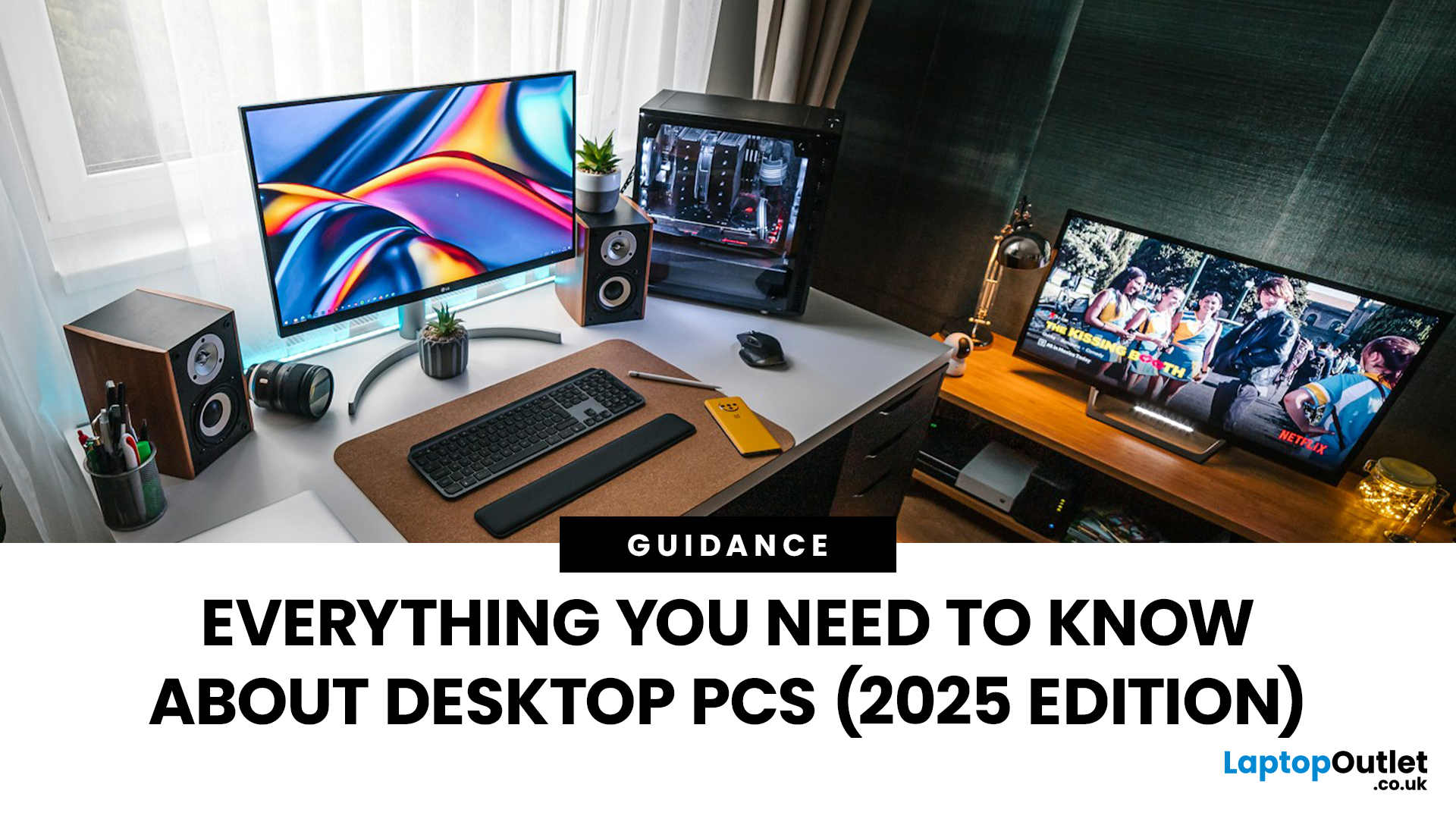
When it comes to raw power, flexibility, and longevity, desktop PCs still reign supreme. Sure, laptops have gone lighter, and tablets now pretend to be “pro,” but if you’re serious about performance — whether for gaming, design, business, or just smooth multitasking - a desktop remains the smart choice.
In this ultimate desktop PCs guide, we’ll cover everything: from how desktops stack up against laptops, to what all those spec-sheet numbers (CPU, GPU, RAM, SSDs) really mean. You’ll also find insights into the latest desktop PC trends in 2025, and our recommendations for every type of user — from casual home users to hardcore creators.
1. Desktop PCs vs Laptops —What’sthe Real Difference?
Before diving into specs and performance, let’s address the age-old debate: why pick a desktop when you can buy a laptop? The answer depends on your priorities — but desktops win in more areas than most people think.
Last Updated: October 23, 2025
Why desktops are still the backbone of serious work setups
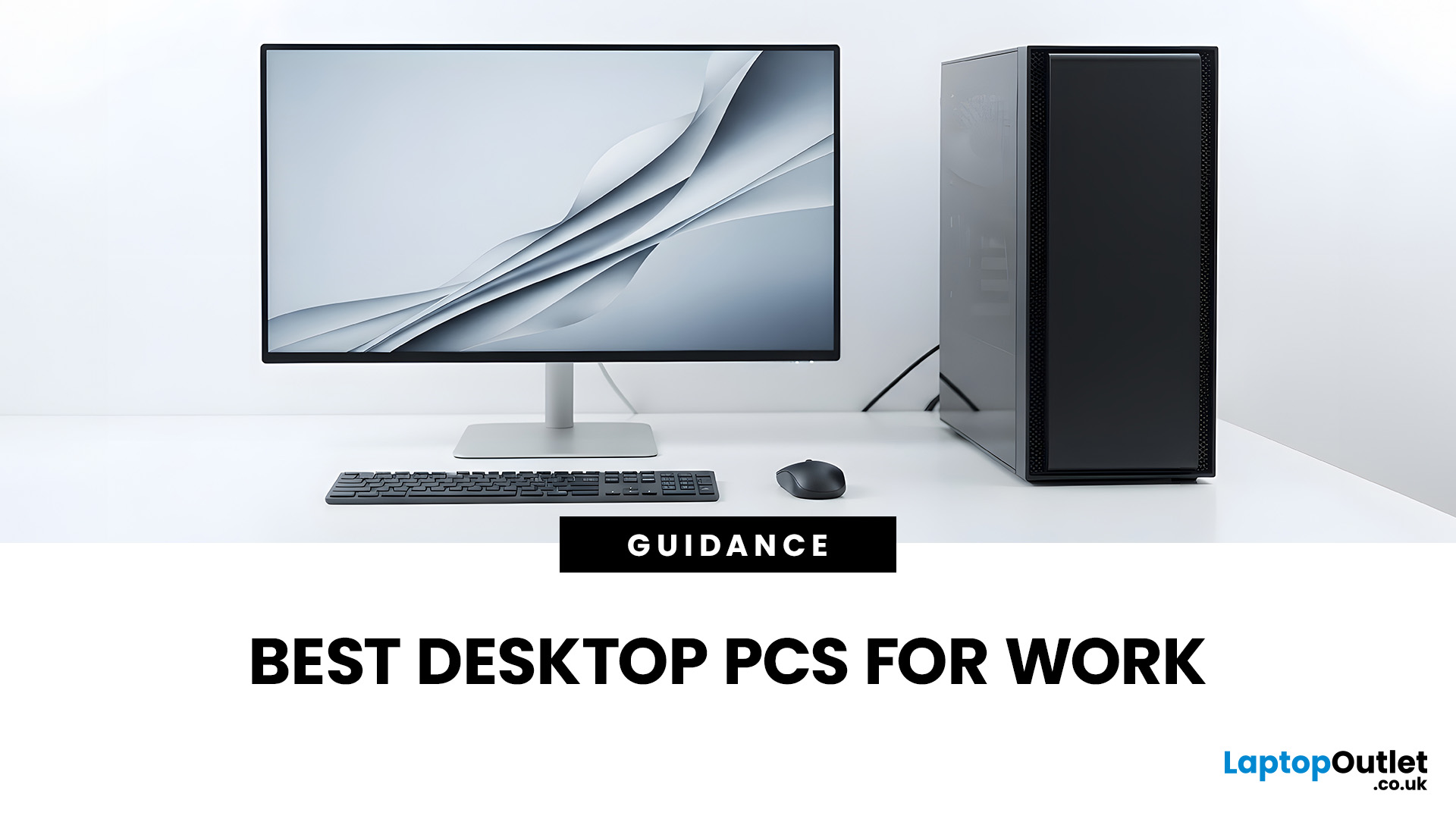
Let’s be honest - in 2025, laptops might get all the spotlight, but when it comes to serious productivity, nothing beats a proper desktop PC. Whether you’re editing 4K videos, designing intricate CAD models, crunching data, or simply running a dozen Chrome tabs and three spreadsheets at once - a desktop gives you the power, thermal headroom, and upgrade flexibility that even the best laptops can’t quite match.
And here’s the thing - the desktop markets had a bit of a glow-up. We’re not talking about bulky beige towers anymore. Today’s work desktops range from sleek all-in-one PCs to compact mini workstations, silent thin clients, and creative-grade Core i9 towers built to rival professional studios.
So, whether you’re a creative, coder, or corporate pro, this guide breaks down the best desktop PCs for work in 2025 - from premium powerhouses to smart, affordable setups. Plus, we’ll share how to choose the right machine for your workflow,
Last Updated: April 02, 2026
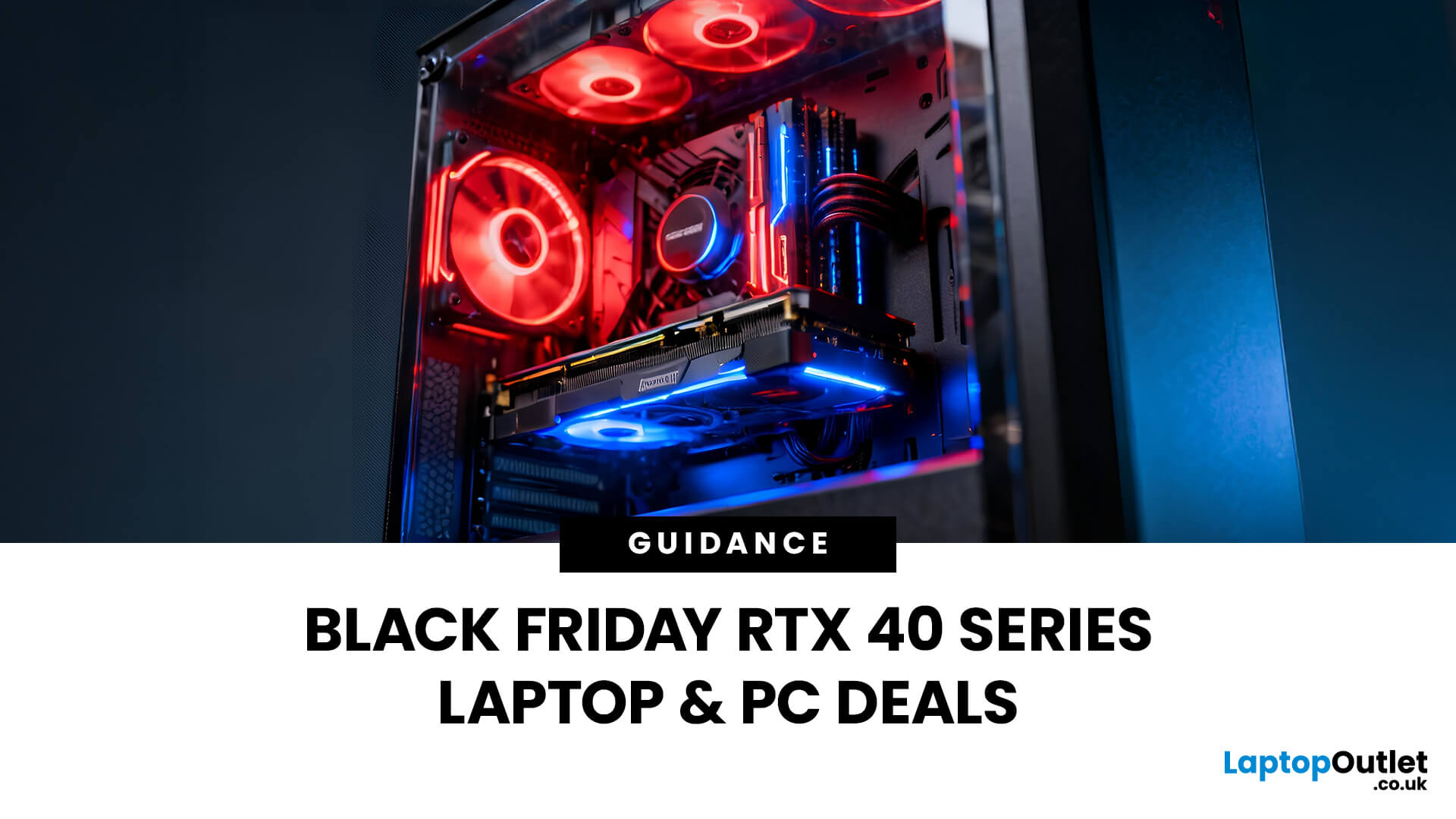
Black Friday 2025 is set to bring some of the best deals we’ve seen yet on gaming laptops and PCs, especially those powered by NVIDIA’s RTX 40-series graphics. But this year, smart buyers aren’t just chasing discounts, they’re targeting the right specs for lasting performance. The RTX 4060 and RTX 4070 GPUs have become the ideal mid-to-high range picks, balancing power, efficiency, and price. Pair that with fast DDR5 RAM and a 1TB NVMe SSD, and you have a future-ready setup built for modern gaming. This guide breaks down exactly what to look for in fast DDR5 RAM and a 1TB NVMe SSD, and you have a future-ready setup built for modern gaming. This guide breaks down exactly what to look for and make the most of Black Friday gaming laptop deals (RTX 4070) in the UK.
The 2025 Gaming Hardware Landscape: What’s Changed
Gaming hardware has evolved quickly over the past year, and 2025’s market looks very different from before. NVIDIA’s RTX 40-series GPUs, like the RTX 4060 and RTX 4070, now deliver

Last Updated: November 06, 2025
Black Friday looms like a seasonal ritual for tech buyers. But savvy gamers and PC buyers know the real trick: knowing when to strike. If you wait too long, your ideal machine sells out. Buy too early, and you risk missing deeper discounts. So, when is the sweet spot for grabbing a gaming laptop or desktop in the run-up to Black Friday 2025?
To make your moves with confidence and avoiding any post sale regrets go with proper timelines, pricing trends and a close observation of brands behaviour.
The Black Friday Phenomenon — What Really Happens (UK + Global Context)

Black Friday isn’t just one day anymore. In the UK, the period around it has swollen into a deal season: late October to early December. Retailers - including Laptop Outlet UK - now launch pre-Black Friday promotions to capture early shoppers and test pricing strategies.
In practice: major discounts often appear 2–3 weeks before the official Friday, with stacking coupons, flash sales, and stock-limited offers. Then on the
Last Updated: October 28, 2025
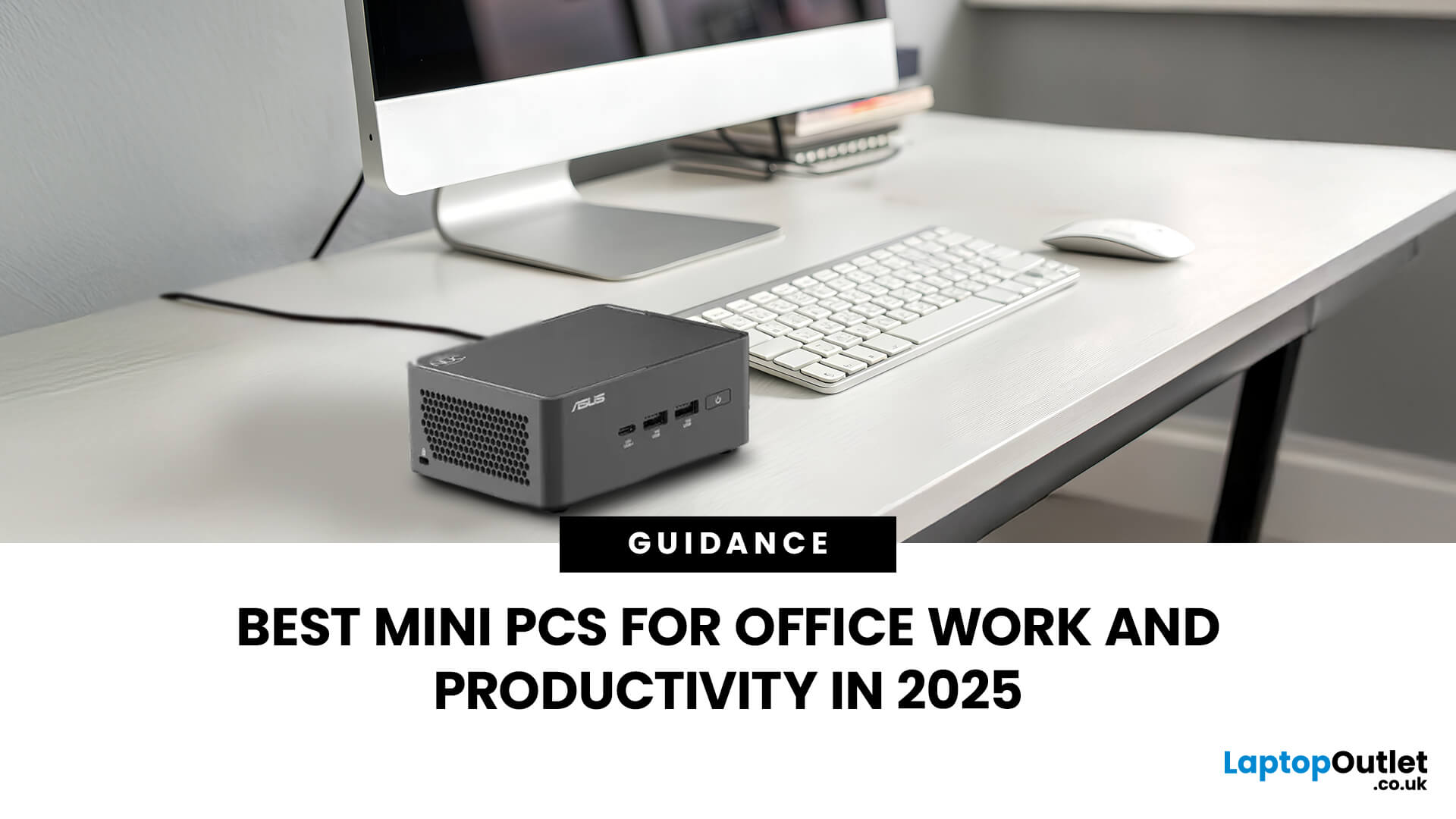
Gone are the days when office PCs had to be bulky towers humming under desks. In 2025, mini-PCs have become the ultimate productivity machines, small, silent, and surprisingly powerful. Whether you’re a remote worker, a startup founder, or managing a hybrid workspace, these compact desktops deliver desktop-grade performance without eating up your desk space.
If you’re searching for the best mini-PC for office work, this guide breaks down the top performers built for speed, efficiency, and multitasking, from entry-level options to high-end productivity powerhouses.
Why Choose a Mini PC for Work in 2025?
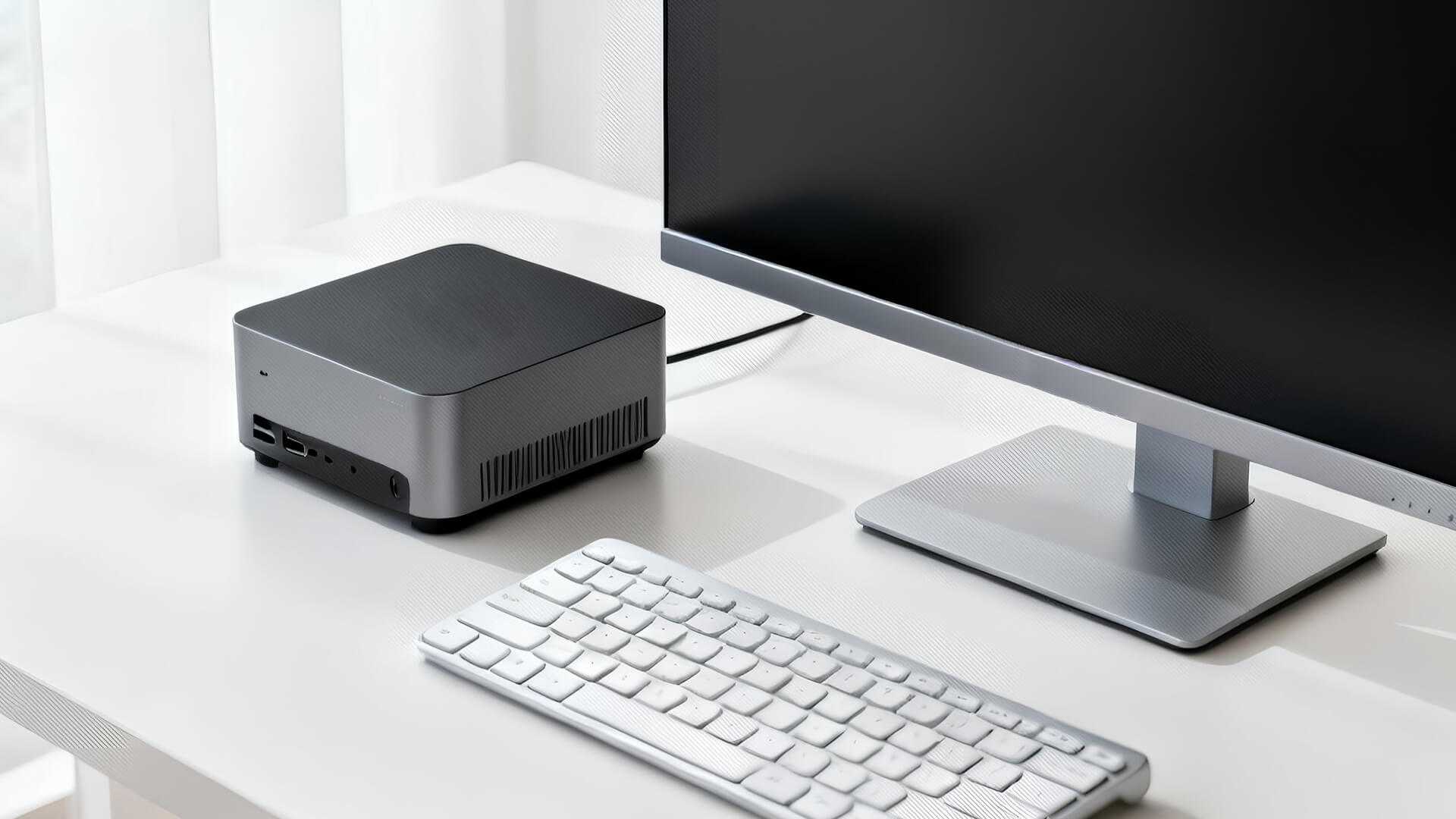
Modern mini-PCs are redefining what “office-ready” means. Thanks to next-gen CPUs, fast SSD storage, and efficient cooling, they now handle everything from heavy spreadsheets to video conferencing and multitasking without breaking a sweat.
Here’s why professionals are ditching bulky towers for compact desktops:
- Space-Saving Design: Ideal for minimalist desks or multi-monitor setups.
- Silent
Published: October 29, 2025
In a world where technology is getting smaller, faster, and smarter, mini PCs are gaining major popularity. These compact computing powerhouses deliver the performance of traditional desktops, but in a fraction of the space. Whether you’re working from home, studying, streaming, or gaming, a mini PC can be a sleek and efficient solution for your setup.
In this guide, we’ll cover everything you need to know about mini PCs, from how they work to why they might be the perfect fit for your needs.
What is a Mini PC?
A mini PC (short for mini personal computer) is a small, lightweight desktop computer designed to perform everyday tasks without taking up much space. Despite their compact size, modern mini PCs come equipped with powerful processors, ample storage, and connectivity options comparable to full-sized desktops.
They’re ideal for users who value portability, efficiency, and minimalism, making them popular among students, professionals, and even gamers.
How Does a Mini PC Work?
Just

